Best Free Lightroom Presets for Mobile and Desktop
The ultimate master collection of professional, direct-download filters.
TL;DR: To save you from downloading dozens of broken links or low-quality filters, I've rounded up my personal top 20 free Lightroom preset packs. These files work on both mobile and PC, covering everything from warm film tones to clean studio portraits. No email sign-ups, no catch — just direct downloads to improve your editing speed.
My Journey with Lightroom Presets
I've been behind a camera for over ten years now, and I'll be the first to tell you that raw digital photos look incredibly sterile. When I first started editing, I did what everyone does: I went online and searched for free presets.
Most of what I found was complete garbage.
One preset would turn my shadow details into pure black mud. Another would boost saturation so high that skin tones looked like an overcooked carrot, and the grass looked radioactive. I realized that most creators sharing presets don't take the time to test them across different cameras, skin tones, and lighting conditions.
That's why I spent years studying color science and building my own editing workflows. I wanted filters that could act as a solid starting point for any photo, whether it's a raw file shot on a high-end mirrorless camera or a quick snapshot taken on my iPhone.
Below, I've listed 20 of my favorite preset packs. I use these on a daily basis. To keep your workflow organized, I've split them into a clean, easy-to-read grid. Each pack is fully compatible with Lightroom Mobile (iOS and Android) and Lightroom Classic/CC on Desktop (.XMP format).
The 20 Best Free Lightroom Preset Packs
Here is my hand-picked list of the top 20 packs. Click any of the cards below to view the detailed guide and download the files directly.
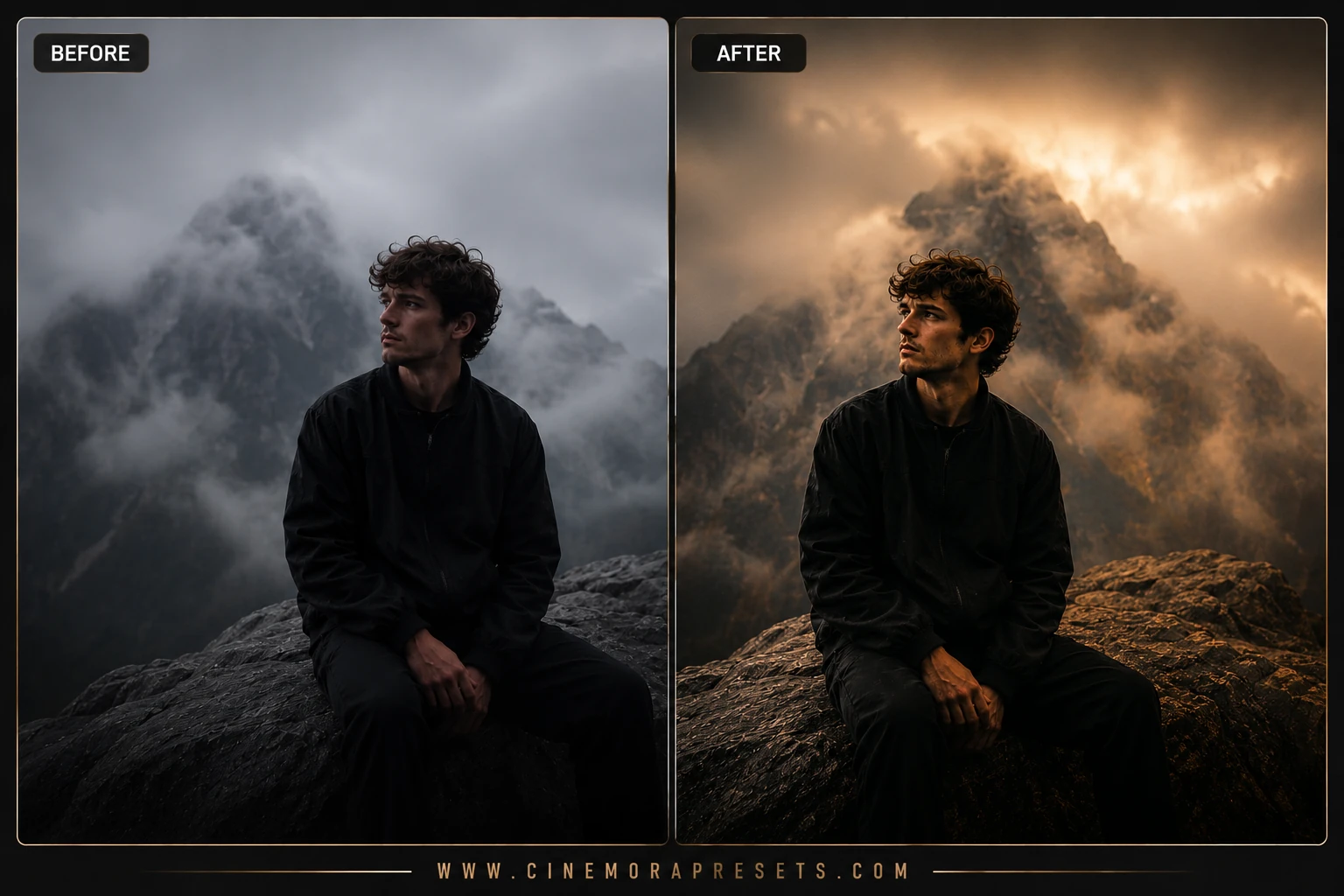
1. Movie Tone Presets
I built this collection because I was sick of boring digital colors. It uses a balanced teal-and-orange color grading scheme that shifts shadows into cool tones while keeping highlights warm. Excellent for street photography and moody cityscapes.
View & Download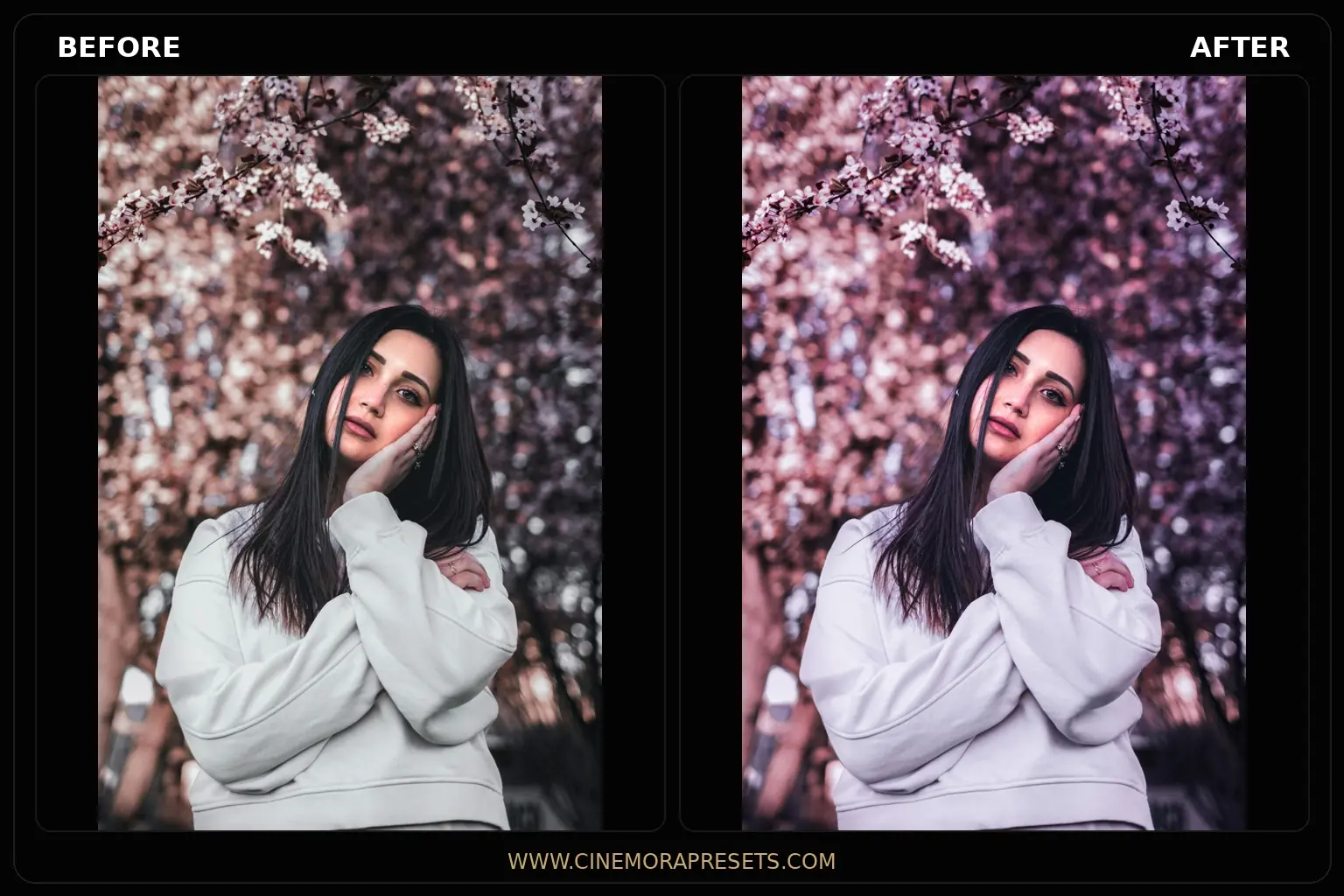
2. Pink Aesthetic Presets
If you want a soft, romantic look, this is my go-to pack. I carefully adjusted the tint sliders to add a gentle rose glow to highlights without turning skin tones bright orange. It looks beautiful on spring outfits and daylight portraits.
View & Download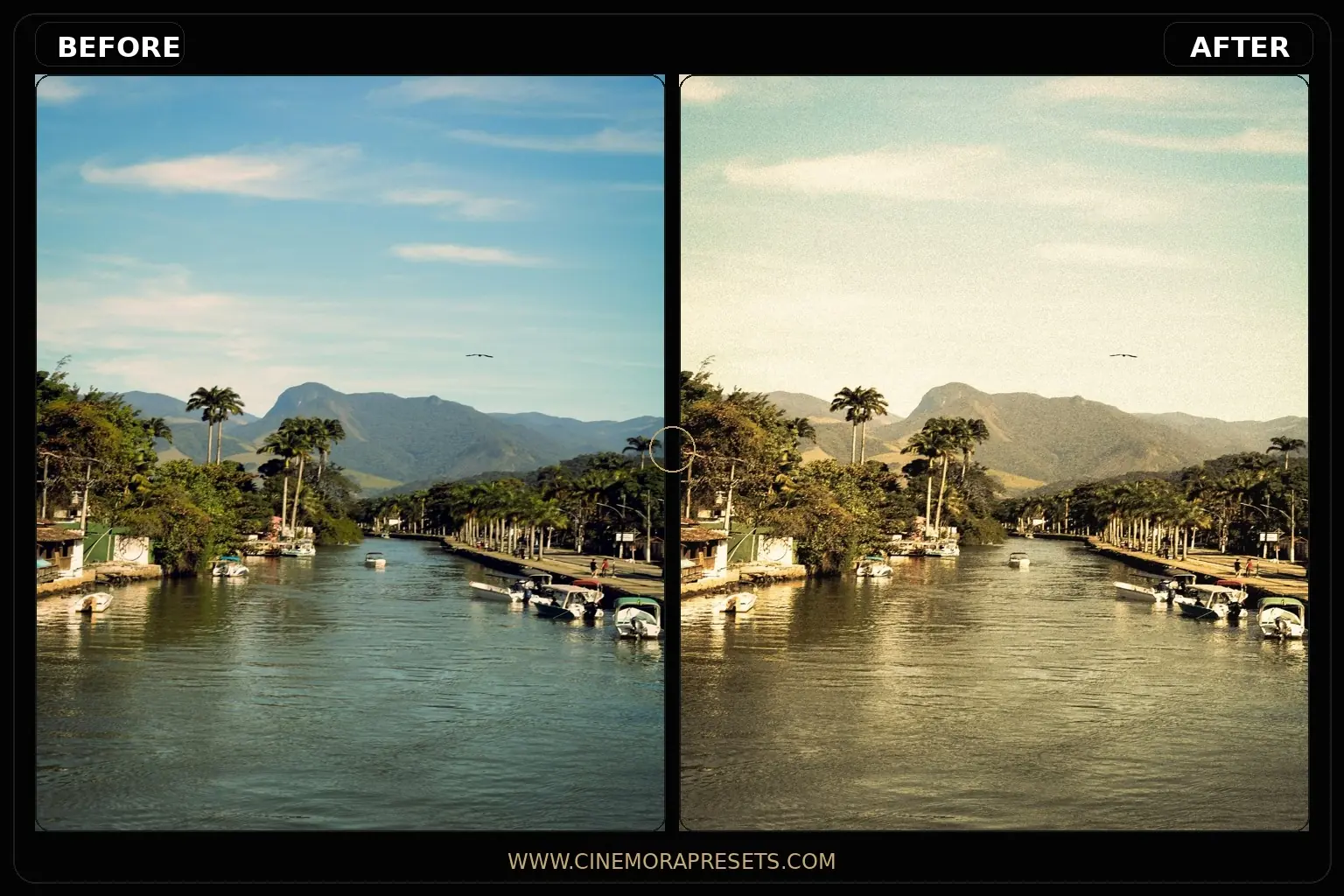
3. Grain Presets
Modern cameras are too sharp, making images look clinical. I created this pack to inject organic 35mm film grain and slightly fade the blacks. It gives your digital photos a texture that mimics classic analog film prints.
View & Download
4. Summer Presets
I use this pack for all my beach trips and outdoor vacation photos. I fine-tuned the aqua and blue channels to make ocean water look clear and tropical, while boosting warm tones to enhance natural skin glows under bright sunlight.
View & Download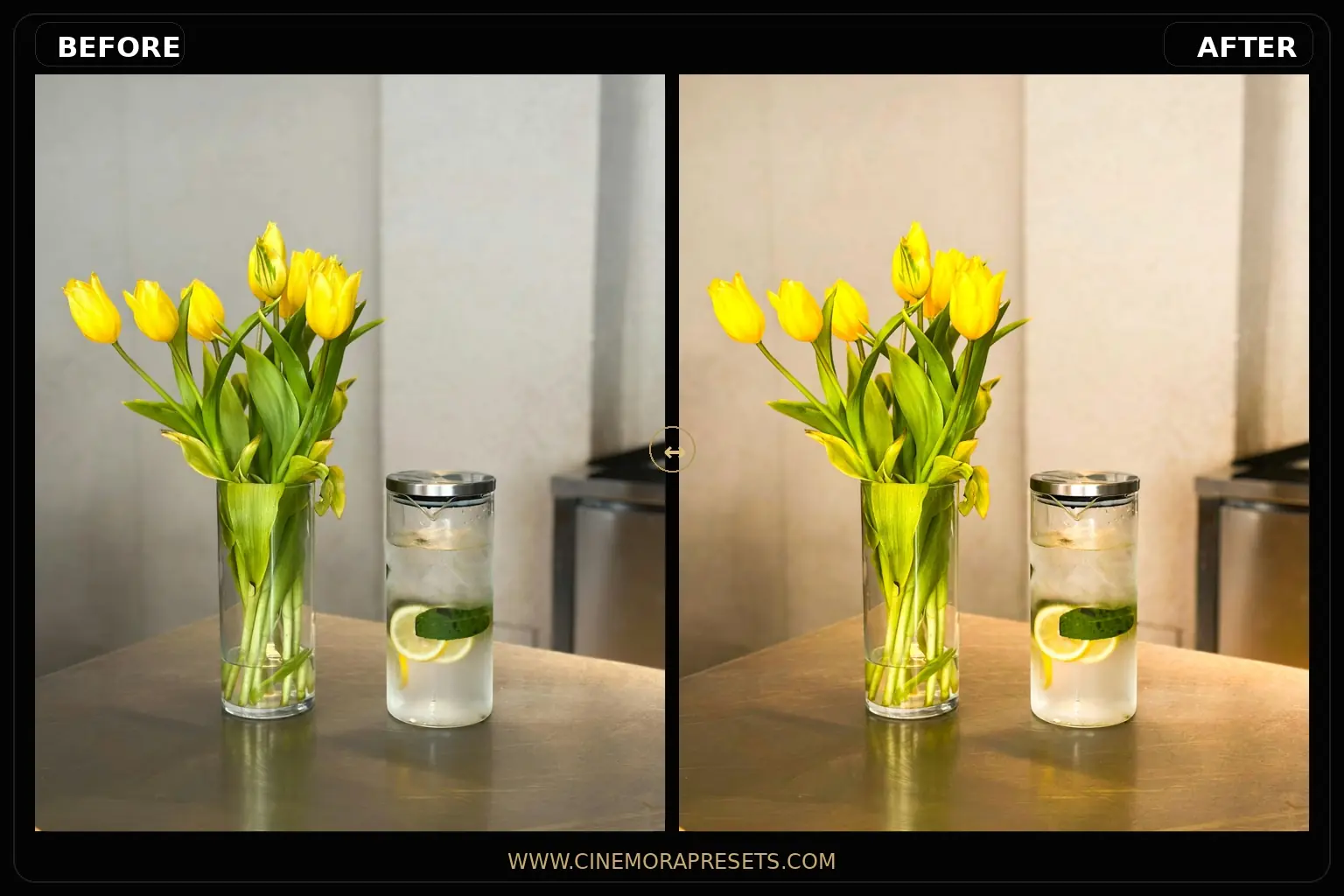
5. Aesthetic Presets
For a soft, warm, daily baseline, this is the pack I recommend. I desaturated distracting backgrounds and softened the midtone contrast. It works perfectly for fashion bloggers, flatlays, and clean social feeds.
View & Download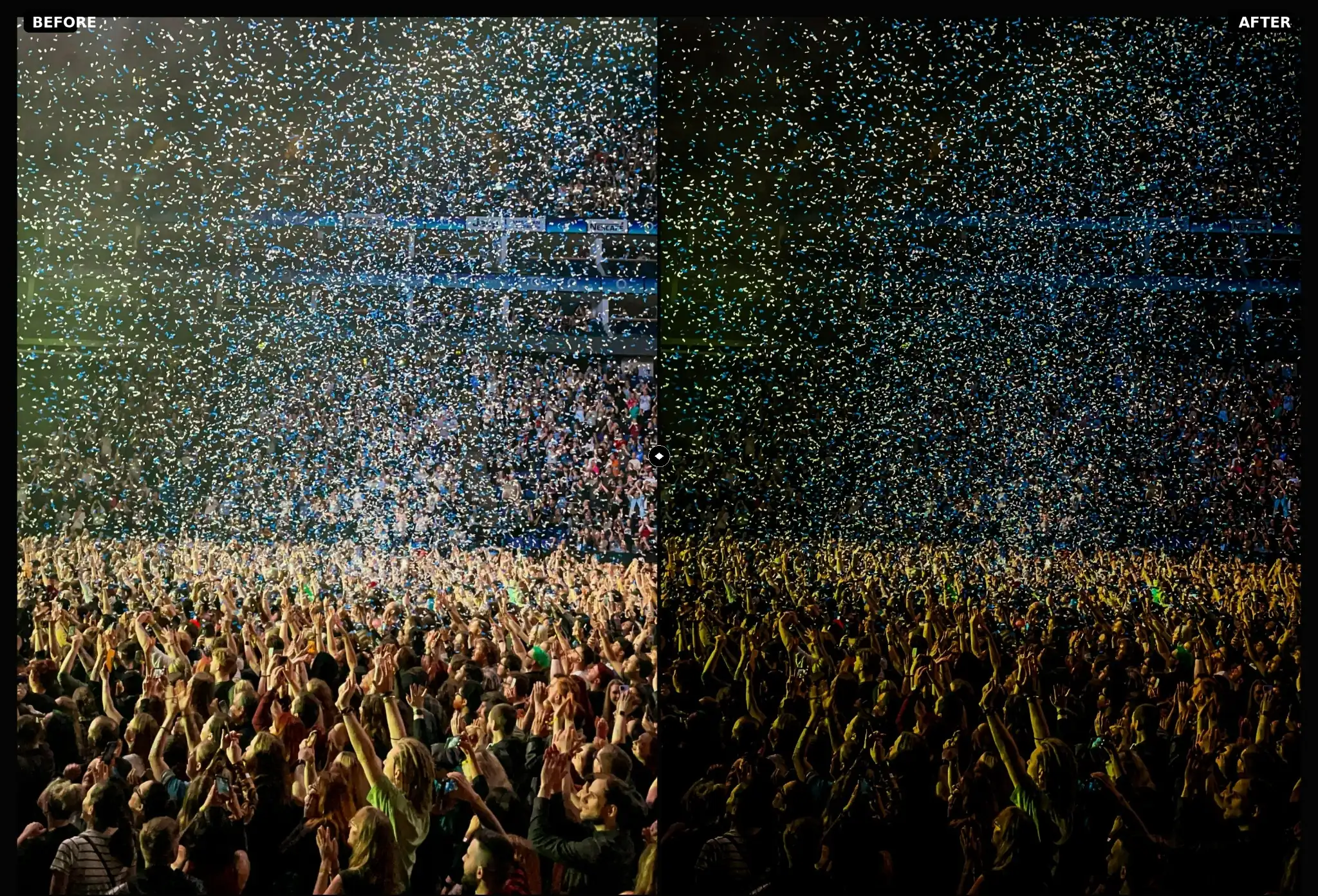
6. Concert Presets
Live music photography is tough to edit because stage lights are incredibly harsh and venues are dark. I designed these presets to balance extreme neon highlights and bring back shadow details in crowds and artists' faces.
View & Download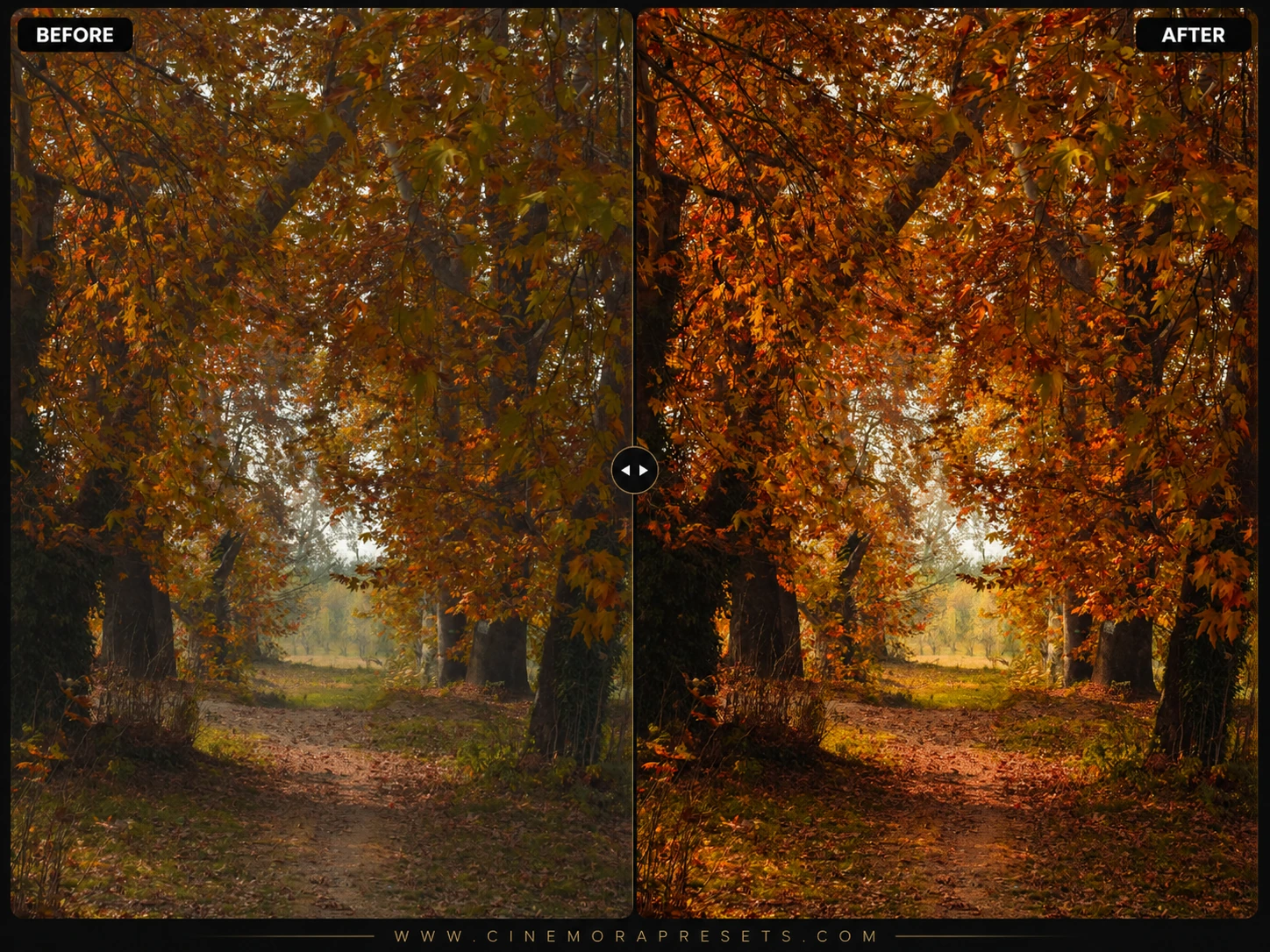
7. Autumn Presets
Autumn is my favorite season, but straight-out-of-camera RAWs usually look a bit dull. These presets shift yellow leaves into deep, rich copper tones and clean up muddy greens, making your fall landscapes feel cozy and warm.
View & Download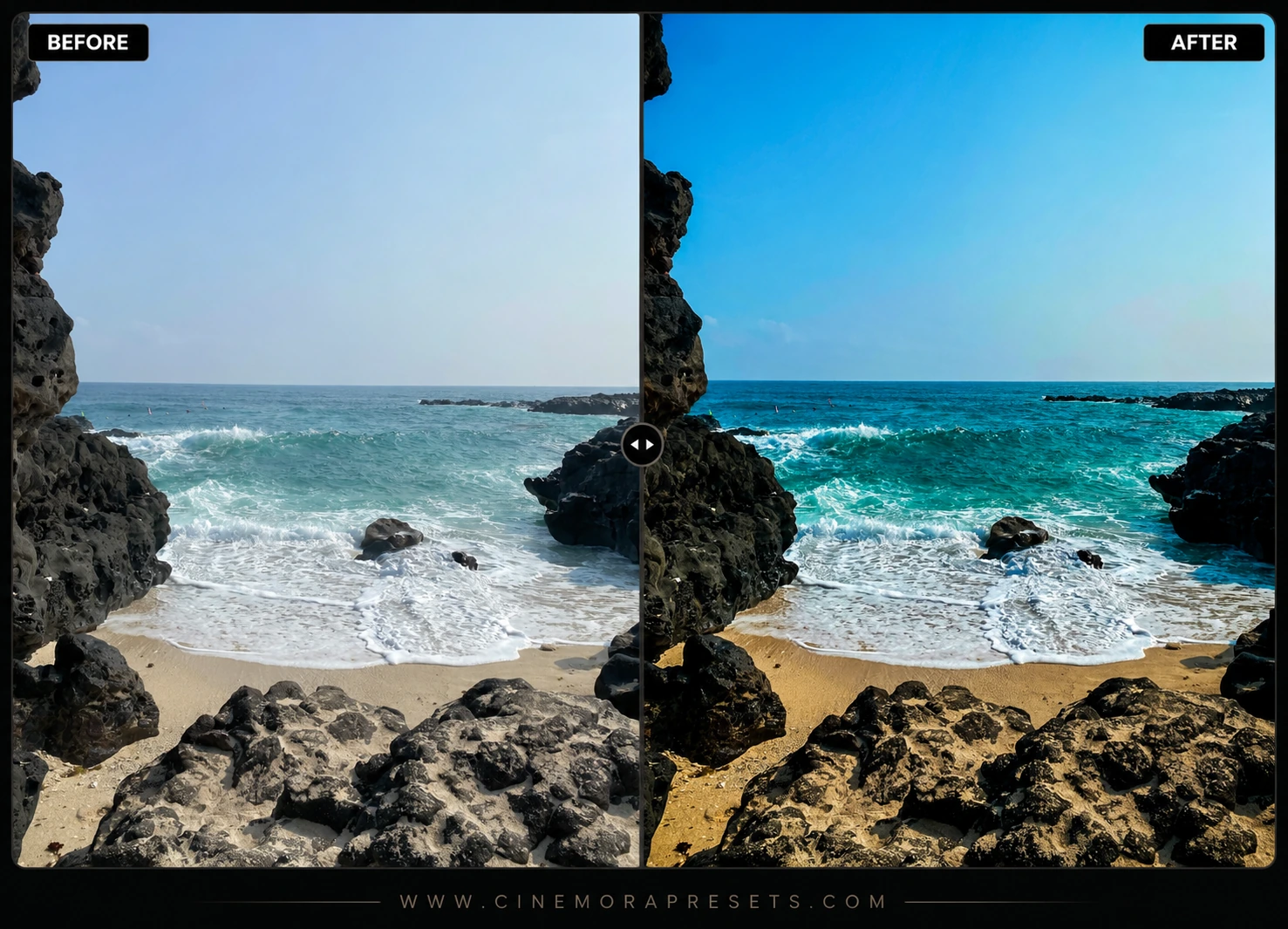
8. Beach Presets
Harsh coastal sunlight can create bad shadows and white sand glare. I built this pack to cool down bright beach highlights, add a warm golden haze to the sand, and make skies look deeply saturated and tropical.
View & Download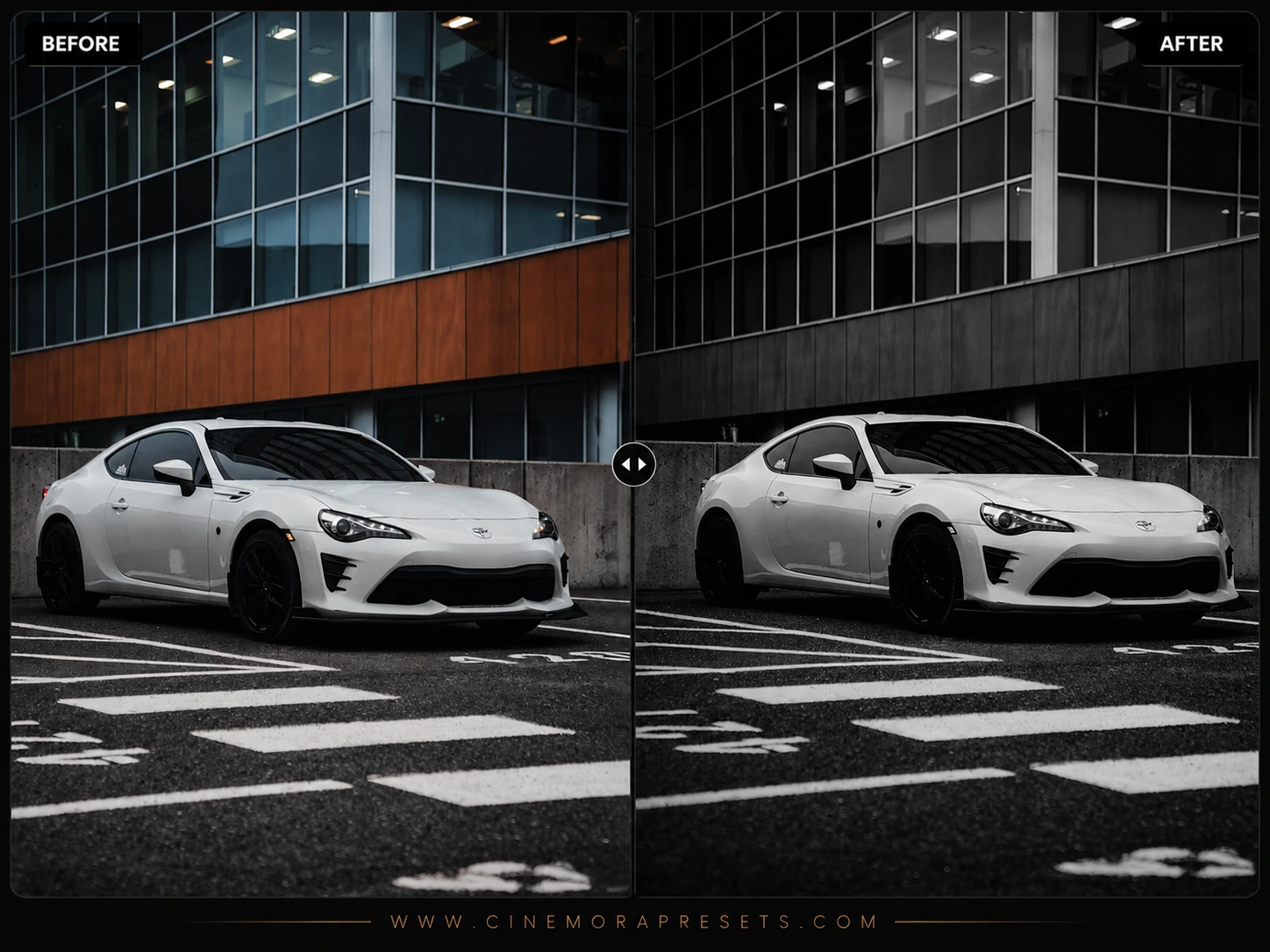
9. Black & White Presets
Just clicking the black-and-white button makes photos look flat and gray. I engineered these presets to create deep contrast, clean highlights, and rich textures. Perfect for classic street scenes and dramatic portraits.
View & Download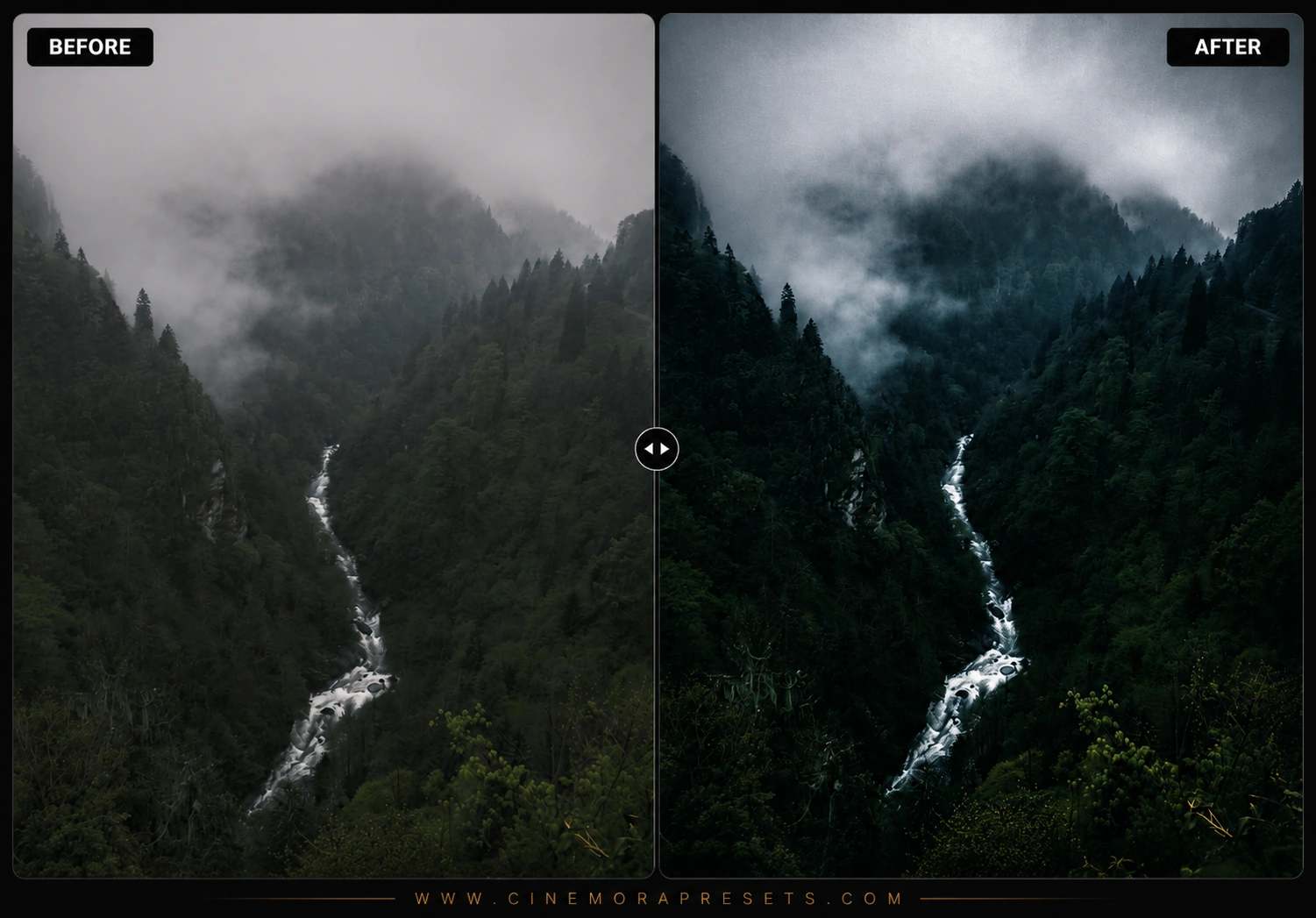
10. Forest Presets
Raw green foliage is notoriously difficult to edit — it often looks too yellow or radioactive. I designed this pack to pull back neon green tones, shifting them toward moody, deep olive and forest shades instead.
View & Download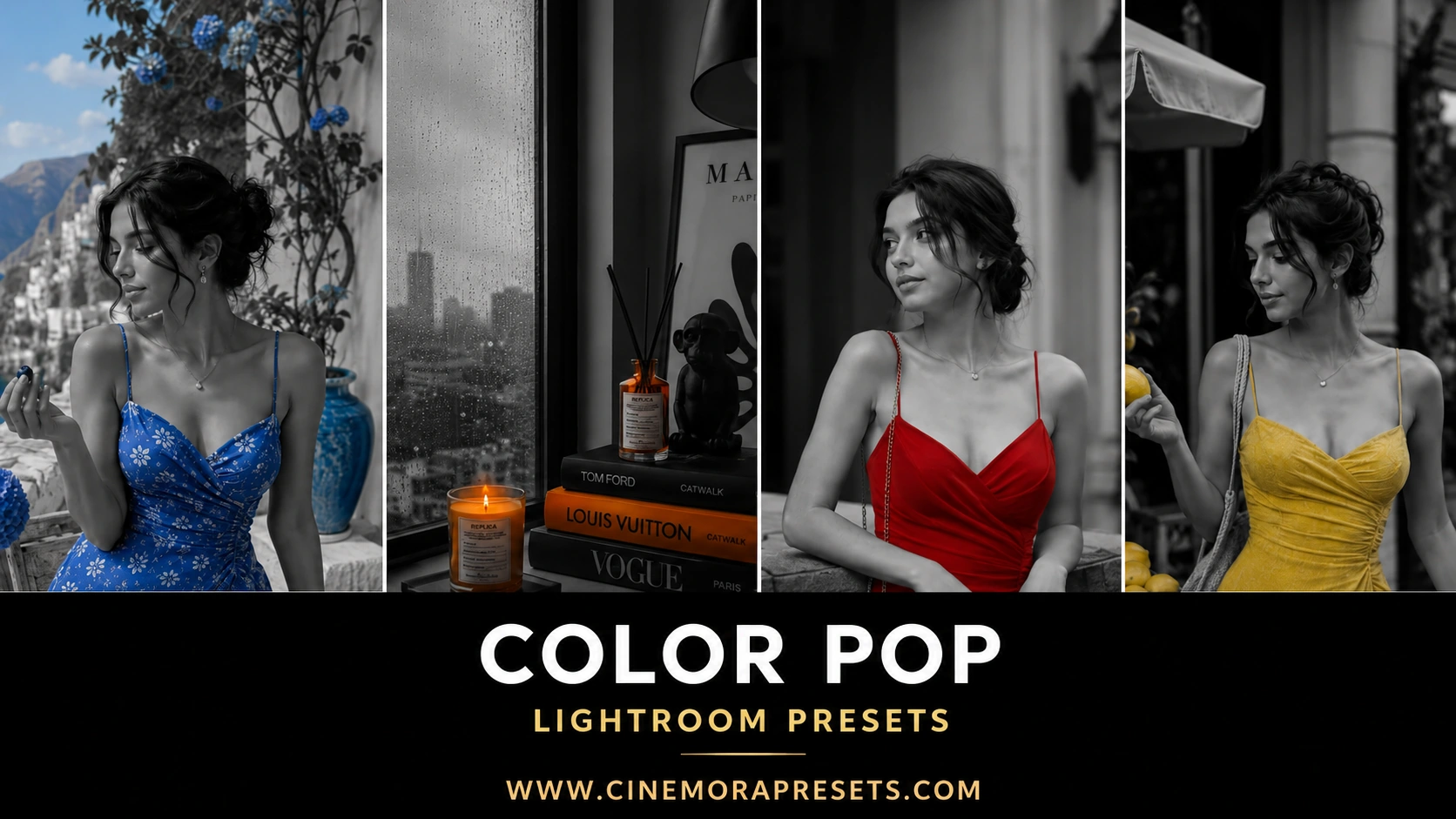
11. Color Pop Presets
When my photos shot on overcast days look boring, this is what I use. I calibrated the vibrance sliders to boost midtones and blues without making skin colors look unnaturally saturated. It makes flat landscapes feel alive.
View & Download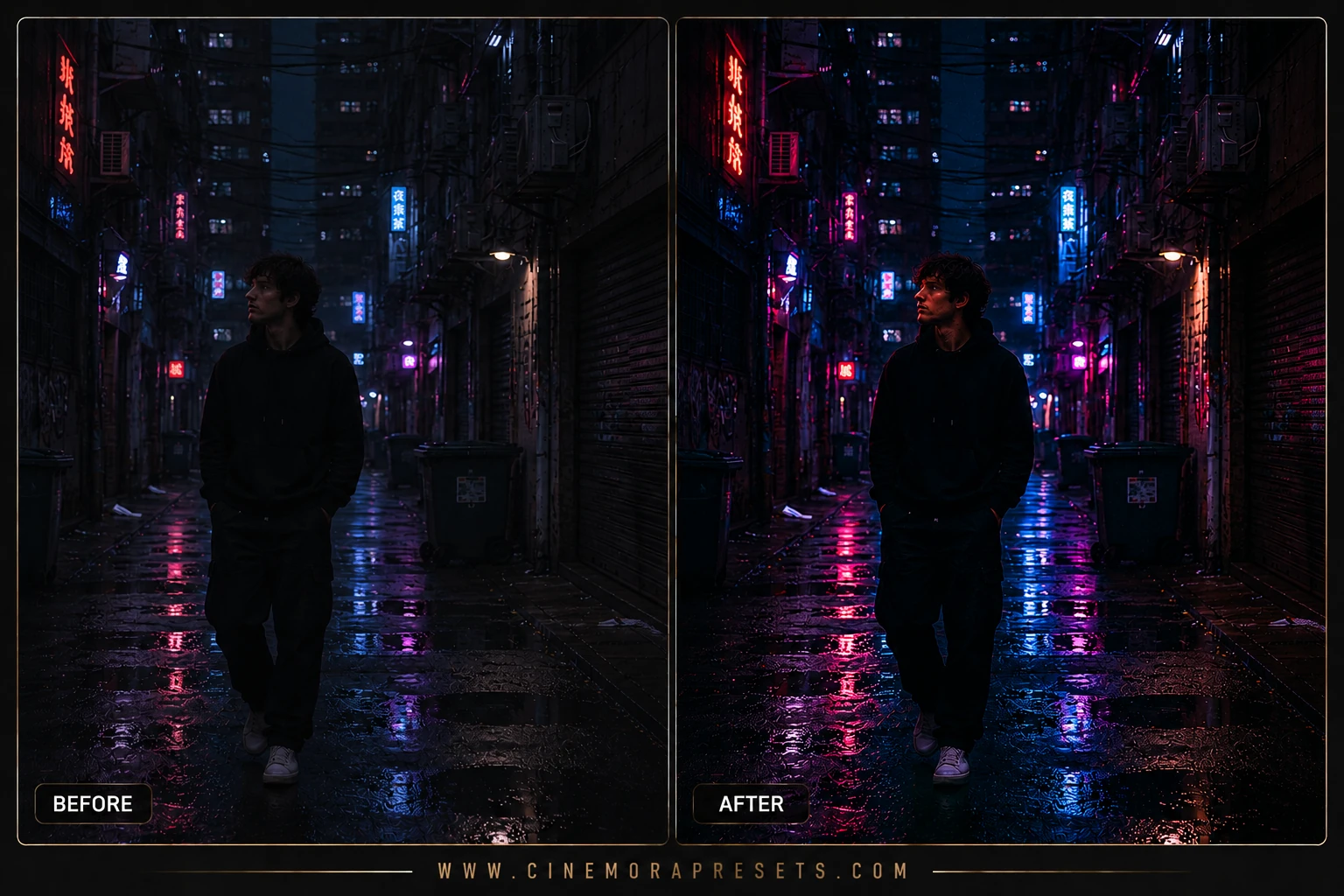
12. Cyberpunk Presets
I love night street photography, and this pack is my absolute favorite for city lights. It turns standard yellow streetlamps and neon signs into deep purple, magenta, and electric blue tones for a clean sci-fi style.
View & Download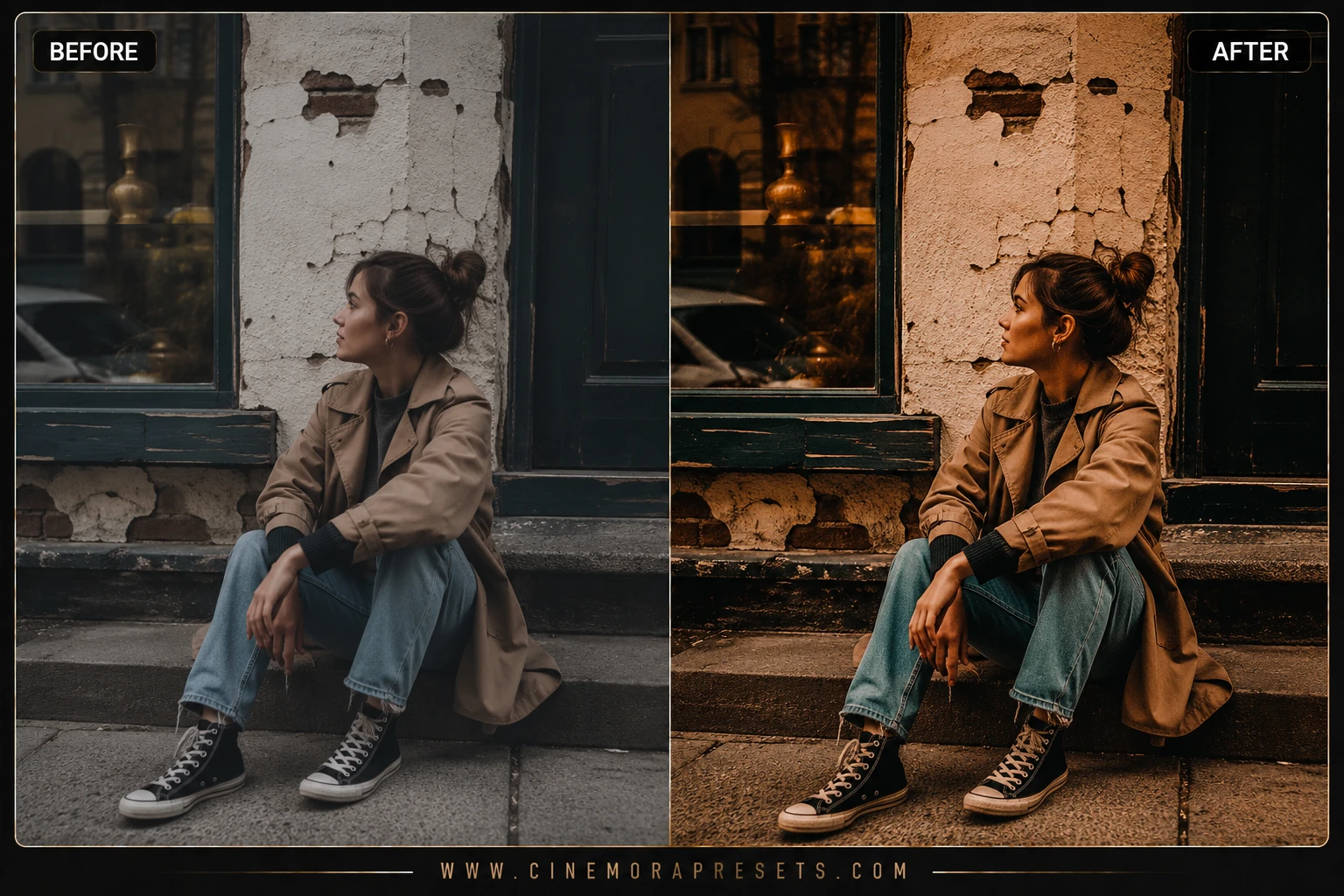
13. Nostalgic Film Presets
I spent months studying old family albums and disposable camera prints to build this pack. It introduces warm vintage color grading, faded shadows, and subtle highlight roll-offs that look genuinely nostalgic.
View & Download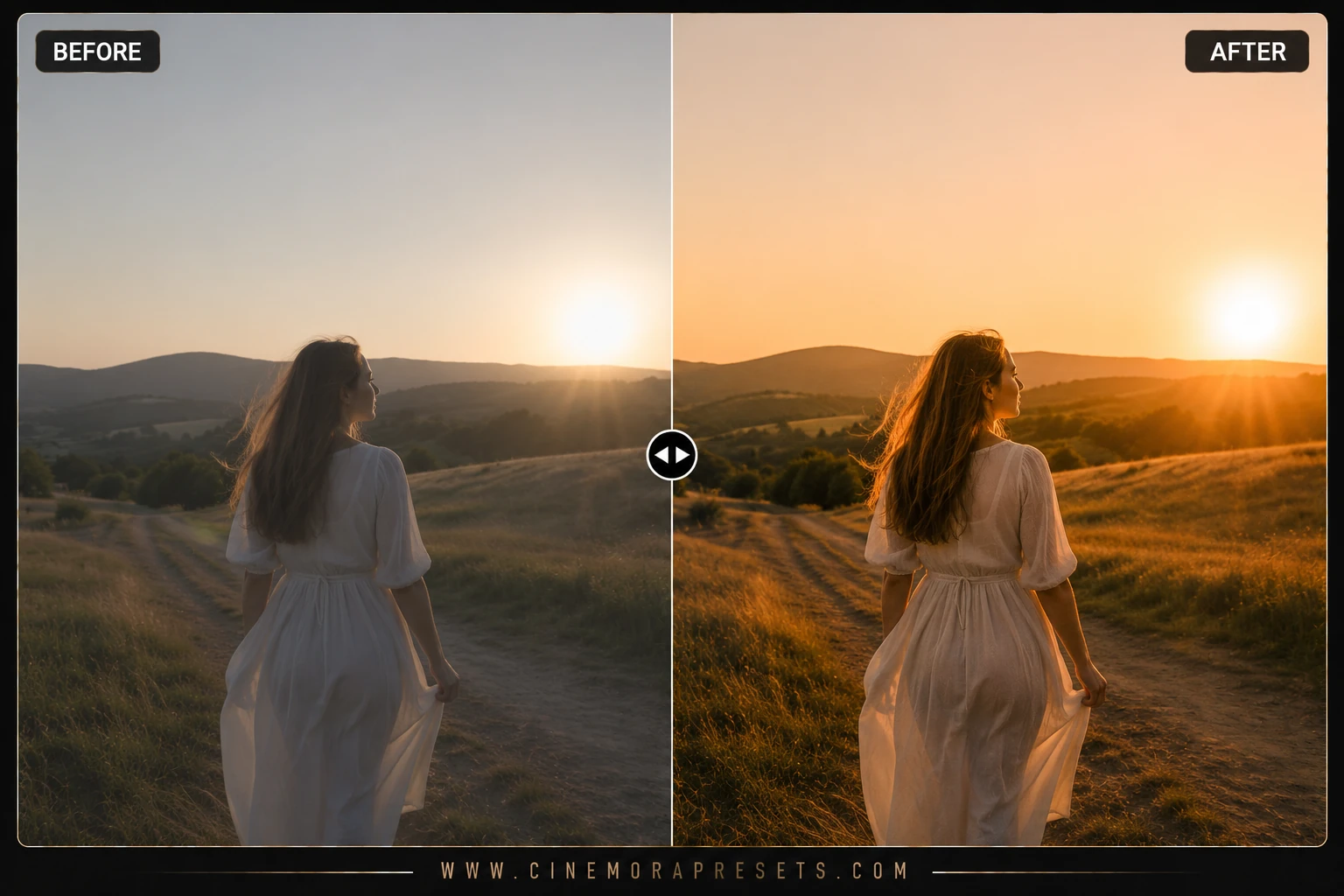
14. Sunflare Presets
I created this pack to boost natural lens flare and backlighting. It softens harsh contrasts and overlays a warm golden haze, making it my favorite choice for backlit golden hour portraits and meadow shots.
View & Download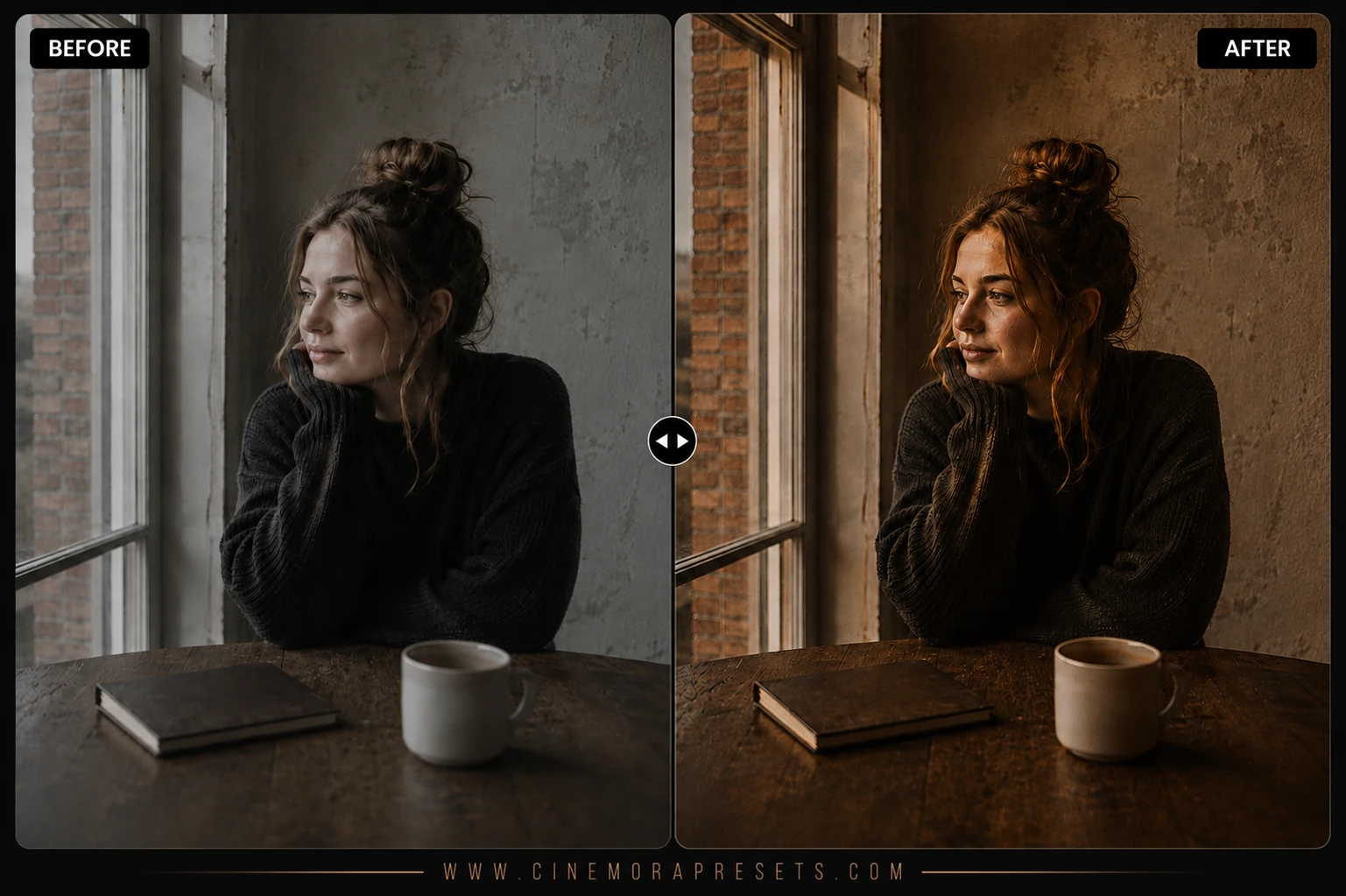
15. Warm Coffee Presets
Indoor cafe photos often have messy yellow overhead light. I designed this pack to clean up the white balance, adding cozy espresso browns and warm cream highlights. It gives interior lifestyle shots a cozy feel.
View & Download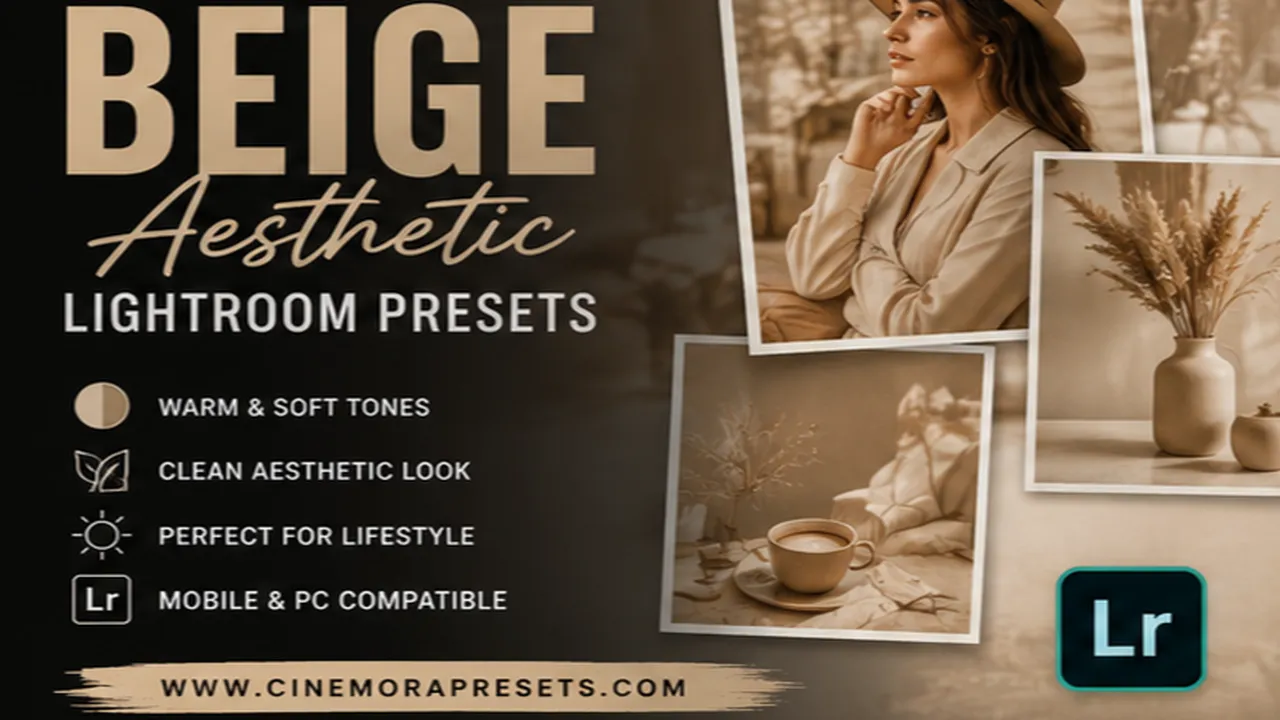
16. Beige Aesthetic Presets
Designed for minimalism, this pack shifts background colors toward warm sands and off-white linen tones. It works exceptionally well for clean studio portraits, aesthetic outfit grids, and home interior design.
View & Download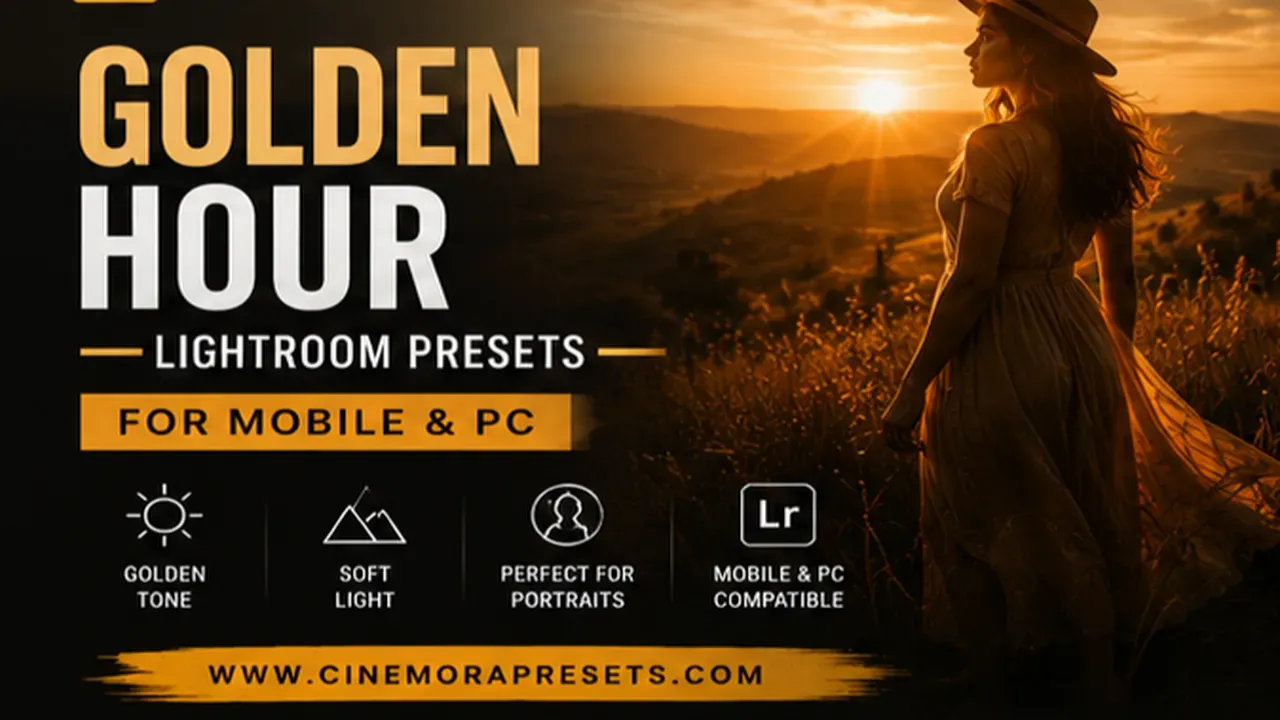
17. Golden Hour Presets
Nothing beats warm sunset light, but it's hard to capture perfectly. I made these presets to highlight warm skin tones and orange highlight glows, stretching that beautiful sunset feeling across any photo.
View & Download
18. Instagram Reels Presets
I created these specifically for mobile video editing in Lightroom CC. They apply high-contrast, clean saturation and bright exposure adjustments, ensuring your video clips look crisp on phone displays.
View & Download
19. Teal Orange Cinematic Presets
This is a bolder, more contrasting version of the movie tone grade. It pushes rich teals into shadows and warm oranges into skin tones and highlights. Excellent for high-impact travel carousels.
View & Download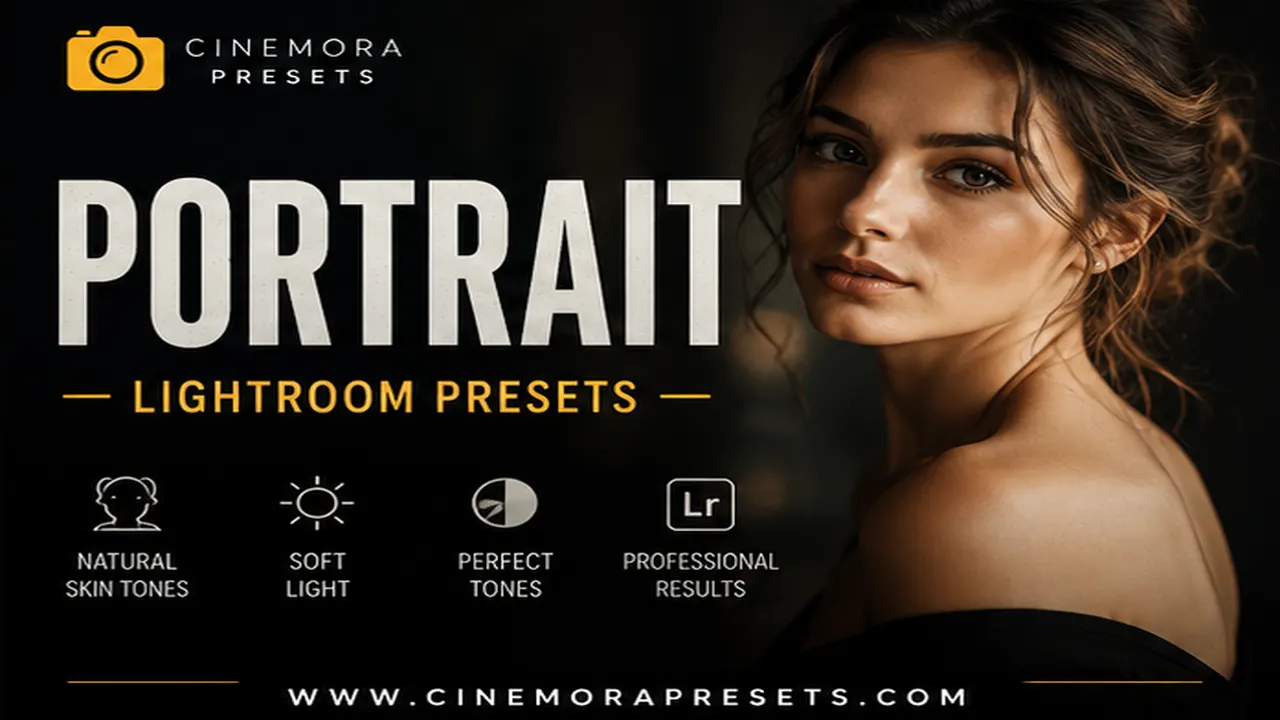
20. Portrait Presets
Protecting skin tones is the hardest part of preset design. I built this pack to smooth out skin contrast, reduce redness, and keep skin looking completely natural while styling the background colors.
View & DownloadHow to Get the Most Out of These Presets
No preset is a single-click magic cure. Every photo is shot under different lighting and camera sensors, meaning you will always need to make minor adjustments after applying a filter.
When I apply one of my presets to a photo, I follow a simple three-step check:
- Adjust the Exposure Slider: Presets adjust contrast but cannot predict if your original photo was shot underexposed. If the photo looks too dark or bright after applying the preset, use the global Exposure slider in the Light panel to fix it.
- Fine-tune the Temperature: My warm presets look best when shifted slightly towards yellow, but if your shot is already warm, it might look too orange. Don't be afraid to adjust the Temperature slider.
- Check the Highlights: If a light source or skin highlight looks blown out, go to the Light panel and pull down the Highlights slider until details return.
If you are new to this and need help importing, check out my step-by-step guide on how to install Lightroom presets on mobile or PC.