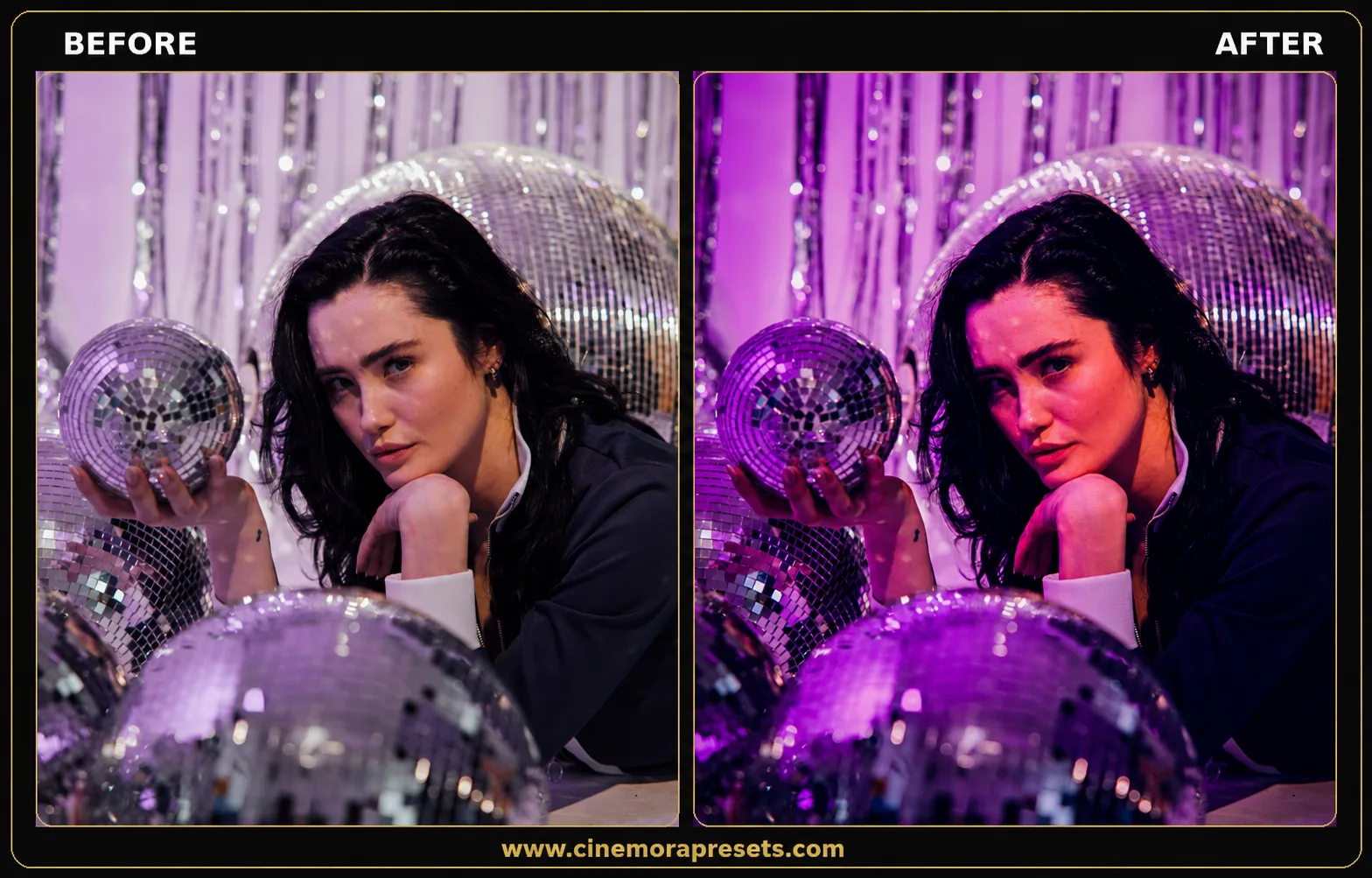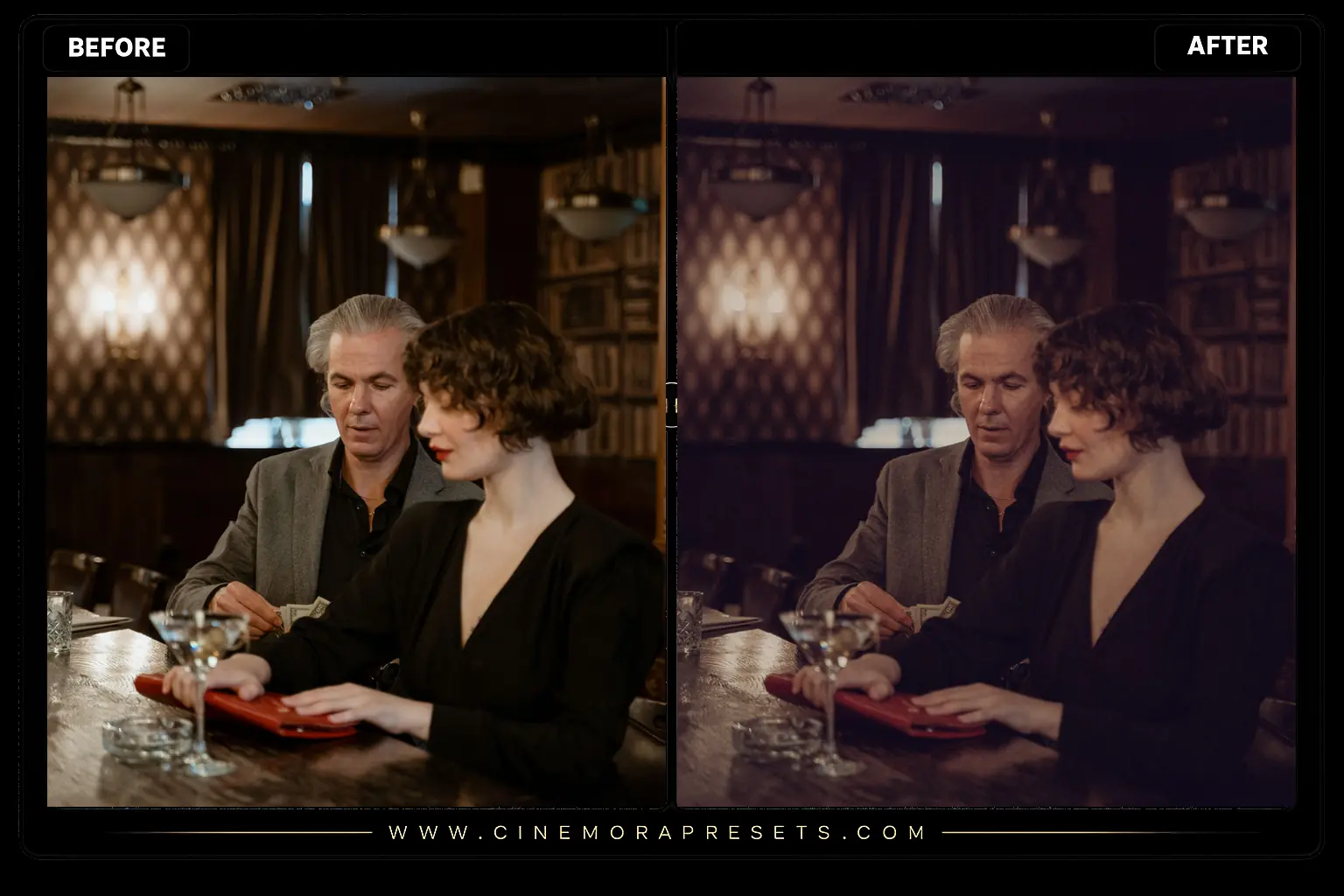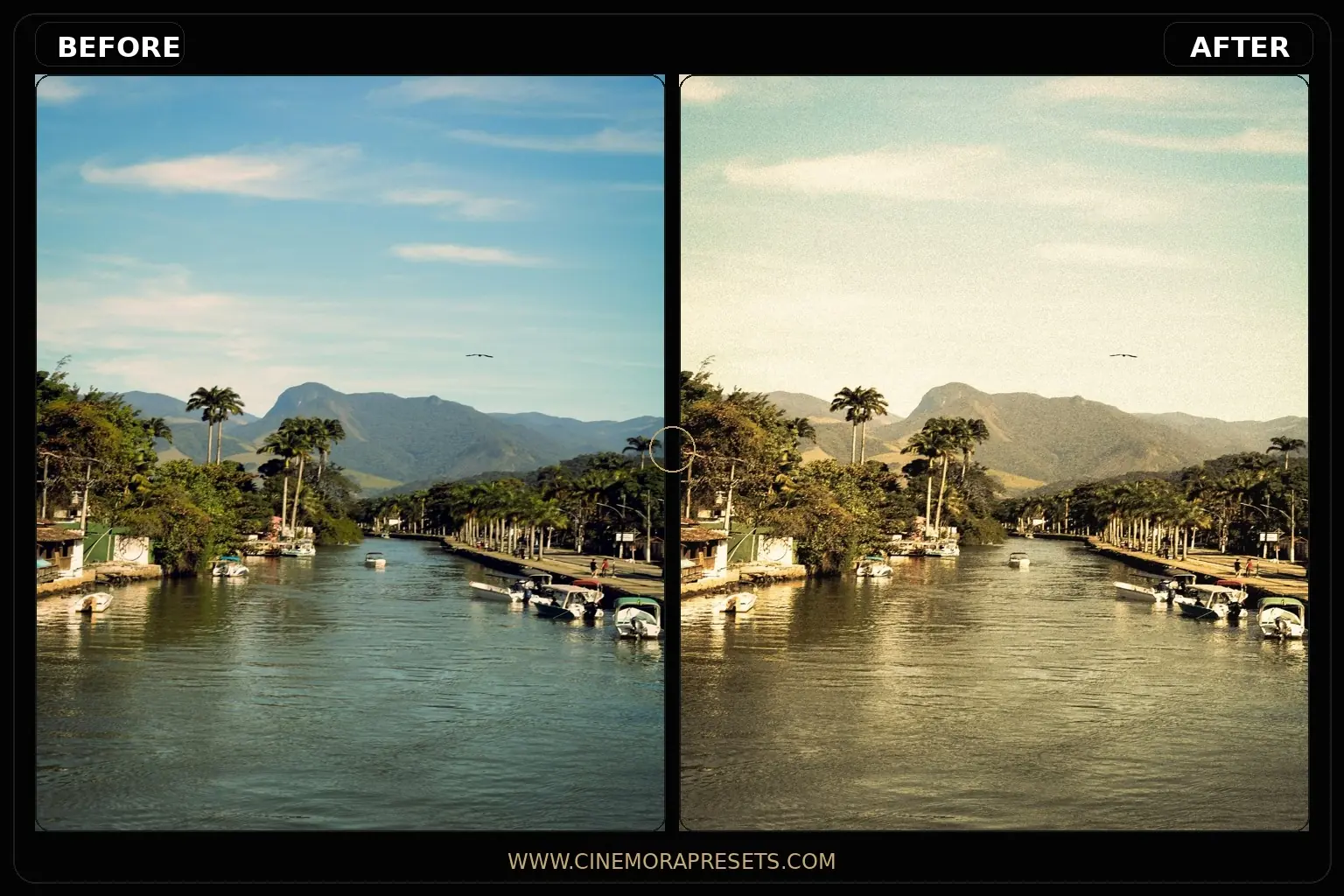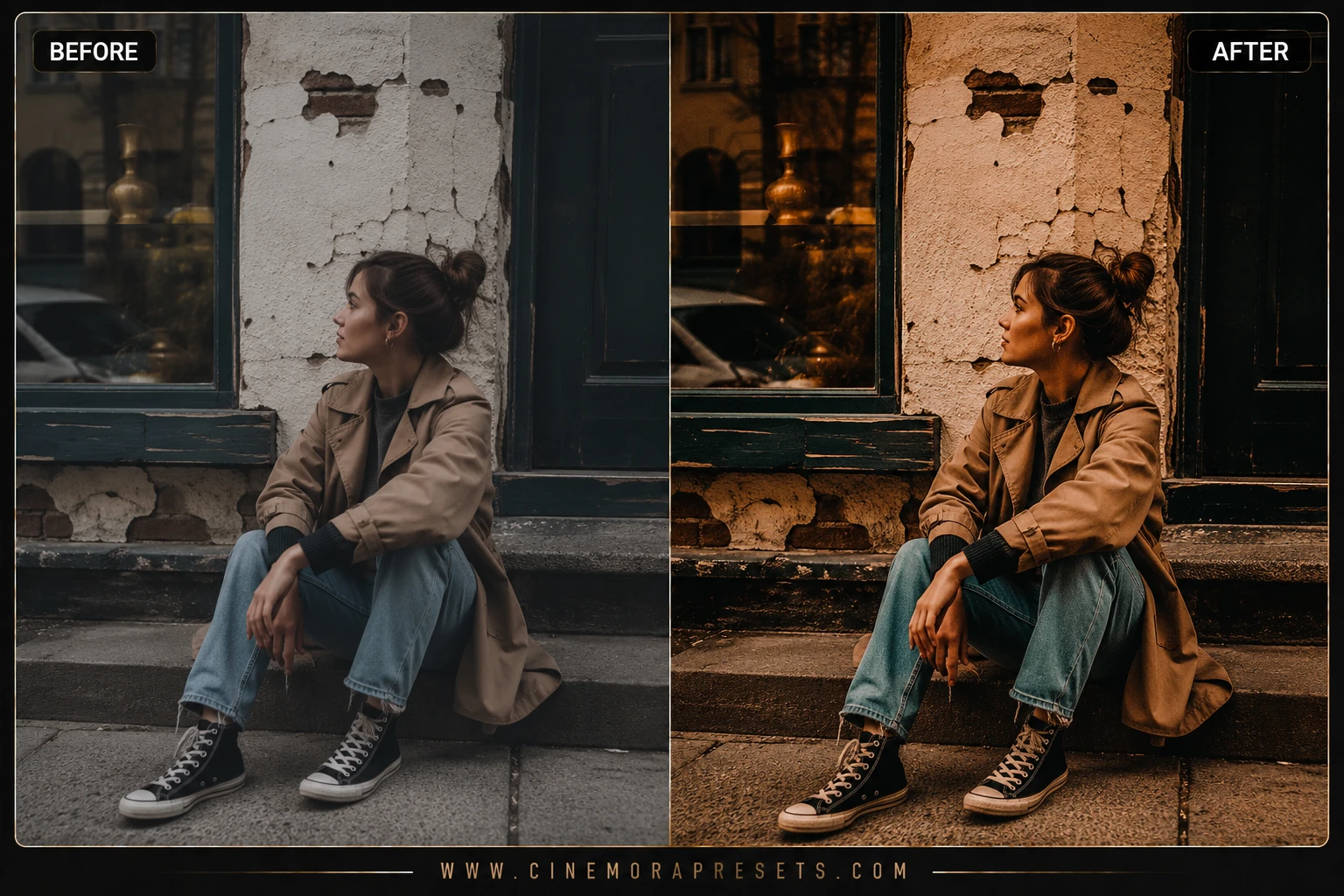
Modern digital cameras shoot ultra-sharp, clinical, and mathematically perfect files. But perfect photos often lack soul. Classic analog film had beautiful color chemistry, organic grain, and unique highlight imperfections that made every photo feel deeply emotional. I created this pack of free Nostalgic Film presets to bring that authentic, vintage 35mm film character back to your digital shots.


These filters emulate the rich warm tones of Kodak Portra 400 and the faded, retro shadows of classic Polaroid print film. They reintroduce organic grain, compress whites to a soft cream-fade, and shift primary colors into a beautifully harmonious retro palette.
To ensure your nostalgic visual grid is consistent across all platforms, these premium presets are delivered in the universal XMP format. They apply identical vintage curves, chemical color shifts, and grain textures seamlessly across both your mobile device and desktop Lightroom apps.
Master the Nostalgic Film Aesthetic
Recreating authentic vintage analog looks is about embracing beautiful imperfections. Here is how to style your digital photos with a classic 35mm vibe:
Vintage Nostalgia Lightroom Preset Settings & Slider Values
Exposure: -0.05 | Contrast: +18 | Highlights: -15 | Shadows: +8 | Whites: +2 | Blacks: -2 | Temp: +8 | Tint: +4 | Texture: +10 | Saturation: -4 | Grain: +8
For other classic grain effects, try our authentic Fuji Film presets.
1. Embrace Creamy Highlights
Pure digital whites look harsh. To get the organic analog look, pull down the Whites slider to compress the highlights, and slightly adjust the highlights color wheel in Color Grading towards cream-yellow.
2. Fine-Tune the Grain Size
Different classic film stocks had different grain characteristics. For a subtle 35mm look, keep the grain size around 25 and roughness at 50. For a heavy, textured 120 medium-format feel, boost the size to 40.
3. Let Colors Look Faded
Film has a beautifully desaturated, mature color palette. If your photos look too colorful after applying the preset, slightly lower the overall Saturation or Vibrance slider in the Basic panel to enhance the vintage feel.
Installation Guide
Setting up these presets on your phone or computer is very simple:
- Download the ZIP file containing the XMP preset files.
- If you need step-by-step instructions for your specific device, follow my guide on how to install Lightroom presets for instant setup help.
What's Included
This professional collection contains custom XMP presets crafted to elevate your photographic edits with a single click. Here is what is in your free download:
- Portra Gold Presets (warm highlights, natural skin tones, and rich analog shadows)
- Polaroid Vintage Presets (heavy black fade, warm cream highlights, and soft retro colors)
- Tri-X Grainy Black & White Presets (high-contrast monochrome with heavy organic grain)
Preset Style & Color Tone
Features a classic retro fade where the black point is lifted and highlights are compressed. The midtones are shaped to provide a gentle, natural roll-off. Reds and oranges are boosted for rich skin tones, while greens and blues are slightly desaturated and shifted towards classic warm analog hues.
Best Photos for This Preset
Outstanding for retro lifestyle snaps, casual street portraits, outdoor travel photography, and nostalgic fashion grids. They look incredibly rich on sunny days and add beautiful warmth to flat overcast shadow light.
After downloading, extract the ZIP file and import the XMP presets into Lightroom.