Pink Aesthetic Lightroom Presets free for Dreamy Photos Preset PreviewPortrait

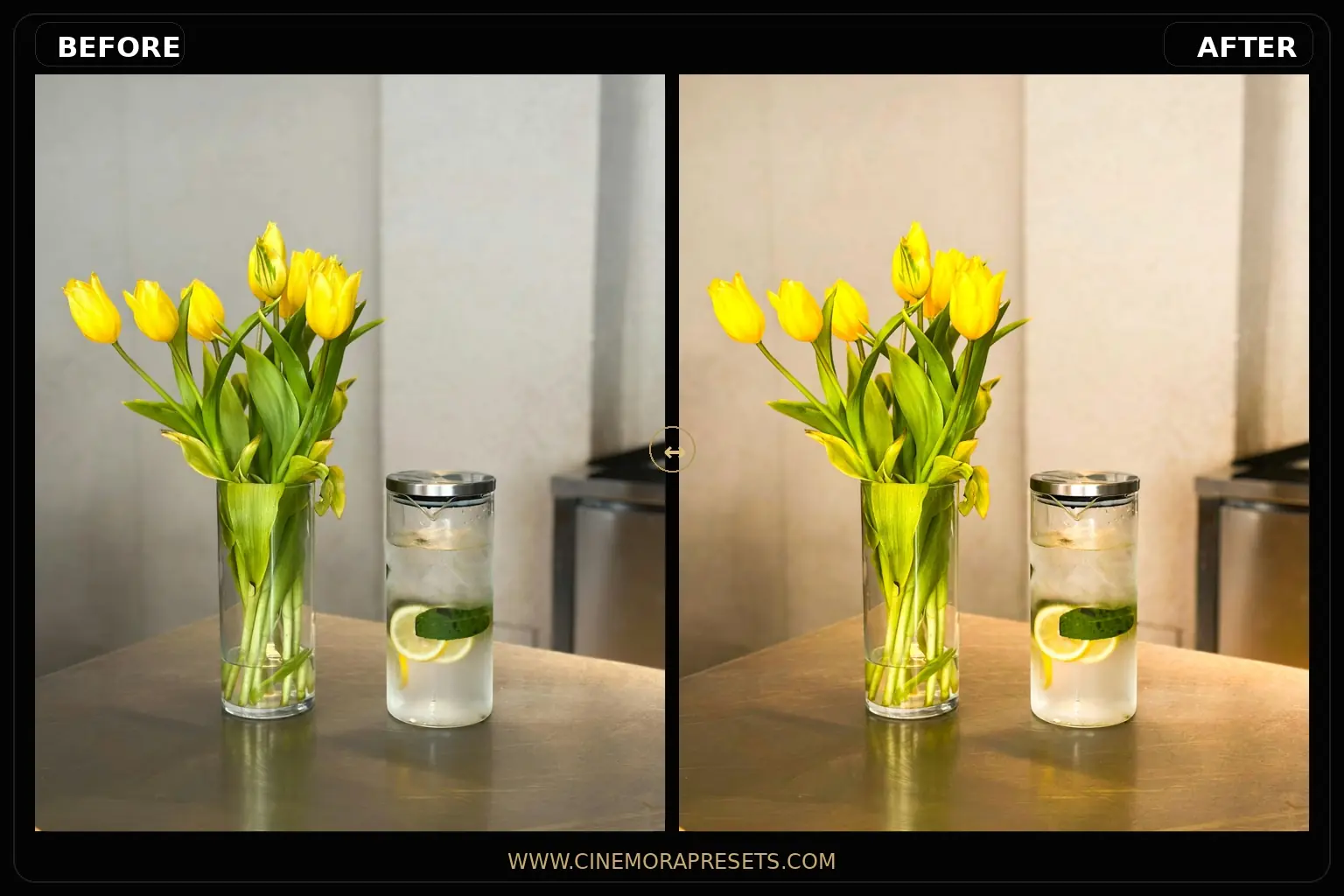
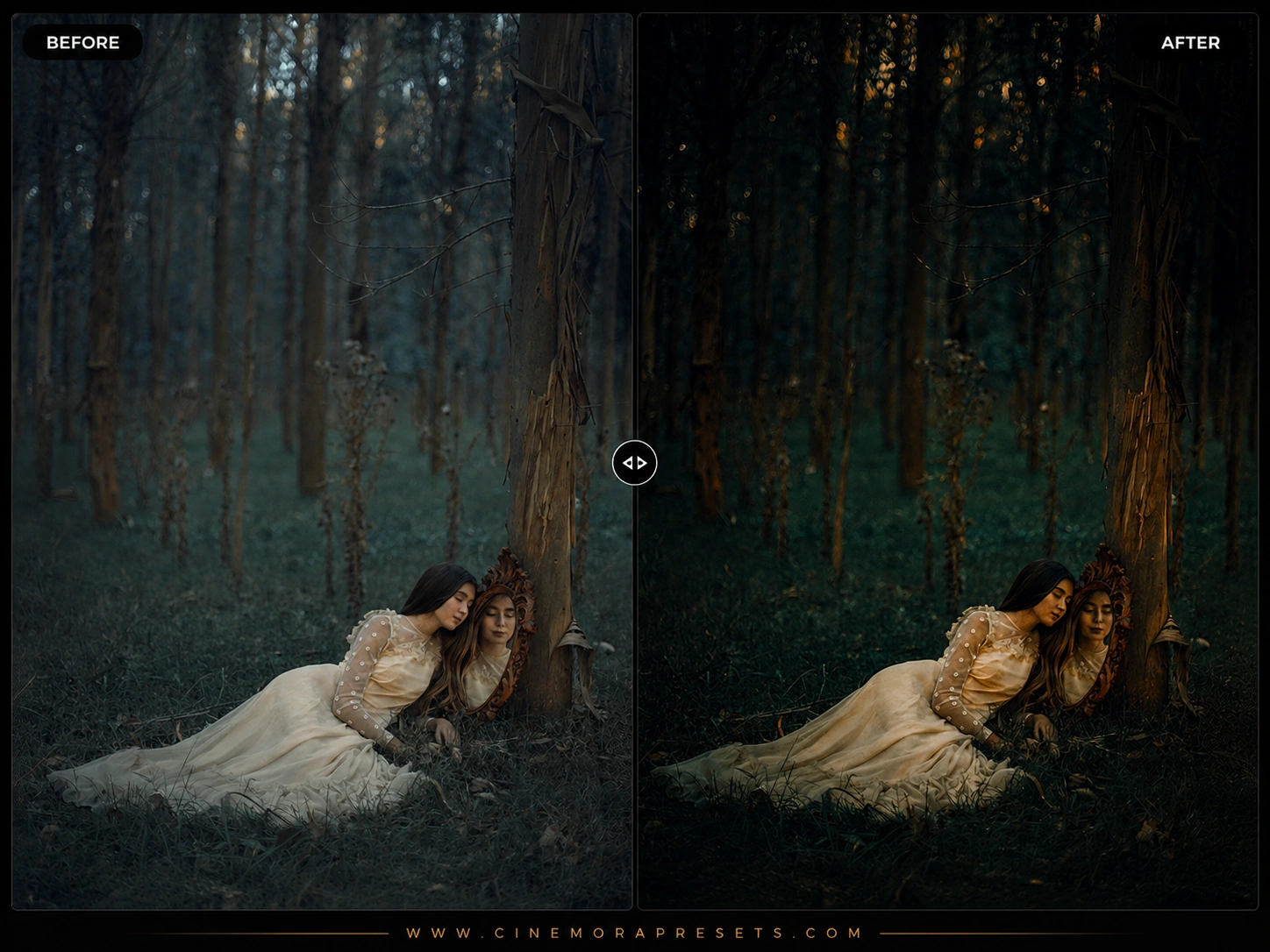
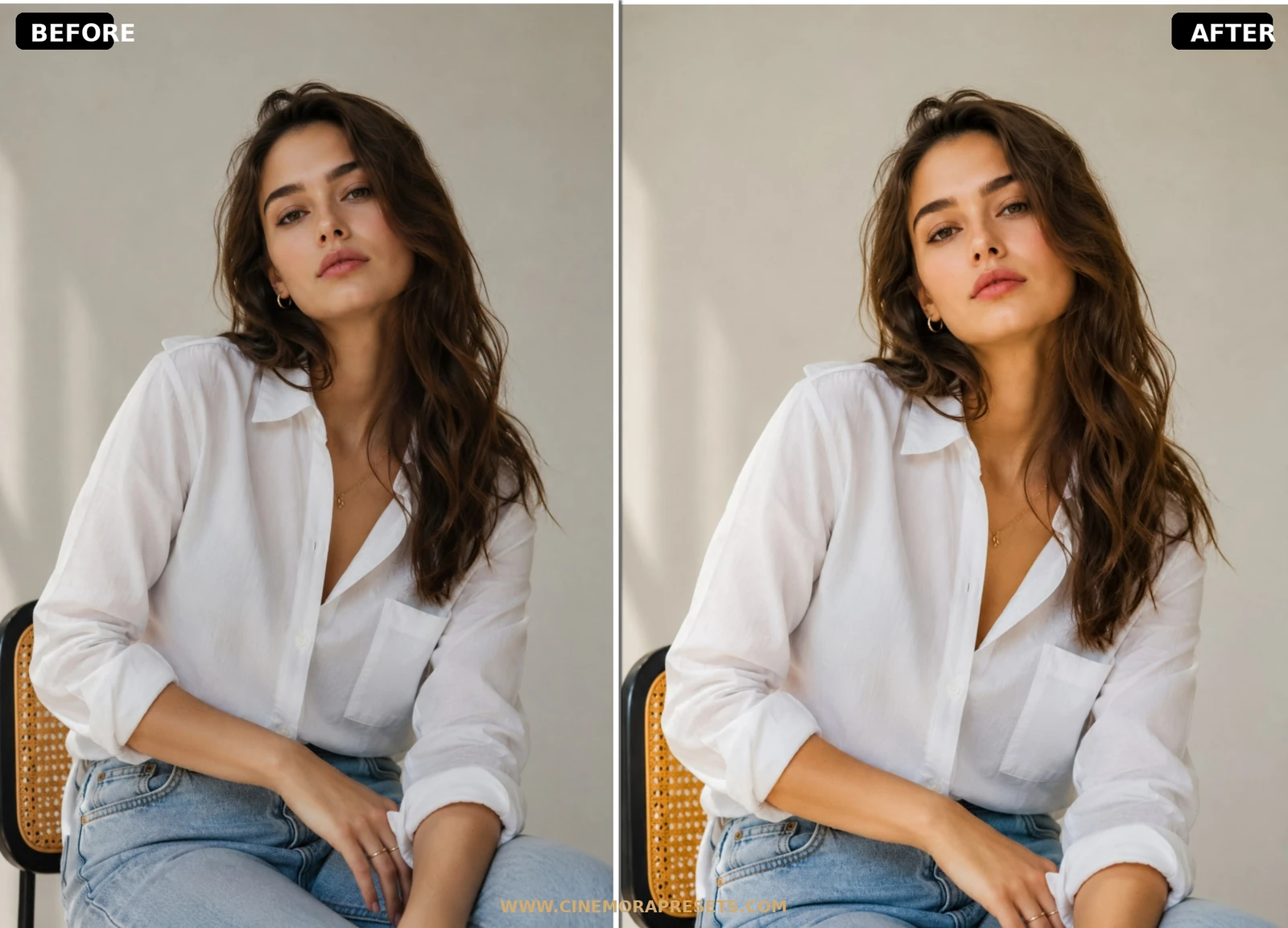
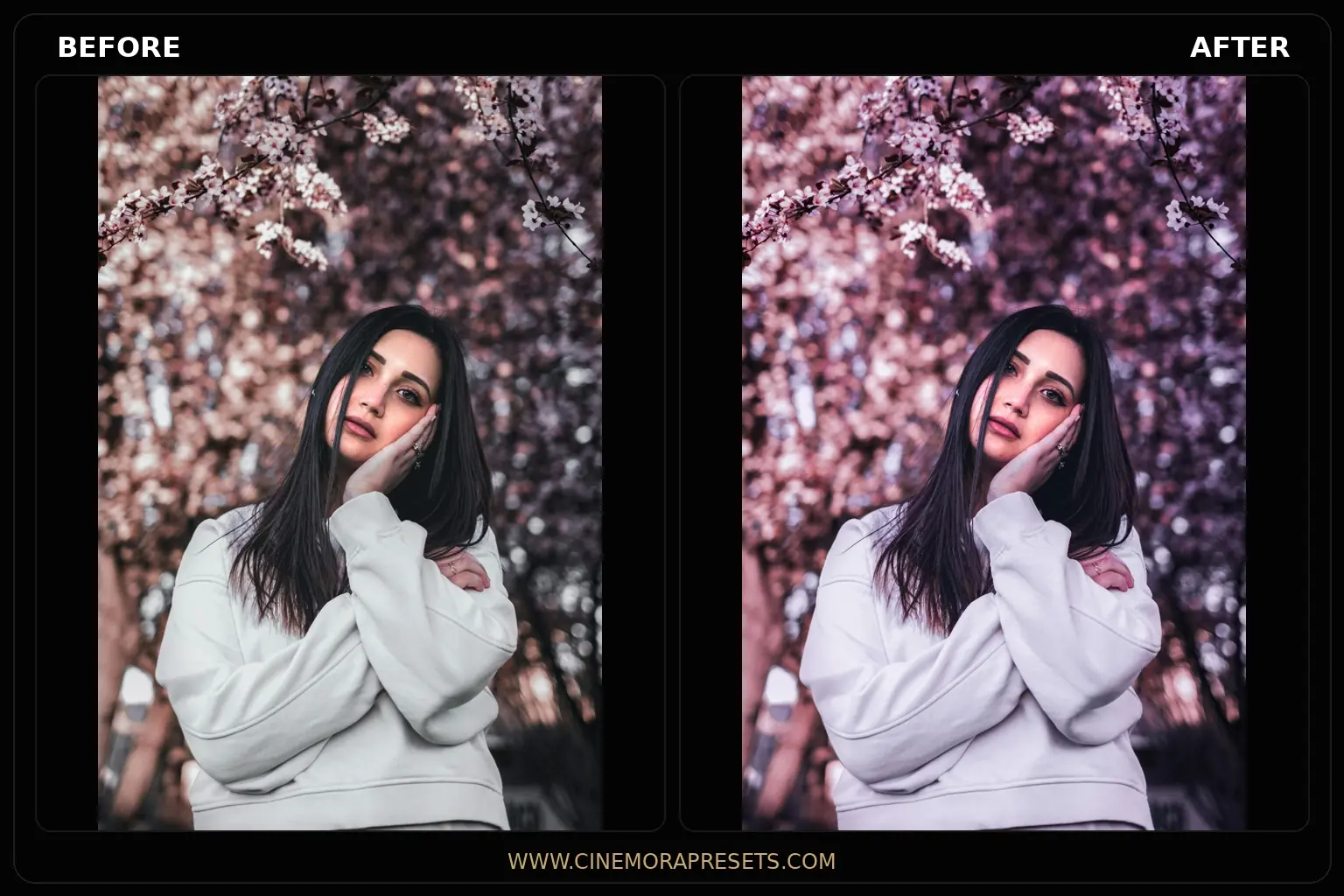
Transform your photos with Pink Aesthetic Lightroom Presets for free. Create soft, dreamy, Instagram-worthy edits with one click.

📂
CategoryPortrait
📦
Presets in Pack10 Presets
📅
ReleasedJun 4, 2026
🗂️
File FormatXMP
Desktop (PC / Mac)
Mobile (iOS / Android)
pink aestheticdreamypastelportraitinstagram

Pink Aesthetic Lightroom Presets free for Dreamy Photos — Free Download

Transform your photos with Pink Aesthetic Lightroom Presets for free. Create soft, dreamy, Instagram-worthy edits with one click.

What are Pink Aesthetic Lightroom Presets? Pink Aesthetic Lightroom Presets are professional-grade digital filters designed to inject soft, romantic rose tones, pastel pink highlights, and clean, warm peach hues into your everyday photography. By carefully toning highlights and midtones with a gentle magenta-rose balance, these presets transform standard images into dreamy, Instagram-worthy masterpieces.

This free collection is perfect for creators, influencers, and portrait photographers looking to build a cohesive visual style. Whether you are editing lifestyle portraits, flatlays, travel snaps, or romantic wedding moments, these filters add a clean, glowing, and soft texture that feels premium and alive. Fully compatible with both Lightroom Mobile (iOS/Android) and Desktop PC (.xmp format), they provide one-click professional color grading.

Mastering Pink Pastel Color Grading

Creating a beautiful pink aesthetic is all about balancing warm skin tones with soft rose highlights. Modern digital cameras tend to capture colors exactly as they are, which can feel a bit clinical. Adding a touch of pink and softening the contrast gives your photos a warm, romantic, and inviting mood.

If you love this soft, romantic style, you can also mix these filters with our glowing Aesthetic presets or try the Dreamy presets for lavender-pink overlays.

Rose Glow Lightroom Preset Settings & Slider Values

Exposure: +0.20 | Contrast: +8 | Highlights: -25 | Shadows: +15 | Whites: +10 | Blacks: -10 | Temp: +2 | Tint: +8 | Clarity: -10 | Saturation: +5

Here is my professional workflow for editing with these Pink Aesthetic filters:

1. Adjust the White Balance (Temp & Tint)

Since these presets rely on soft pink overlays, they are sensitive to your photo's original white balance. If your photo looks too yellow or orange, drag the Temperature slider slightly toward blue. If you want more pink tones, increase the Tint slider toward magenta.

2. Protect Your Skin Tones

When adding pink tones to a portrait, you want to make sure the subject's skin still looks natural. If their face looks too red or pink, open the Color Mixer (HSL), select the Orange channel, and decrease the Saturation slider while slightly increasing the Luminance slider.

3. Fade the Shadows (Tone Curve)

To give your photo a clean, matte look, go to the Tone Curve panel and drag the bottom-left point slightly upward. This lifts the blacks and softens the dark areas of your photo, making the pink highlights stand out even more.


📖 Recommended Guides & Tutorials

What's Included

This pack includes 10 custom Pink Aesthetic presets designed to handle different lighting and scenes:

  • 4 Rose Glow Presets (softens highlights and adds a subtle pink glow, perfect for skin tones and outdoor portraits)
  • 3 Cherry Blossom Presets (adds a vibrant pink/magenta cast to outdoor scenery, flowers, and travel snaps)
  • 3 Pink Cream Presets (mixes warm beige tones with subtle pink undertones, ideal for minimalist flatlays and daily outfits)

Preset Style & Color Tone

The color palette focuses on soft, romantic hues. Bright yellows and greens are gently desaturated or shifted to warmer tones to ensure the pink colors stand out. Highlights are compressed for a smooth light roll-off, and the shadows are slightly lifted with a warm pink-lavender tint, giving the entire image a clean, matte finish.

Best Photos for This Preset

These presets perform best on photos shot in natural daylight, under overcast skies, or near window light. They look outstanding on light-colored backdrops, outfit-of-the-day shots, pink blossoms, and lifestyle portraits. Avoid using them on dark, high-contrast night scenes where the soft pastel pink tones might conflict with heavy black shadows.

Download Preset Pack

After downloading, extract the ZIP file and import the XMP presets into Lightroom.

Frequently Asked Questions

Are these Pink Aesthetic Lightroom presets free?

Yes! They are completely free to download. No registration, no email gates, no hidden subscriptions. Just download the ZIP file and import the XMP files into Lightroom.

Do these work on Lightroom Mobile?

Absolutely. The presets are fully compatible with the free Lightroom Mobile app on iPhone and Android.

How do I control the amount of pink in my photo?

If the pink tint is too strong, open the Basic panel in Lightroom and move the Tint slider slightly to the left (toward green), or adjust the saturation of the Red and Magenta channels in the HSL panel.

Why does my photo look slightly soft?

The dreamy glow effect is achieved by lowering the Clarity slider slightly. If you prefer a sharper digital look, simply open the Effects panel and drag the Clarity slider back to the right.

More Portrait Presets