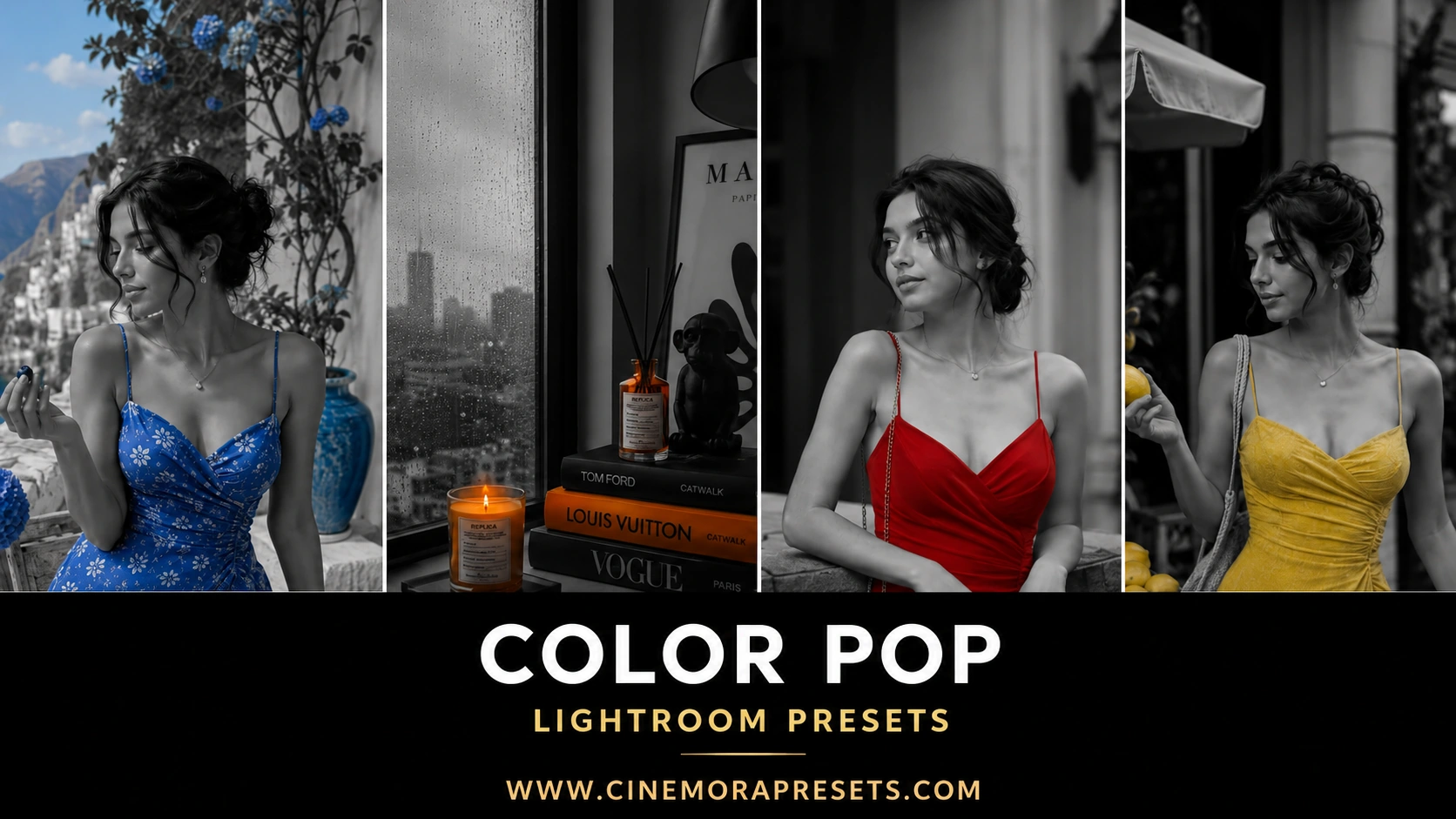
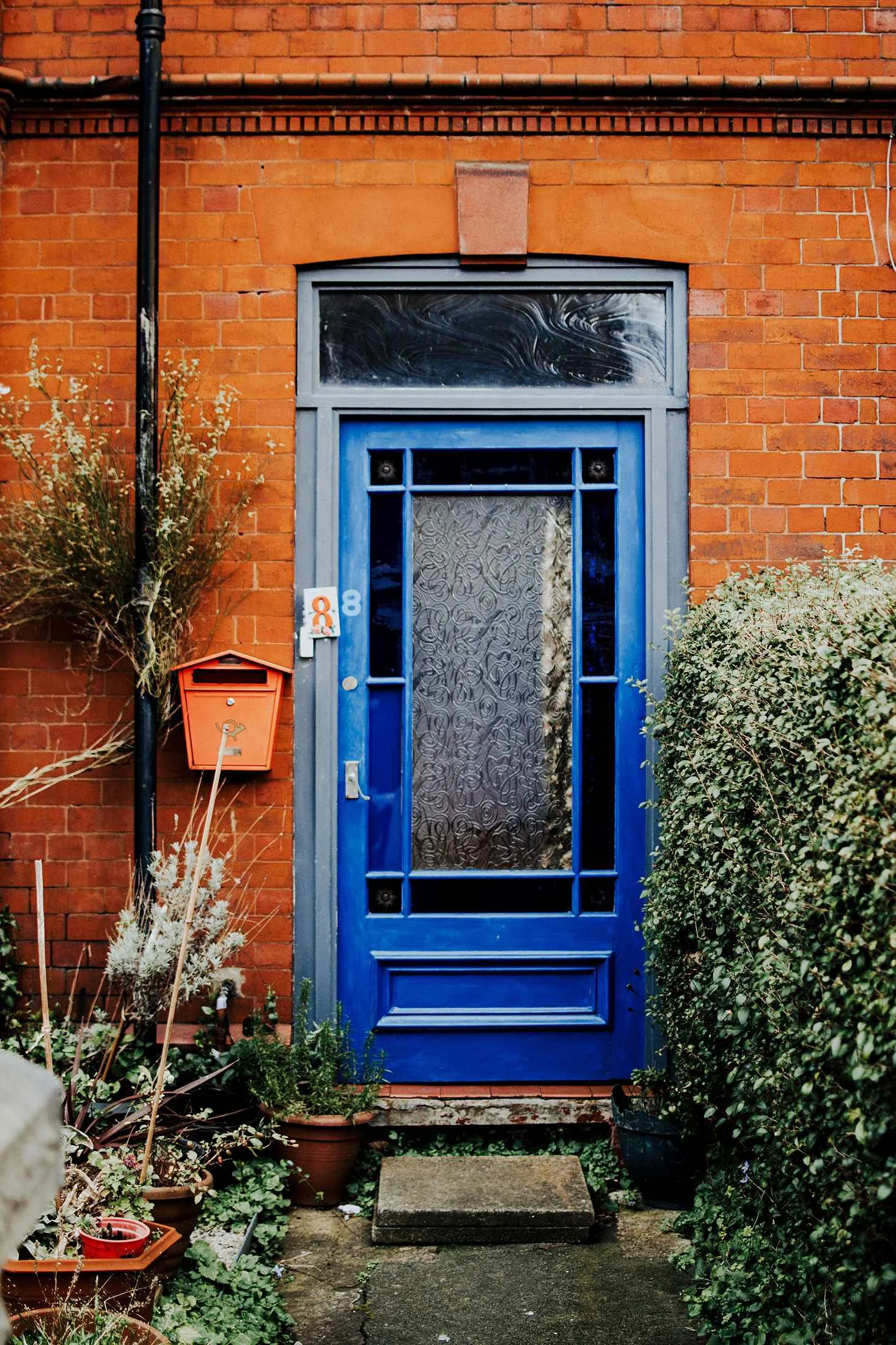
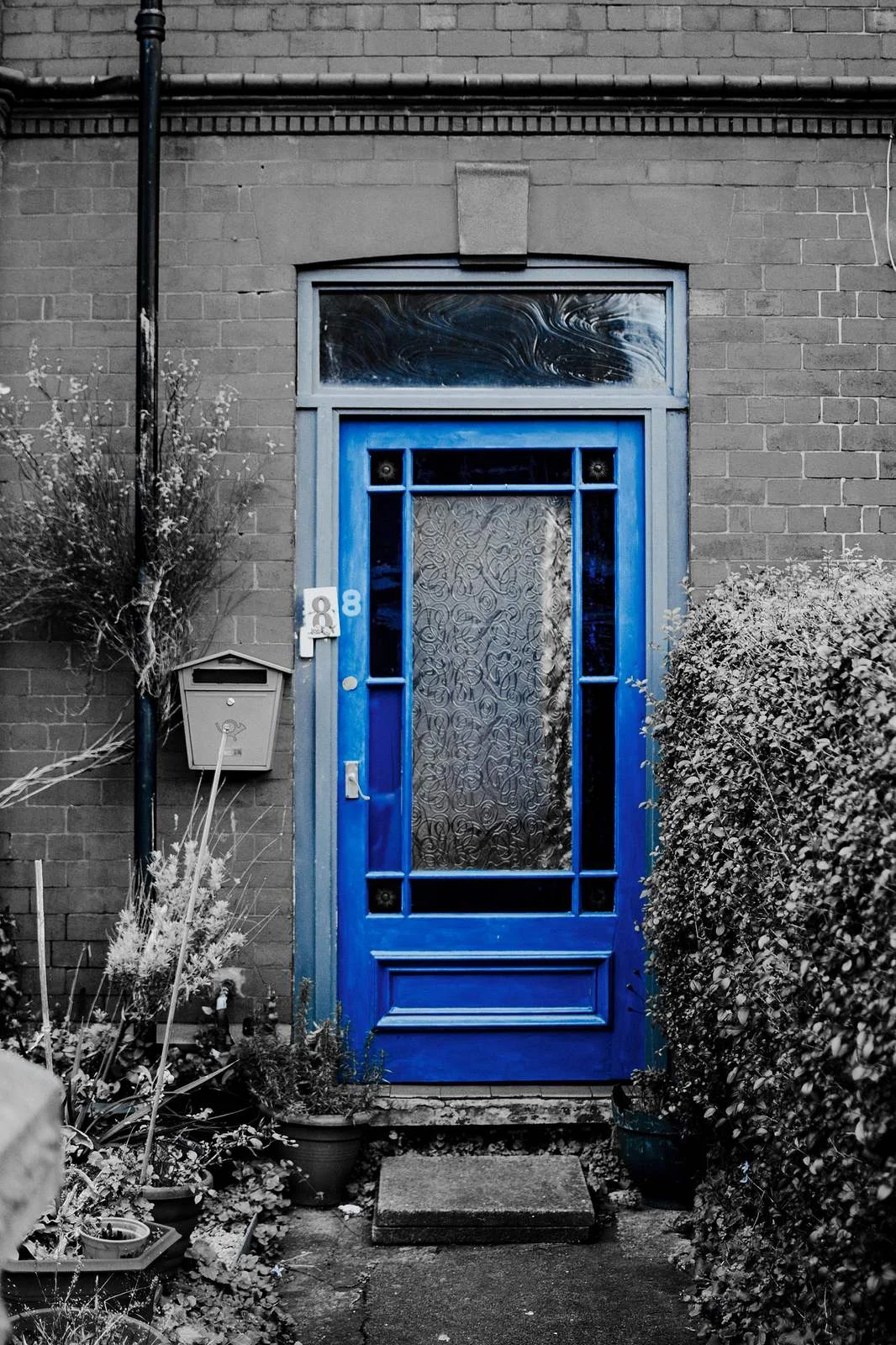
Color Pop Lightroom presets turn standard, busy color images into striking selective-color photos by keeping one specific color saturated while desaturating everything else to clean black and white. These filters isolate and highlight your main subject (like a red dress or a yellow car) against a completely monochrome background. Works on Lightroom Mobile and Desktop.
Presets Included in the ZIP Pack
Inside the download package, you will get access to selective color presets calibrated for specific color channels:
- Red Accent: Isolates reds (like jackets, cars, or lipstick) while turning everything else monochrome.
- Yellow Focus: Keeps yellows (like street markings, cabs, or raincoats) vibrant against dark gray backgrounds.
- Cobalt Boost: Preserves deep blues (like denim or clear skies) while removing all warm tones from the frame.
Creating Selective Color Contrast
Color pop filters work by isolating specific color channels in the HSL panel. Desaturating secondary colors creates instant visual drama, making your primary subject stand out.
If you want a more subtle, movie-like aesthetic instead of a pure black and white background, check out our cinematic Teal and Orange presets.
How to Style Selective Color Images
- Choose a Single Dominant Subject: This effect is strongest when there's one clear, colorful element in the frame, like a yellow car on a gray street or a red umbrella in the rain.
- Clean Up the Background: If some stray colors are still showing through, use the Lightroom brush tool to desaturate those specific areas manually.
- Adjust the Midtones: Since the background becomes monochrome, use the contrast and exposure sliders to make sure the subject remains well-lit and separated from the background.
To get started, download the ZIP file and follow our Lightroom installation guide to load these selective color filters onto your device.
Ideal Photos for This Preset
These filters work best on photos that have a single, clear dominant subject color against a busy or cluttered background. Look for scenes like a bright yellow taxi on concrete streets, a single green leaf on a shadowed forest path, or a red wardrobe piece in a neutral setting.
After downloading, extract the ZIP file and import the XMP presets into Lightroom.