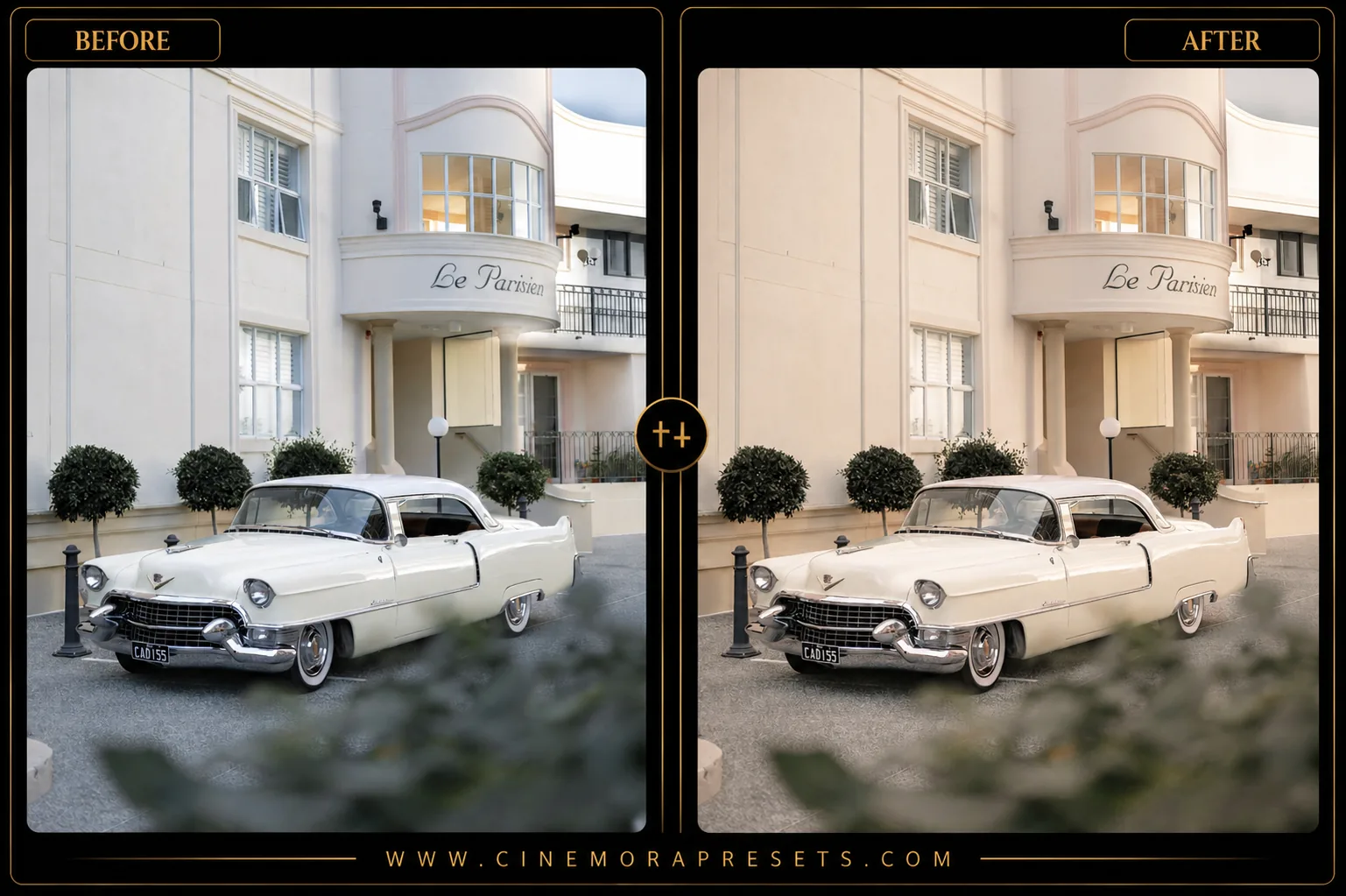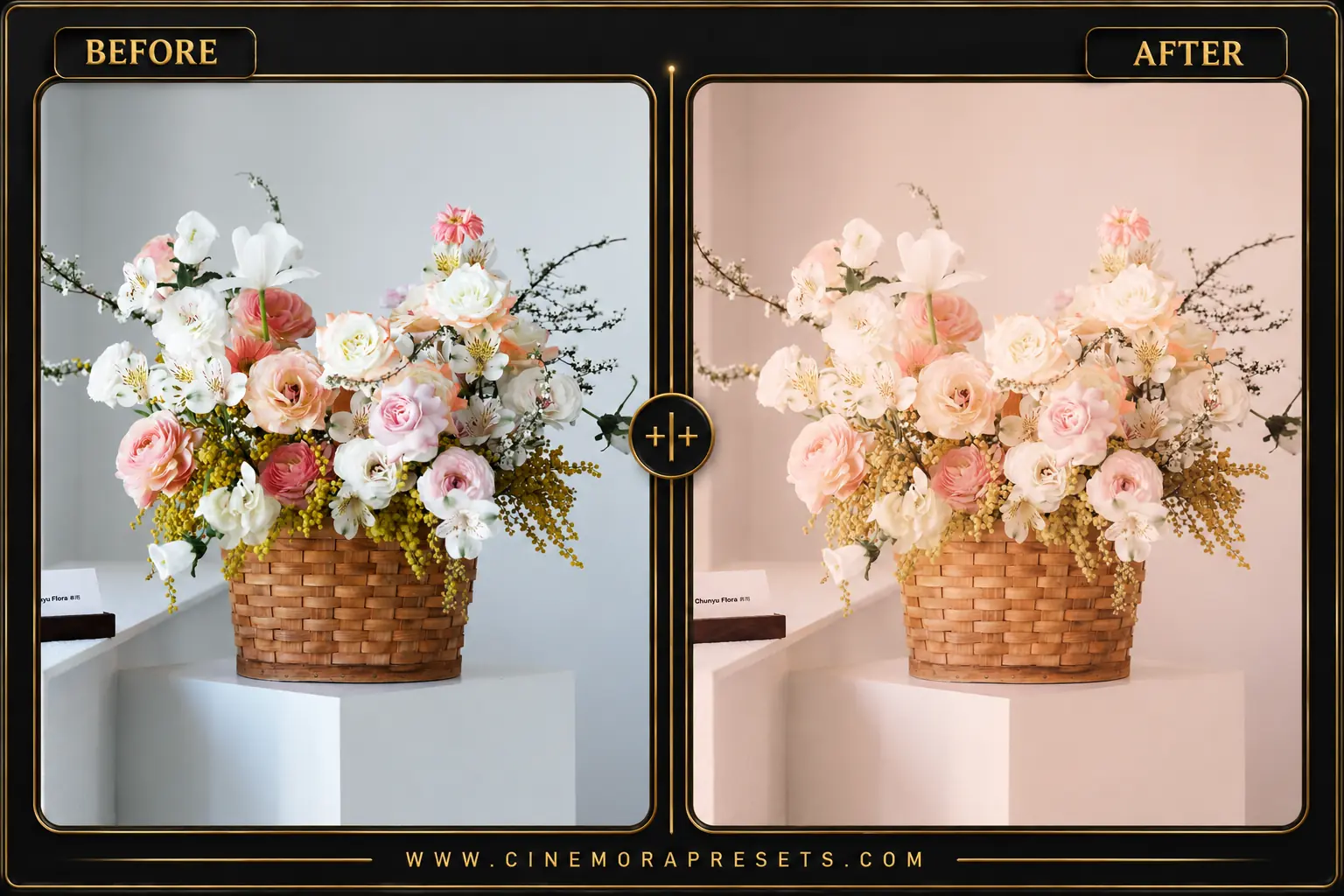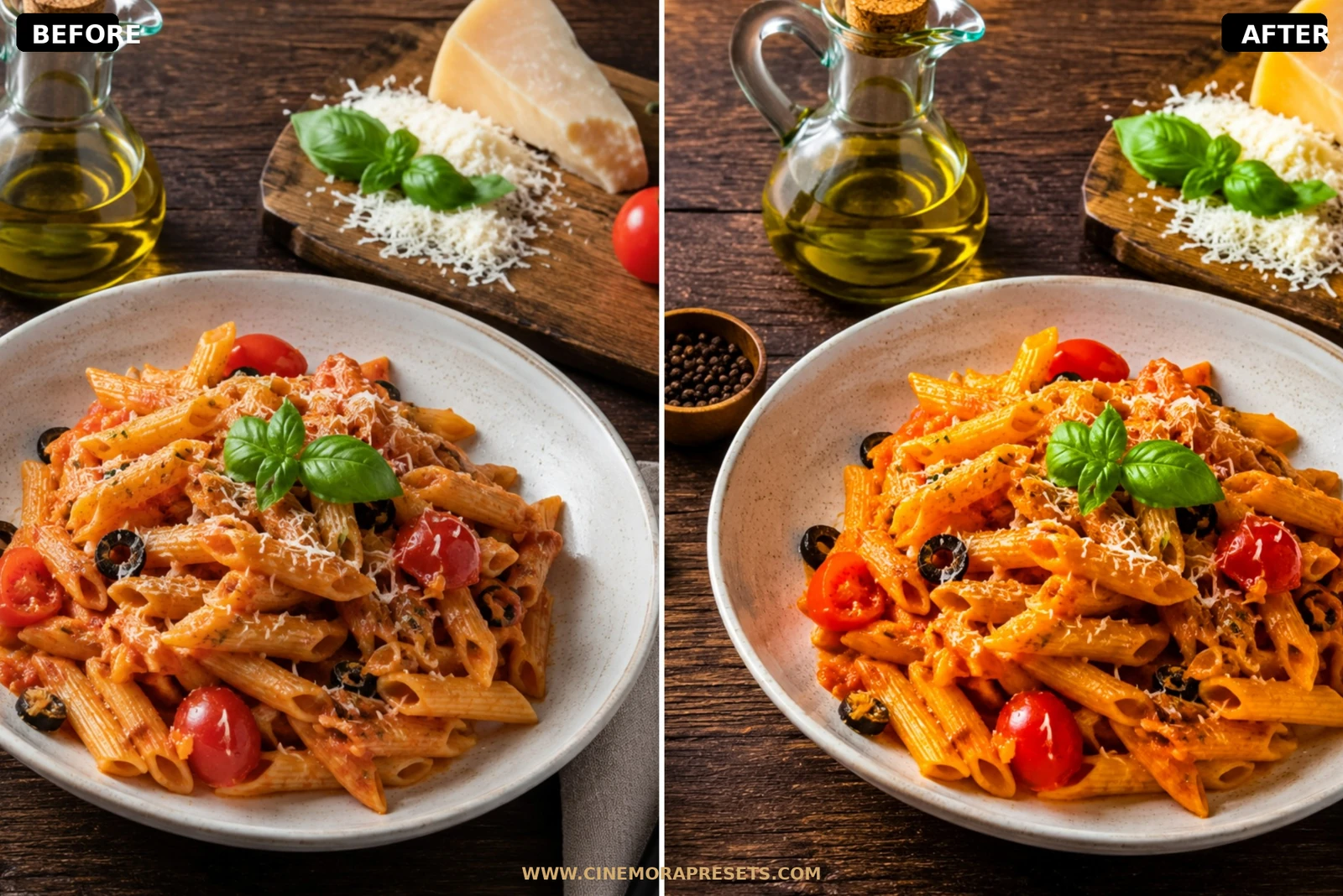
Minimalist photography isn't about lack of color — it's about curated color harmony. I created this Beige Aesthetic pack for content creators, interior designers, and fashion enthusiasts who want to clean up their feed. I wanted to design a filter that makes bright highlights look like soft cream and brings out beautiful, warm linen and neutral earthy colors.
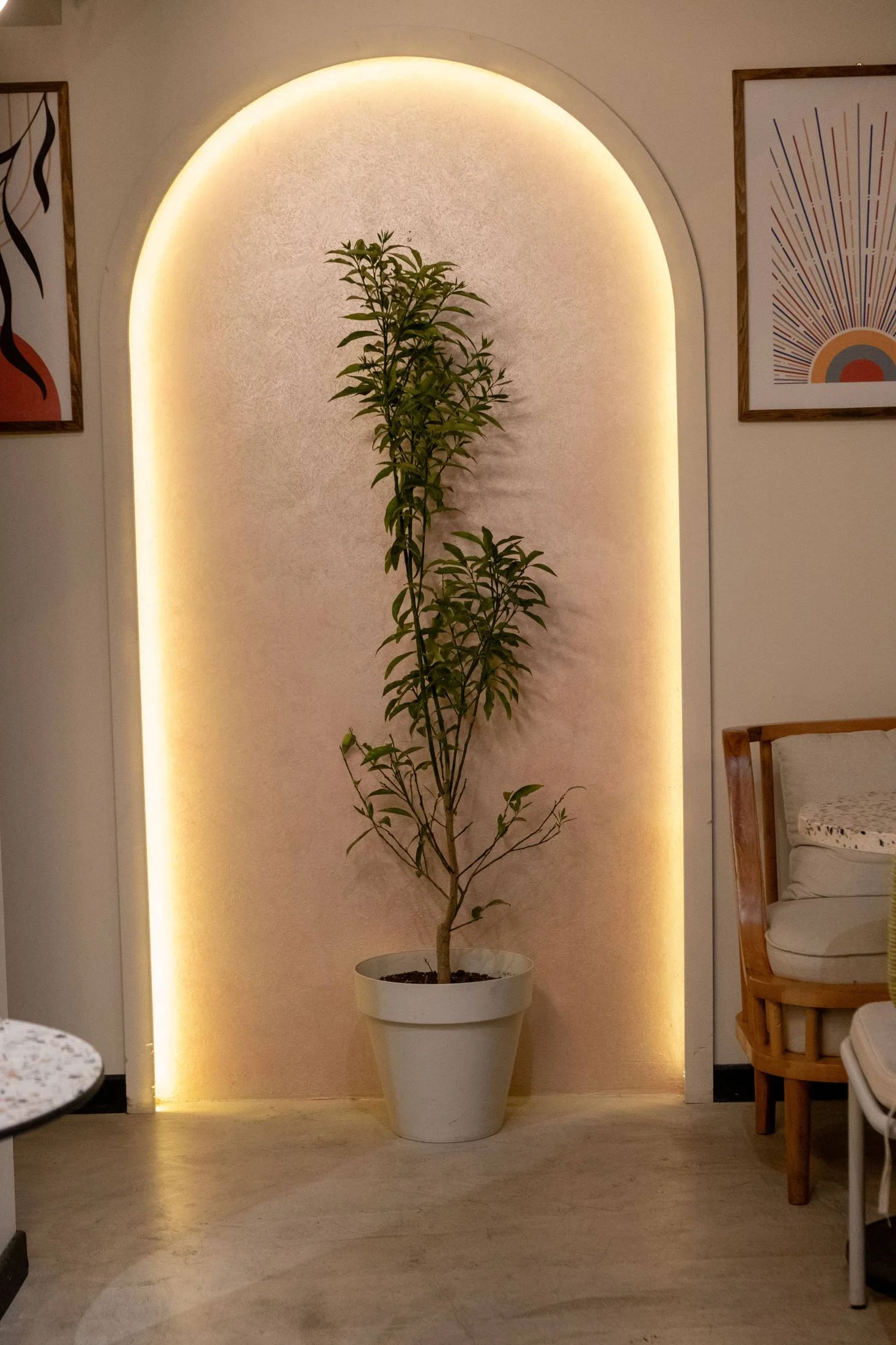
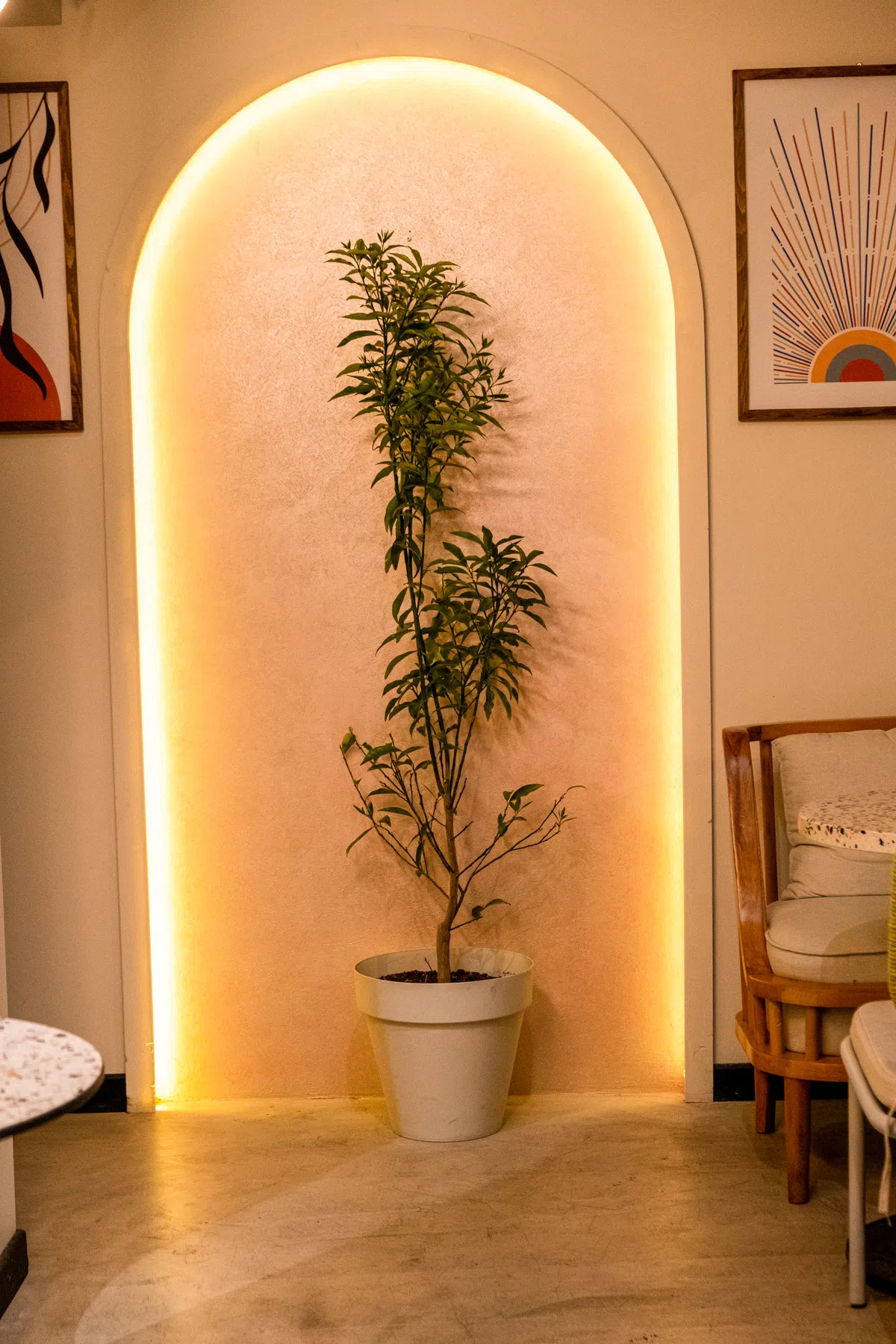
I spent weeks testing these presets on interior shots, fashion flatlays, and everyday lifestyle photos. The result is a gorgeous, warm aesthetic that creates a soothing, premium feeling across your entire gallery.
Formatted in the universal XMP standard, these beige presets import natively into both mobile and desktop Lightroom, giving you an identical cream-toned warmth on all your devices.
The Minimalist Cream & Beige Aesthetic
A minimalist beige aesthetic focuses on curated color harmony rather than a lack of color. This style shifts harsh, digital highlights into soft cream tones and enhances warm linen, sand, and neutral earthy midtones. Simultaneously, it desaturates cooler secondary colors like blues and greens to clean up busy backgrounds.
Contrast is kept low to ensure smooth, creamy transitions, giving your flatlays, interiors, and portraits a high-end, cohesive editorial feel.
What's Included (4 Lightroom Presets)
This free minimalist cream-themed bundle contains four custom XMP presets designed to unify your social media feed:
- Warm Minimal Beige: Adds a soft, cozy neutral tone with low-contrast highlights and soft faded blacks. Ideal for interior decor.
- Creamy Beige Light: A bright, airy look that enhances sandy tones and flatters natural skin colors in daily outfit shots.
- Pastel Beige Glow: Introduces a soft, warm pastel cast to highlights, perfect for indoor window light.
- Beige Coffee Tones: Deepens midtones slightly to emphasize wooden textures and coffee shop layouts.
Best Images for This Preset
These presets work best on fashion portraits, minimalist interior design, lifestyle flatlays, white/neutral walls, and clean architectural spaces. They perform exceptionally well under soft, diffused natural lighting.
However, they require neutral backdrops to render correctly. If you apply these filters to environments filled with high-vibrancy neon signs, colorful graffiti, or highly saturated primary colors, the results will look muddy because the presets are calibrated to desaturate those exact channels.
Technique Tips
Here are my top professional workflow tips for styling and refining the warm cream look:
1. Control the Highlight Roll-Off
To replicate a soft, linen-like flat matte texture, slightly lower the Highlights and pull down the top-right end of the Tone Curve. This prevents digital whites from looking too harsh or clinical.
2. Desaturate Conflicting Colors
If blue sky tones or green foliage bleed into your scene (e.g., through an open window), open the Color Mixer in Lightroom, select the Blue/Green channels, and drop their saturation. This draws all focus back to the warm earth tones.
3. Style Your Backdrops
Since the preset enhances neutral tones, style your frame using linen cloths, warm wood, ceramics, or clean stone to let the cream tones harmonize naturally.
[!TIP] Combine these filters with our glowing Aesthetic presets or Dreamy presets for an even softer romantic look.
After downloading, extract the ZIP file and import the XMP presets into Lightroom.