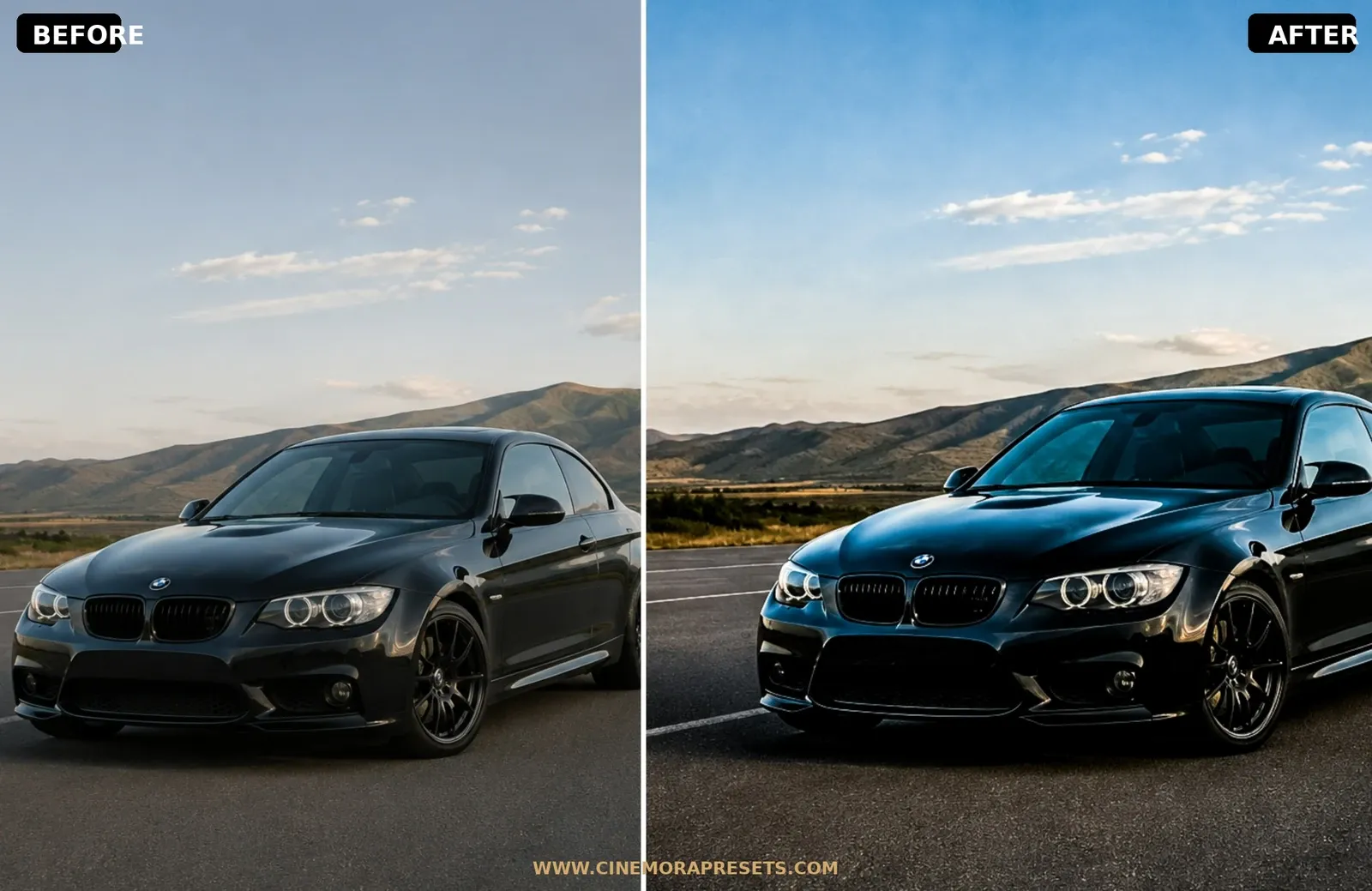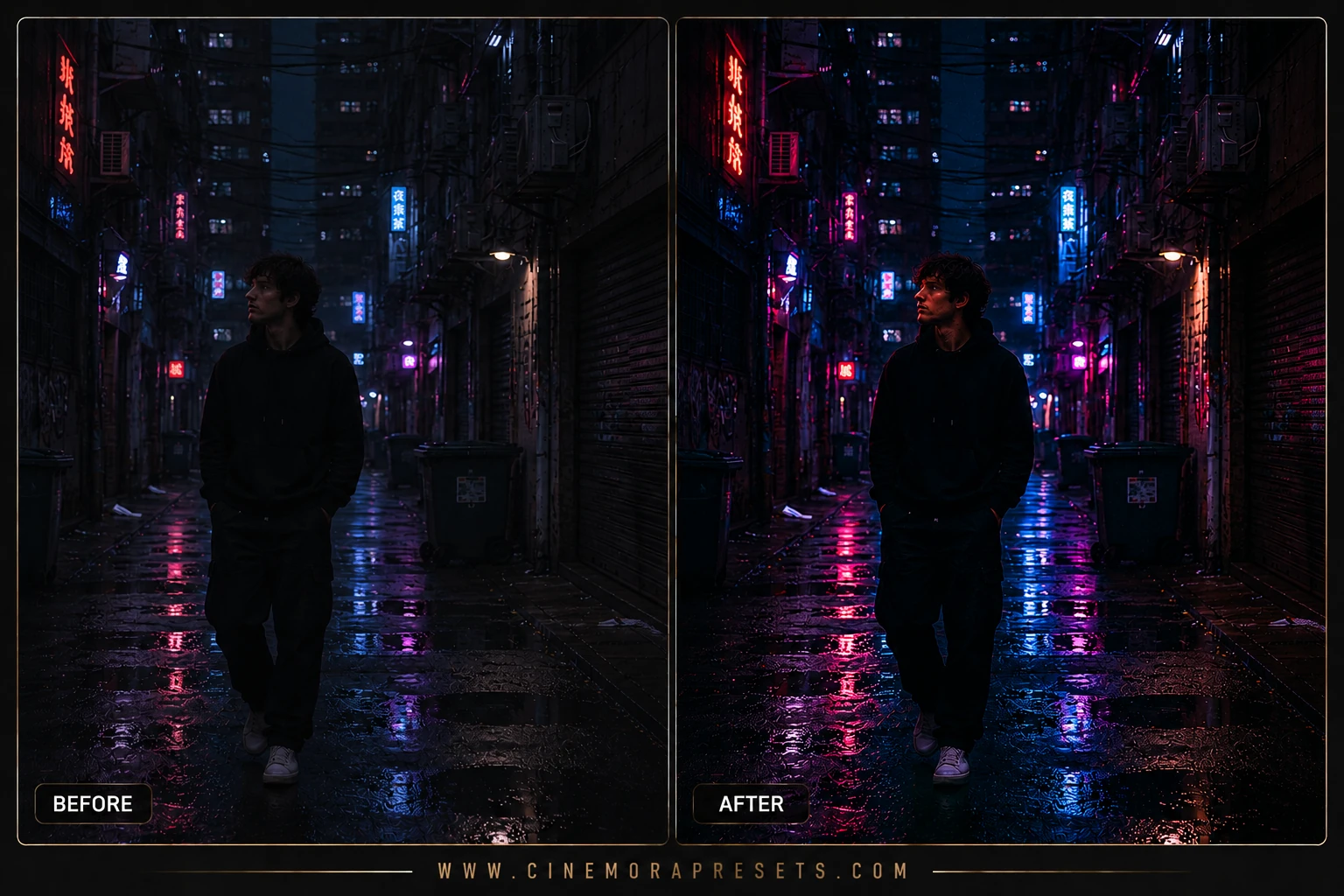
Night street photography is one of the most exciting genres, but straight-out-of-camera shots are often ruined by ugly, messy yellow light casts from old sodium streetlamps. I have always been fascinated by the futuristic, neon-drenched atmospheres of classic sci-fi movies like Blade Runner. I designed this pack of free Cyberpunk presets to help you recreate that futuristic synthwave grade instantly.
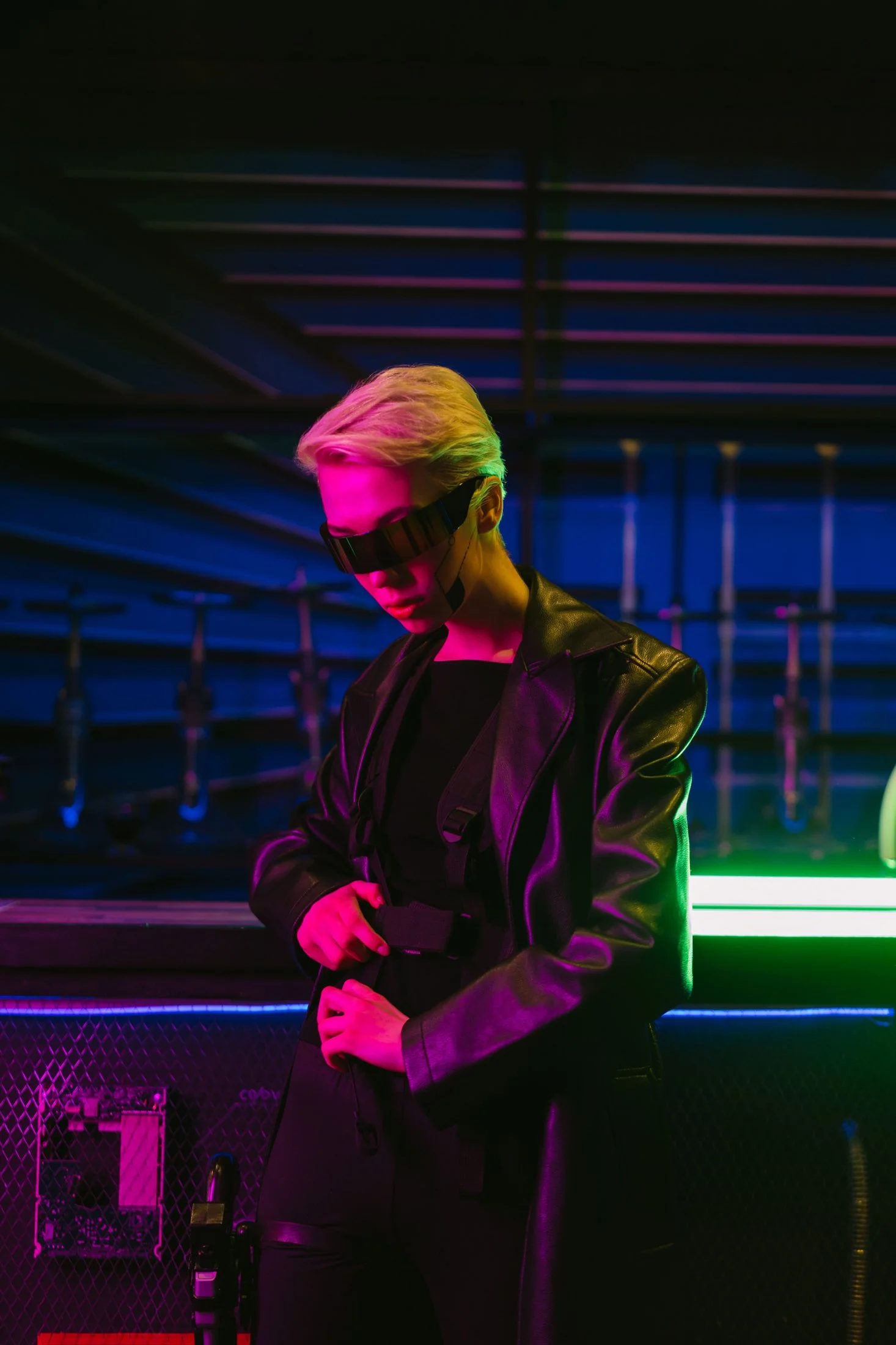
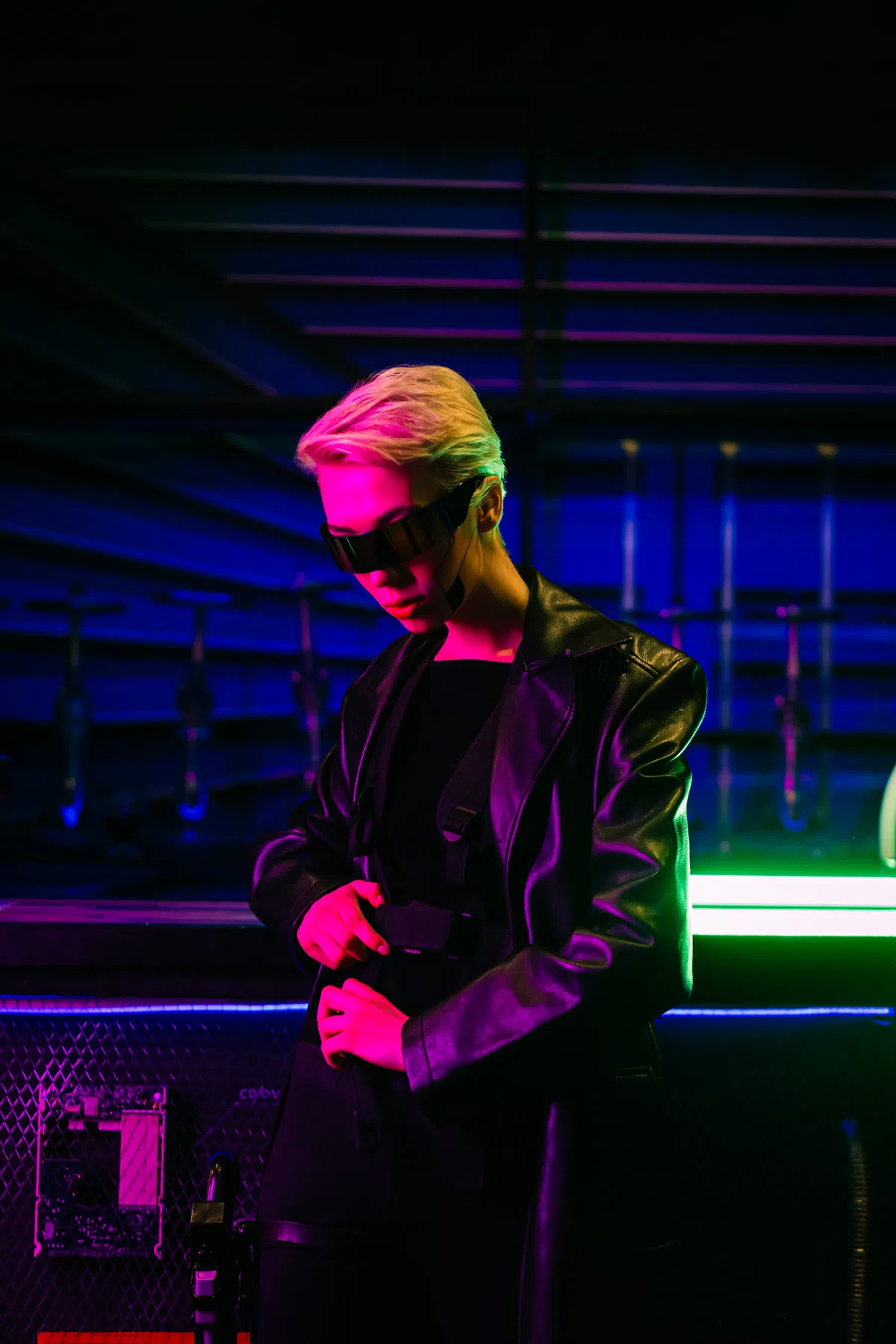
These filters are built to surgically clean up the night spectrum. They desaturate sodium yellows, shift blue channels to glowing electric cyans, and map reds and magentas to vibrant neon purples, all while crushing the midtones to make bright neon bulbs reflect dramatically off wet asphalt.
To ensure your futuristic street photography looks jaw-dropping on every screen, these presets are packaged in the universal XMP format. They apply identical neon color grades and high-contrast curves seamlessly across both your mobile CC app and desktop Lightroom catalog.
Master the Cyberpunk Aesthetic
Recreating futuristic sci-fi cityscapes is about high contrast and electric neon tones. Follow these tips to get the Blade Runner look:
Tokyo Neon Lightroom Preset Settings & Slider Values
Exposure: -0.10 | Contrast: +22 | Highlights: +5 | Shadows: +12 | Whites: 0 | Blacks: -5 | Temp: -3 | Tint: +2 | Texture: +12 | Clarity: +2 | Saturation: -2 | Vignette: -5
To expand your nocturnal styles, try our Dark Smoky presets.
1. Shoot After the Rain
The absolute secret to cyberpunk photography is water. Wet streets act as mirrors, catching the cyan and magenta neon light and reflecting it across the bottom of your frame. Apply these presets to post-rain shots for instant magic.
2. Protect Your Highlight details
Neon sign text is easy to blow out, making them look white rather than colorful. To keep their neon saturation, go to the Light panel and pull down the Highlights and Whites sliders until the sign text is readable.
3. Use Selective HSL adjustments
If the electric pink or purple looks too intense on a specific photo, open the HSL panel, select Saturation, and pull down the Magenta and Purple sliders to get a cleaner, more subtle synthwave balance.
Installation Guide
Setting up these presets on your phone or computer is very simple:
- Download the ZIP file containing the XMP preset files.
- If you need step-by-step instructions for your specific device, follow my guide on how to install Lightroom presets for instant setup help.
What's Included
This professional collection contains custom XMP presets crafted to elevate your photographic edits with a single click. Here is what is in your free download:
- Neo Tokyo Presets (vibrant cyan and hot magenta tones with deep dark shadows)
- Synthwave Night Presets (retro 80s pinks, purples, and deep velvety blues)
- Cyberpunk Street Presets (high contrast neon highlights and wet street reflections)
Preset Style & Color Tone
Characterized by crushed dark midtones, highly saturated neon cyan and hot magenta/violet channels, desaturated warm sodium yellows, and high-contrast highlight curves that make city lightbulbs glow.
Best Photos for This Preset
Designed specifically for night street photography. Looks absolutely incredible on wet rainy streets with neon reflections, steam, dark alleyways, and glowing urban signs. Avoid using these on daylight photos, as it will create a messy purple tint.
After downloading, extract the ZIP file and import the XMP presets into Lightroom.