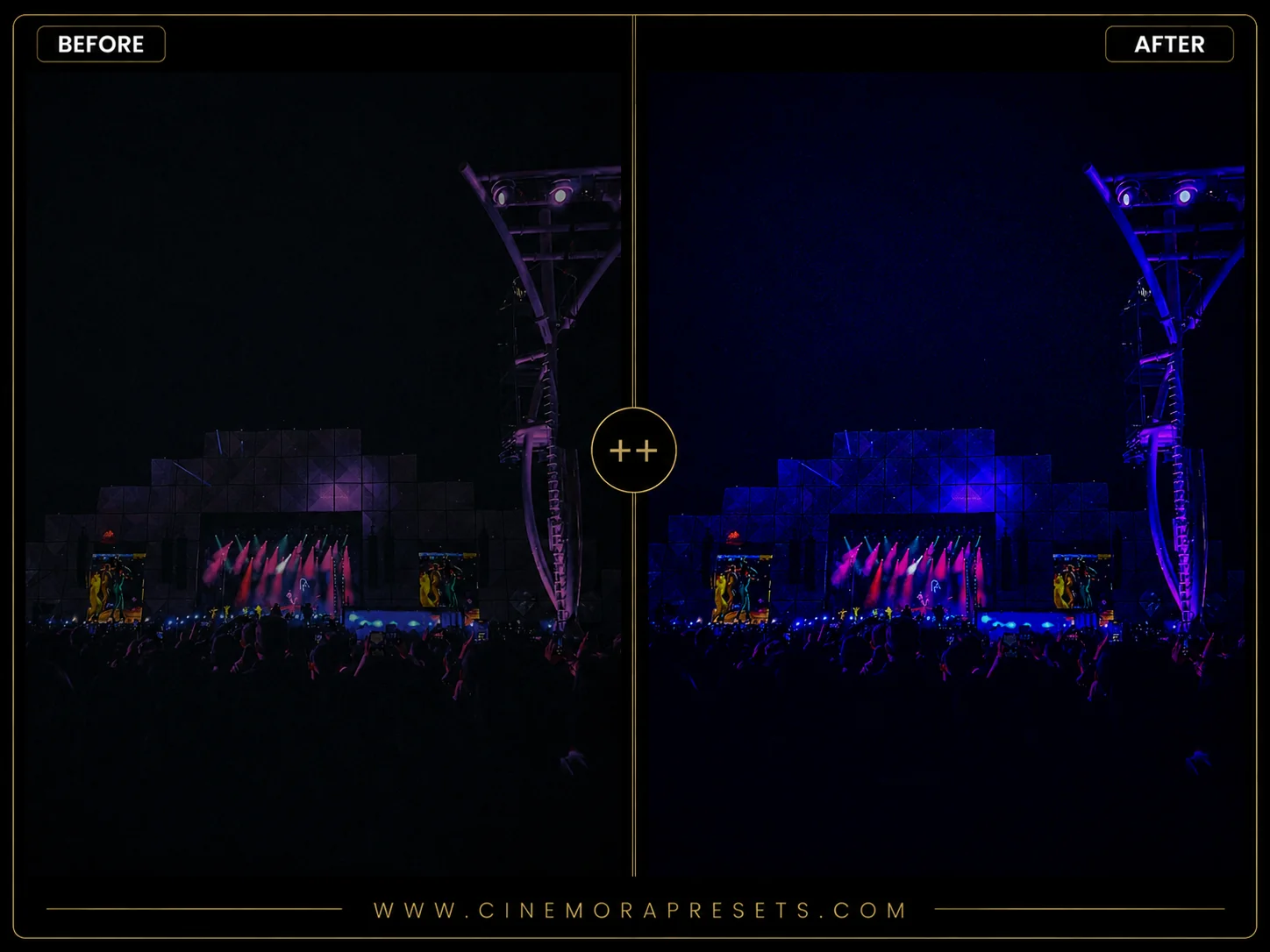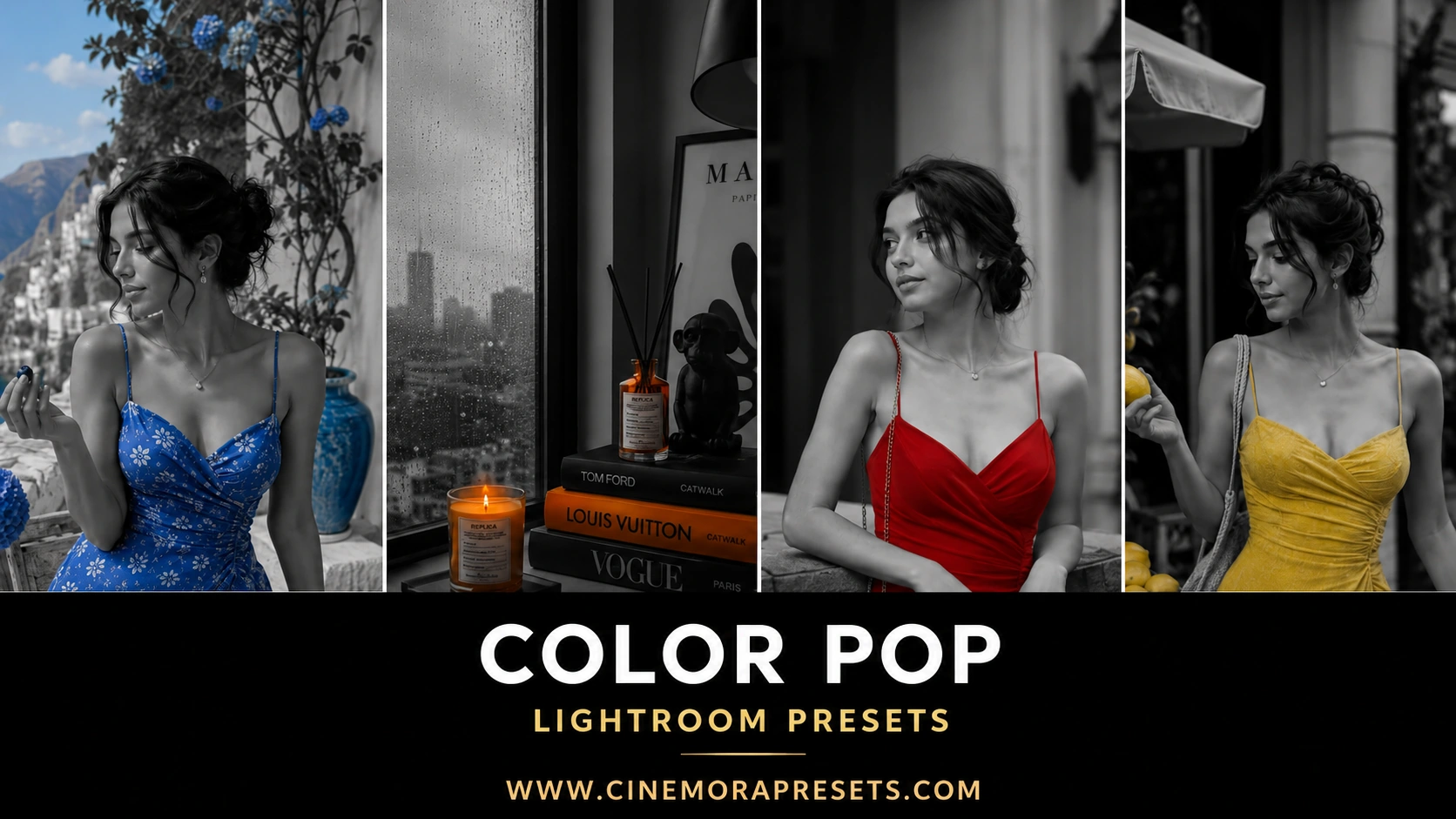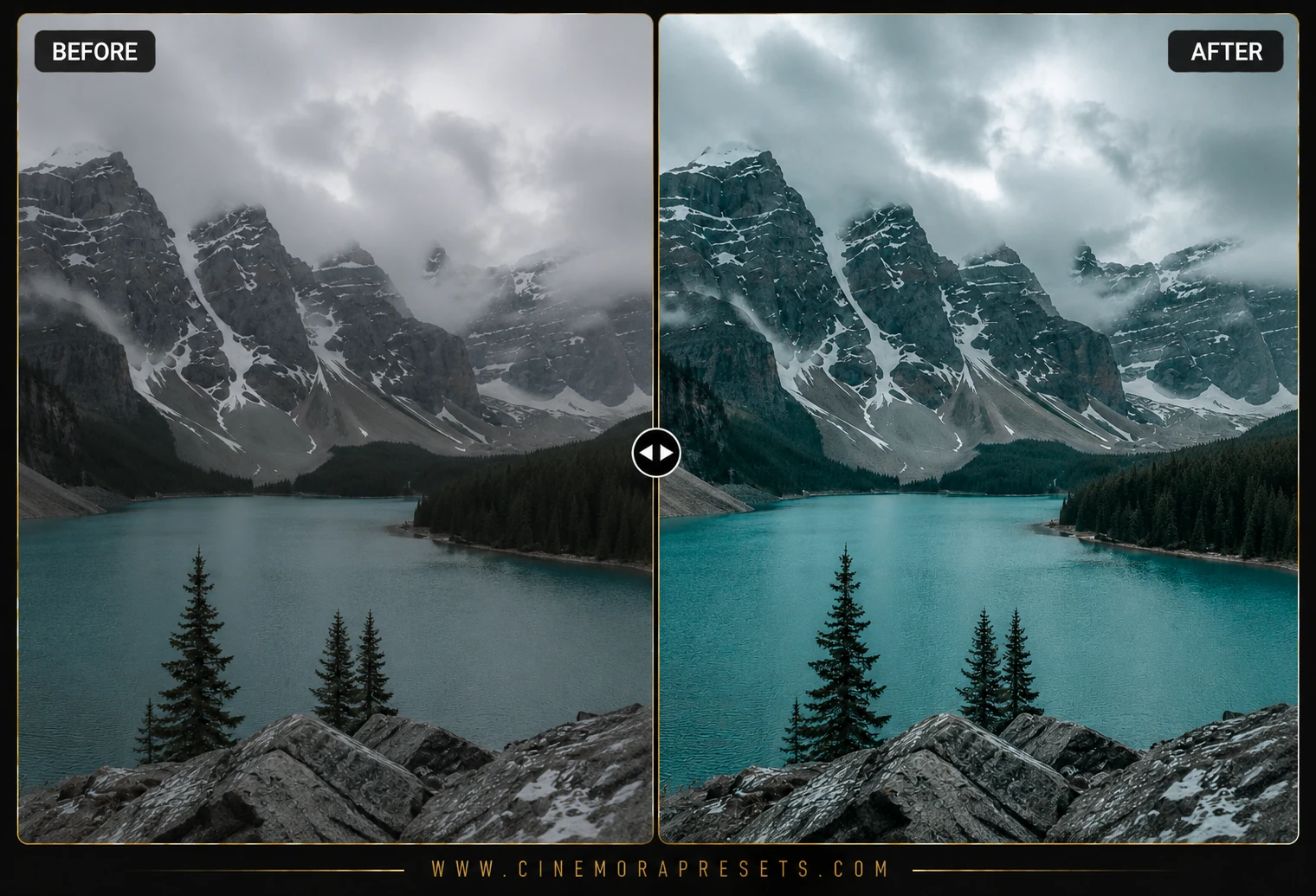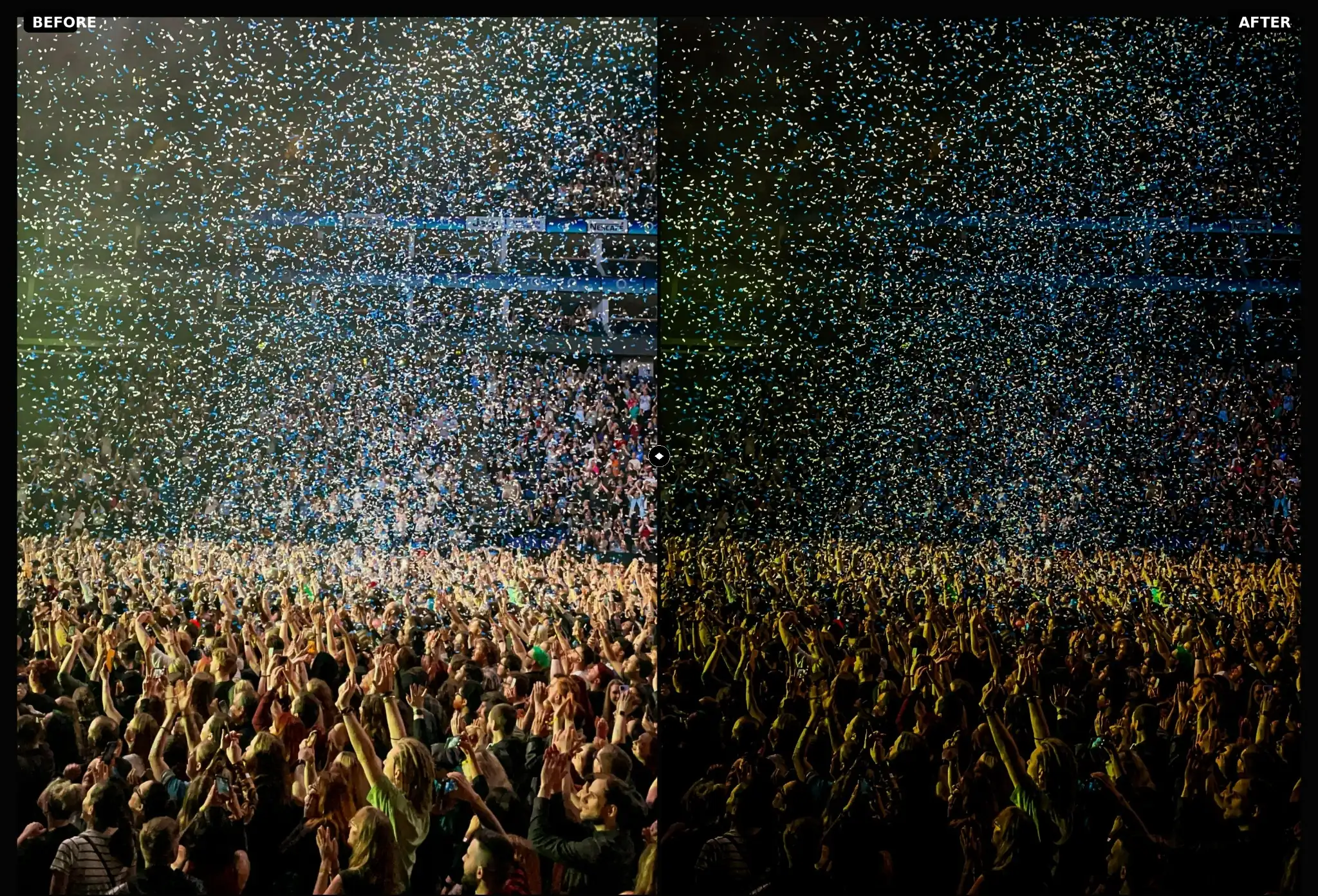
Concert Lightroom presets help you clean up your live music photos. Saturated stage LEDs blow out skin tones, dark venue shadows create digital noise, and bright spotlights wash out the artist's face. These presets balance highlights and restore details to your gig shots on mobile and PC.
Fixing stage lighting
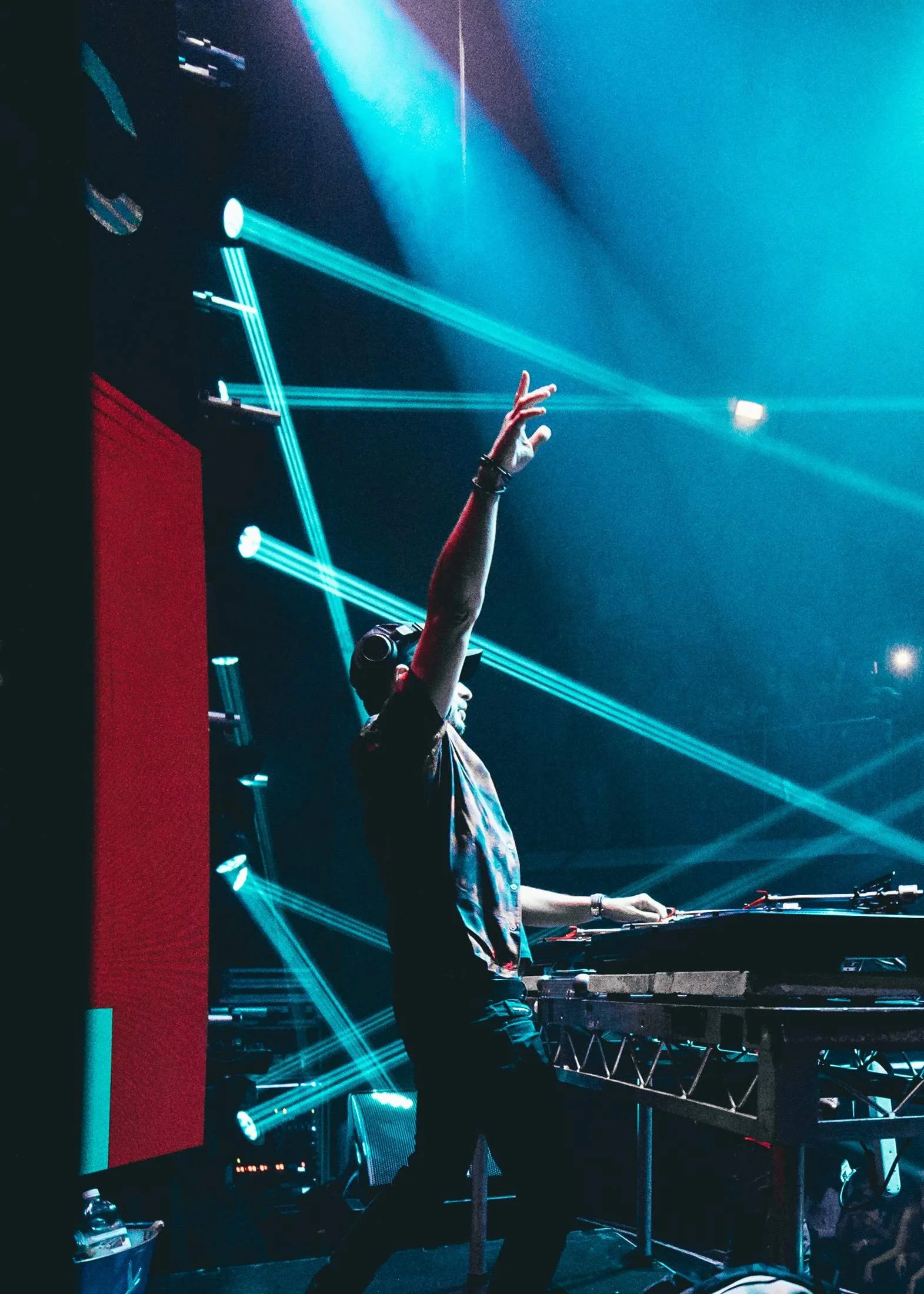
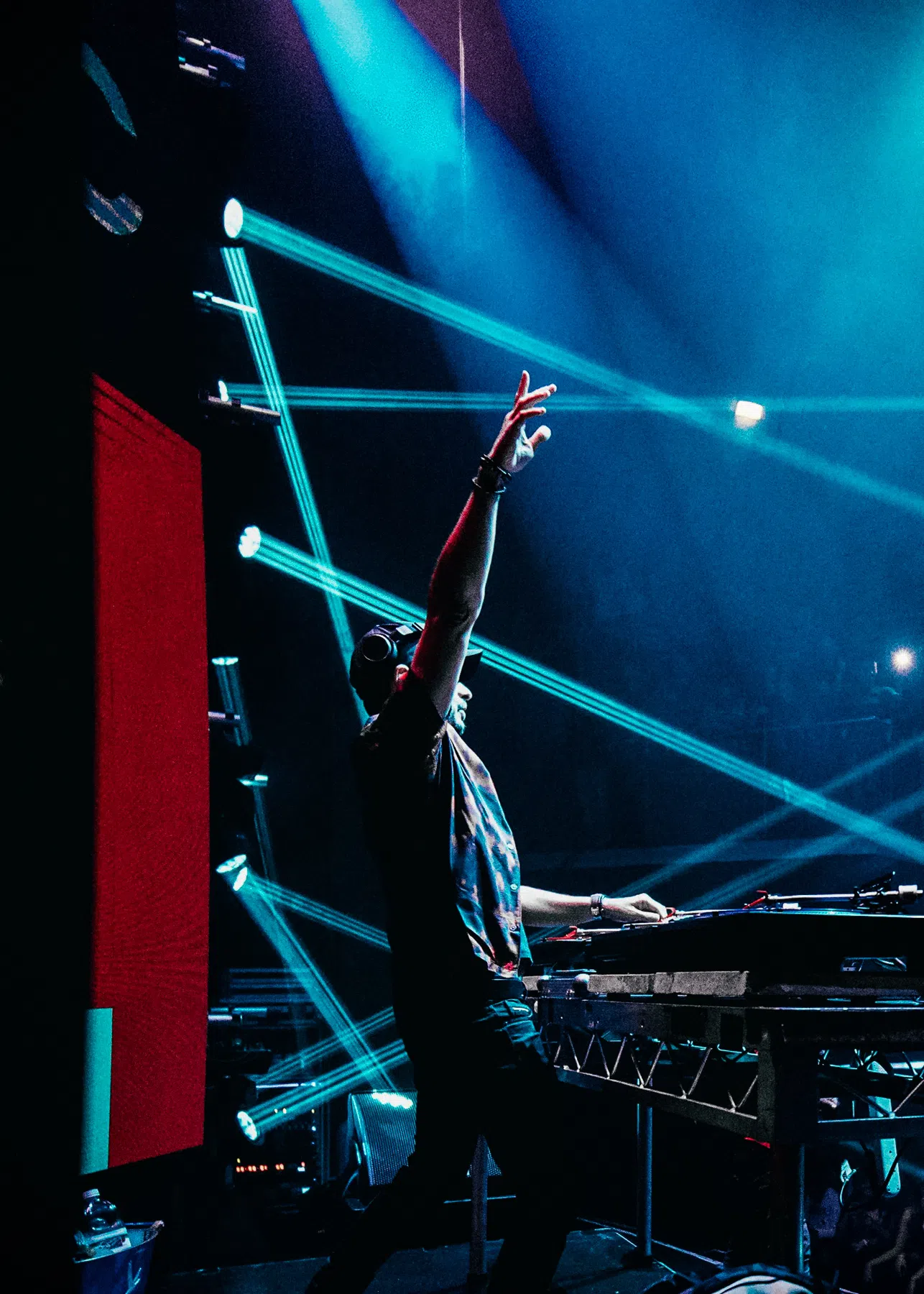
When you edit gig photos, stage lights easily saturate the camera sensor. This leaves you with flat blocks of pure neon color that lose all detail. These presets are designed to shift those clipped blue and red highlights into smoother, more film-like shades. This recovers details in laser beams and colorful backlights without washing out the performer.
Balancing spotlights
Exposure on stage is also tricky because spotlights are much brighter than the rest of the venue. The filters automatically balance this contrast by pulling down harsh highlights and lifting shadows slightly. This lets you see details in both the artist's expression and the dark crowd behind them.
What's Included
This free download comes with five concert presets:
- Neon Wave: Fixes bright blue and red stage lights by shifting them to teals and magentas.
- Spotlight Solo: Lowers contrast on bright spotlights to keep facial details clear.
- Basement Gig: Lifts deep shadow details for poorly lit basement venues.
- Arena Rock: Adds a high-contrast look with faded blacks for a clean, moody style.
- Gritty B&W: A high-contrast black and white look that adds raw emotion.
Best Photos to Use
These presets work best on concert photos, club gigs, and music festival shots. They look great on images with strong backlights, laser beams, or colorful spotlights.
After downloading, extract the ZIP file and import the XMP presets into Lightroom.