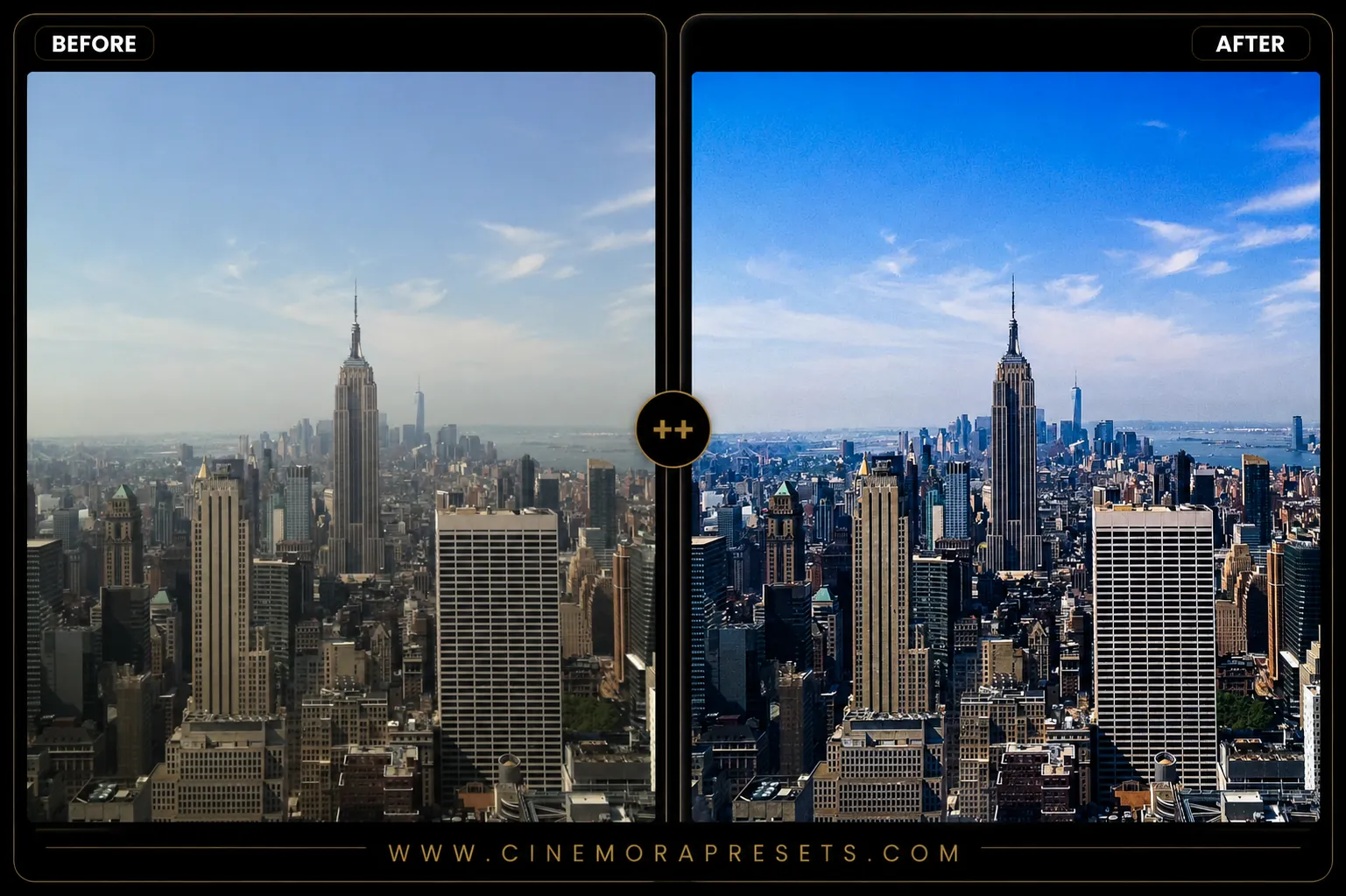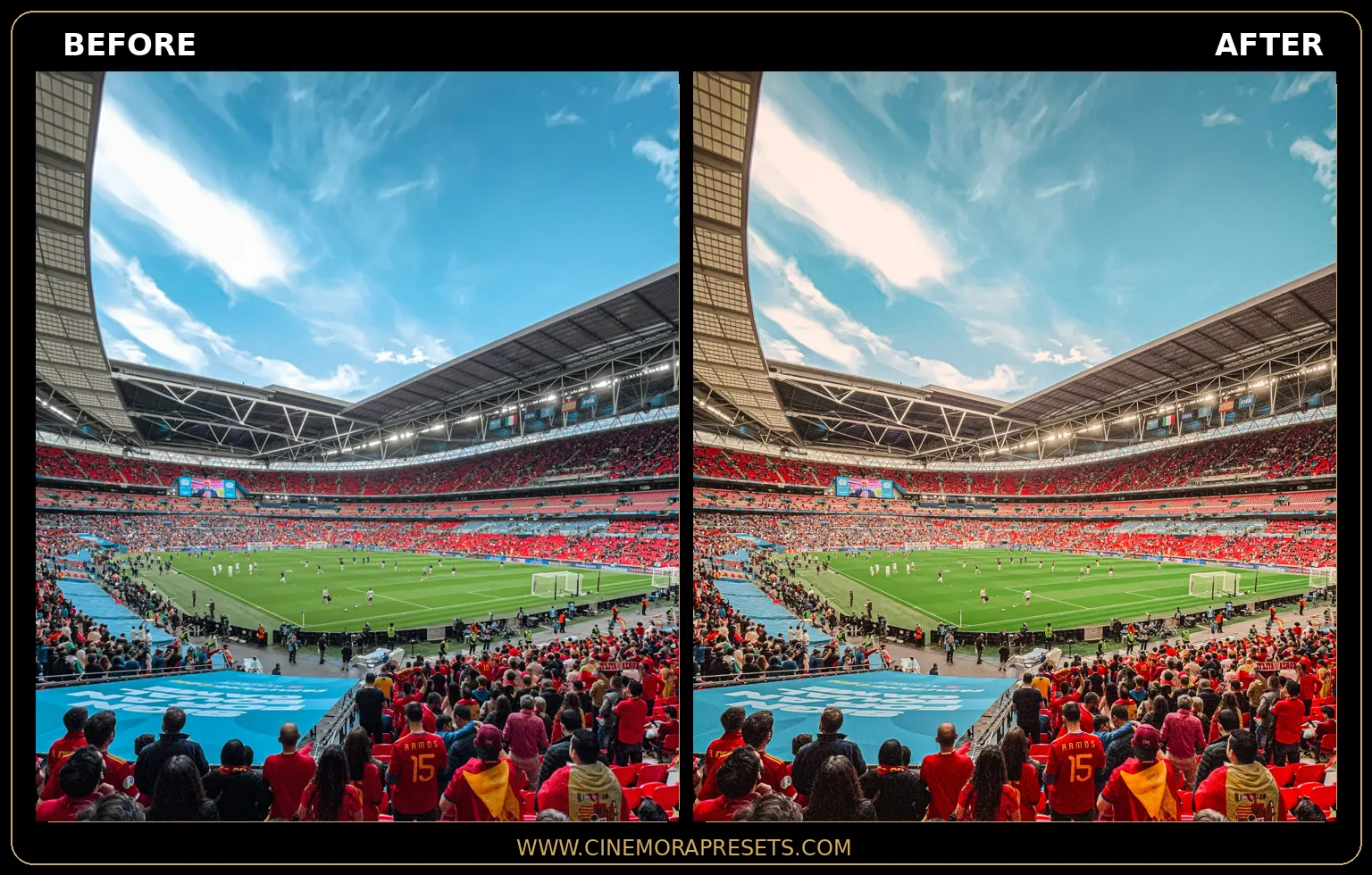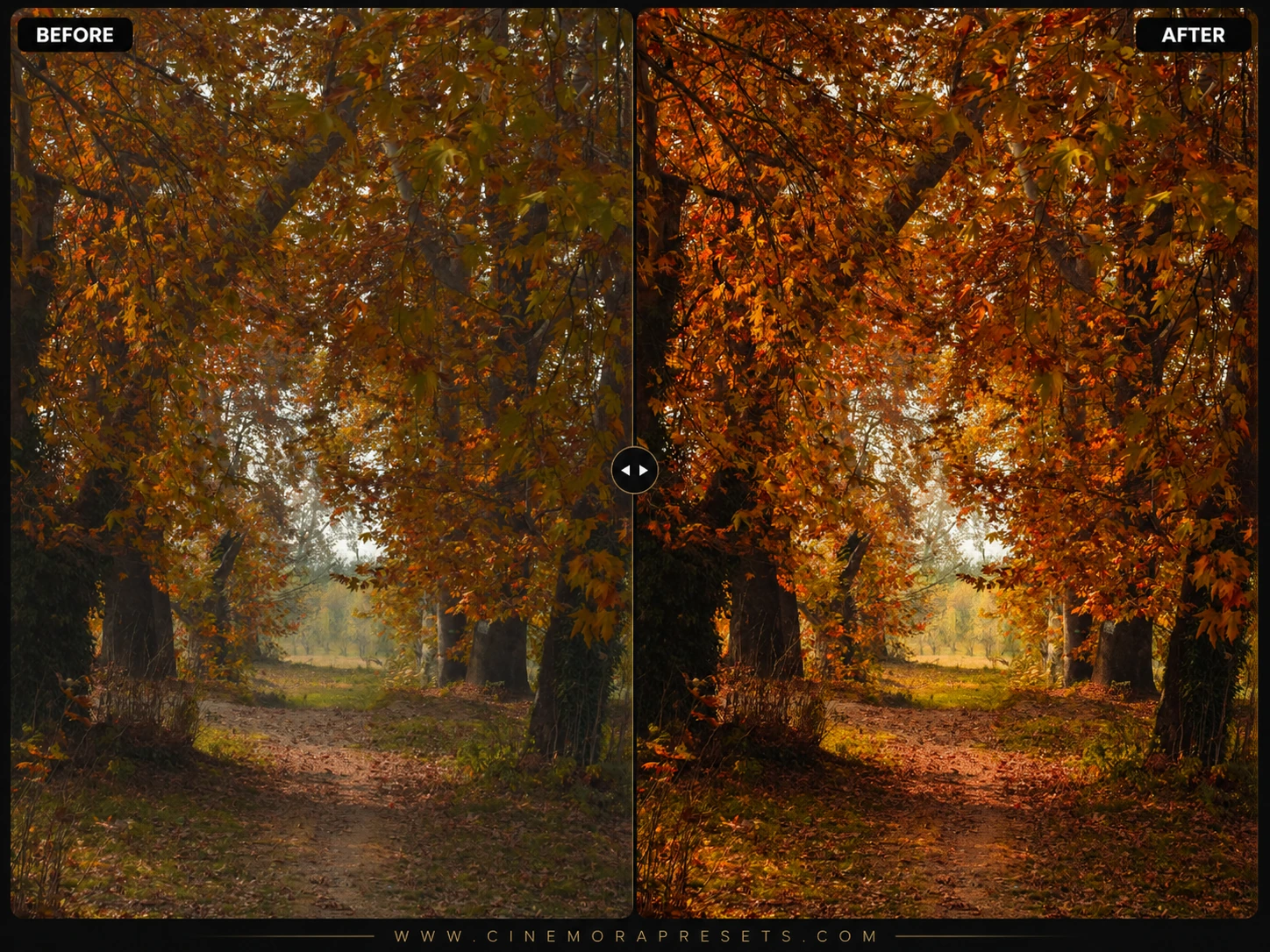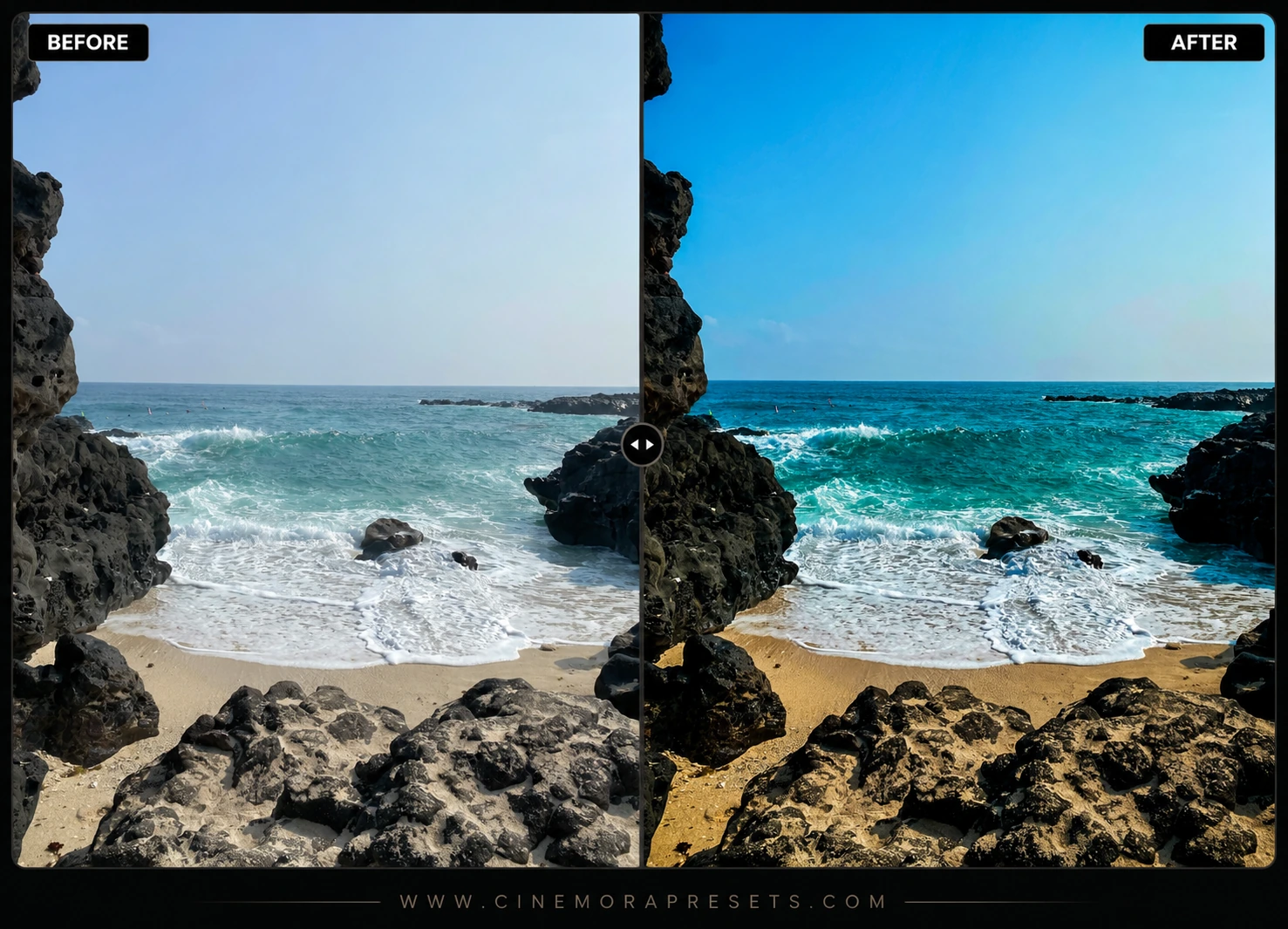
Editing beach photos is always a challenge. The bright sun reflecting off the sand creates a blinding glare, and ocean water often looks flat or muddy instead of that beautiful turquoise blue. I made these free Beach Lightroom presets to help you get bright, clean, and colorful travel photos. They cool down deep ocean water into bright teals, clean up yellow glare in the sand, and soften harsh highlights.
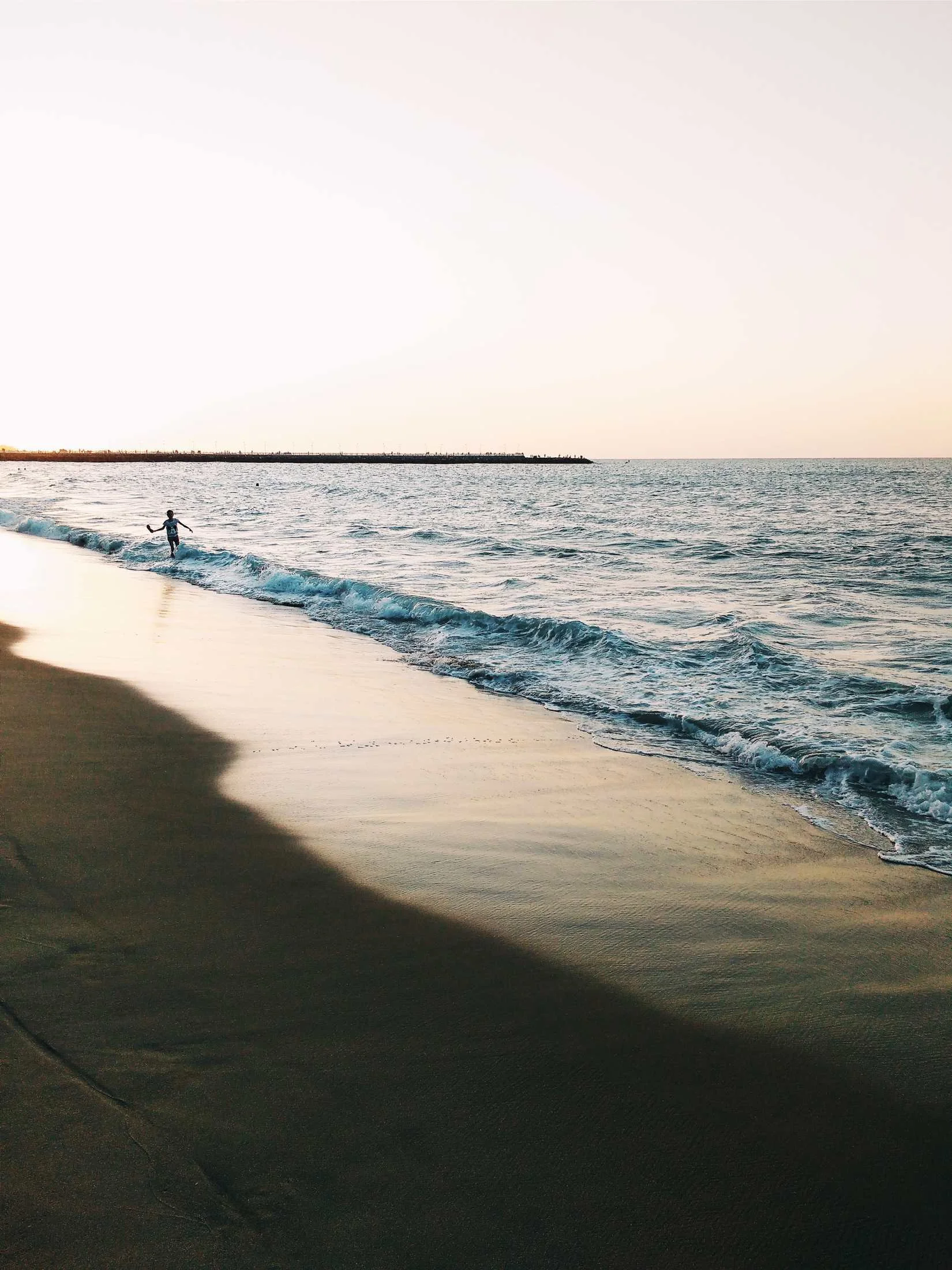
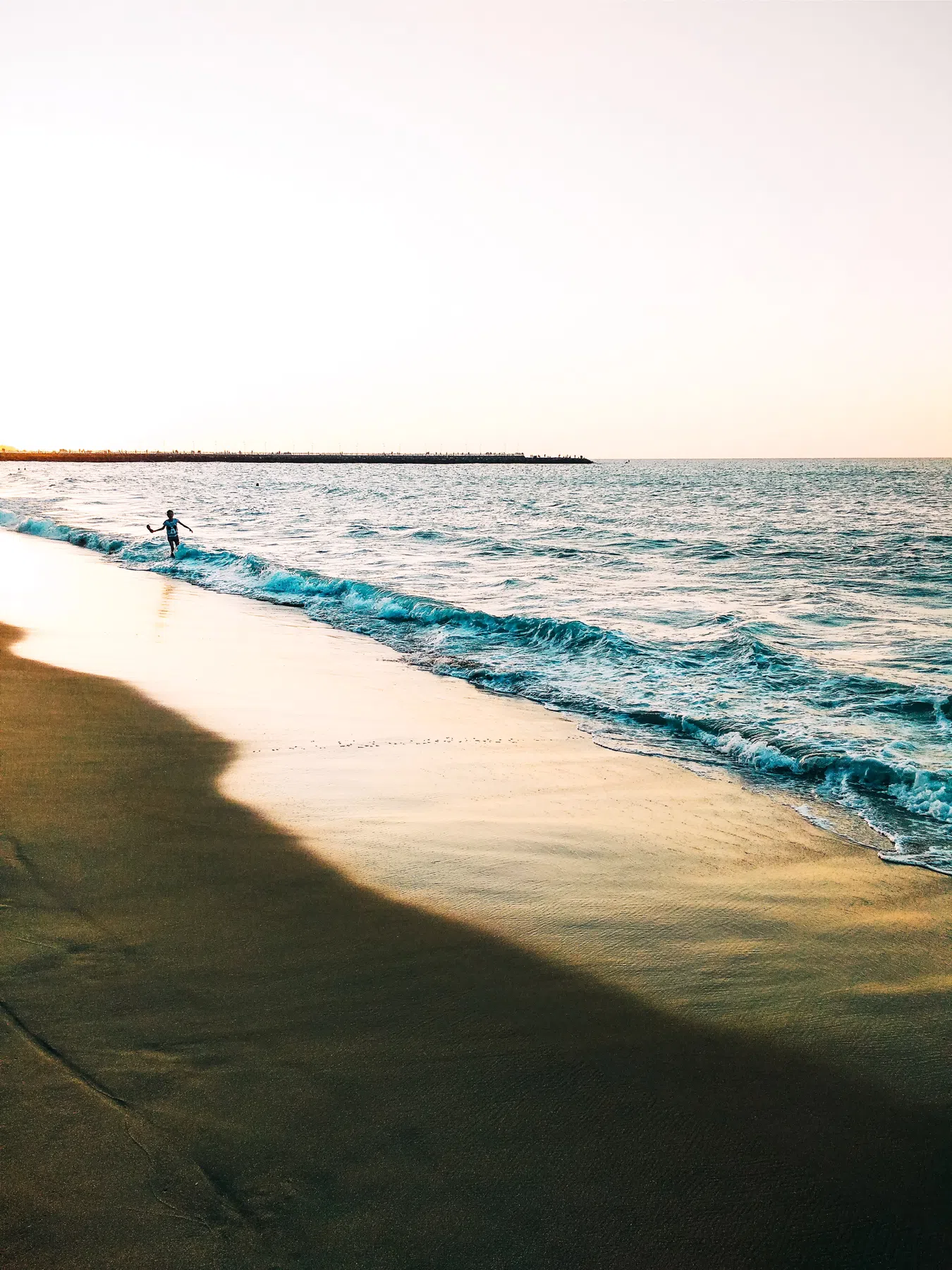
They work great for tropical vacations, pool shots, and sunset photos. Since they are in the standard XMP format, they work perfectly on both your mobile device and desktop Lightroom.
Tips for Editing Tropical Beach Photos
Getting clean beach photos is all about balancing the harsh sun while keeping your ocean blues and sand tones looking clean. Here is a simple, straight-to-the-point way to edit:
Sandy Beach Lightroom Preset Settings & Slider Values
Exposure: +0.35 | Contrast: +10 | Highlights: -28 | Shadows: +18 | Whites: +25 | Blacks: -12 | Clarity: +12 | Saturation: +8
For other beautiful outdoor looks, match these beach vibes with our warm Golden Hour presets.
Adjust the Ocean Water Colors
To get a beautiful tropical water color, use the Color Mixer panel. Go to the Hue tab and drag the Blue slider slightly toward aqua to turn dark ocean water into a cleaner tropical blue. Next, move the Aqua slider slightly toward green to get a nice turquoise look.
Clean Up Sand Glare
Beach sand acts like a giant mirror and can easily take on a dirty, yellow look under bright sunlight. Go to the Saturation tab in your Color Mixer and lower the Yellow and Orange saturation slightly. This removes the warm glare and makes your sand look soft and clean.
Soften Harsh Midday Highlights
Midday sun is incredibly bright and can easily blow out details. Go to the Light panel and pull the Highlights slider down to recover details in the clouds and ocean foam. Next, boost the Shadows slider slightly to make sure backlit subjects look bright and clear.
Installation Guide
Setting up these presets on your phone or computer is very simple:
- Download the ZIP file containing the XMP preset files.
- If you need step-by-step instructions for your specific device, follow my guide on how to install Lightroom presets for instant setup help.
What's Included
This pack includes custom presets to handle different coastal lighting. You get 4 Aqua Water filters to make ocean water look bright and tropical, 3 Golden Hour Surf filters to warm up sunset reflections on the water, and 3 Clean Sand filters to cool down bright yellow sand glare.
How the Colors Look
The overall style focuses on bright, colorful travel tones. It shifts blue ocean water toward a clean teal, pulls down warm yellow casts in the sand, and slightly lifts the shadows so backlit subjects stay bright and clear.
Best Photos to Use
These work best on sunny beaches, tropical vacations, pool shots, and coastal portraits. They perform beautifully in bright, direct sunlight or backlit sunset conditions where contrast is high.
After downloading, extract the ZIP file and import the XMP presets into Lightroom.