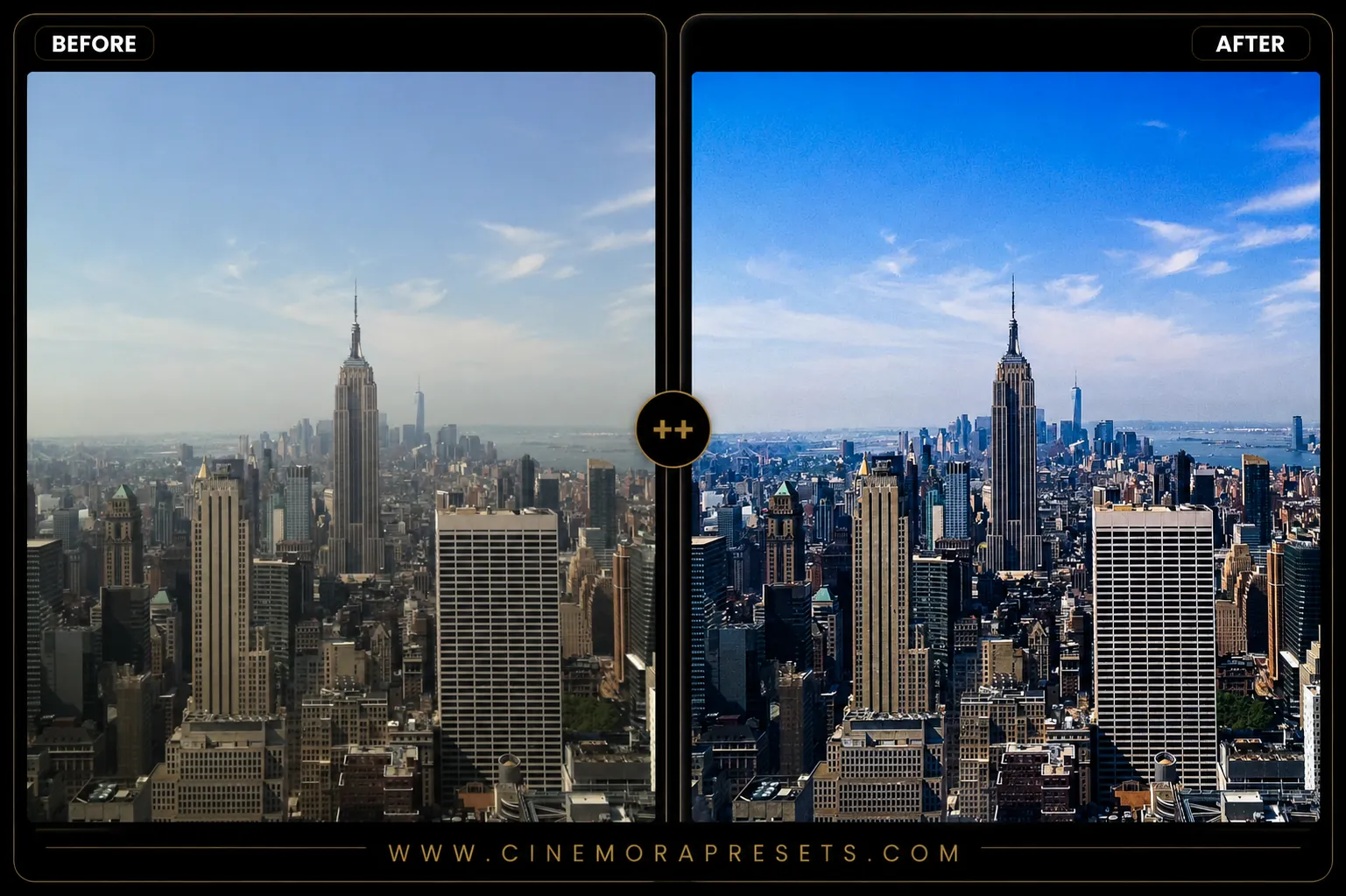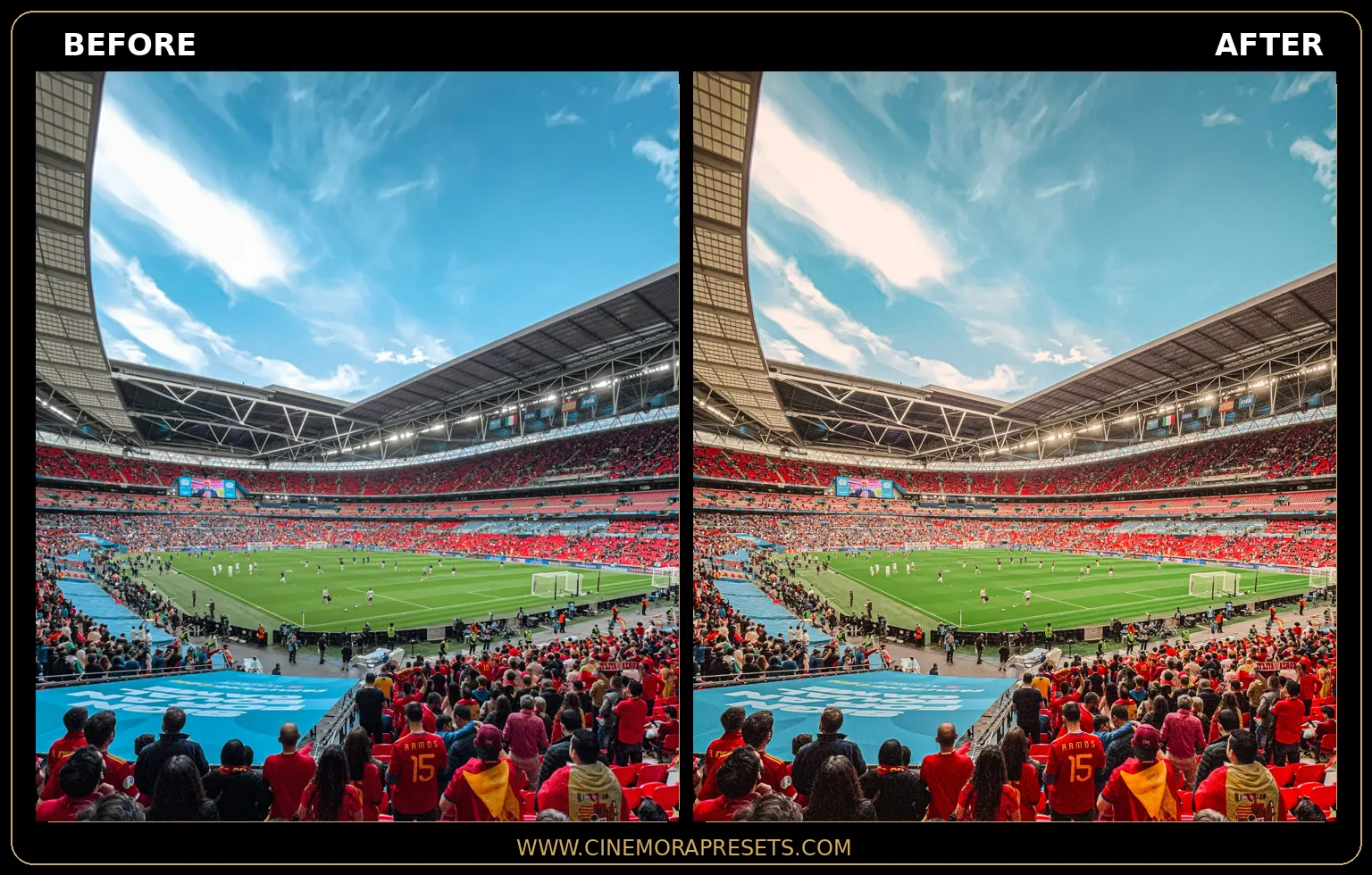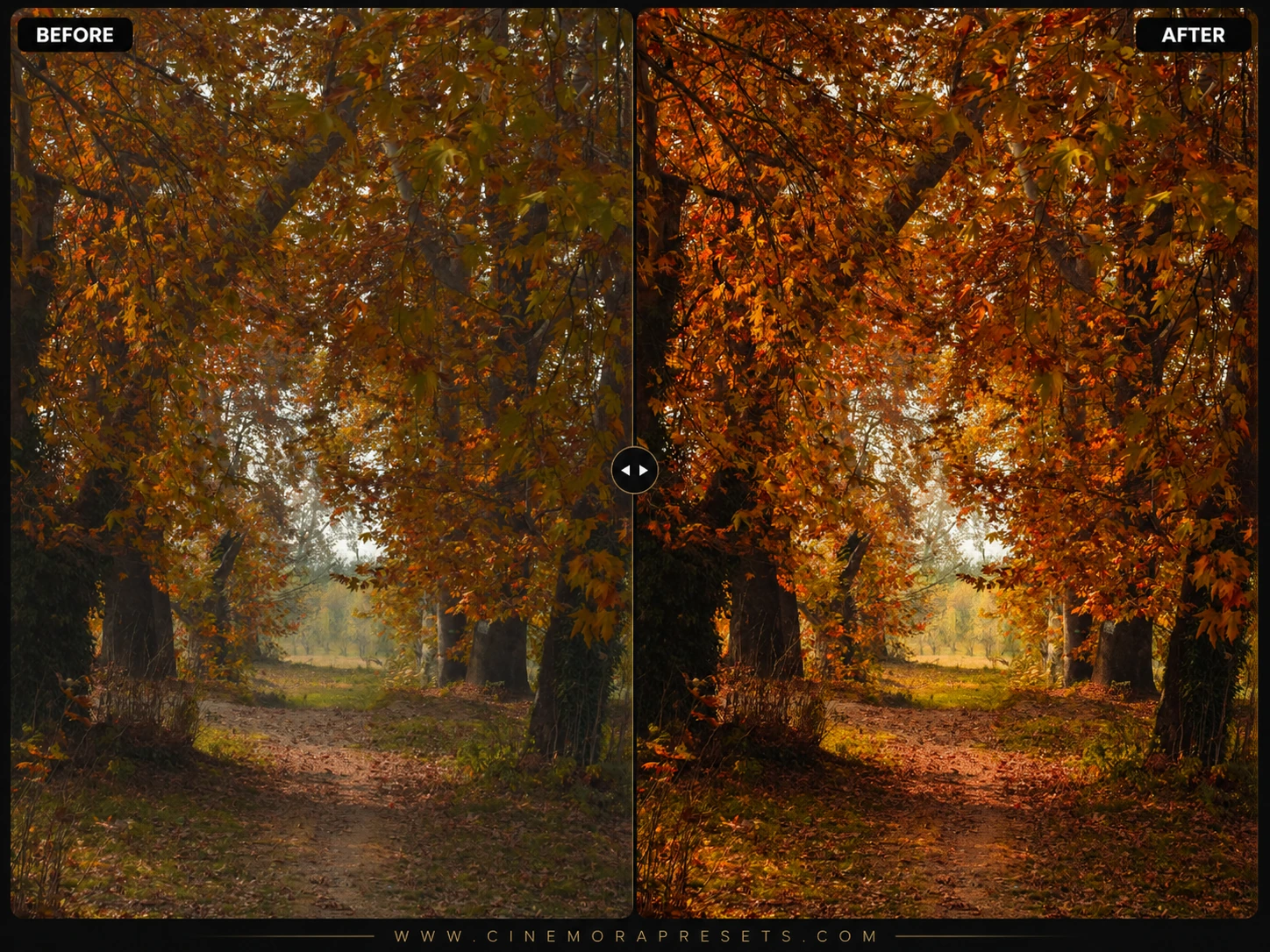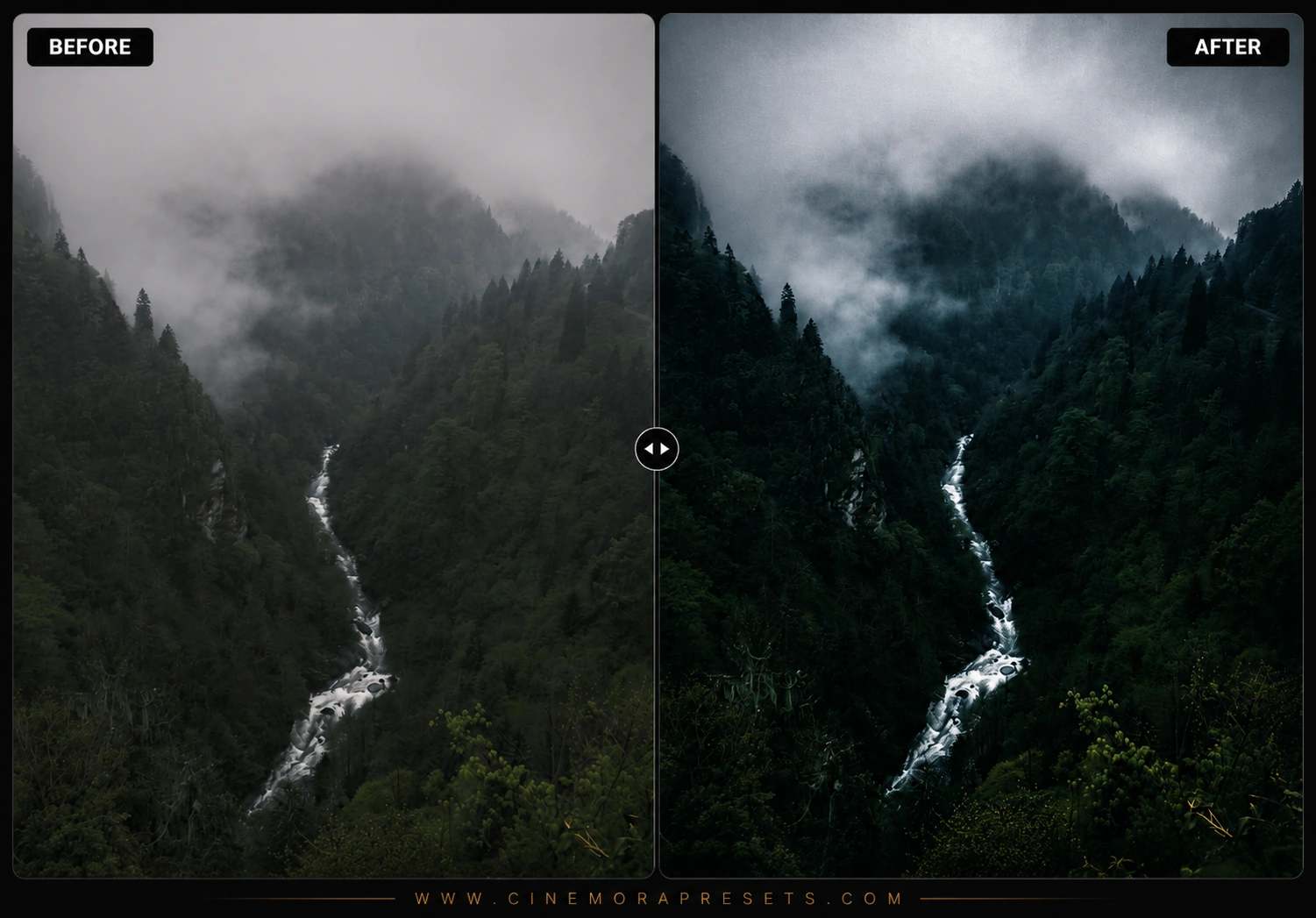
Forest Lightroom presets are designed to bring depth and atmosphere to outdoor nature photography. Digital cameras often render foliage with a harsh, neon-yellow tint that ruins the quiet mood of the woods. These presets shift warm greens into cool pine tones and add soft misty contrast to recreate organic, film-like landscapes.
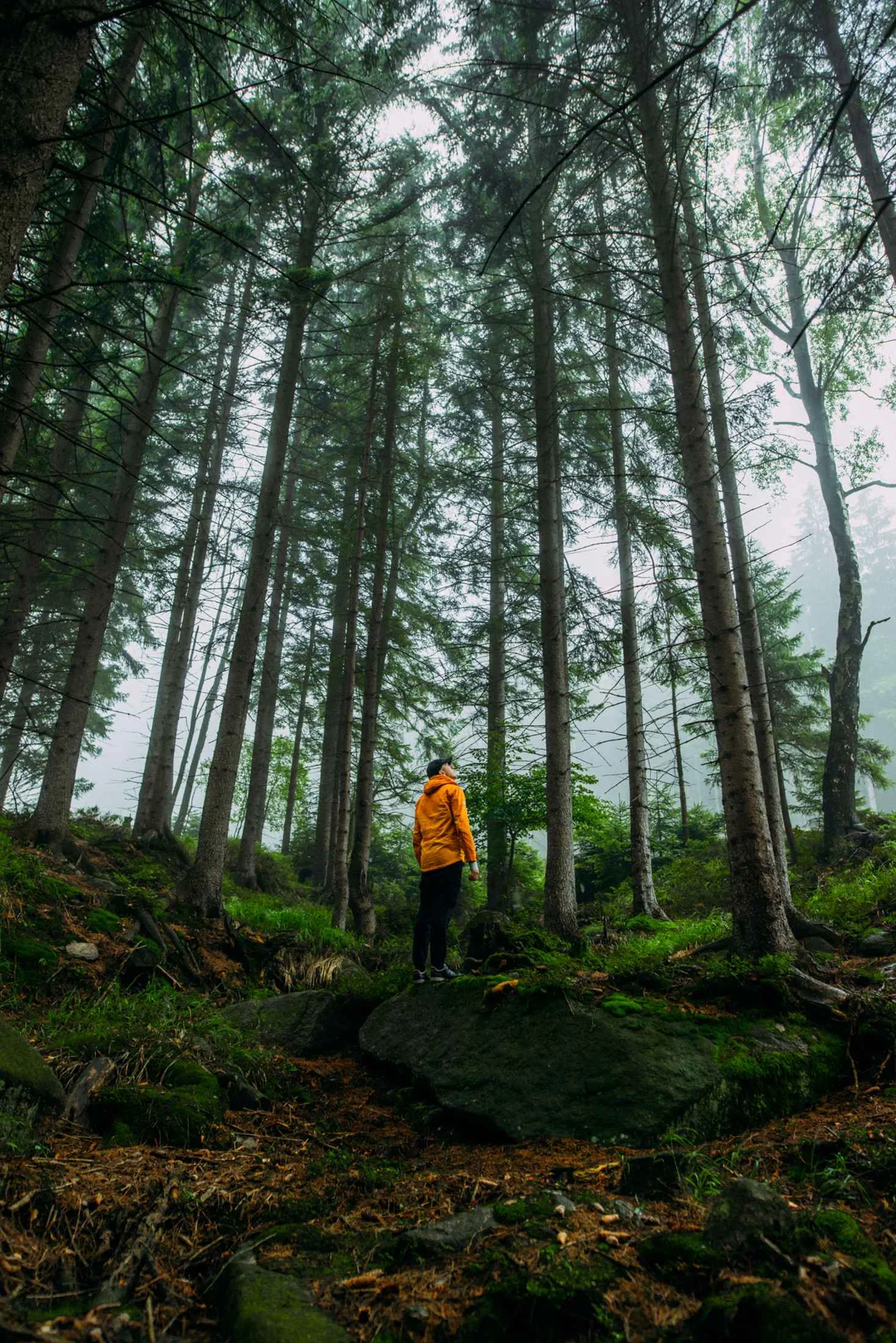
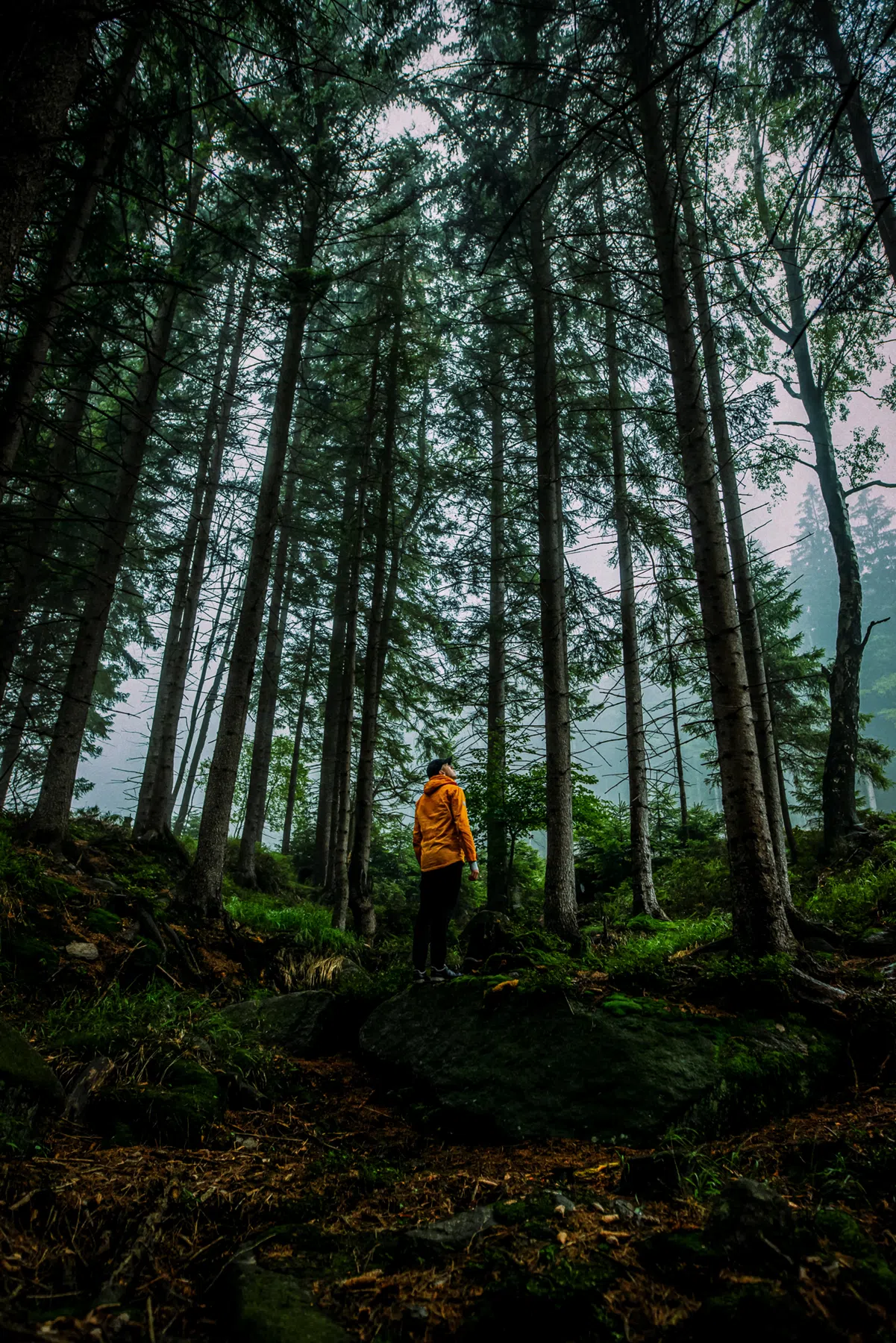
Delivered in standard XMP format, they ensure identical green calibration and texture across both mobile and desktop platforms.
The Deep Forest Green Aesthetic
Editing deep woodland and pine landscapes is about managing tones and creating spatial depth. The biggest mistake is oversaturating greens, which makes foliage look artificial and yellow-green highlights look distracting.
To achieve an atmospheric nature look, we selectively desaturate yellow tones to clear out sun glare and warm reflections on grass. Next, we introduce a cool teal-blue tone to the shadow regions. This color grading mimics the actual behavior of light filtering through a dense tree canopy, creating rich contrast against dark, textured bark.
Replicating Moody Woodland Tones
This outdoor-focused collection includes three custom-calibrated files to handle different forest trails and conditions:
- Dark Forest: Calibrated for deep shadows, clean emerald-green colors, and high tree bark texture definition.
- Foggy Mountain: Softens harsh highlights and bright skies to enhance natural mist and morning haze.
- Autumn Woods: Shifts green foliage toward warm, cozy golden-brown and amber tones, perfect for changing seasons.
Best Images for Forest Edits
These nature filters work best on photos shot in diffused or indirect outdoor light:
- Morning Mist & Fog: Luminous whites blend beautifully with the compressed tone curve highlights.
- Thick Canopy Shade: Perfect for deep forest pathways where soft, cool shadows naturally dominate the frame.
- Overcast Trails & Hiking: Even lighting allows the rich, cool pines and earthy tones to resolve cleanly.
[!TIP] If you love warm cozy foliage, try pairing these with our rustic Autumn Gold presets.
After downloading, extract the ZIP file and import the XMP presets into Lightroom.