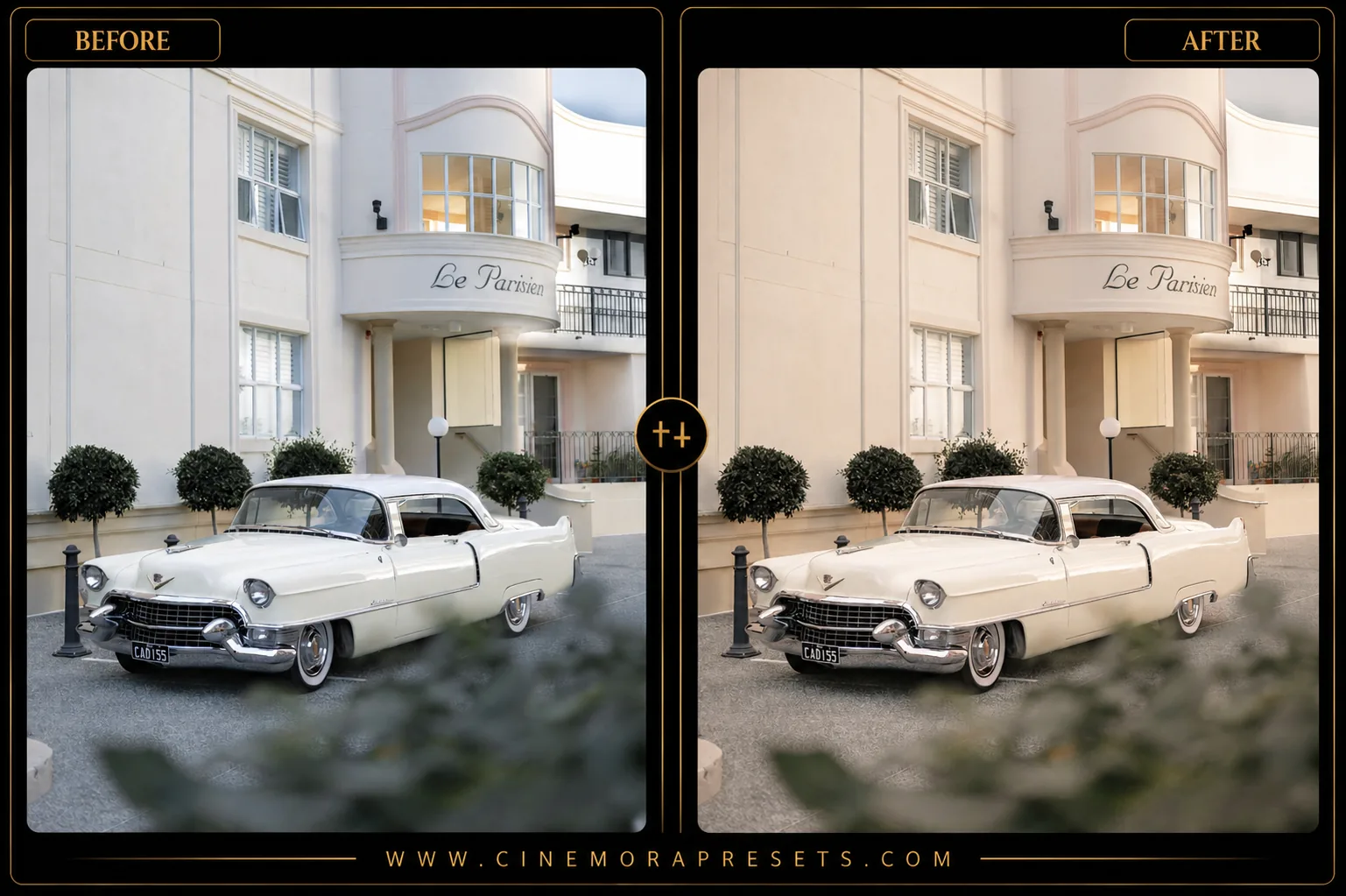
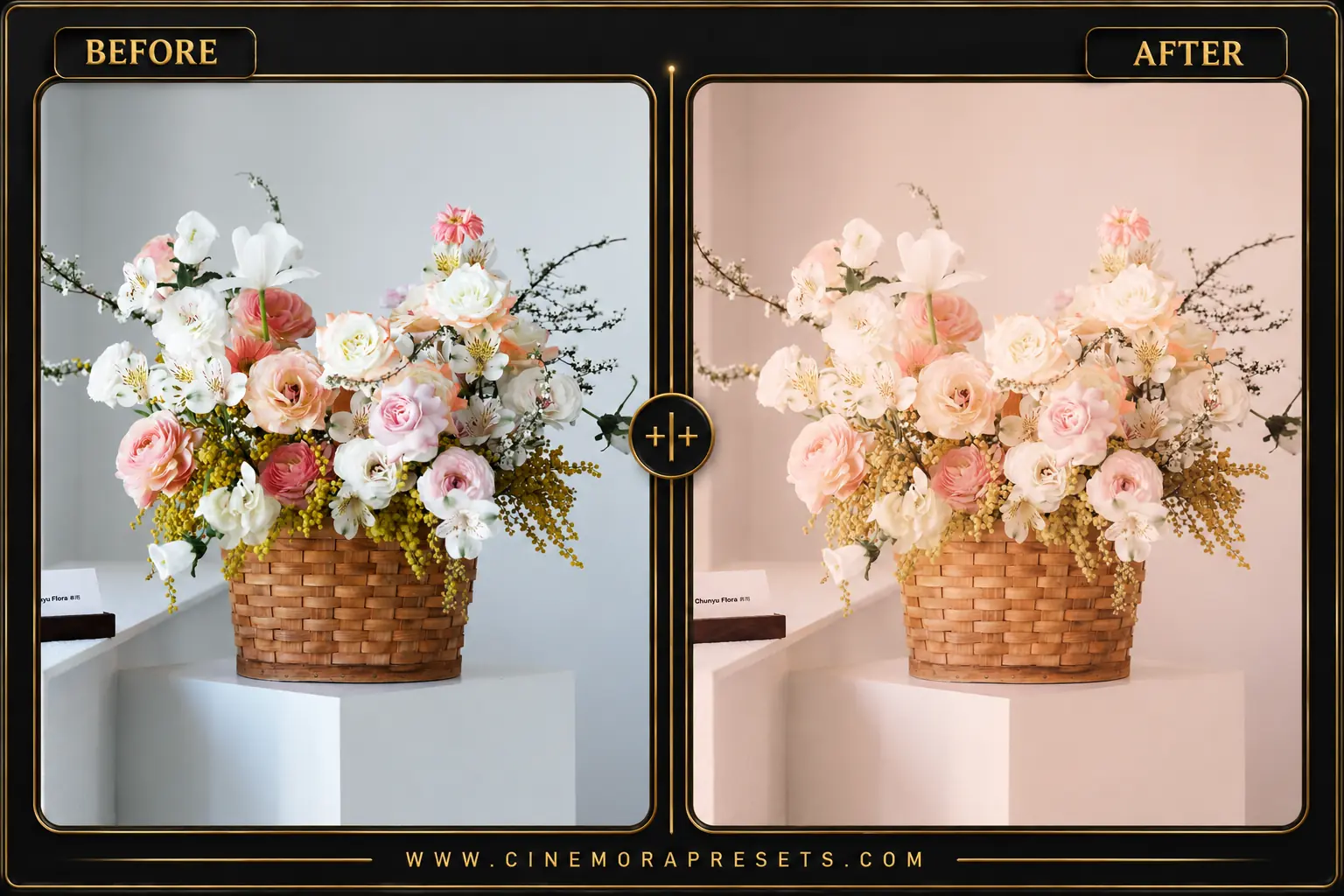
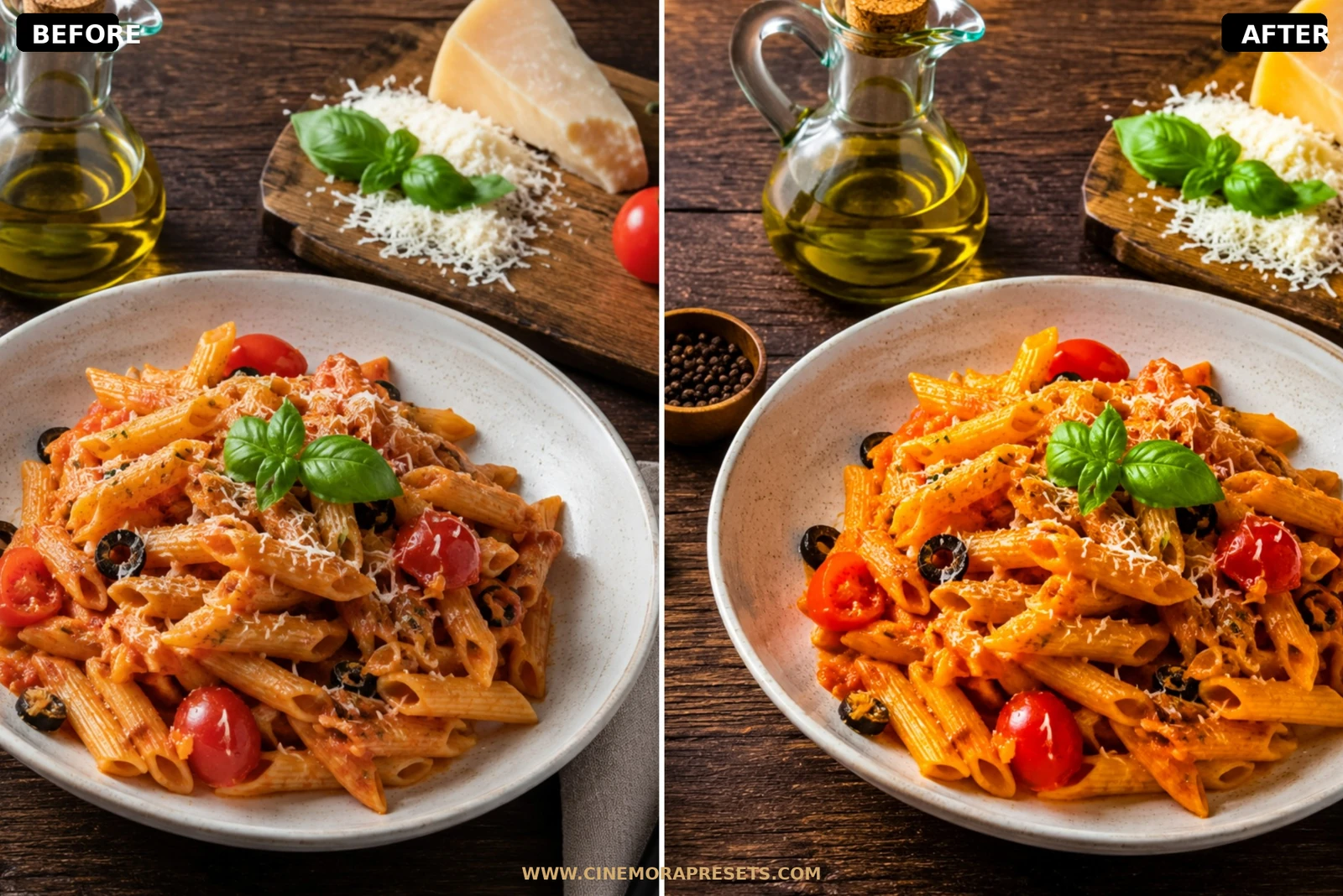
In the fast-paced world of social media, you have less than a second to capture someone's attention. As a videographer and content creator, I struggled to make my short-form Reels and vertical videos look like they were shot on a professional film set. I designed this pack of Reels presets to bring high-end color grading to social media creators.

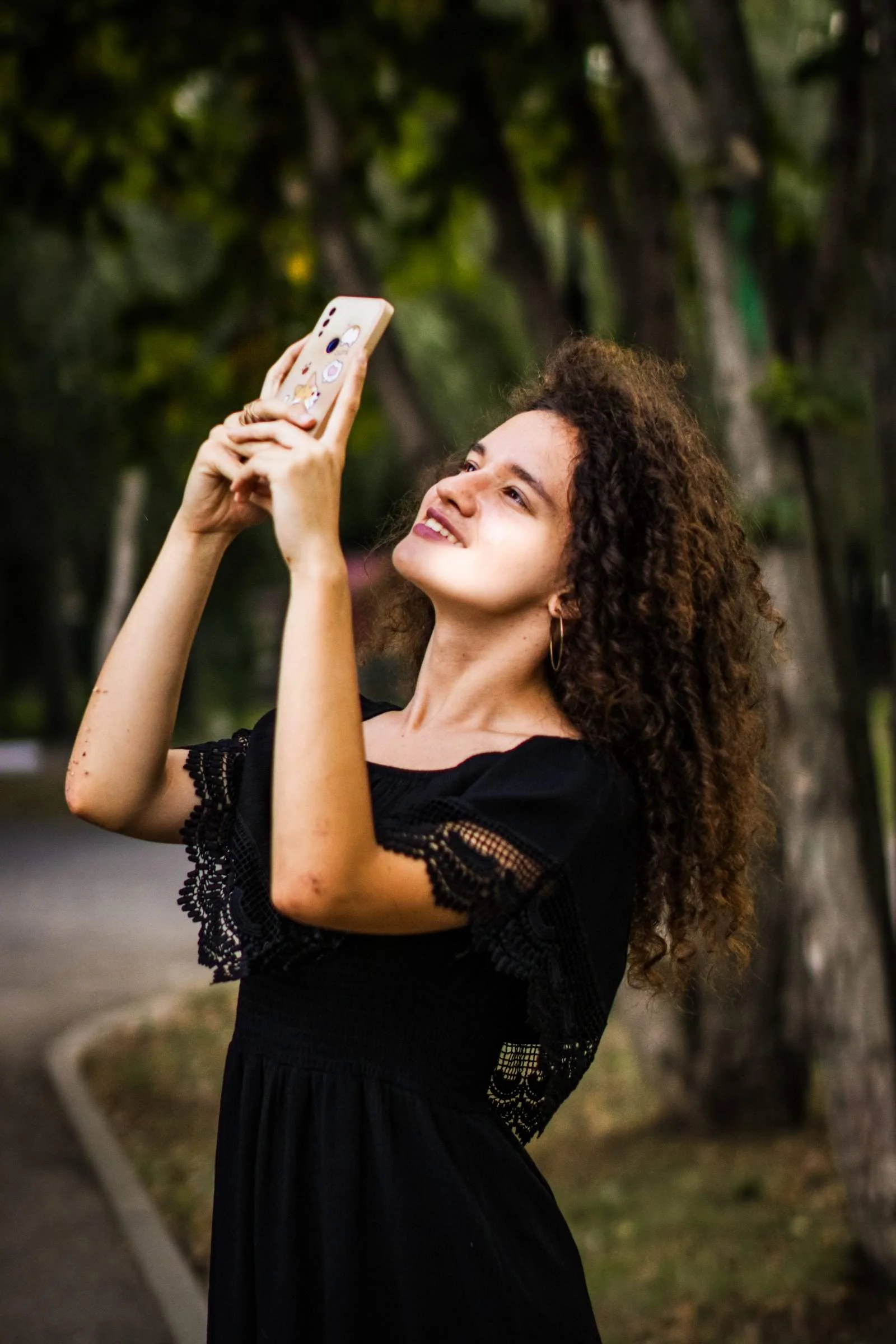
These presets are optimized for mobile video and photo captures. They enhance contrast, make skin tones glow, and give the background colors a modern, vibrant pop that stands out on any smartphone display.
Designed to match your rapid mobile workflow, these Reels presets are delivered in the responsive, universal XMP format, loading instantly into both your mobile phone and desktop Lightroom apps.
Optimizing Your Reels for Maximum Engagement
A highly engaging Reel starts with clean, premium visuals. With the transition to high-definition mobile feeds, viewers expect professional color grading.
Here is my workflow for editing viral Reels and lifestyle posts:
Cozy IG Feed Lightroom Preset Settings & Slider Values
Exposure: +0.12 | Contrast: +50 | Highlights: -42 | Shadows: +30 | Whites: +16 | Blacks: -18 | Texture: +12 | Clarity: +32 | Saturation: +12 | Vignette: -6
To keep your social feed fresh, you can also mix these reels filters with our clean Minimal presets.
1. Correct Exposure First
Because smartphone cameras auto-expose dynamically, always check if your clips are too dark or bright. Adjust the exposure slider so your subject's face is clearly lit before applying the preset.
2. Keep Colors Vibrant But Clean
Don't over-saturate your entire scene. These presets focus on color separation, making reds and warm tones stand out while keeping sky blues and background greens clean and non-distracting.
3. Enhance Detail and Clarity
To make your videos look like they were shot on a DSLR, slightly push the Clarity or Texture sliders in the Effects panel. This adds edge contrast, giving your clips a sharp, high-end feel.
Installation Guide
Setting up these presets on your phone or computer is very simple:
- Download the ZIP file containing the XMP preset files.
- If you need step-by-step instructions for your specific device, follow my guide on how to install Lightroom presets for instant setup help.
What's Included
This high-impact social media pack contains free professional presets designed to make your vertical content stand out instantly. Here is what you get:
- Reels Pop Presets (optimized for bright, clean colors, high-contrast, and glowing skin tones)
- Vlog Matte Presets (for a softer, cozy lifestyle vlog look with warm undertones and muted blacks)
Preset Style & Color Tone
We designed these to be punchy and vivid. They feature high clarity, bright skin tones, vibrant color separation, clean white highlights, and balanced contrast, ensuring your photos and video frames look expensive and eye-catching on small phone displays.
Best Photos for This Preset
Perfect for smartphone portraits, lifestyle vlogs, travel reels, coffee shop aesthetics, and vertical video screenshots. They work beautifully on both front-facing selfie shots and outdoor street captures.
After downloading, extract the ZIP file and import the XMP presets into Lightroom.