
What are Summer Lightroom Presets? Summer Lightroom Presets are pre-configured digital filters that instantly adjust color grading, exposure, and tones to enhance outdoor travel and beach photography. They specifically target blue and orange color channels to create vibrant skies, crystal-clear water, and warm, sunkissed skin tones.
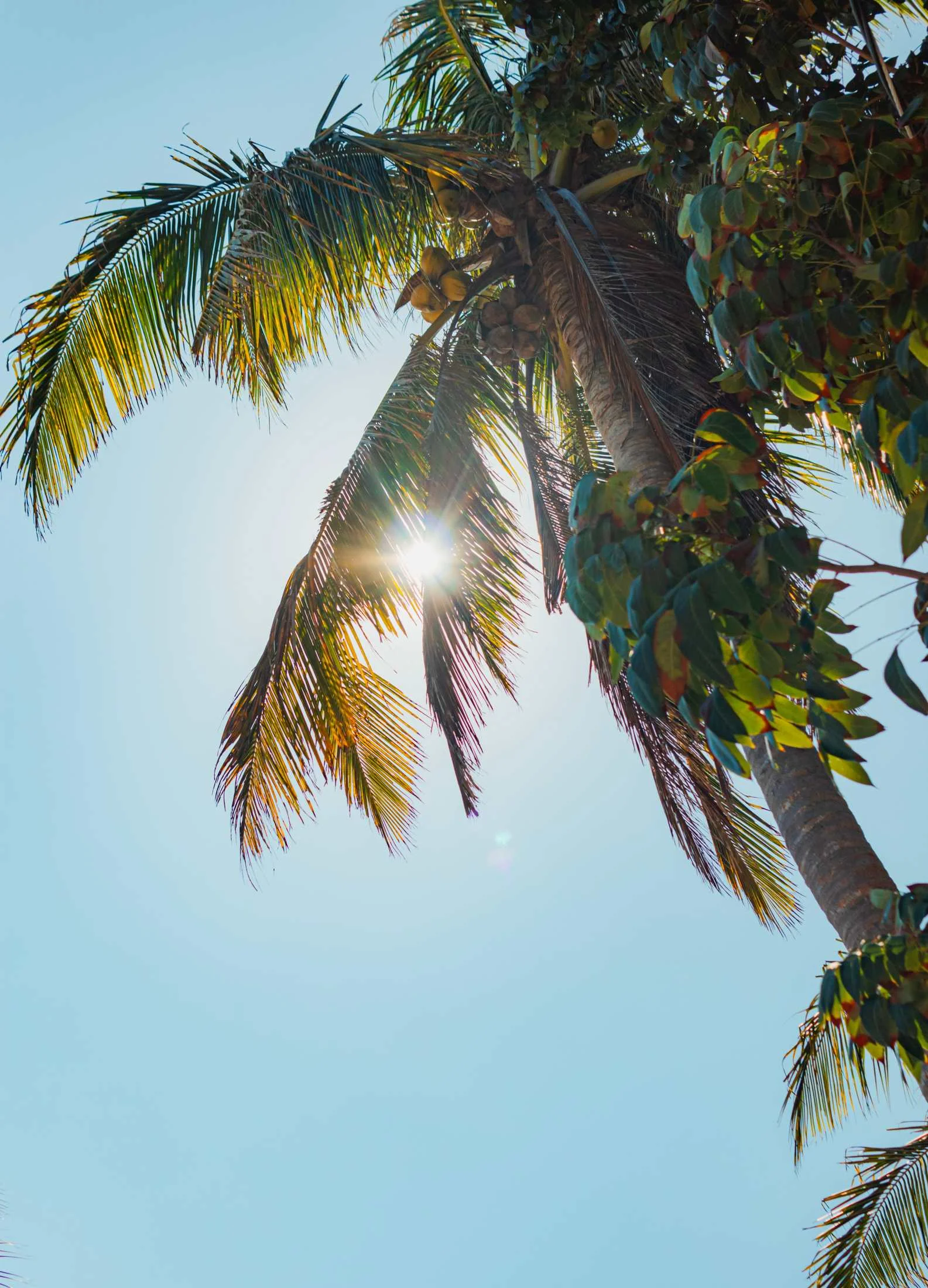
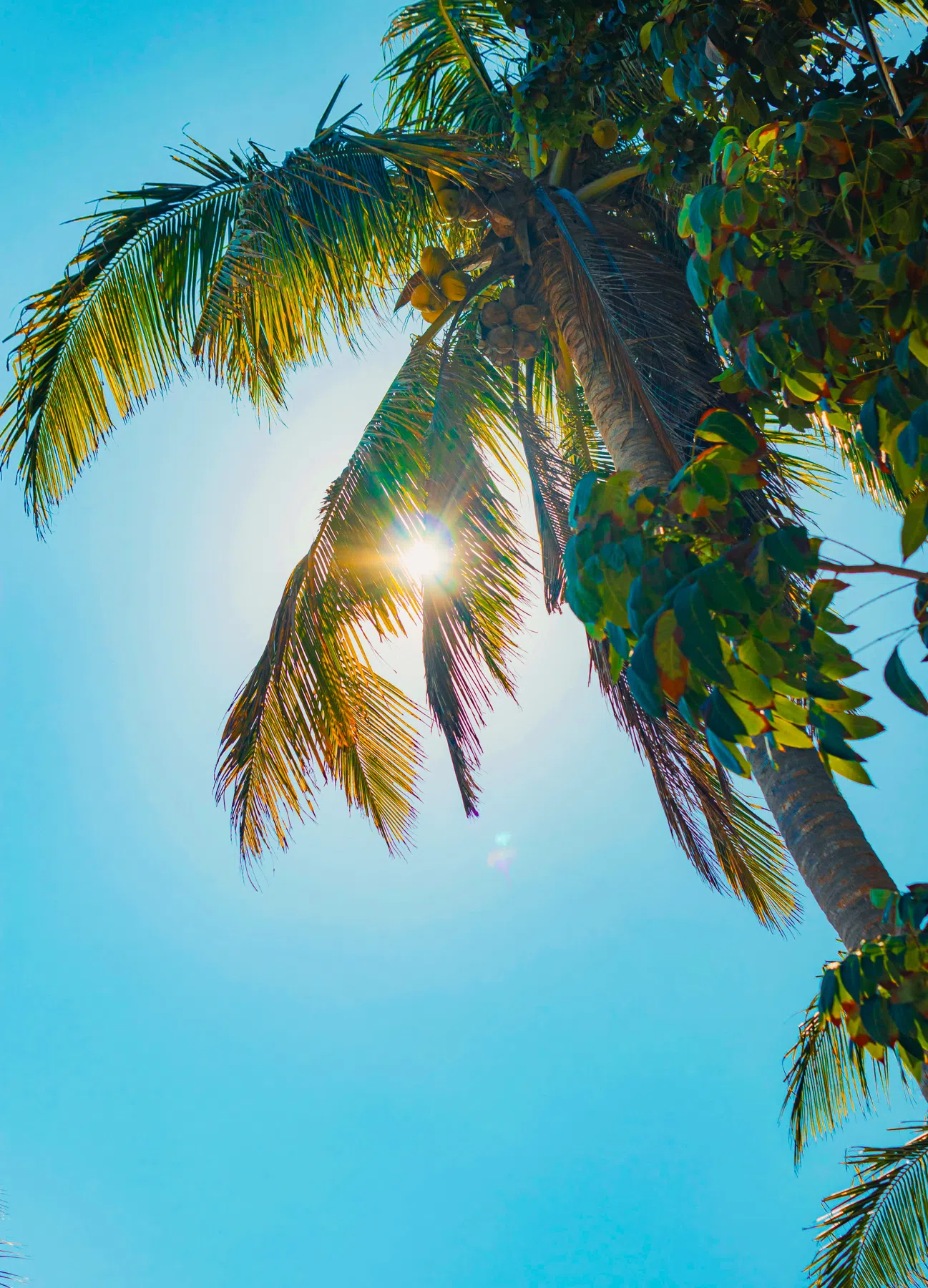
This free collection provides the perfect foundation for tropical vacations and sun-drenched outdoor portraits. By automatically balancing harsh daylight shadows and lifting natural saturation, these filters eliminate the need for complex manual editing. Whether you are building a cohesive Instagram feed, publishing a travel blog, or simply preserving your holiday memories, these presets deliver a bright, professional aesthetic with just one click. They are fully compatible with both the free Lightroom Mobile app and Lightroom Classic for PC, utilizing the modern .xmp file format for seamless integration.
The Sunkissed Summer Aesthetic
Summer photography is all about bright light, high energy, and vivid colors. A high-quality summer filter shifts flat, dull daylight images into sun-drenched, professional travel shots. By specifically targeting blue and orange color channels, these presets create vibrant cyan skies, crystal-clear tropical oceans, and a warm, glowing skin tone.
Simultaneously, the tone curves are designed to balance harsh midday sun, recovering details from blown highlights while gently lifting dark shadows to reveal structural texture in trees, sand, and buildings.
What's Included (5 Lightroom Presets)
This travel-themed collection contains five distinct presets optimized for different outdoor lighting scenarios:
- 03 - Tropical Vivid: Elevates saturation in blue and orange channels for punchy, high-contrast beach landscapes.
- 05 - Pastel Summer: Softens highlights and contrast to create a gentle, warm pastel tone, ideal for golden hour portraits.
- 07 - Sunset Bliss: Calibrated for late afternoon light, enhancing warm pinks, reds, and golden yellows.
- 09 - White Light Minimal: Brightens exposures and desaturates background clutter for a clean, minimalist travel grid.
- 10 - Travel Wanderlust: A versatile, balanced film look with organic texture, perfect for everyday vacation snaps.
Best Images for This Preset
These presets thrive in natural daylight. They are highly recommended for beach photography, poolside shots, tropical landscapes, and vibrant summer portraits.
However, they perform poorly on underexposed or moody indoor shots. If applied to low-light indoor environments, the boosted vibrance and exposure compensation can introduce digital noise and make background shadows look unnaturally warm.
Technique Tips
Here are my top professional workflow tips for styling and refining sun-drenched beach and travel shots:
1. Recover Midday Highlights
When shooting under direct overhead sunlight, white sands, bright clouds, and waves can easily look blown out. To restore detail, drag down the Highlights and Whites sliders in the Light panel.
2. Balance Aqua & Blue Saturation
If the ocean or sky appears overly neon or saturated after applying the preset, open the Color Mixer, select the Aqua or Blue channel, and increase the Luminance to soften the highlights while reducing the Saturation slightly to achieve a clean pastel look.
3. Warm Up Skin Tones
If your camera’s automatic white balance cooled the shot down too much, gently nudge the Temp (Temperature) slider to the right (toward yellow) to inject golden hour warmth back into the skin.
[!TIP] To get even more glowing holiday looks, pair these with our warm Golden Hour presets or tropical Beach presets.
After downloading, extract the ZIP file and import the XMP presets into Lightroom.
