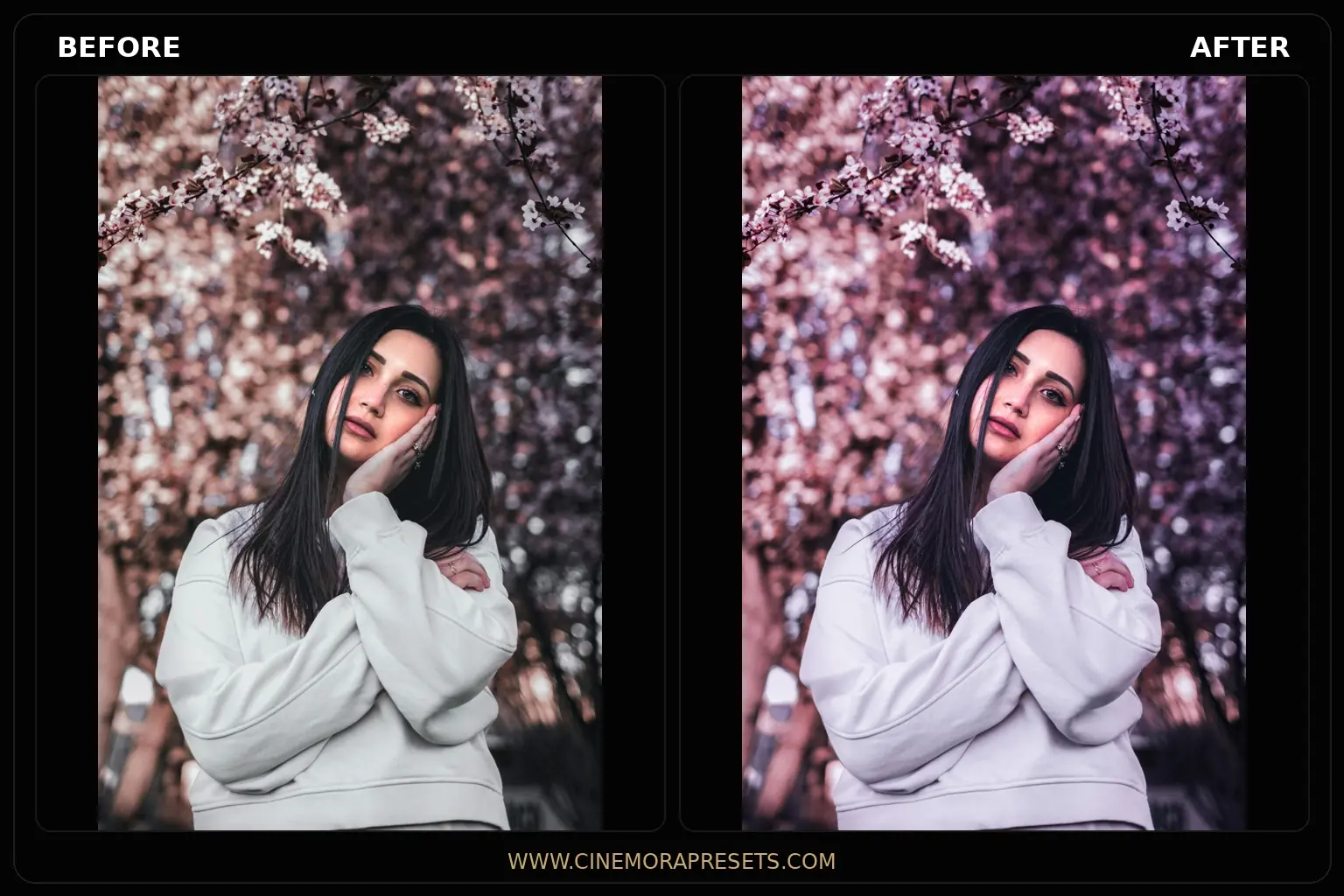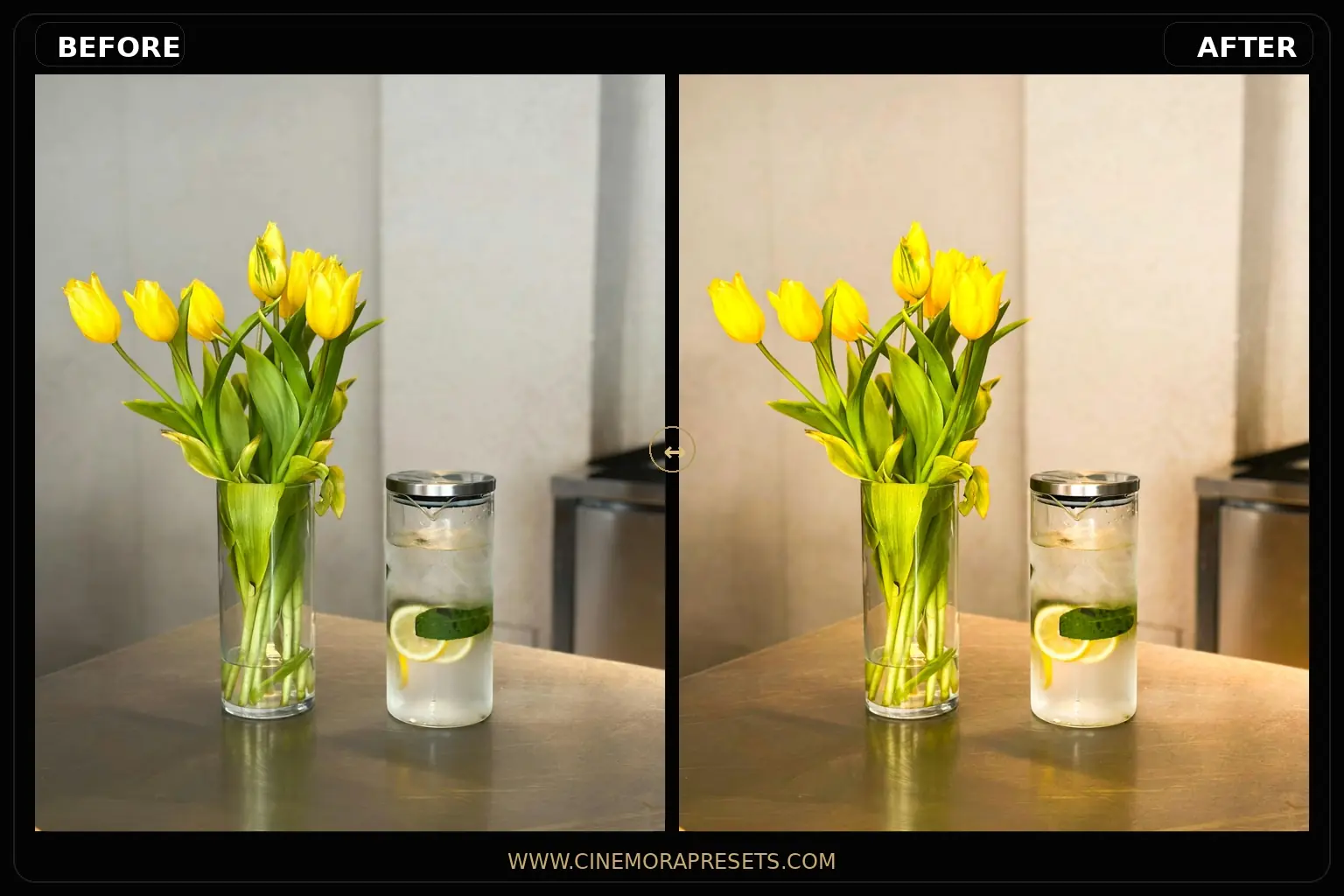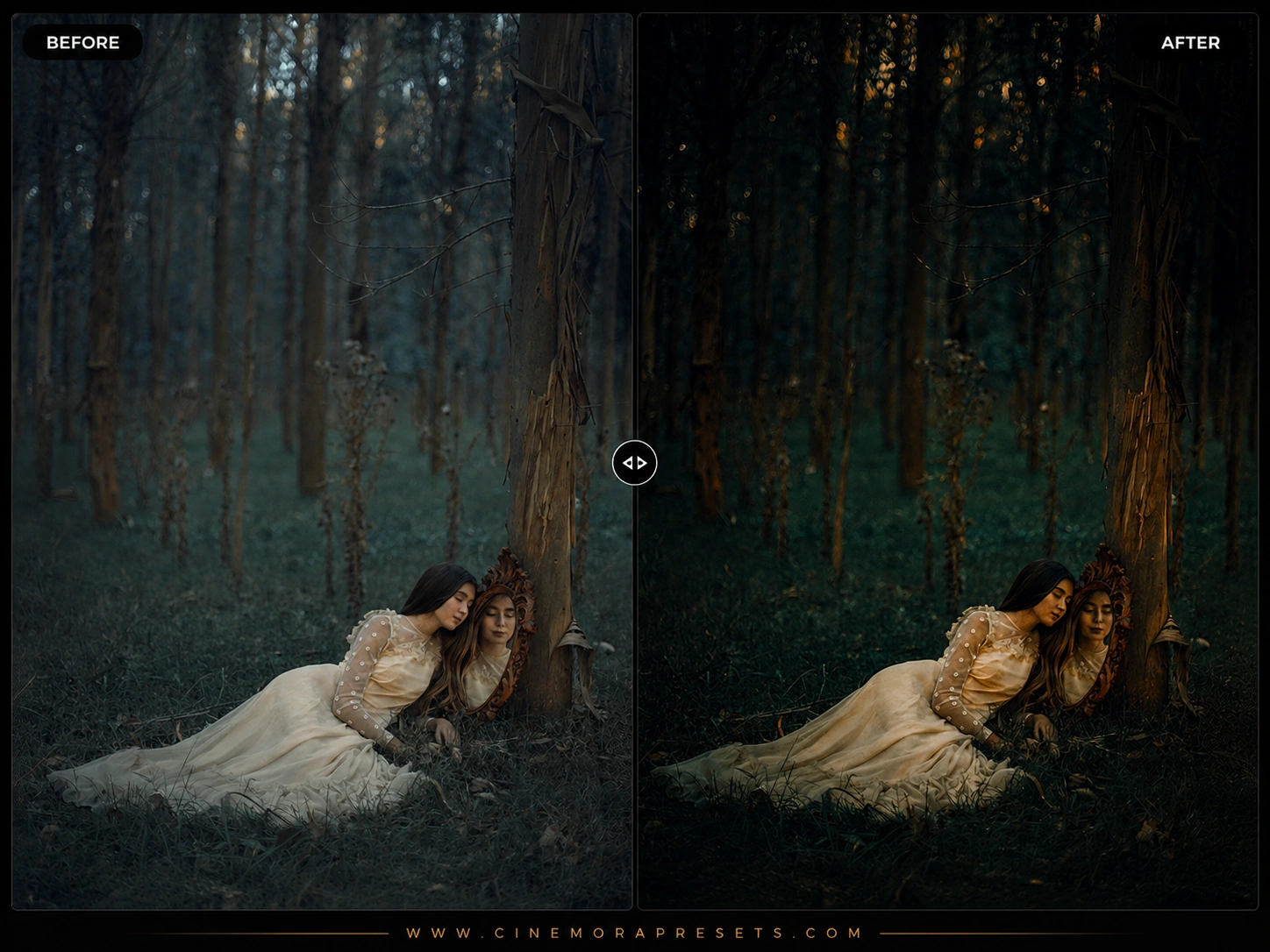
Editing the human face is a delicate balance. While landscape edits let you push colors and contrast to extremes, skin tones are incredibly sensitive to minor adjustments. A fraction too much saturation or a slight hue shift can make subjects look artificial or pale. This free portrait preset collection provides a clean, flattering foundation, saving you hours of local retouching while making eyes, hair, and skin tones stand out.
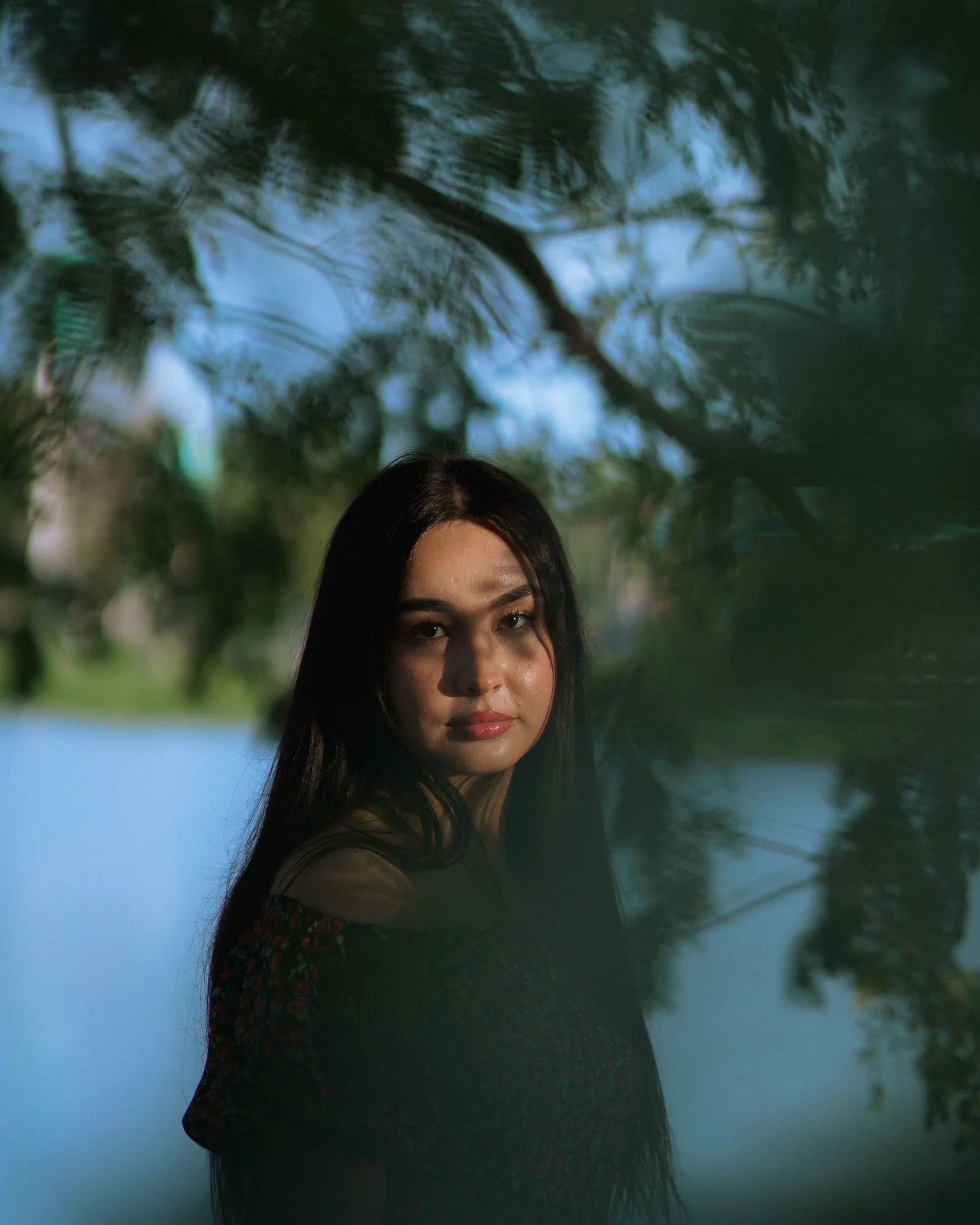
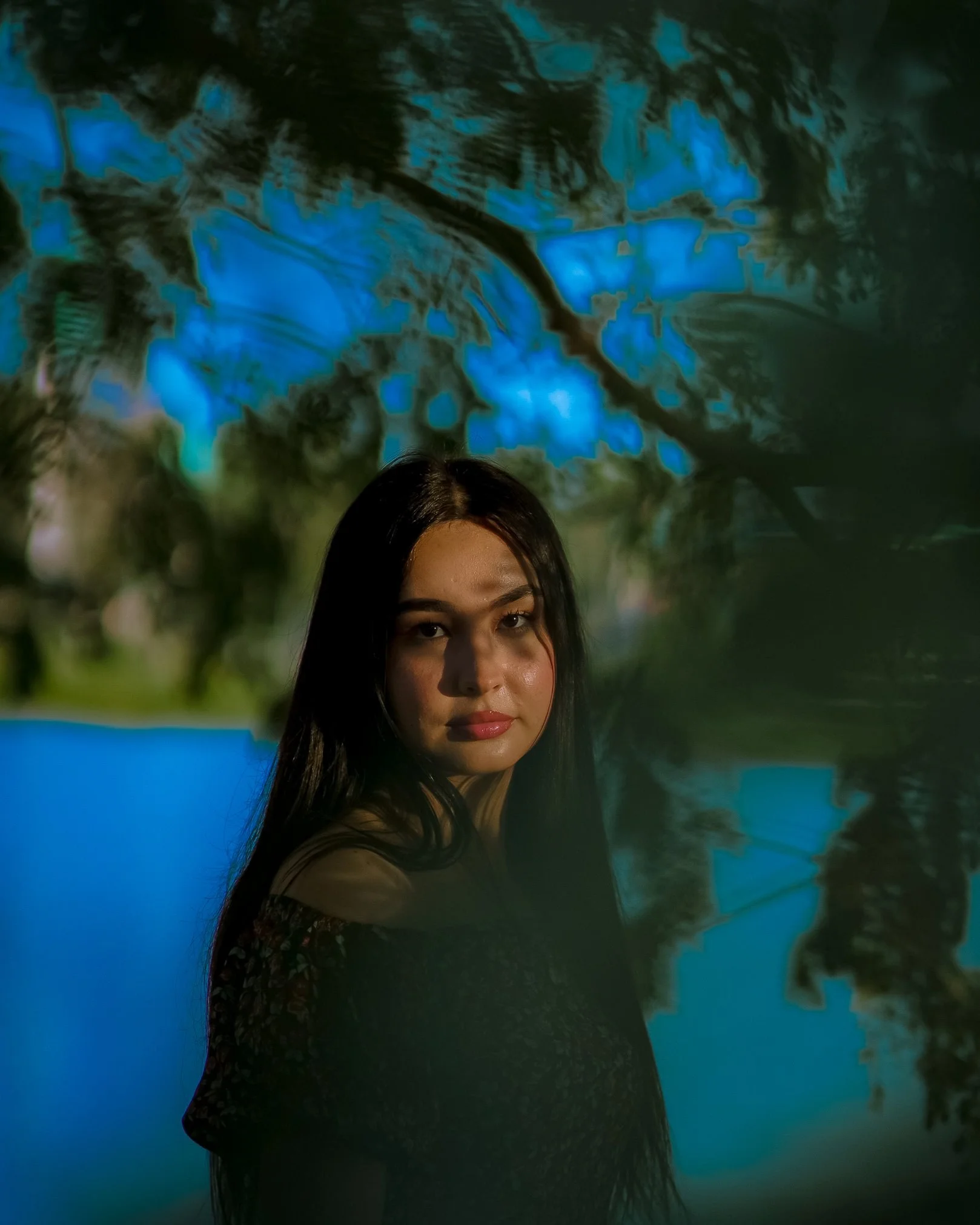
These presets are compiled in the universal XMP standard, allowing you to edit with the exact same color accuracy on both Lightroom Mobile and Desktop.
Flattering Skin Tones & Portrait Color Grading
Professional portrait retouching is about isolating skin hues from the background. The human eye is incredibly sensitive to skin tones—even a minor green or magenta tint looks unnatural. Our presets solve this by optimizing the orange, red, and yellow luminance curves, ensuring healthy skin tones while desaturating secondary background channels to keep focus on the subject.
Replicating Professional Portrait Styles
This collection includes three distinct filters calibrated for different creative directions:
- Clean Headshot: Gentle skin smoothing, crisp eye details, and balanced shadows, ideal for professional business headshots.
- Golden Hour Glow: Sun-kissed highlights and recovered shadows, perfect for warm, backlit outdoor sessions. (See our full golden hour collection for more variations).
- Muted Editorial: Lifted blacks and desaturated background colors for a high-end fashion magazine look.
Optimizing Presets for Portrait Lighting Conditions
To rank higher on search engines and help you get the best edits, we've calibrated these presets to handle specific portrait lighting setups:
- Overcast & Cloudy Day (Diffused Light): Flat lighting can make faces look dull. After applying the preset, slightly boost the global Exposure slider and increase Orange Luminance in the Color Mixer to inject a natural face glow.
- Backlit Golden Hour (Sunset Light): Subjects shot against the sun can suffer from dark faces and blown backgrounds. Pull your Highlights slider down to compress the halo and lift Shadows to restore facial details. If you're struggling to balance sunset shadows, check out our shadow fade controls.
- Direct Midday Sun (Hard Light): Creates deep shadows under the eyes and nose. This preset uses a soft dynamic range. Adjust by lowering Contrast and lifting the black point on the Tone Curve to soften transitions.
- Studio Lighting (Artificial Light): Controlled light requires precise color. Use the Temp slider to match the exact temperature of your strobe lights, then use the Texture slider to refine fabric and hair detail.
[!TIP] If you prefer a soft, romantic look for your skin tones, try our glowing Pastel presets.
After downloading, extract the ZIP file and import the XMP presets into Lightroom.