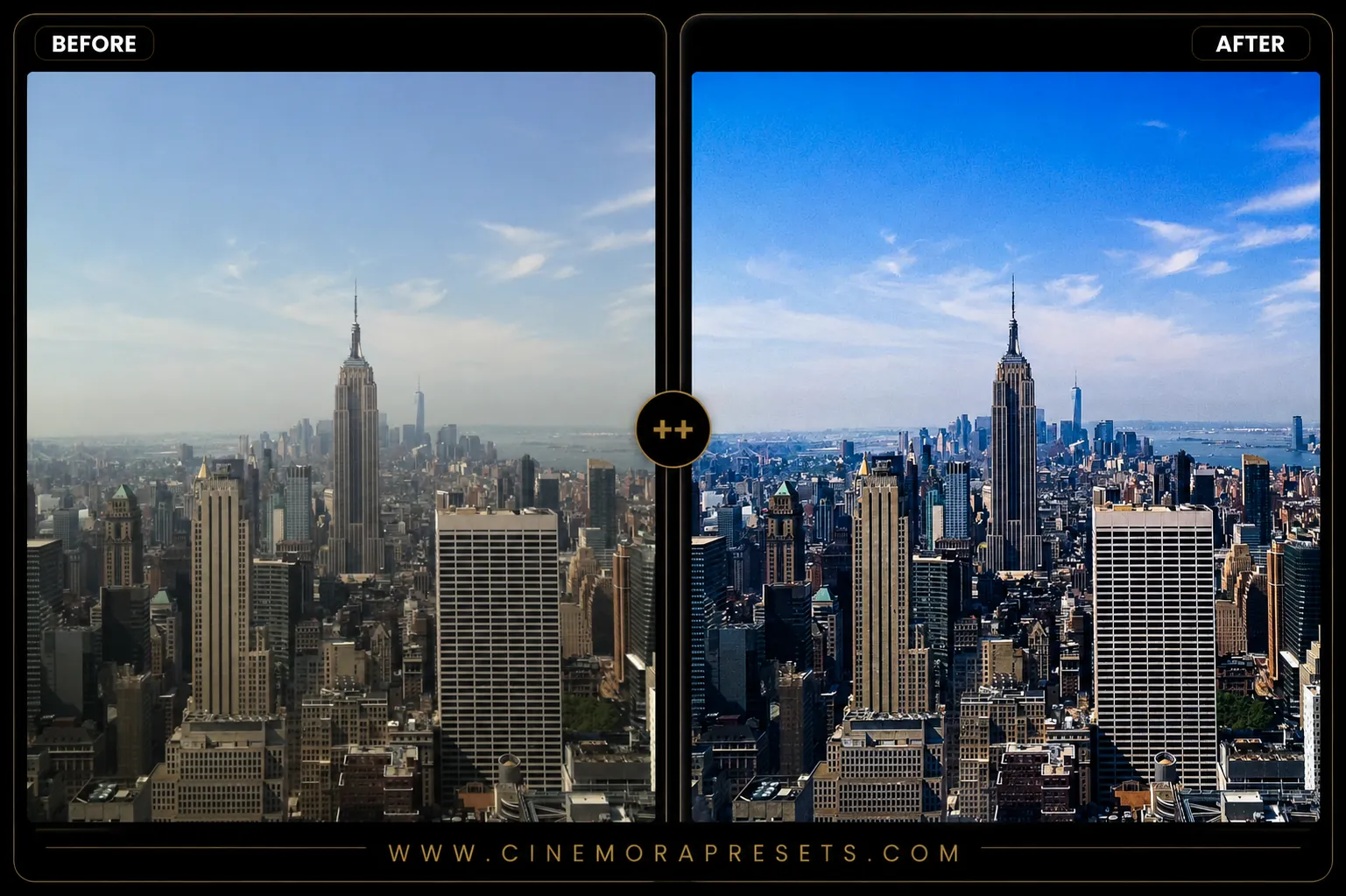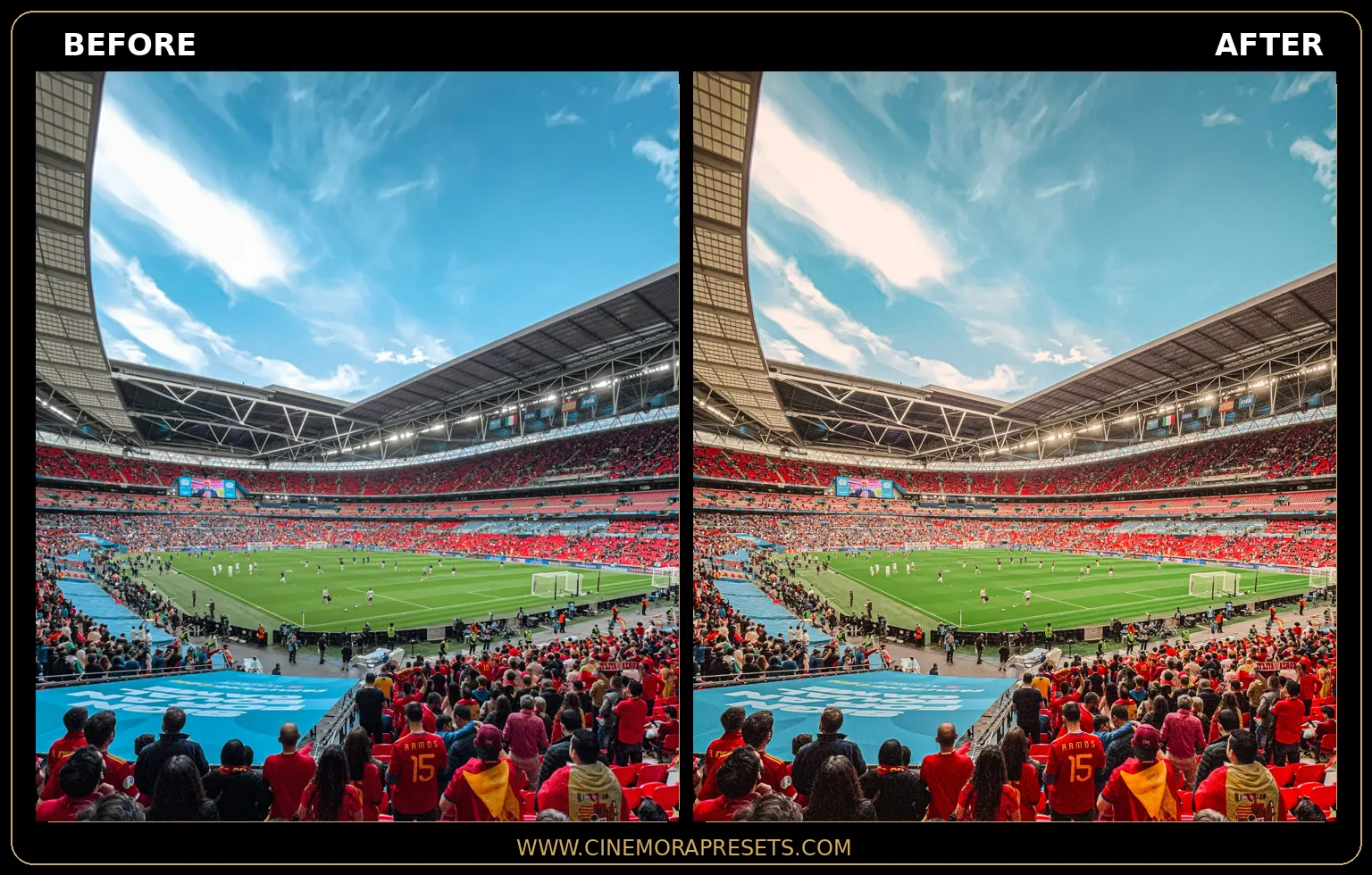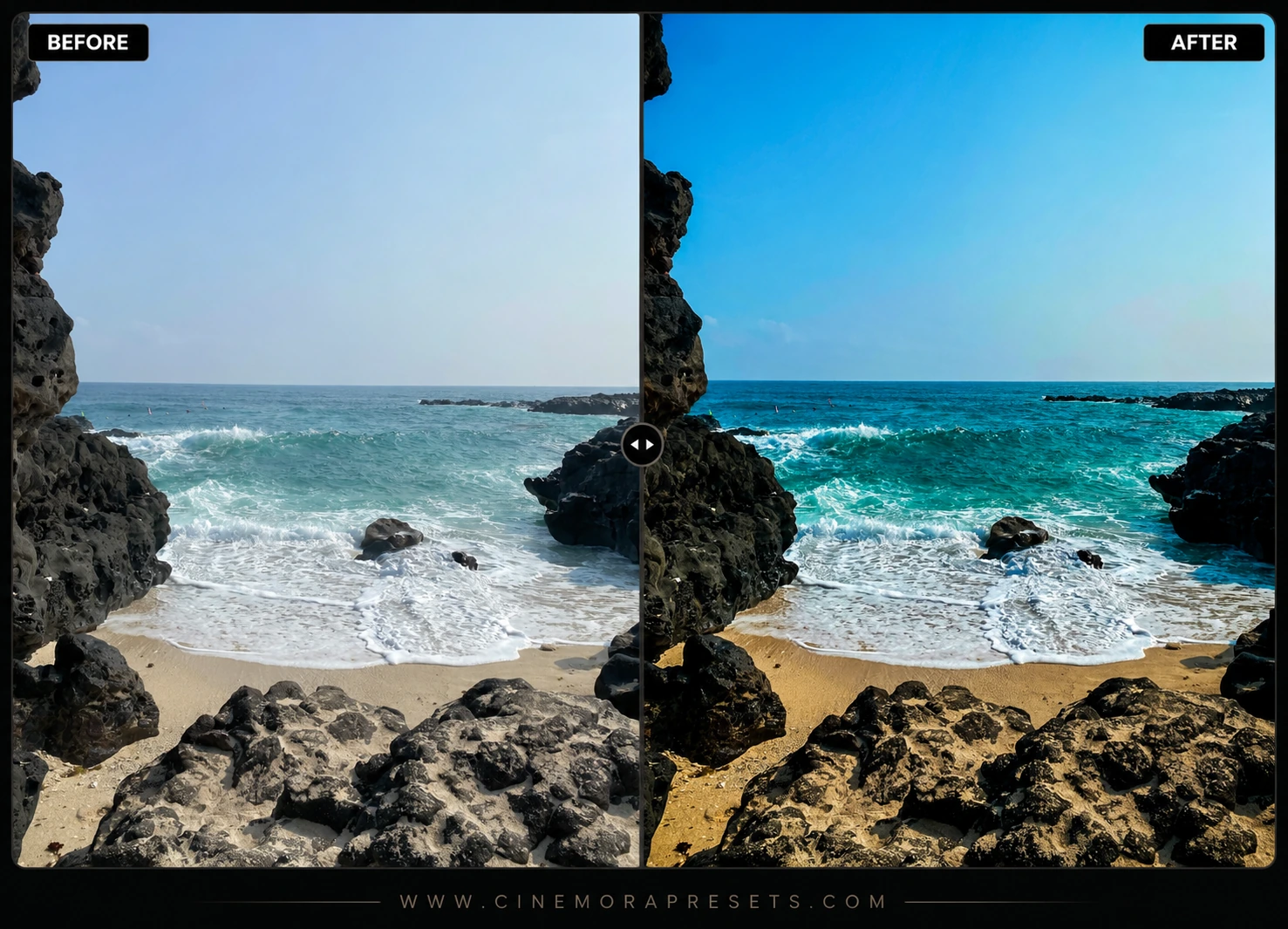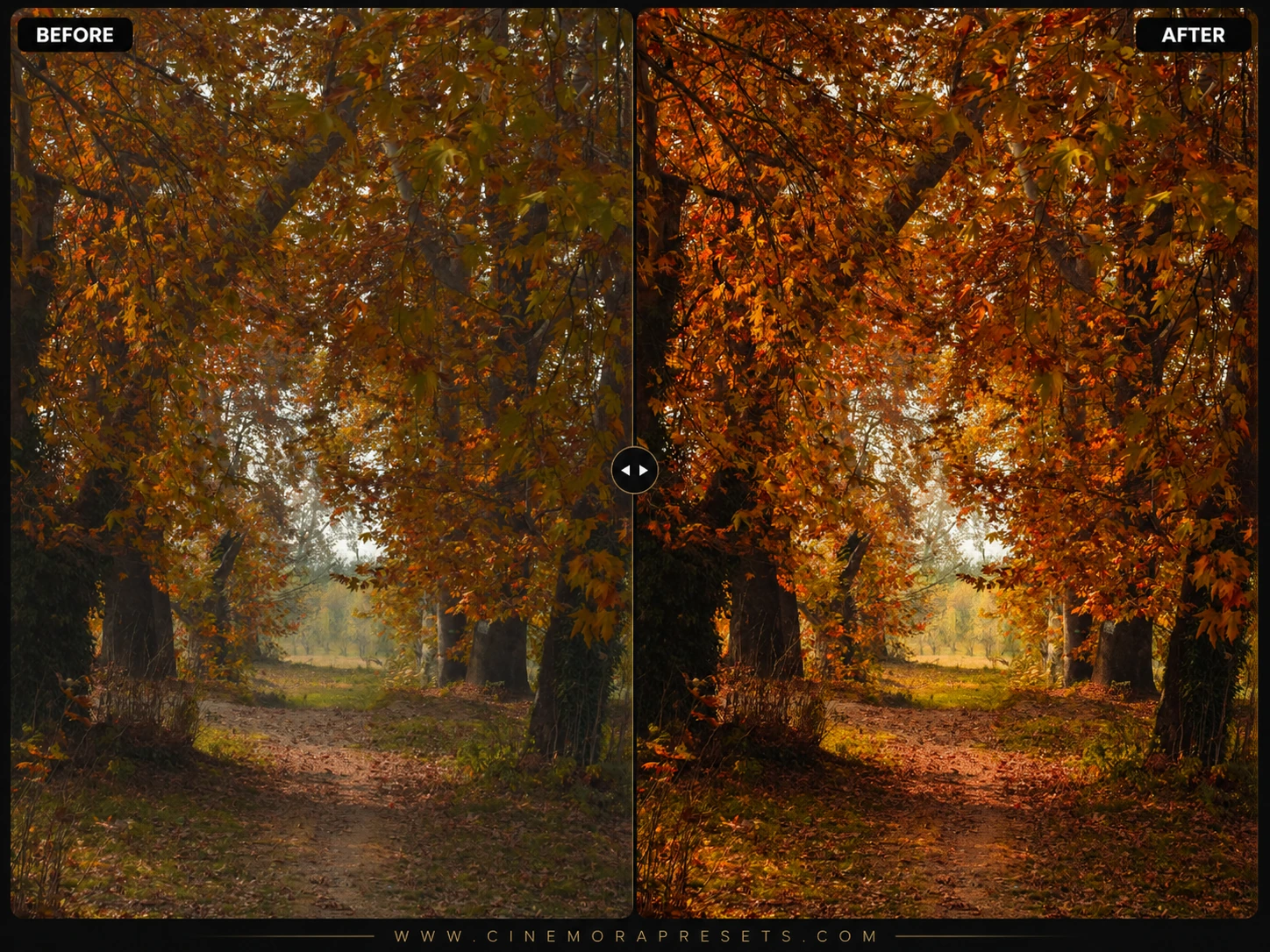
Autumn Lightroom presets are warm-toned editing filters designed to enhance seasonal foliage and cozy outdoor lighting. Standard camera sensors tend to render fall leaves with flat, muddy yellows and distracting green patches. These presets clean up color separation, transforming yellows into deep coppers and shifting greens to rich olive tones.
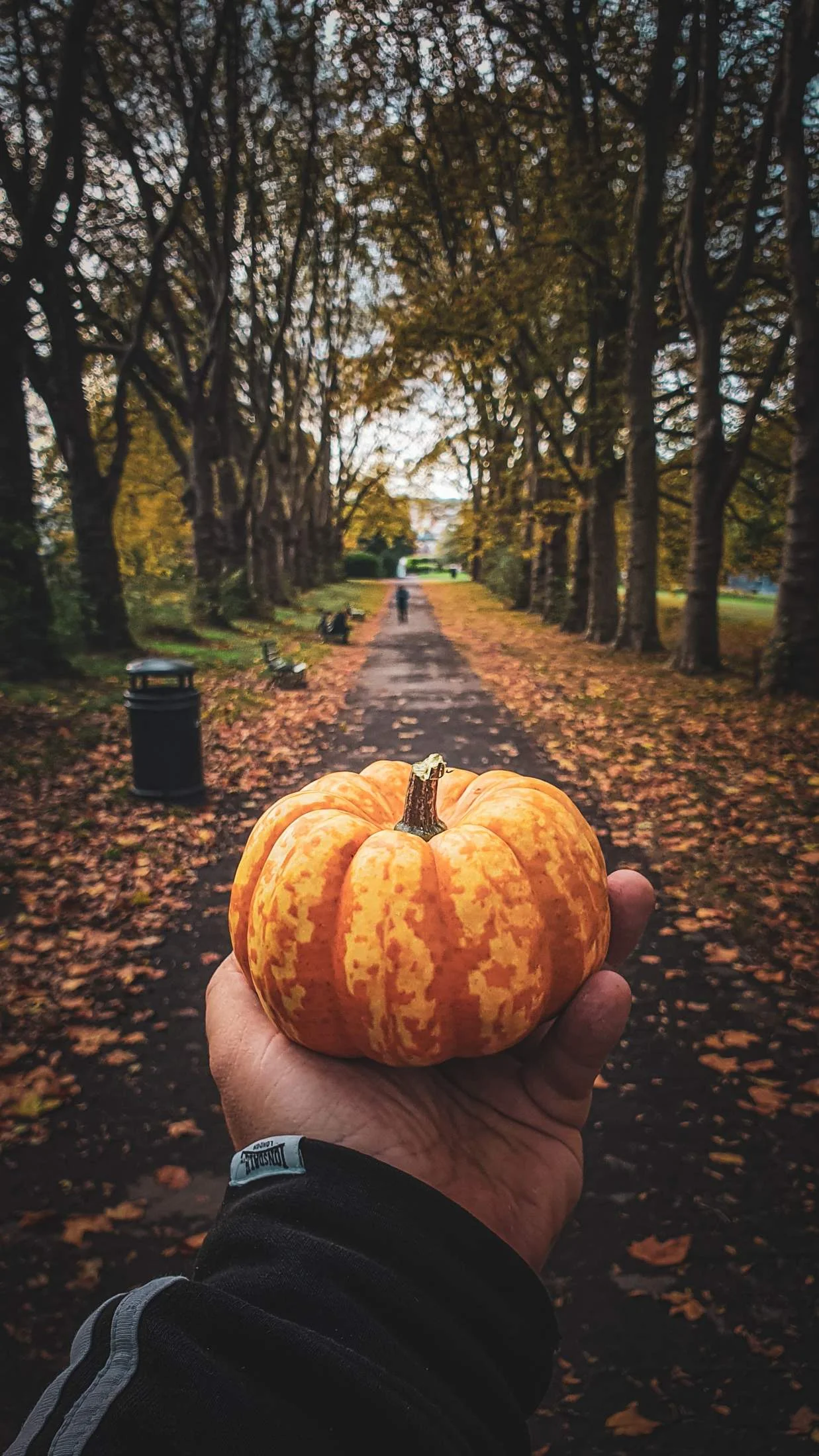
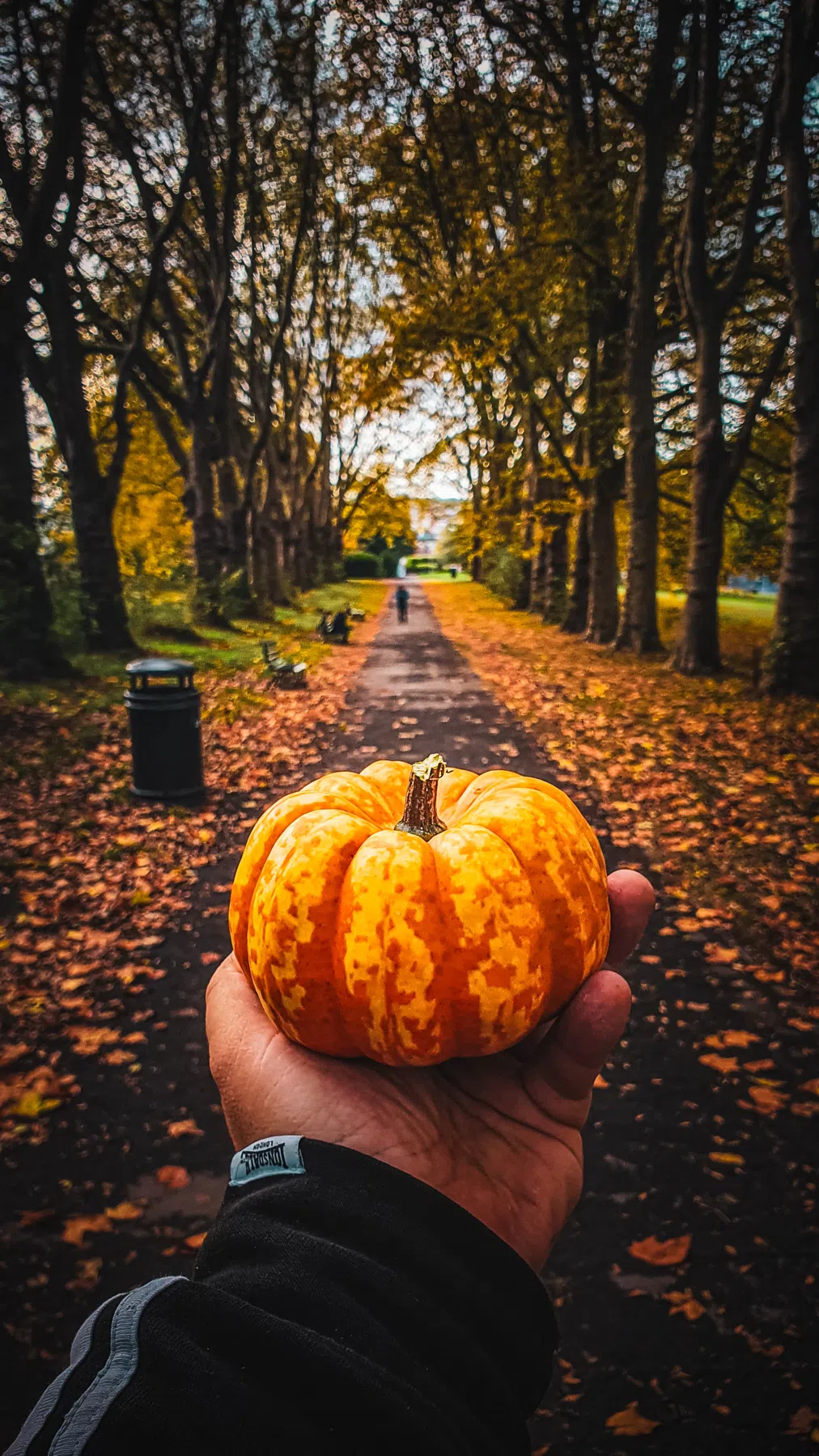
All files are delivered in XMP format, allowing instant application and cloud syncing across both mobile and desktop Lightroom versions.
The Warm Golden Fall Aesthetic
Editing autumn landscapes is all about selective color separation. Raw photos of changing leaves often look cluttered because greens, yellows, and oranges compete for attention, resulting in a busy, oversaturated frame.
By shifting leftover summer greens into warm olive tones and desaturating harsh primary yellows, you can emphasize deep copper and rustic amber leaves. This clean color hierarchy gives your shots a cohesive, professional feel while retaining natural skin tones.
Replicating Cozy Autumn Tones
This free collection offers three distinct style filters designed for different outdoor fall lights:
- Golden Harvest: Brightens warm tones and sunny leaves, keeping yellows clean, luminous, and free of neon casts.
- Pumpkin Spice: Calibrated to bring out deep coppers, warm rusts, and rich amber tones in foliage.
- Cozy Forest: Softens contrast and shadows to create a relaxed, warm matte finish for woodland paths and lifestyle shots.
Best Images for Autumn Edits
These presets work best on images with natural wood, foliage, or warm-colored textures. For the most organic fall look:
- Backlit Low-Angle Sun: Shot during golden hour to create glowing, golden halos around autumn trees.
- Overcast & Misty Days: Perfect for soft, even lighting that lets deep coppers and dark mossy bark stand out.
- Cozy Lifestyle & Portraits: Beautifully enhances knitwear textures, leather boots, and warm outdoor style.
[!TIP] To get even more glowing sunset tones, pair these with our classic Golden Hour presets.
After downloading, extract the ZIP file and import the XMP presets into Lightroom.