Free Lightroom Presets
For Mobile & PC.
Discover a handpicked collection of free Lightroom mobile presets and PC filters. Cinemora Presets provides professional photo editing presets designed to elevate your photography workflow. Whether you want cinematic lightroom presets, moody vibes, or classic vintage styles, download your next lightroom preset pack in one click.
Latest Presets
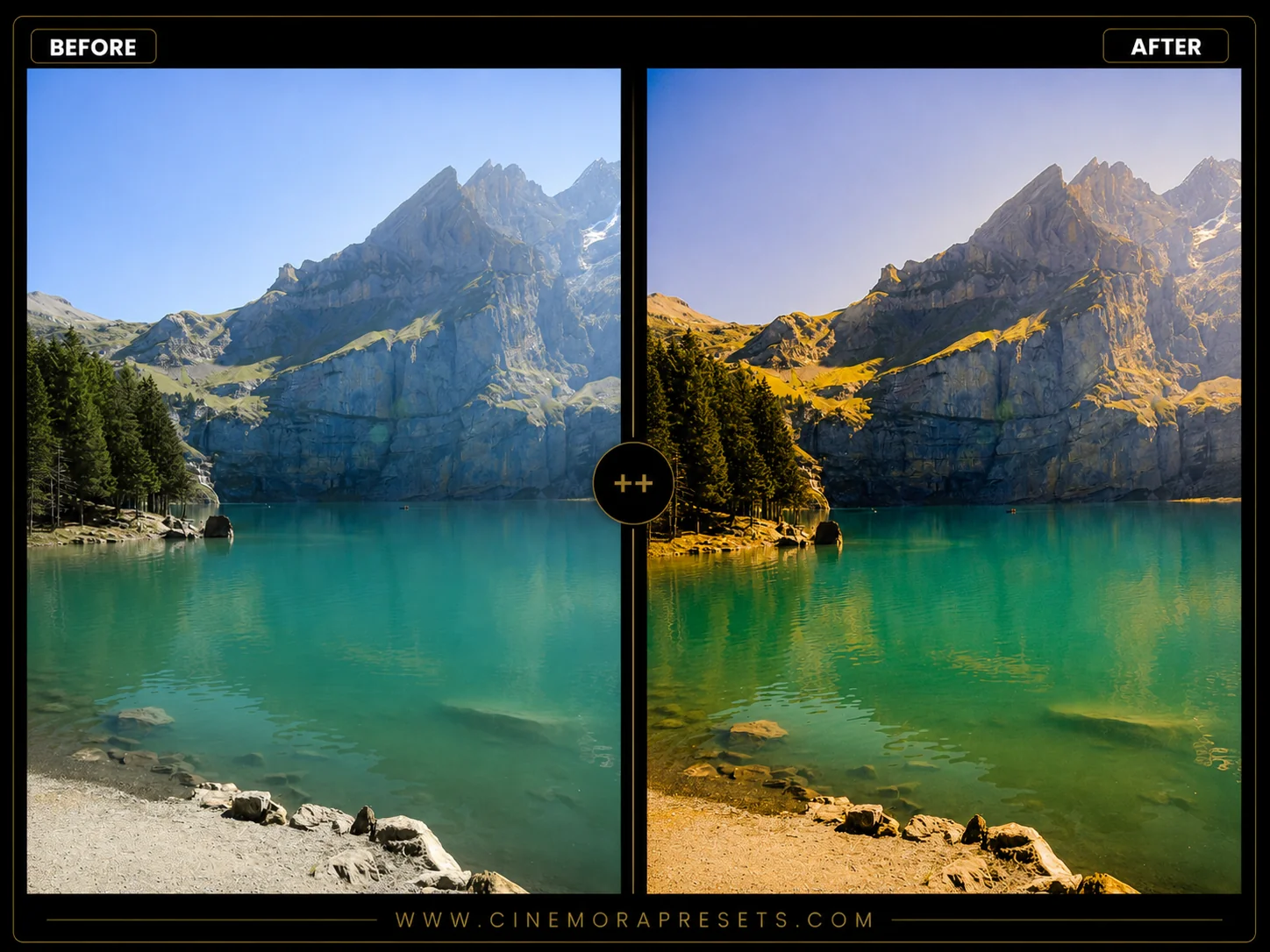 Film
FilmFree Fuji Velvia Lightroom Presets (Velvia 50 Vibe)
Download free Fuji Velvia 50 presets for Lightroom Mobile and PC. Get iconic vivid colors, rich contrast, and organic greens for landscape photography.
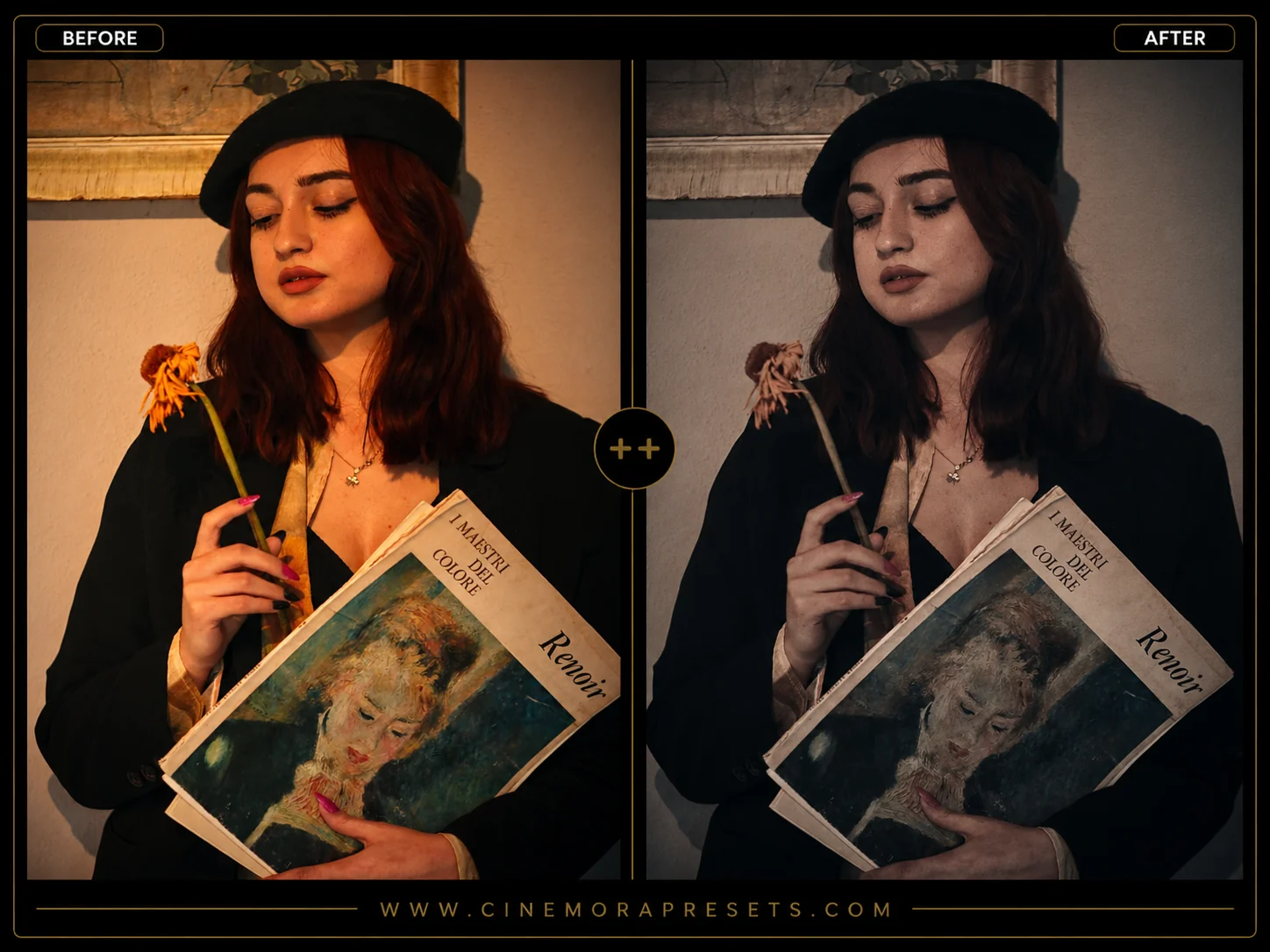 Film
FilmFree Classic Chrome Lightroom Presets (2026 Film Emulation)
Download the latest 2026 Classic Chrome Lightroom presets for mobile and PC. Get Fujifilm's signature muted tones, rich contrast, and analog film grain.
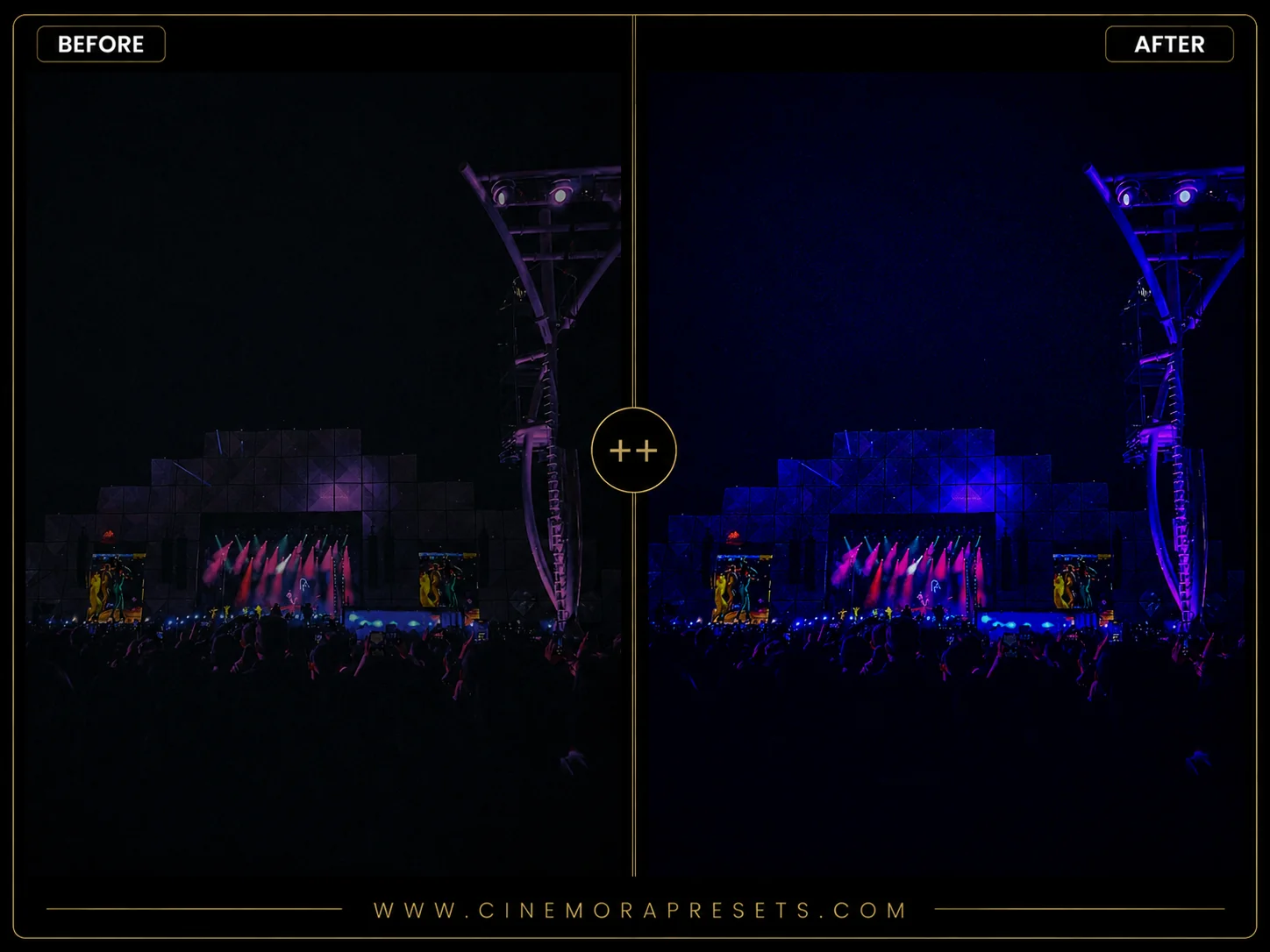 Cinematic
Music Festival Lightroom Presets
Download the latest free Music Festival Lightroom presets in 2026. Grade sunny daytime crowds, golden sunset performances, and neon laser night stages.
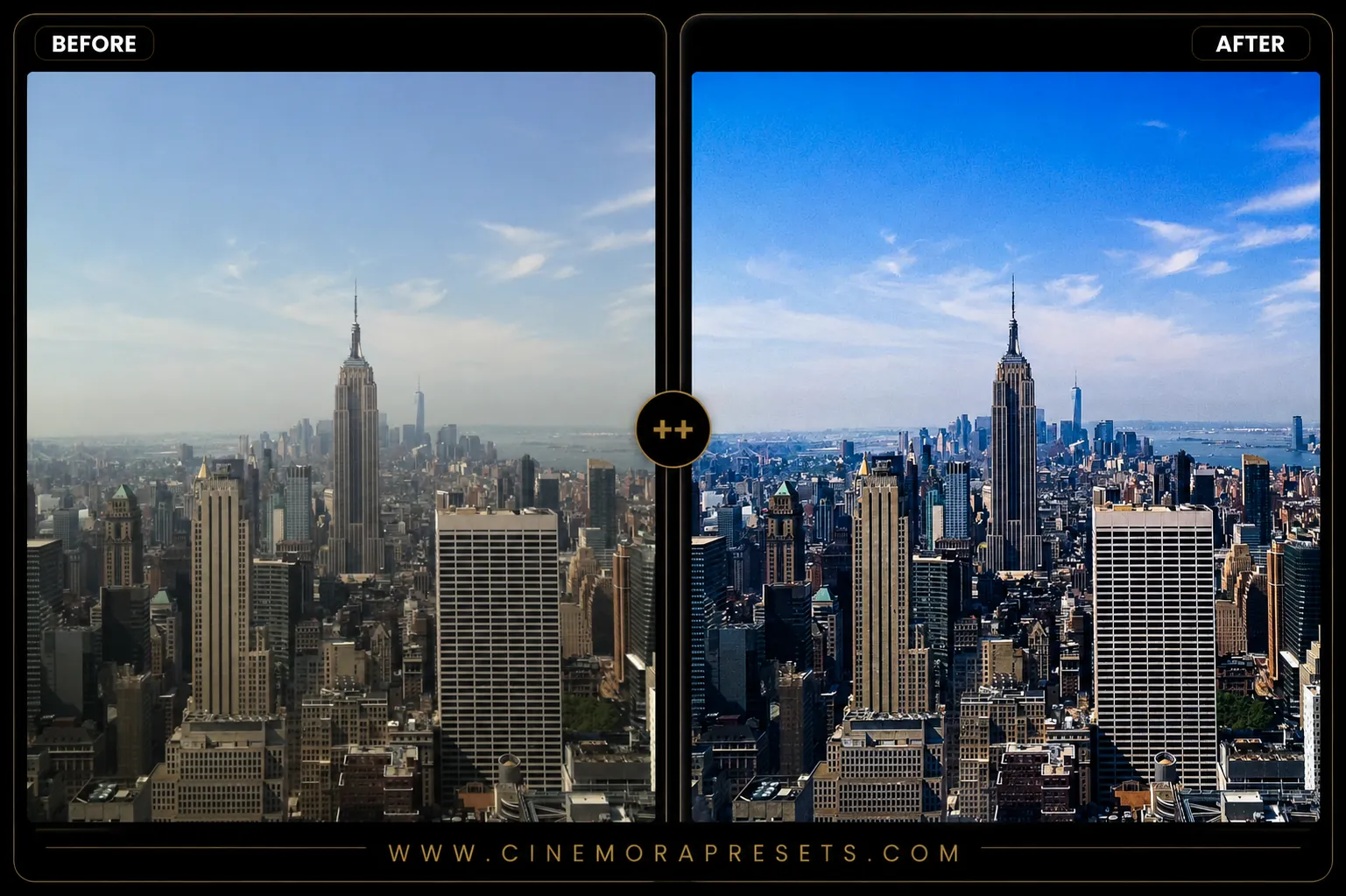 Landscape
Free Skyline Lightroom Presets - City & Urban Pack
Transform your cityscape shots instantly. Download our latest 2026 skyline presets for Lightroom Mobile and Desktop completely free.
 Vintage
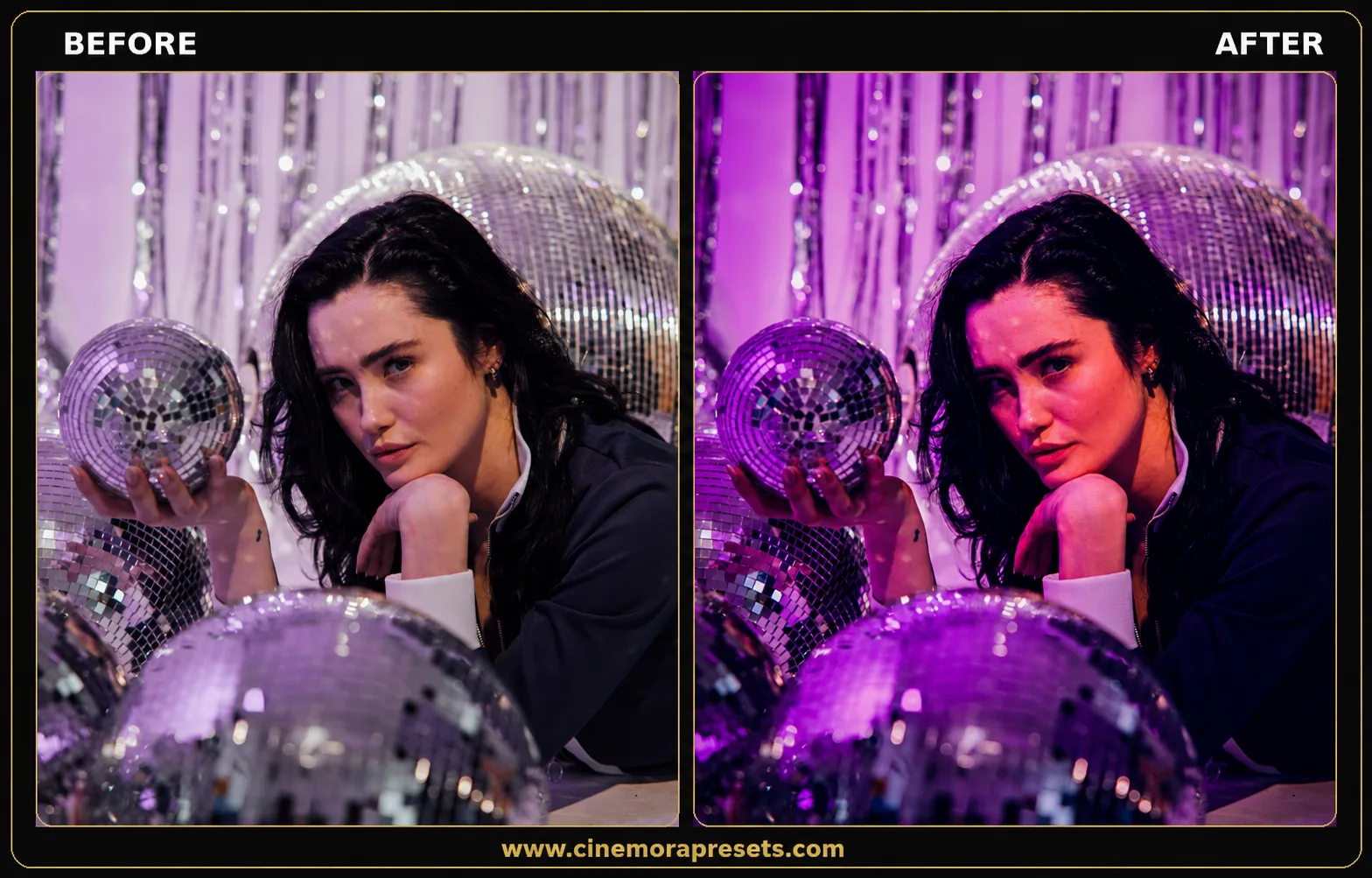
Free Disco Lightroom Presets (2026 Party Pack)
Download our free 2026 latest Lightroom presets for concerts and parties. Turn dark club photos into vibrant pictures with neon violet shadows.
 Dark
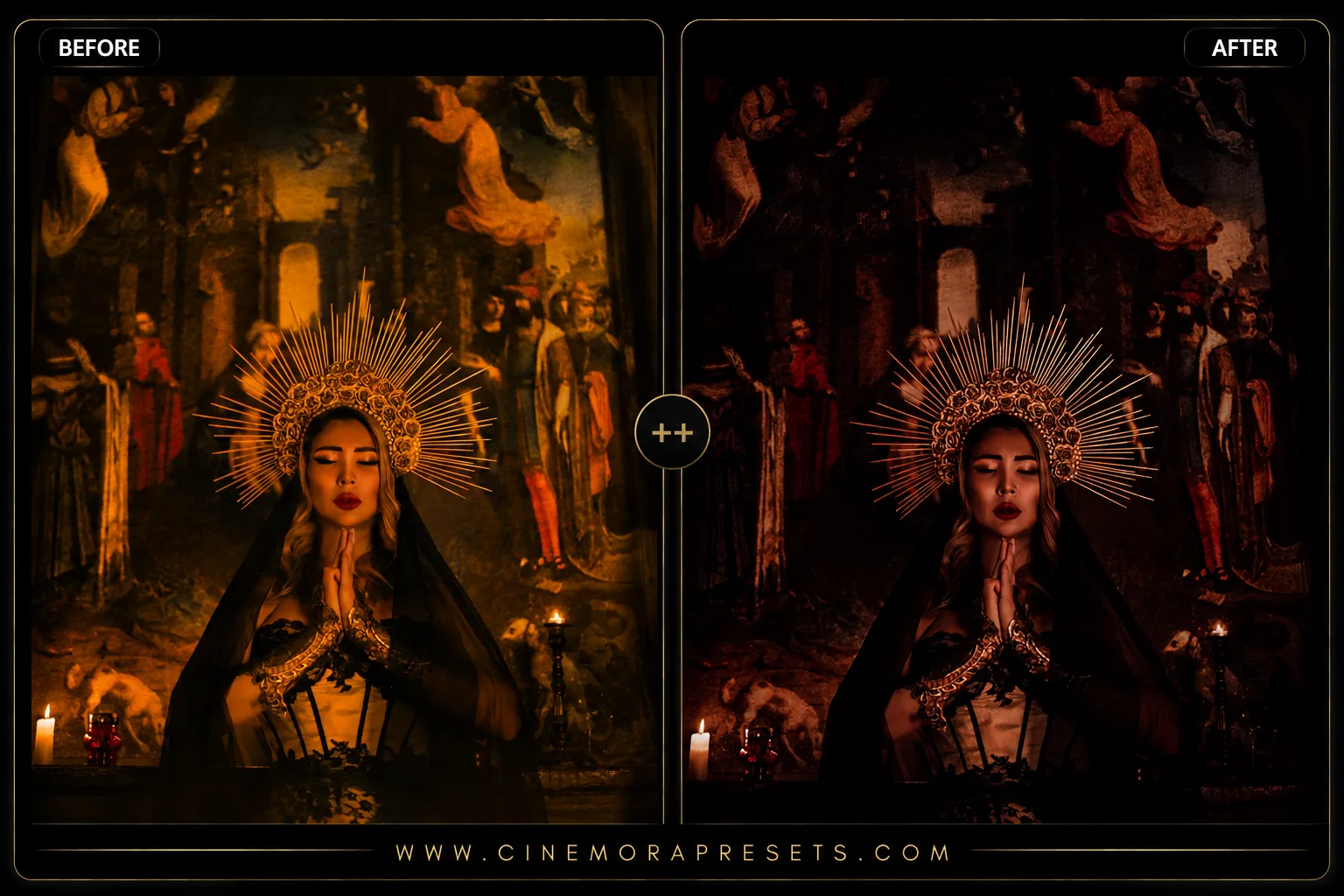
DarkFree Gothic Lightroom Presets
Get the latest free 2026 gothic Lightroom presets. Recreate a dark aesthetic with deep faded blacks, cool shadow tones, and dramatic cinematic details.
 Holiday
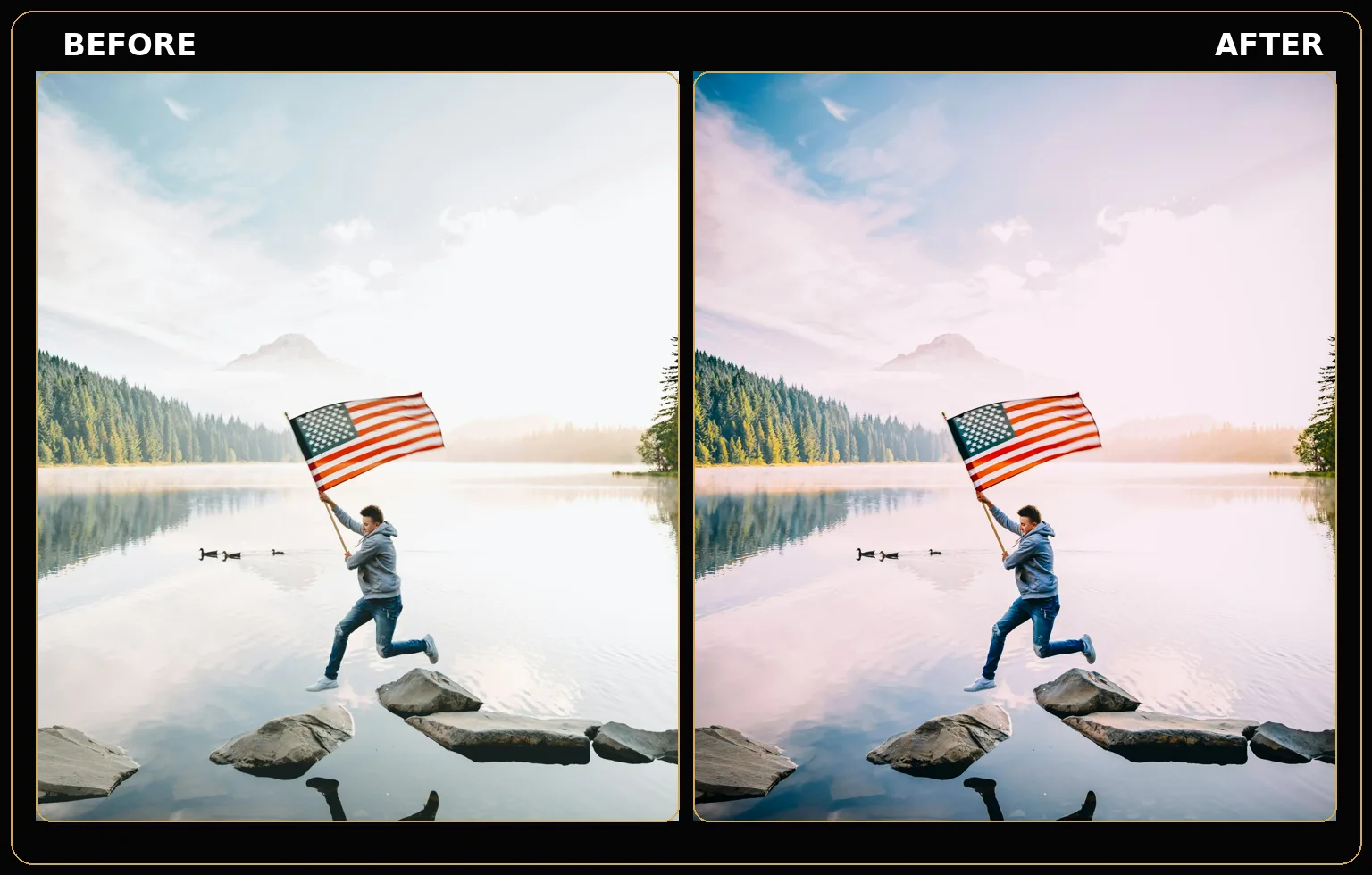
4th of July Lightroom Presets
Download free 4th of July Lightroom Presets for Lightroom Mobile and Desktop. Perfect for fireworks photography, patriotic celebrations, summer parties, and Independence Day photos.
 Landscape
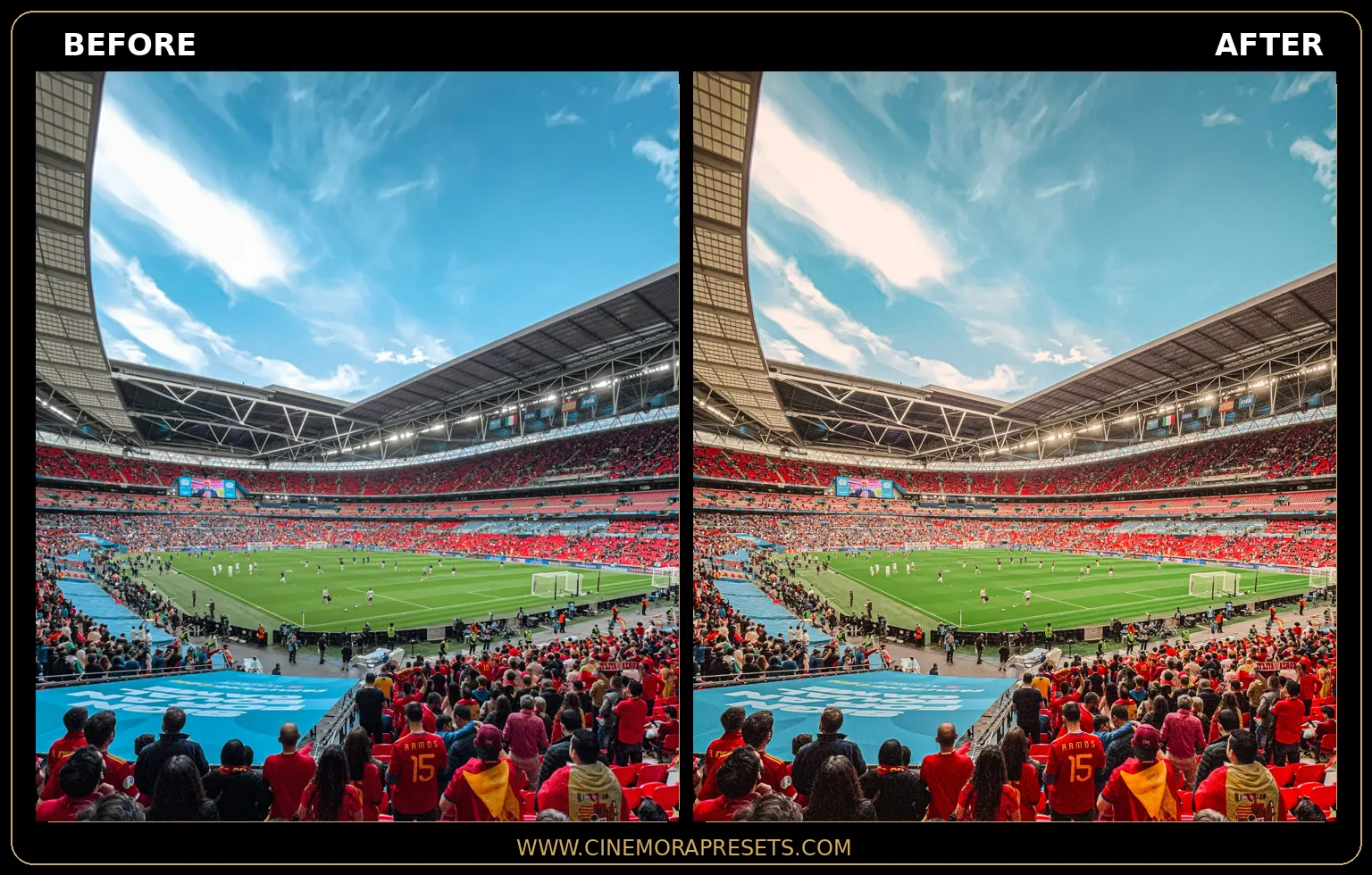
Football Field Lightroom Presets (Pro Stadium Look)
Download free Football Field Lightroom Presets for Lightroom Mobile and Desktop. Edit football stadium photos, sports photography, soccer match images, and World Cup-inspired shots with rich green turf, cinematic contrast, dramatic lighting, and professional color tones.
 Film
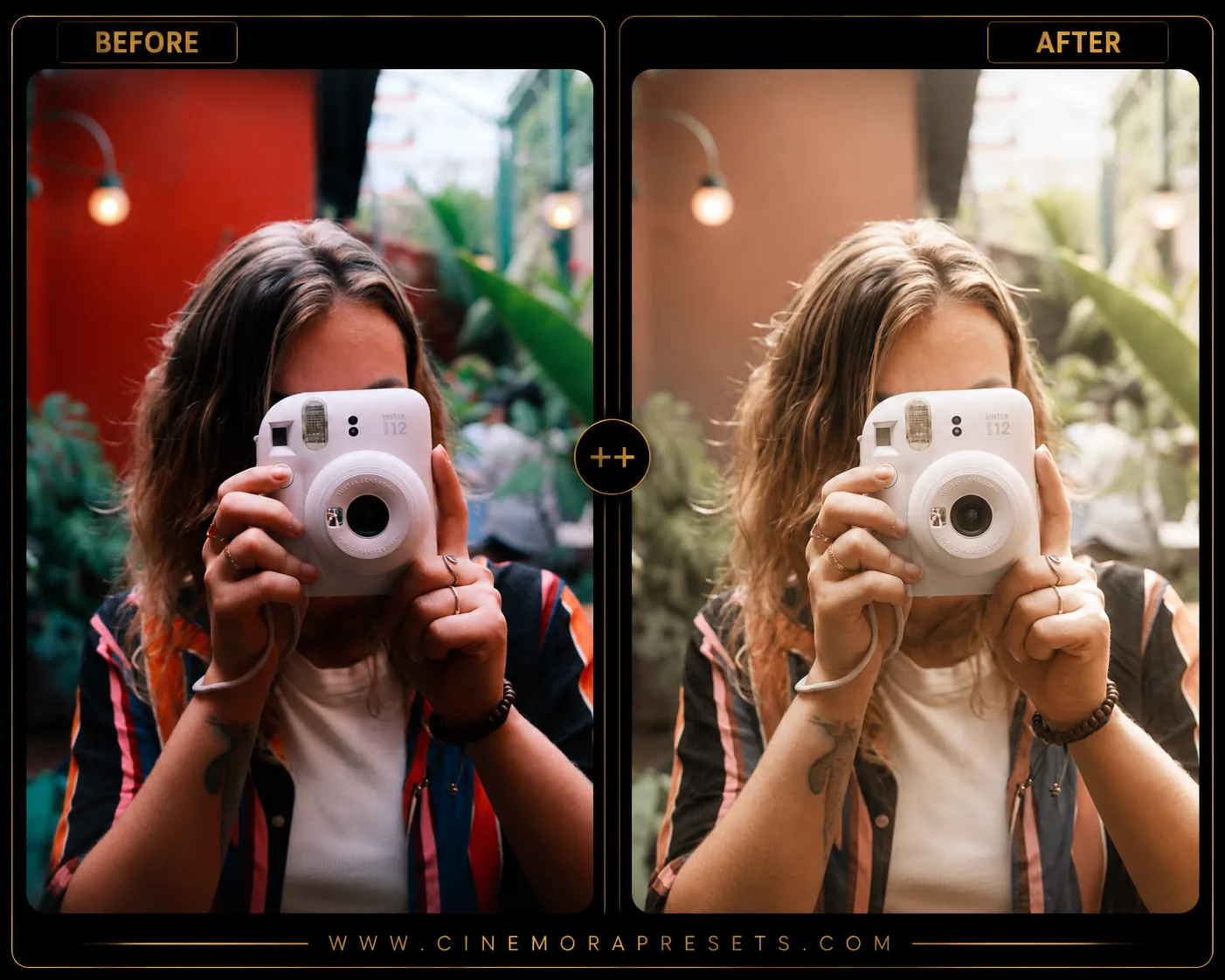
FilmFree Disposable Camera Lightroom Presets (Kodak & Fuji Vibe)
Download our latest free 2026 disposable camera presets for Lightroom. Recreate nostalgic point-and-shoot flash contrast, warm colors, and 35mm grain.
Featured Tutorials
Step-by-step editing guides and Lightroom tips to improve your photography workflow.
How to Recreate the 35mm Film Look in Lightroom (2026 Latest Guide)
Want to know how to edit photos like 35mm film? Follow the latest 2026 guide for vintage film lightroom settings. Learn how to get film look in lightroom step-by-step.
What "Black Point" and "White Point" Mean (And Why Clipping Them Changes Contrast)
What are black and white points in photo editing? Learn what clipping means, how it changes contrast, and how to control it in Lightroom.
Editing Before Cropping vs After Cropping: Does the Order Actually Matter?
Should you crop your photo first or edit the colors first? The order actually matters for your exposure, skin tones, and vignettes. Here is why.
What is Cinemora Presets?
Cinemora Presets is a professional photography platform offering free, professional-grade Lightroom presets and mobile filters. Professional photo editing isn't just about applying a simple color filter — it's about fine-tuning color science, balancing exposure curves, and emphasizing subtle details in the highlights and shadows. We are dedicated to providing the creative community with tools that speed up editing workflows and deliver jaw-dropping results on both mobile and desktop.
Each preset pack in our catalog is meticulously developed and calibrated across hundreds of real-world RAW files captured on professional cameras (Sony, Canon, Nikon, Fujifilm, and iPhone) as well as modern smartphone displays. Whether you're seeking a cozy minimalist beige aesthetic, timeless analog film emulations, moody portraits, or punchy cinematic street grading, our universal XMP filters ensure identical color consistency across all your screens.
How to Choose the Right Preset for Your Photography Style
With dozens of preset styles available, selecting the perfect filter for your image depends on your original lighting conditions and color palette. For example, if you shoot outdoor portraits during the late afternoon, our Golden Hour presets will enhance natural skin warmth and highlight glows. If you are editing street photography at night, our Cyberpunk presets or neon-themed street filters will make background lights pop while maintaining urban contrast. Matching the original mood of your shot with the preset profile is the key to achieving professional results.
XMP vs. DNG Formats: Why We Use Modern Presets
For years, mobile Lightroom editors relied on clunky DNG-based photo templates, requiring tedious copy-and-paste workarounds to sync settings. In 2026, Cinemora Presets delivers all downloads in the universal, modern XMP profile format. XMP profiles are lightweight, containing only mathematical coordinate instructions. They import directly into Lightroom's Presets panel on iPhone, Android, and PC, enabling seamless cloud synchronization and single-click applications.
Essential Tips for Fine-Tuning Lightroom Presets
Lightroom presets are designed to act as a professional baseline for your editing workflow, but since every camera sensor and lighting condition is unique, minor adjustments may be needed:
- Adjust the Exposure: If a preset makes your photo look slightly too dark or bright, open the Light panel and tweak the Exposure slider (+0.2 to -0.2) to match your scene.
- Calibrate Skin Tones: If skin tones look too saturated or warm, navigate to the HSL/Color panel, select the Orange channel, and slightly pull down the Saturation.
- Manage Digital Grain: If you prefer clean digital looks over vintage film texture, open the Effects panel and reduce the Grain slider to zero.
Frequently Asked Questions
Are these Lightroom presets completely free?
Yes, every preset pack on our website is 100% free to download and use for both personal and commercial photography. There are no hidden fees or sign-ups required.
Do they work on both mobile phones and desktop computers?
Yes. All our presets are packaged in the universal XMP format, which is fully compatible with Lightroom Mobile (iPhone and Android) as well as Lightroom Desktop (Mac and Windows).
How do I install these presets on my Lightroom mobile app?
You can import the downloaded XMP files directly into the Presets menu of the free Lightroom mobile app. Once imported, they will be saved in your presets library for one-click use.
Why does my photo look too bright or dark after applying a preset?
Every photo is shot under different lighting conditions. If a preset makes your photo look slightly too dark or bright, simply open the Light panel in Lightroom and adjust the Exposure slider until it looks perfect.
Can I use these presets on JPEGs, or do I need RAW files?
They work perfectly on both JPEGs and RAW files. However, editing RAW files is always recommended because they store much more color and exposure data, giving you cleaner, professional results.