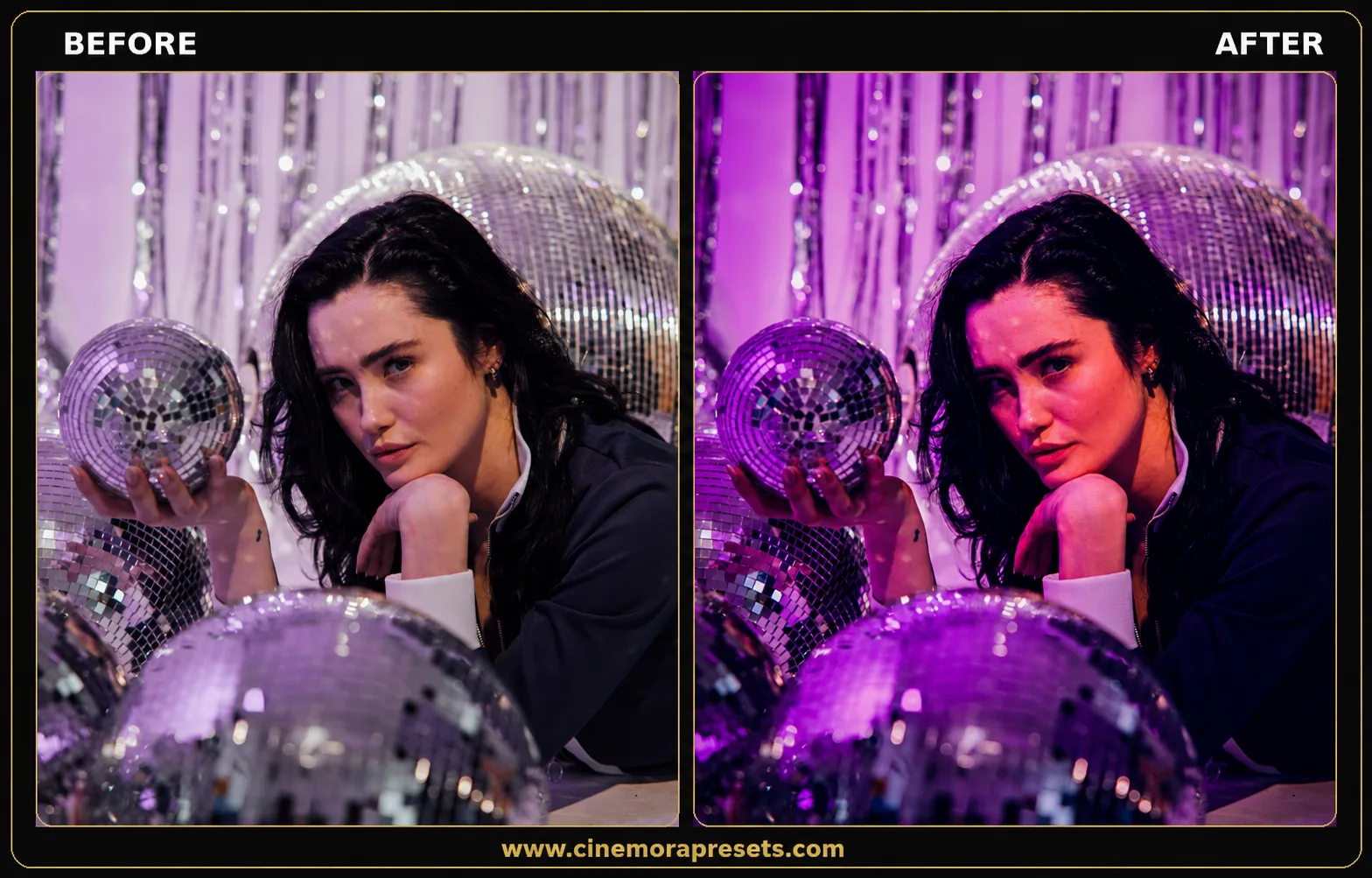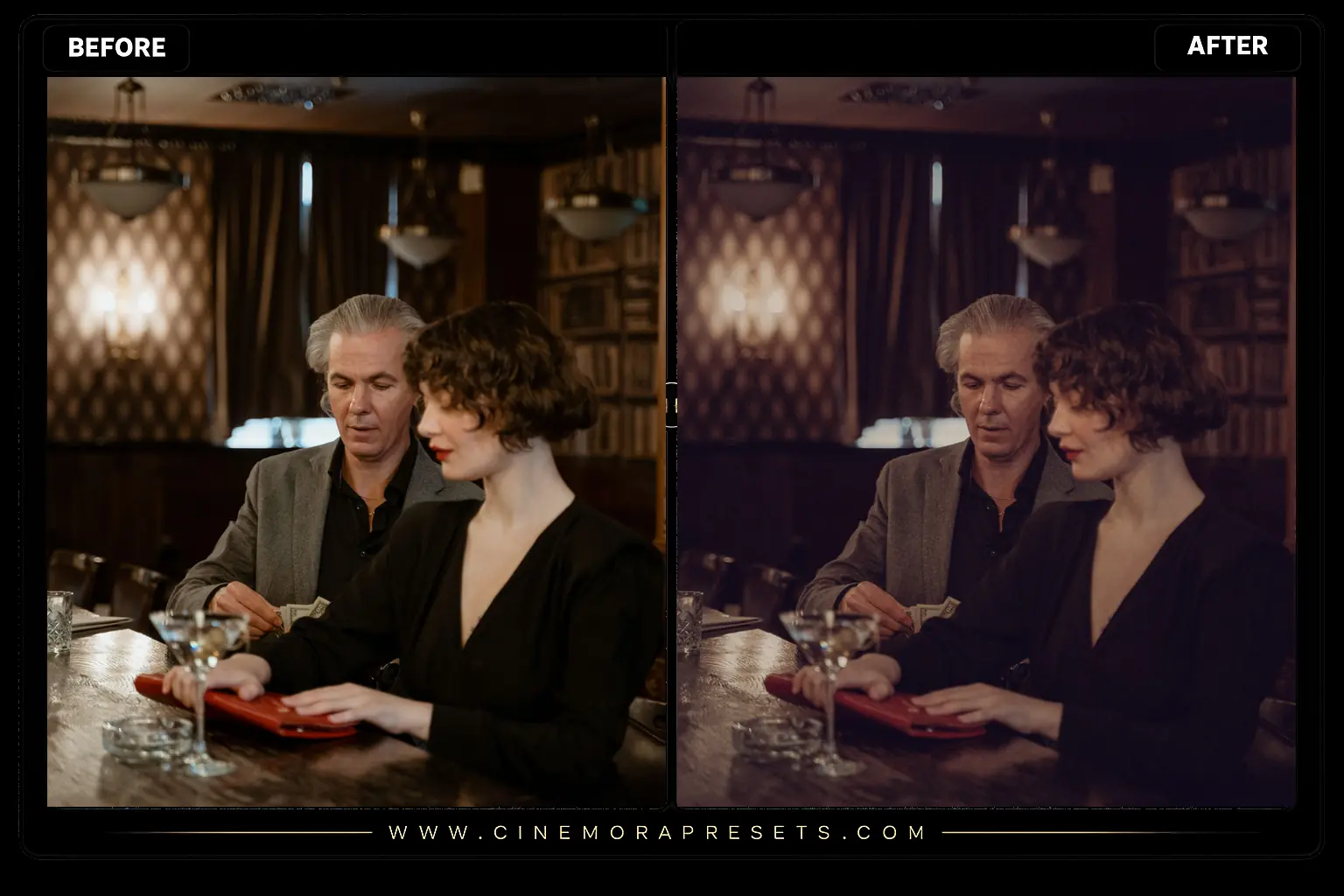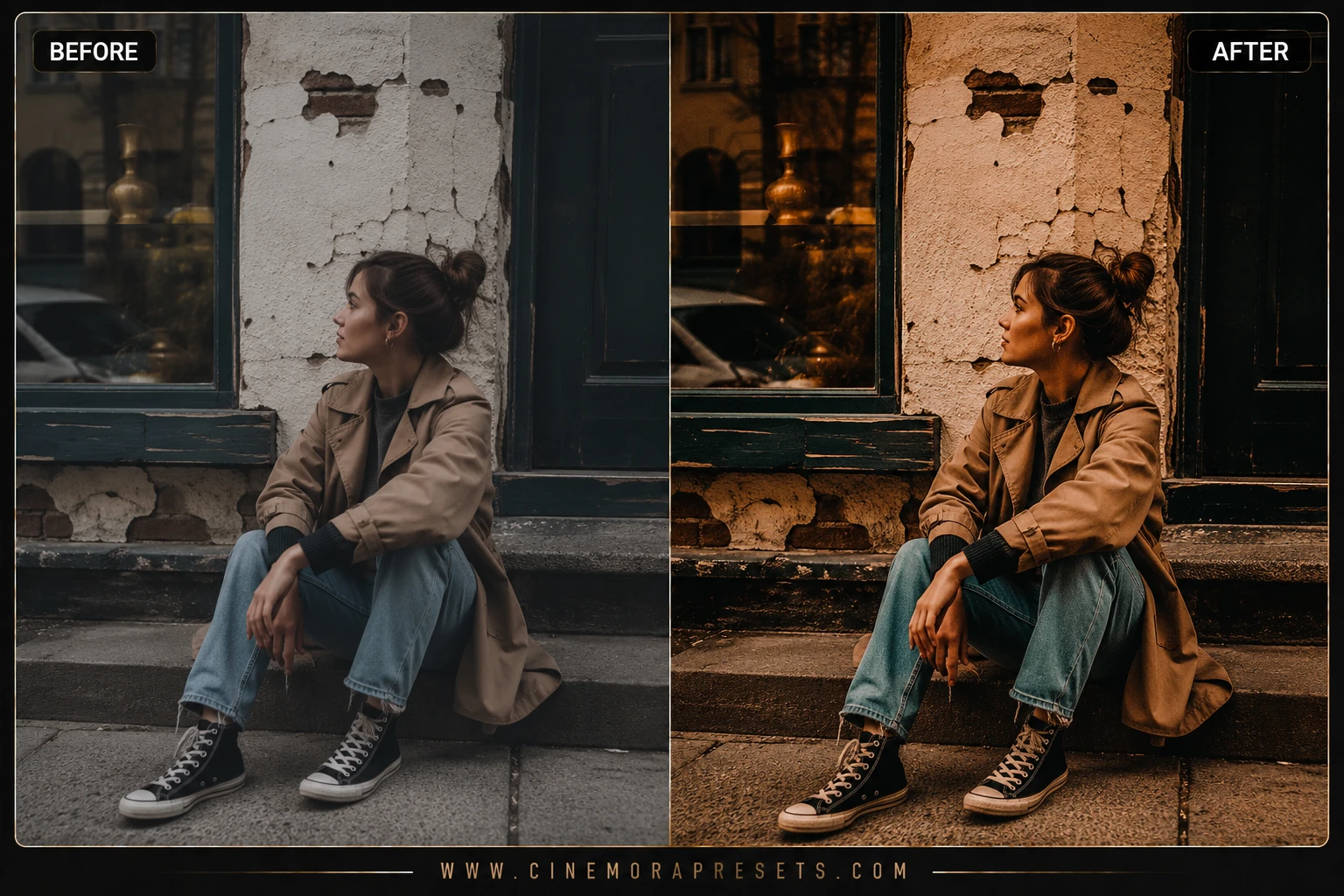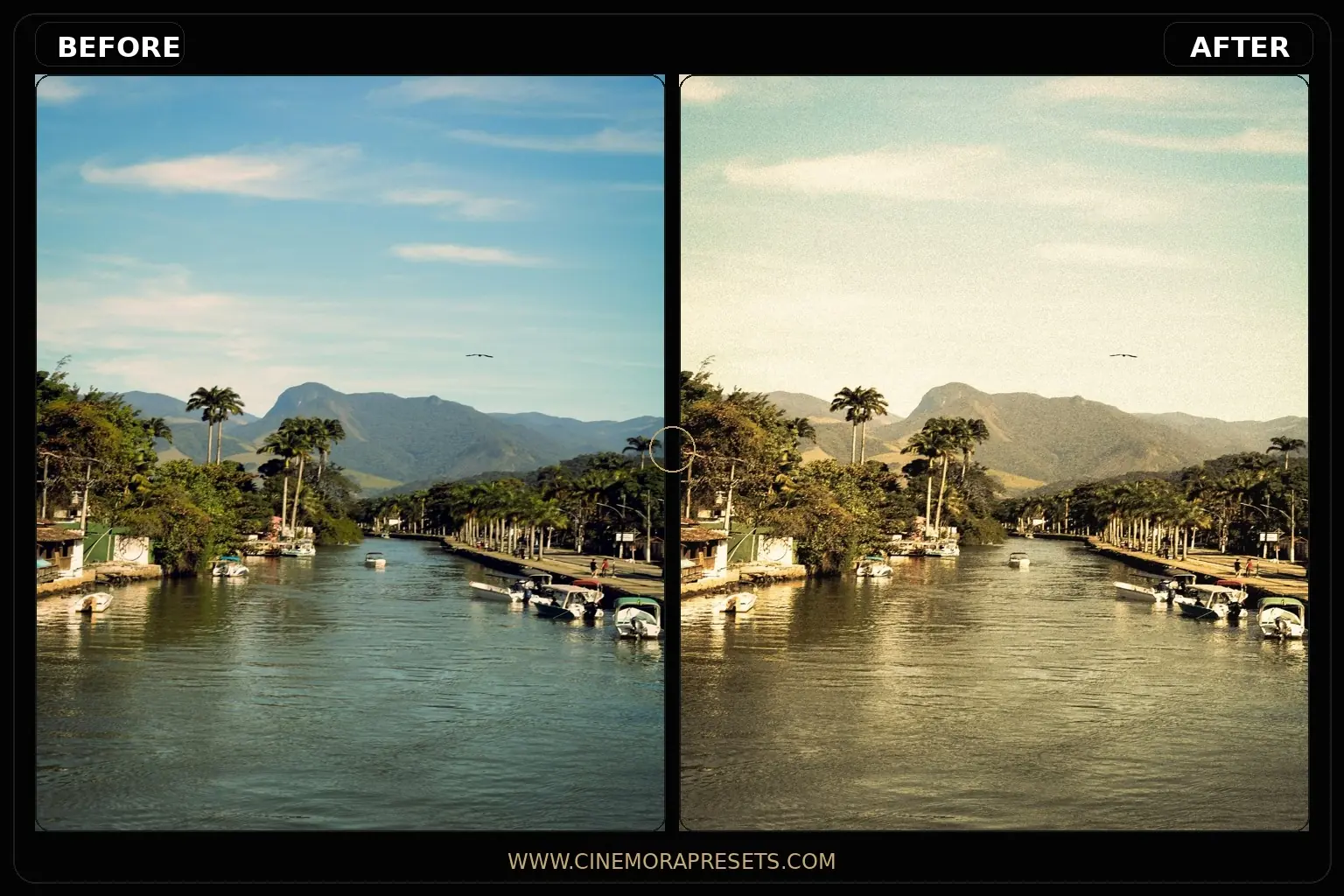
Modern digital sensors are incredibly sharp, clean, and clinical. While this is great for commercial work, it often lacks the warmth, texture, and character of classic analog photography. Free Grain Lightroom Presets bridge this gap by injecting organic film grain, faded shadow curves, and vintage color palettes into your digital files.
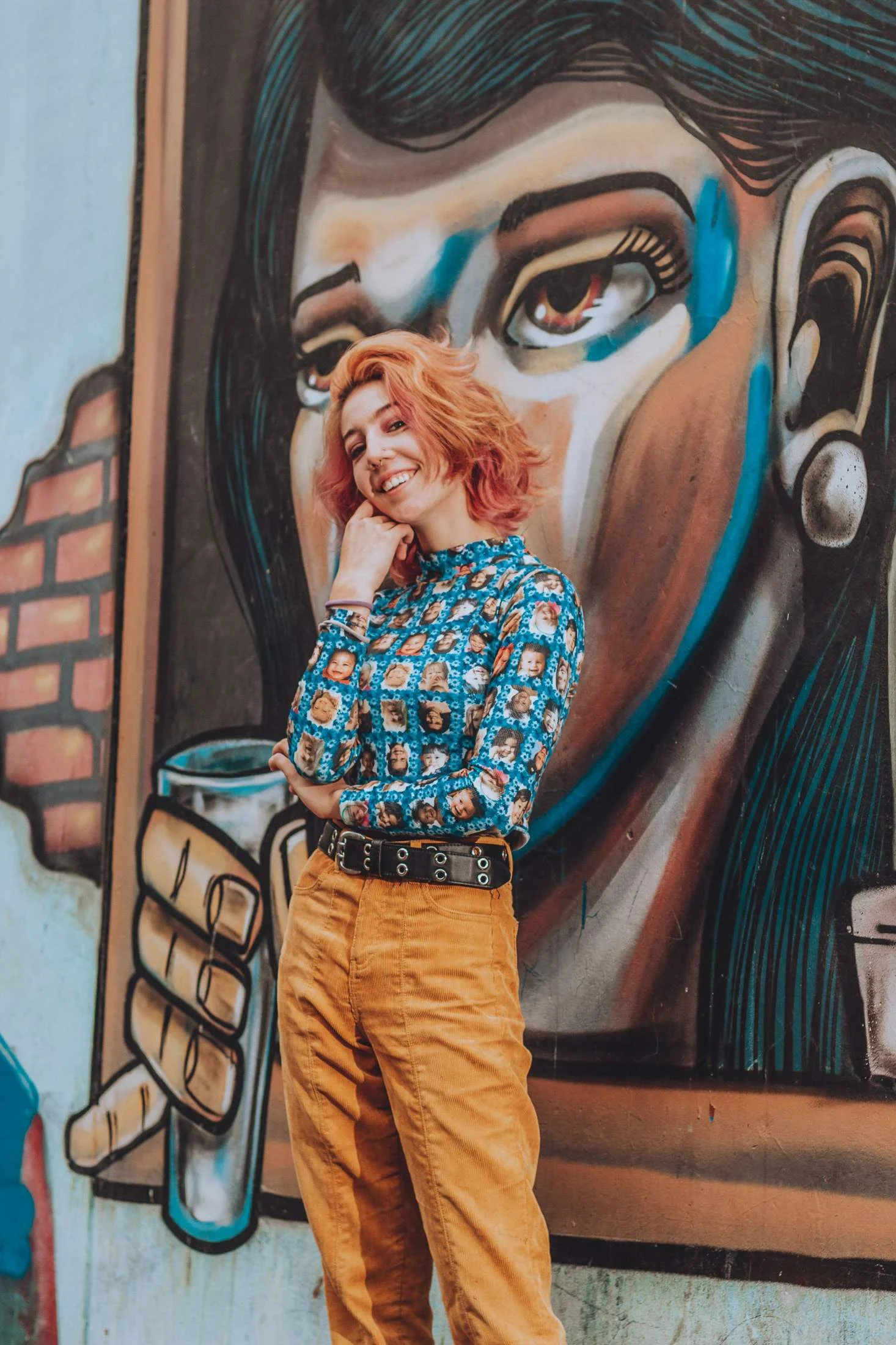
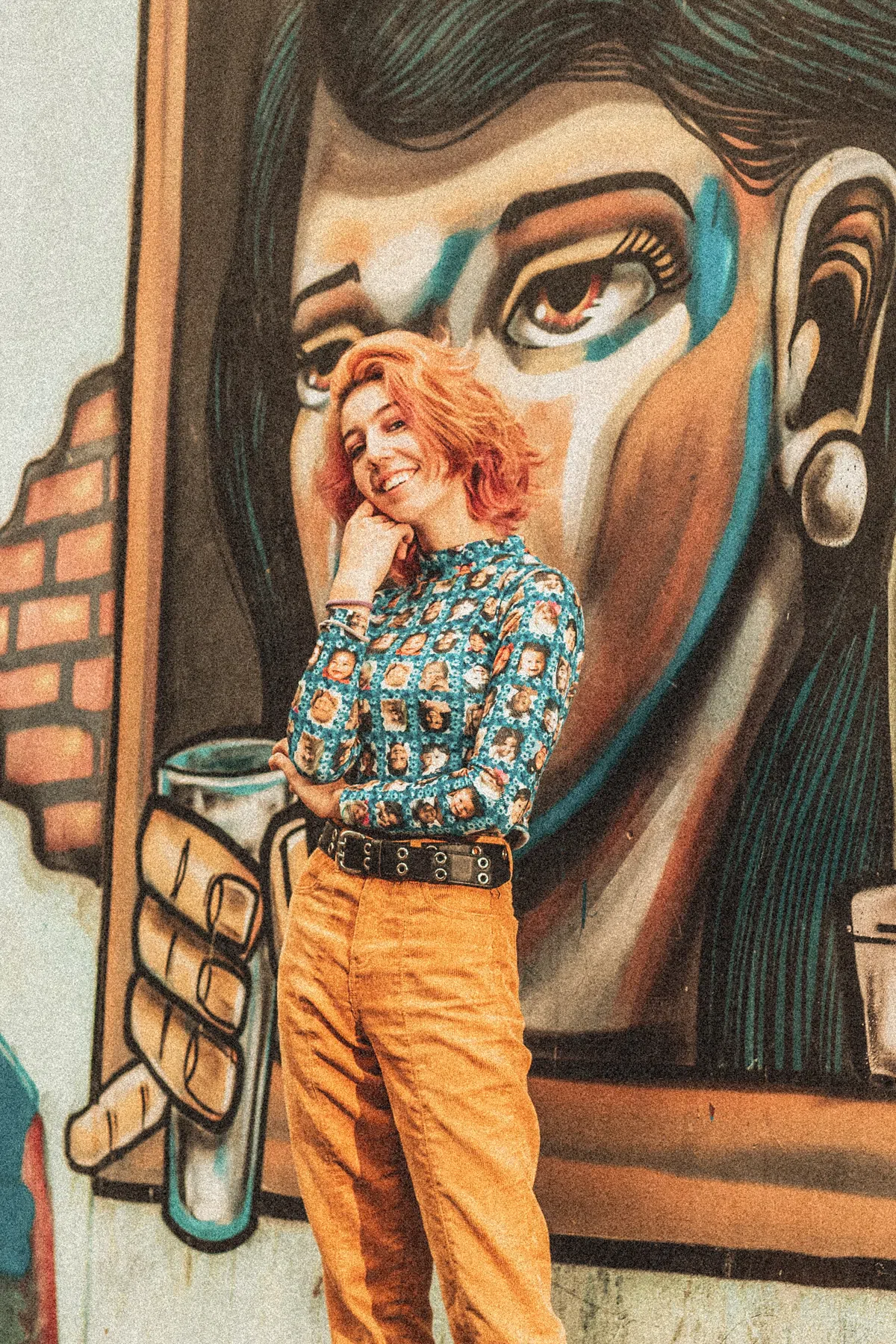
This collection is designed to emulate the physical look of 35mm and medium format film stocks, adding authentic character to street photography, vintage lifestyle shoots, and intimate portraits. With full XMP compatibility, you can achieve that timeless editorial look on both your mobile device and desktop workstation instantly.
How to Perfect the Film Grain Aesthetic in Lightroom
Adding grain is the easiest way to give digital photos that highly sought-after "film look." However, mimicking real analog film requires a bit more than just a grainy overlay.
If you enjoy the vintage aesthetic, you should also explore our Dark & Moody Presets and Disposable Camera presets for authentic retro styles.
1. Calibrating Lightroom's Grain Panel
Grain is not one-size-fits-all. In Lightroom's Effects panel, you have three grain sliders:
- Amount: Controls the density/visibility of the grain (keep between +25 and +40).
- Size: Defines the thickness of the grain clumps. Lower this (around 25) for a fine 35mm look, or increase it (above 40) for a gritty, pushed film style.
- Roughness: Dictates the random distribution of the grain. High roughness (50+) replicates vintage paper textures, while low roughness (30) mimics modern fine-grain stocks.
2. Fade the Blacks (The Matte S-Curve)
A hallmark of real film is that pure blacks are rarely pitch black; they are soft and dark charcoal. These presets lift the black levels for a faded look. If you want a punchier image, go to the Tone Curve, grab the bottom-left point, and pull it up slightly to introduce a soft matte haze in the deep shadows.
3. Soften Digital Sharpness
Modern cameras resolve details with sterile precision. Analog lenses have softer optics. To make the grain look natural and integrated rather than pasted on top, drop the Clarity (-8) and Texture (-4) sliders. This slightly diffuses the highlights and allows the grain pattern to blend organically into the transitions between shadows and midtones.
What's Included in the Pack
This analog texture bundle features 5 distinct presets calibrated for different levels of film grain and vintage tone curves:
- 35mm Fine Grain: A subtle, clean grain overlay that softens digital sharpness without overpowering small details. Ideal for clean portraits.
- Pushed Film 1600: Recreates high-ISO film styles with coarse, high-contrast grain and deep matte shadows. Perfect for low-light street photography.
- Vintage Editorial: Combines moderate grain with a warm amber tint and faded highlights for a classic magazine cover look.
- Analog Matte: Features heavy, organic grain and lifted black levels, giving your photos a velvet, lived-in feel.
- Retro Disposable: Recreates the high-contrast, slightly blue-shadowed look of cheap disposable cameras with organic color noise.
Target Scenarios and Shooting Locations
Film grain thrives on raw emotion, texture, and light leaks. These presets are optimized for:
- Tokyo & Seoul City Streets (Night): Complements neon signage and wet pavements. The grain adds a cinematic halo effect to street lights, converting clinical digital noise into romantic retro texture.
- Amalfi Coast & Mediterranean Travel (Day): Matches bright sunlit beaches. Softens highlights and pairs warm sand tones with beautiful Kodak-style grain for a nostalgic summer feel.
- Brooklyn Cafe Portraits (Indoor): Works beautifully with window light. Softens skin details and adds a moody, vintage warmth that feels intimate and classic.
Technical Preset Characteristics
The grain engine doesn't just add digital noise; it carefully adjusts Lightroom's **Amount, Size, and Roughness** parameters to mimic how silver halide crystals are distributed on actual film. It lifts the shadows to create faded blacks, desaturates raw digital primary colors by -12%, and softens digital textures to replicate vintage optics.
After downloading, extract the ZIP file and import the XMP presets into Lightroom.