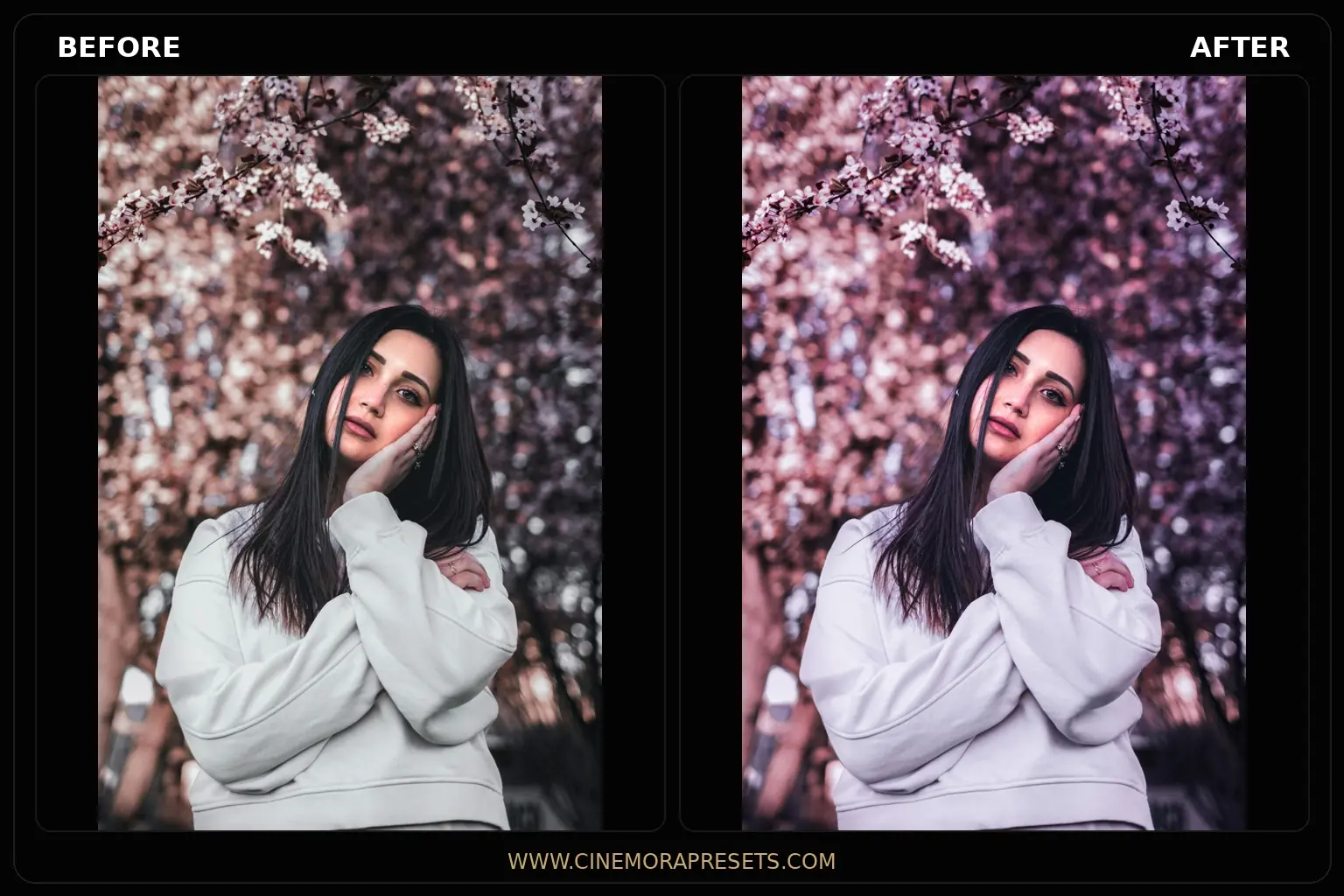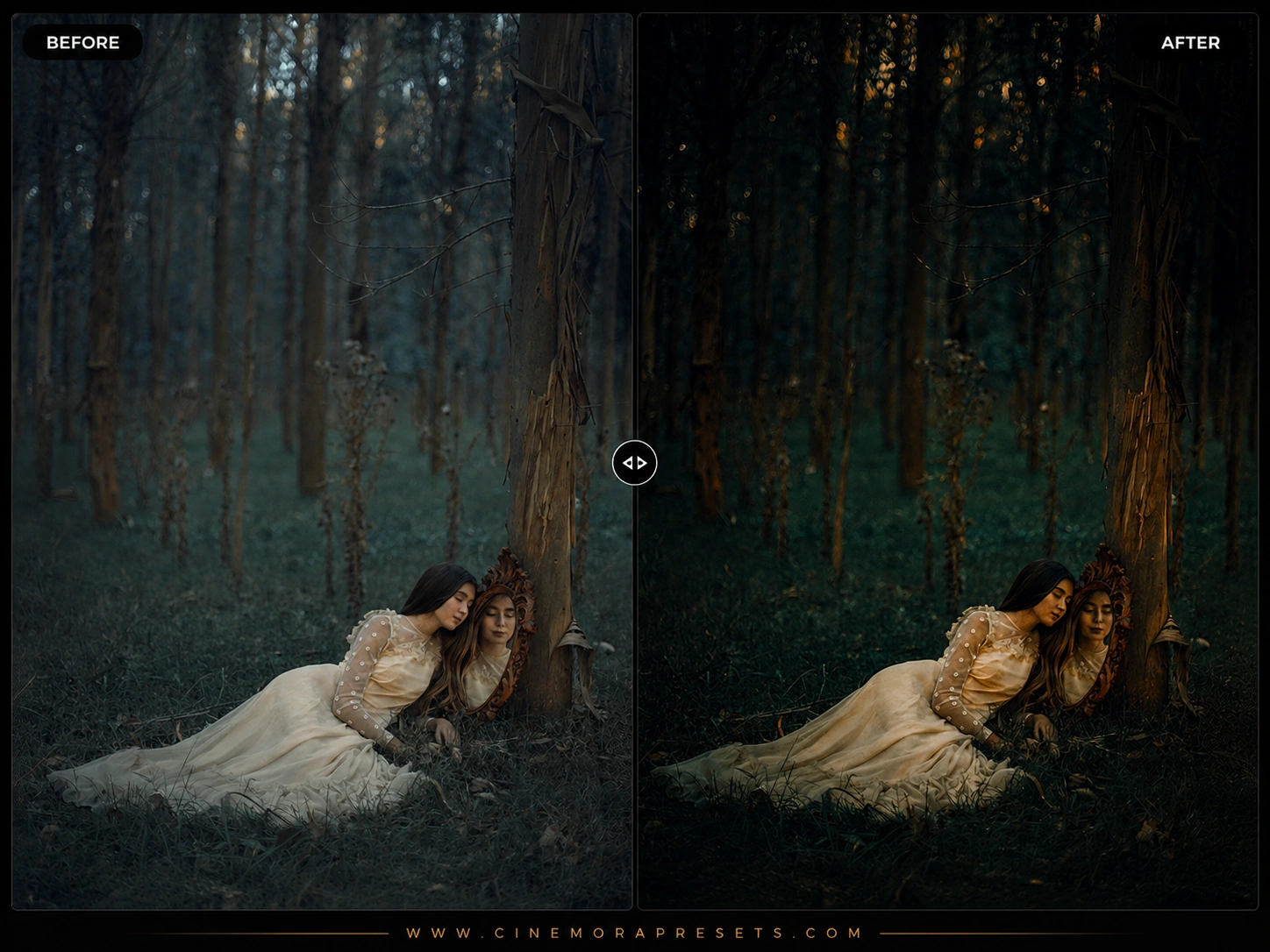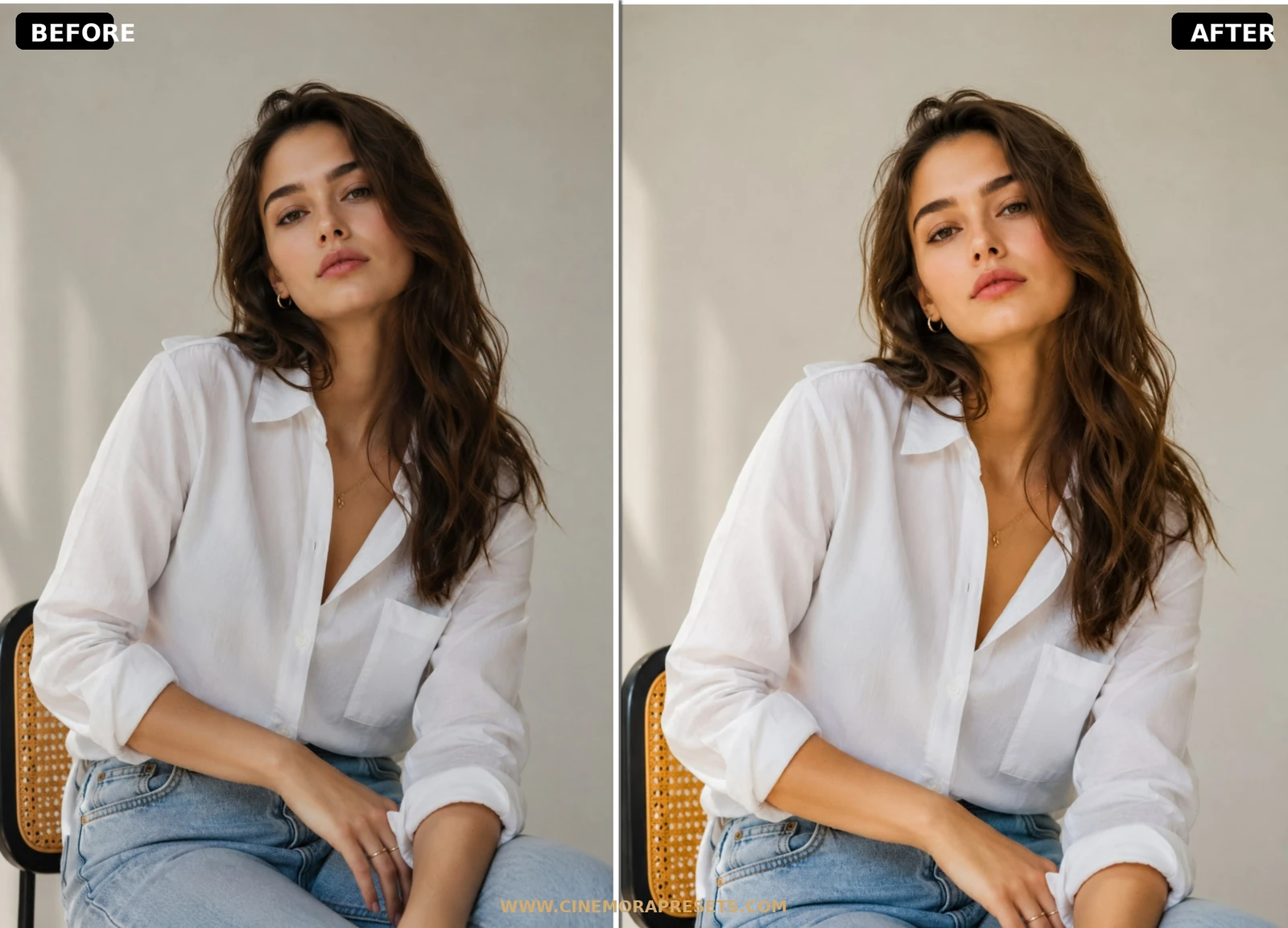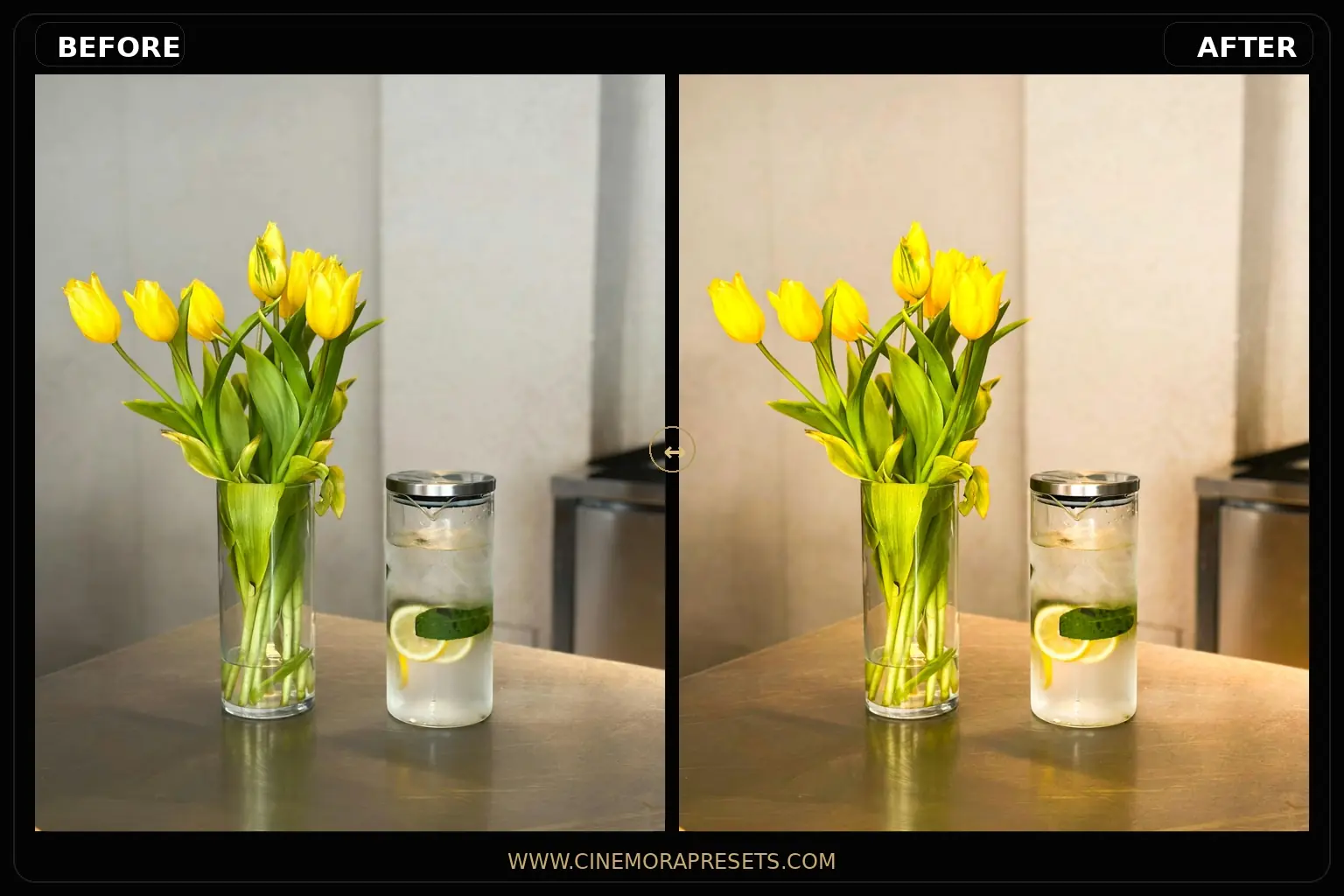
Creating a cohesive visual style for your Instagram feed or portfolio is one of the best ways to stand out as a photographer. However, modern digital cameras often capture images that look overly sharp and sterile. I designed this pack of free Aesthetic Lightroom presets to bring soft pastel warmth, glowing highlights, and organic visual harmony back into your everyday captures.

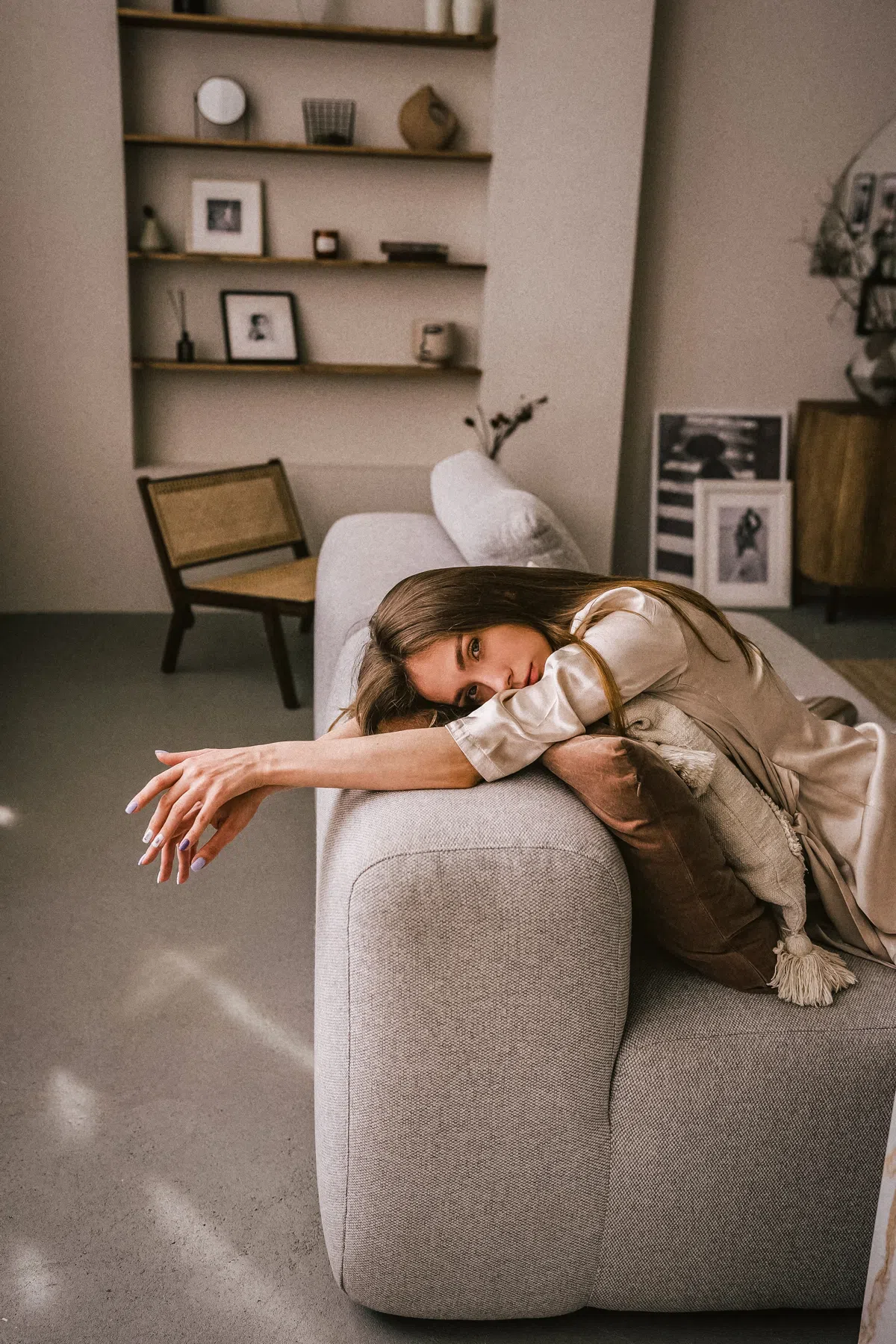
This collection is engineered to soften bright light sources, add a creamy warmth to the shadows, and gently shift cold primary colors into soothing pastels. It is the ultimate creative solution for lifestyle portraits, daily self-portraits, flatlays, and travel snaps that need a clean, polished, and inviting aesthetic.
Delivered in the standard XMP format, these filters apply identical aesthetic color grading profiles across both your mobile device and desktop Lightroom catalog.
Mastering Aesthetic Color Grading
Achieving a clean, modern aesthetic is all about soft contrast, pastel tones, and balanced highlights. Unlike standard high-contrast filters, these presets are designed to soften digital sharpness and give your photos a warm, inviting look. If you love this vibe, you can also mix these with our beige aesthetic presets for sandy warm tones.
Beige Cream Lightroom Preset Settings & Slider Values
Exposure: +0.15 | Contrast: +14 | Highlights: -19 | Shadows: +19 | Whites: +11 | Blacks: -9 | Texture: +9 | Clarity: +8 | Saturation: +6 | Grain: +1
Here is my professional workflow for editing lifestyle photos using this collection:
1. Boost Exposure for an Airy Look
Aesthetic photos look best when they are bright and open. If your photo looks a bit too dark after applying a preset, immediately boost the Exposure slider slightly (+0.2 to +0.4) to lift the midtones.
2. Calibrate Skin Tones (Orange Channel)
If the warm cream tones make skin look too saturated or warm, go to the HSL / Color panel, select the Orange channel, and slightly drag the Saturation down (-5 to -10) and the Luminance up (+5 to +10).
3. Adjust the Soft Glow Texture
The beautiful soft glow in these presets is created by lowering clarity. If you prefer a sharper digital look, simply navigate to the Effects panel and pull the Clarity slider slightly back to the right.
Installation Guide
Setting up these presets on your phone or computer is very simple:
- Download the ZIP file containing the XMP preset files.
- If you need step-by-step instructions for your specific device, follow my guide on how to install Lightroom presets for instant setup help.
What's Included in This Collection
This aesthetic grading pack contains custom-calibrated presets designed to enhance your everyday lifestyle captures:
- Soft Glow Presets (perfect for portraits, creating an elegant highlight roll-off and a subtle skin glow)
- Warm Pastel Presets (shifts background greens and blues into soft sage and warm cream tones)
- Faded Matte Presets (adds a subtle vintage lift to the blacks and soft organic film texture)
Designed to Avoid Overlapping and Cannibalization
Unlike highly stylized packs that only work in specific conditions, these general aesthetic presets are calibrated for daily use. While our Dreamy collection focuses on heavy romantic pink-lavender overlays and our Beige collection shifts colors toward deep earthy sands, this general Aesthetic pack maintains natural color relationships while simply smoothing out contrast and adding clean warmth. It is designed to act as your daily visual baseline.
How to Get the Most Out of Aesthetic Grading
Aesthetic editing thrives on soft, balanced lighting. For the absolute best results, apply these presets to photos shot in natural window light, under soft overcast skies, or during the late afternoon. Once you apply the filter, use the Exposure slider to set your desired brightness, and slightly adjust the Temperature slider toward warm to make the cream tones stand out.
After downloading, extract the ZIP file and import the XMP presets into Lightroom.