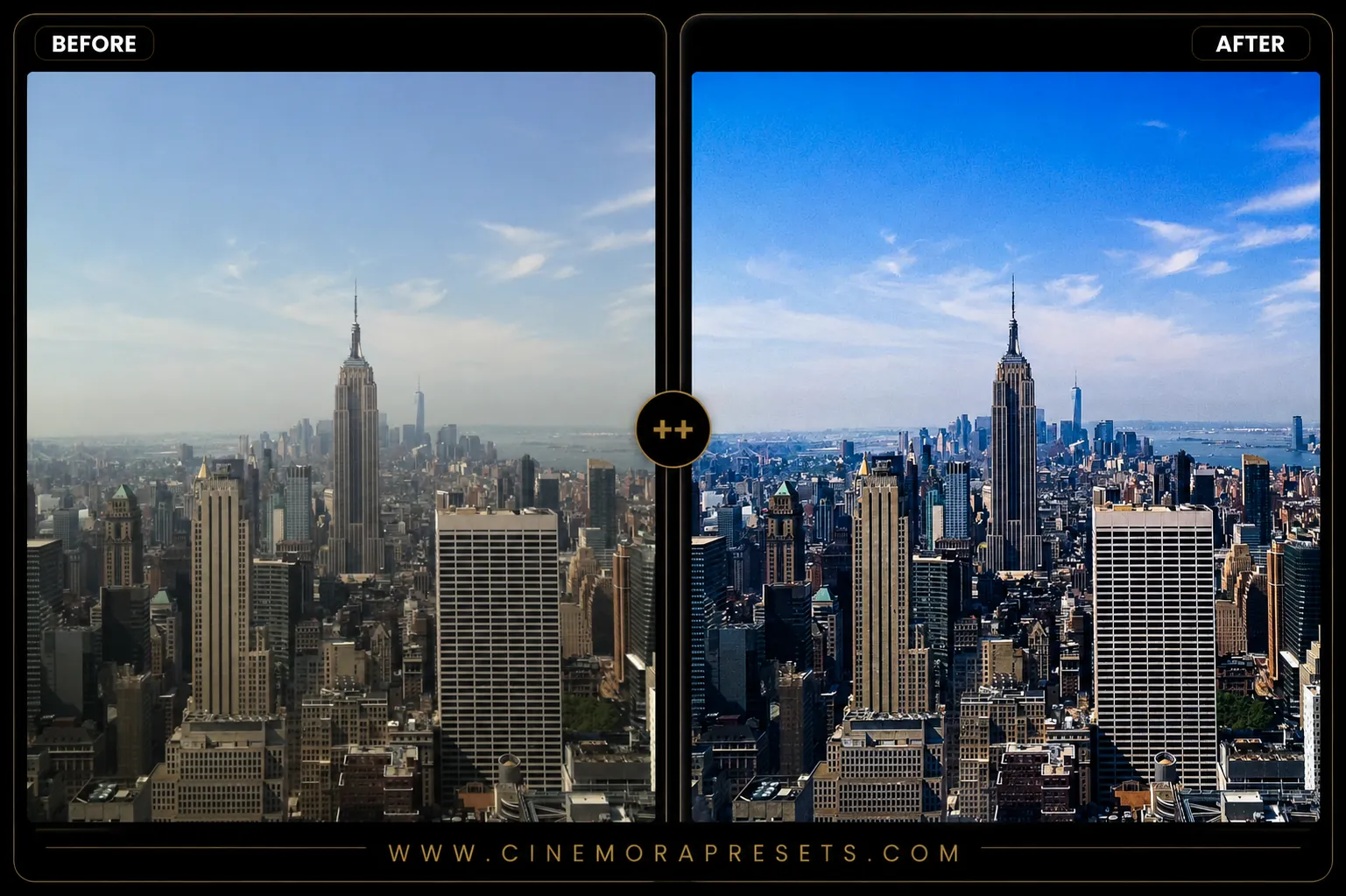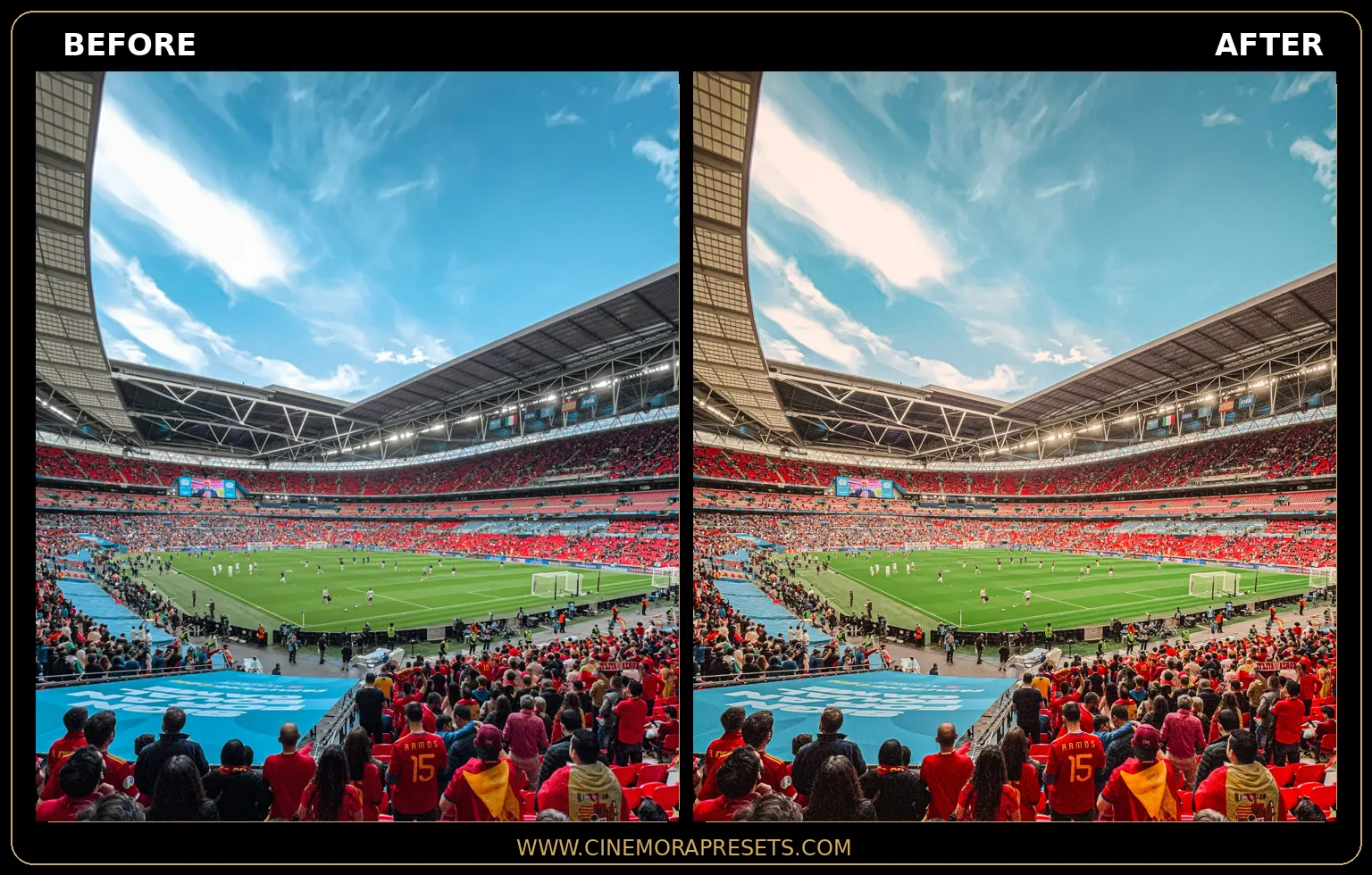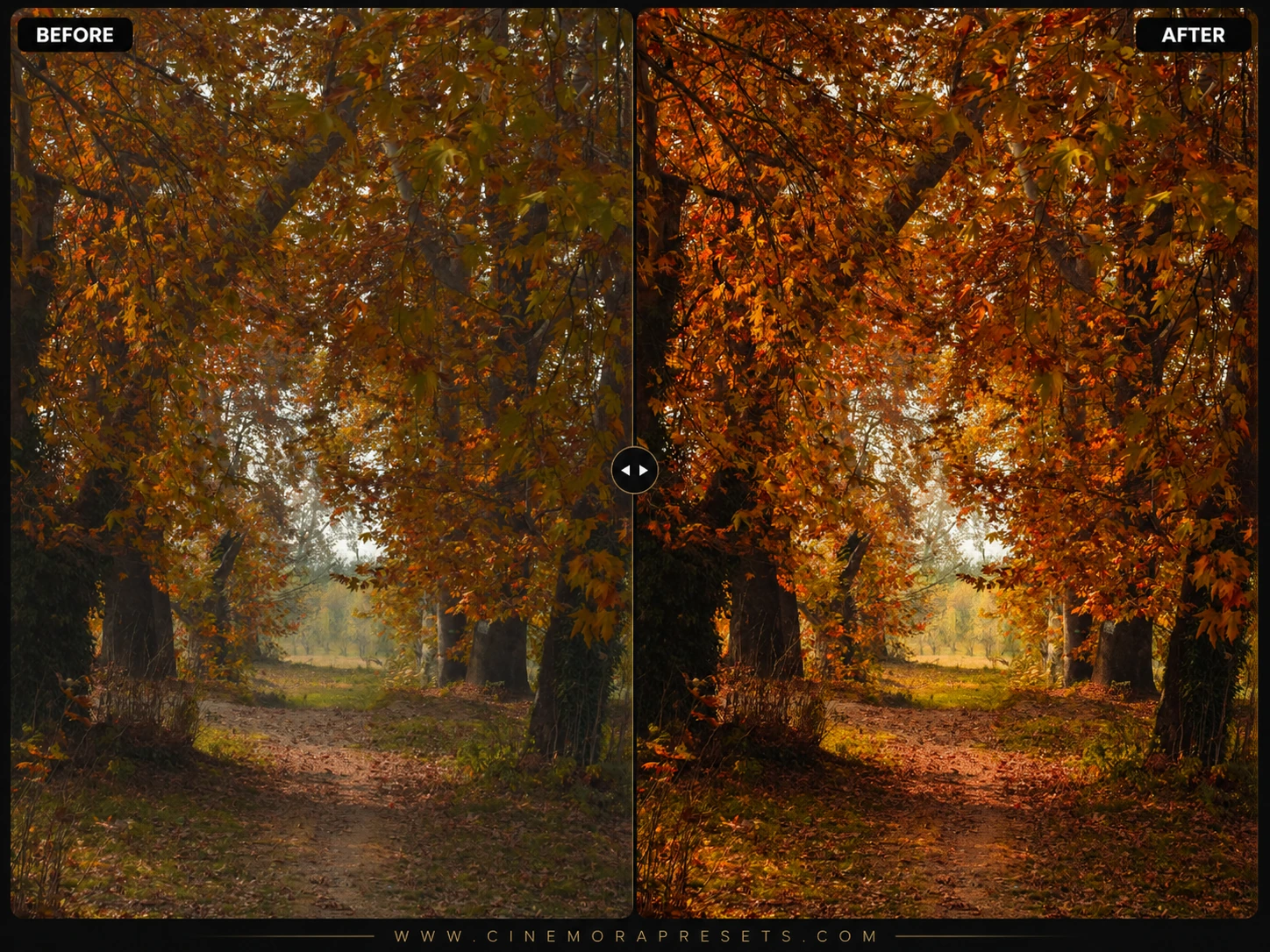
Golden Hour Lightroom presets instantly turn cool, shadow-heavy daylight into warm, glowing amber light, mimicking the soft sunbeams of late afternoon. These filters rescue dark backlit subjects and soften overexposed skies to recreate the natural sun-kissed skin and golden highlights of sunset. Designed for mobile and desktop (.xmp format).
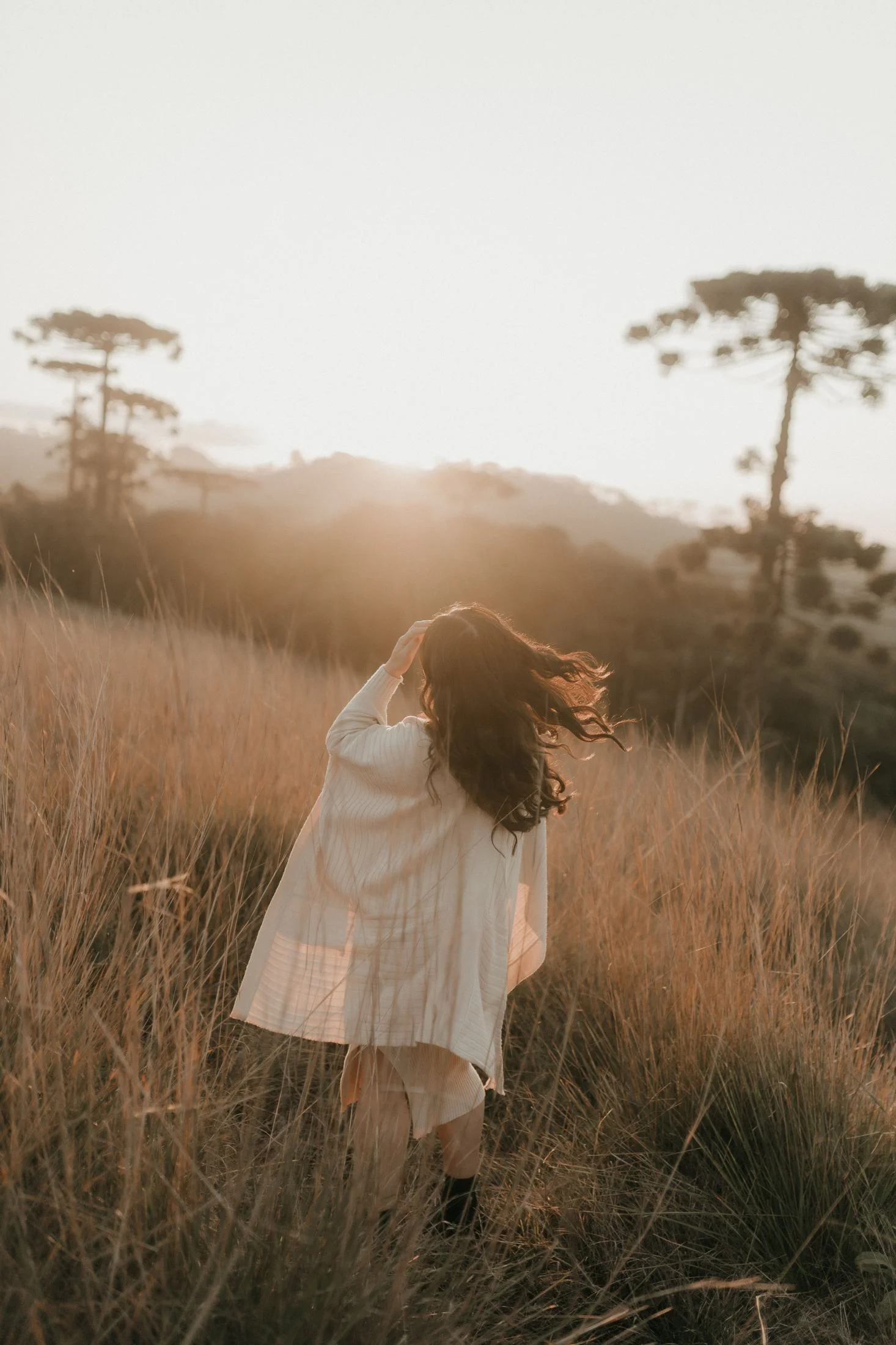
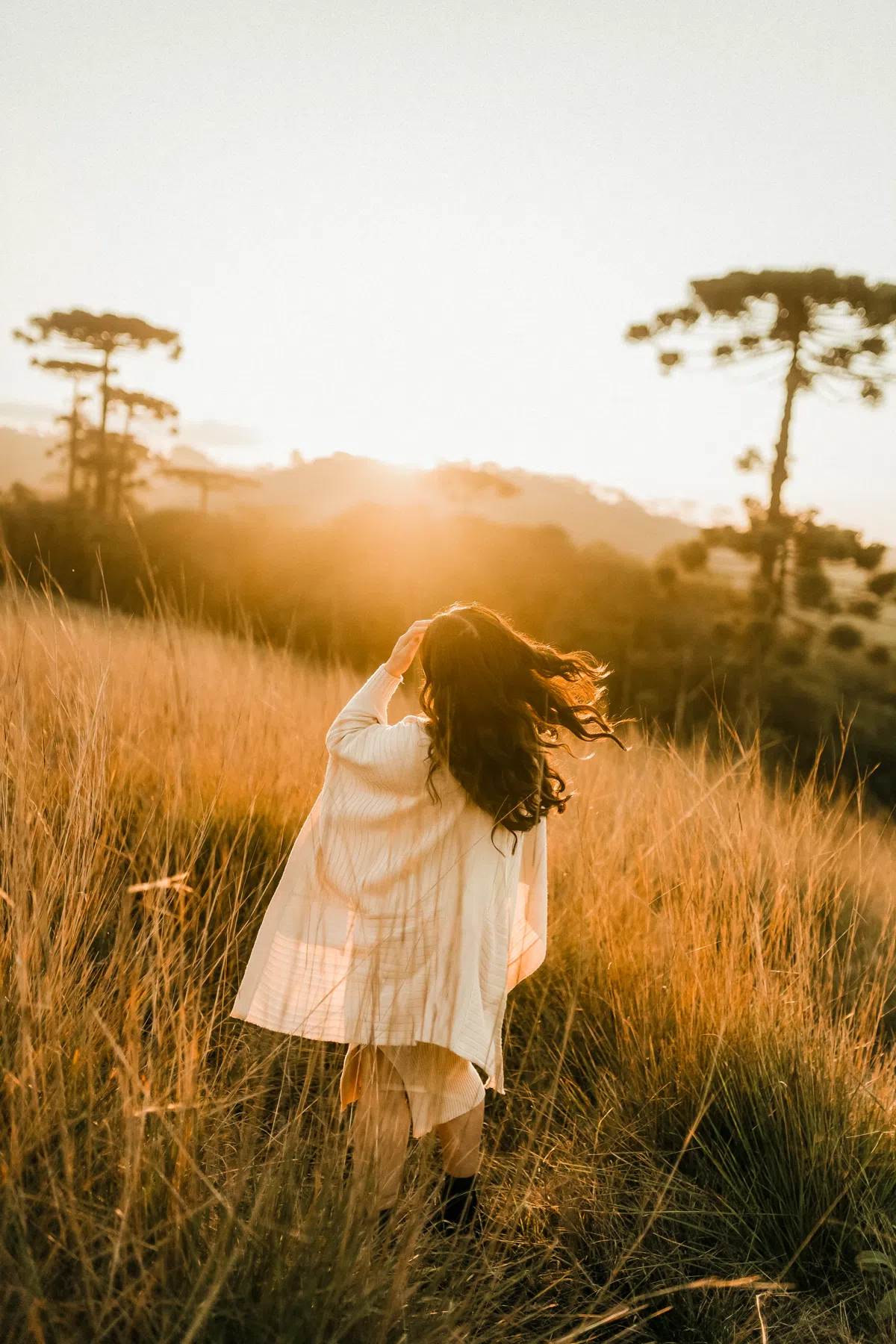
Presets Included in the ZIP Pack
Inside the download folder, you will find three distinct XMP files calibrated for different sunset conditions:
- Sunset Bloom: Enhances warm highlights, soft backlighting, and introduces a glowing bloom effect.
- Amber Horizon: Calibrated for deep golden tones, lifted shadows, and rich contrast in late-afternoon landscapes.
- Warm Honey: Perfect for portraits, adding soft glowing skin tones and reducing harsh sunlight colors.
Editing Backlit Sunset Photos
Shooting directly into the sun creates beautiful halo effects, but it can leave your subject looking dark and flat. If you don't adjust the settings manually, the camera's auto-exposure often ruins the shot.
To restore this balance, these filters lift the shadow curve to rescue facial details and apply a warm, golden wash across highlights. For a cooler, more earthy nature aesthetic, you can also check out our rustic Autumn presets.
3 Quick Tips for Perfect Sunset Edits
- Tweak the Temp Slider: The perfect golden hour look relies on white balance. If your photo looks too orange, slide the Temp slider slightly left to cool it down.
- Luminate Orange & Yellow: Open the Color Mixer and increase the luminance of orange to make skin tones glow naturally without looking sunburned.
- Recover Blown-out Highlights: Sun flares can easily overexpose your highlights. Pull the Highlights slider down to bring back details in the sky.
If your scene needs a more intense ray effect, try combining these with our dedicated sunflare presets to enhance the sunset glow. Once downloaded, follow our step-by-step Lightroom installation guide to import the .xmp files directly to your mobile app or desktop catalog.
Ideal Photos for This Preset
These presets perform best on images captured during late afternoon when the sun is low on the horizon. They are ideal for backlit portraits, open-field landscape shots, beach travel scenes, and any outdoor photography containing natural sunbeams.
After downloading, extract the ZIP file and import the XMP presets into Lightroom.