Free Lightroom Presets
For Mobile & PC.
Discover a handpicked collection of free Lightroom mobile presets and PC filters. Cinemora Presets provides professional photo editing presets designed to elevate your photography workflow. Whether you want cinematic lightroom presets, moody vibes, or classic vintage styles, download your next lightroom preset pack in one click.
Dark Presets
3 presets in this category
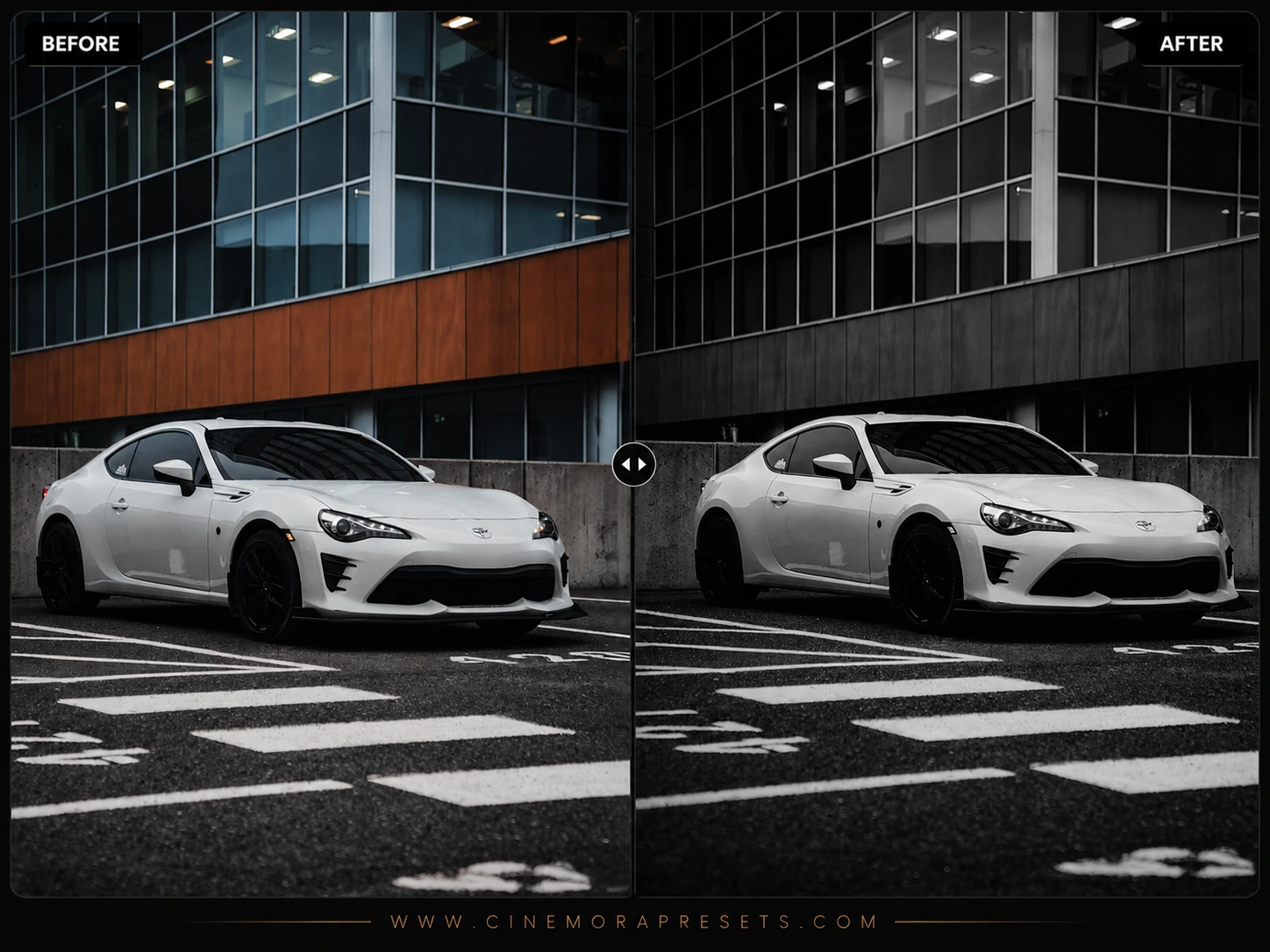 Dark
DarkBlack and White Lightroom Presets
Black and White Lightroom presets add rich contrast and vintage film grain. Edit street scenes and portraits into timeless monochrome looks on mobile or PC
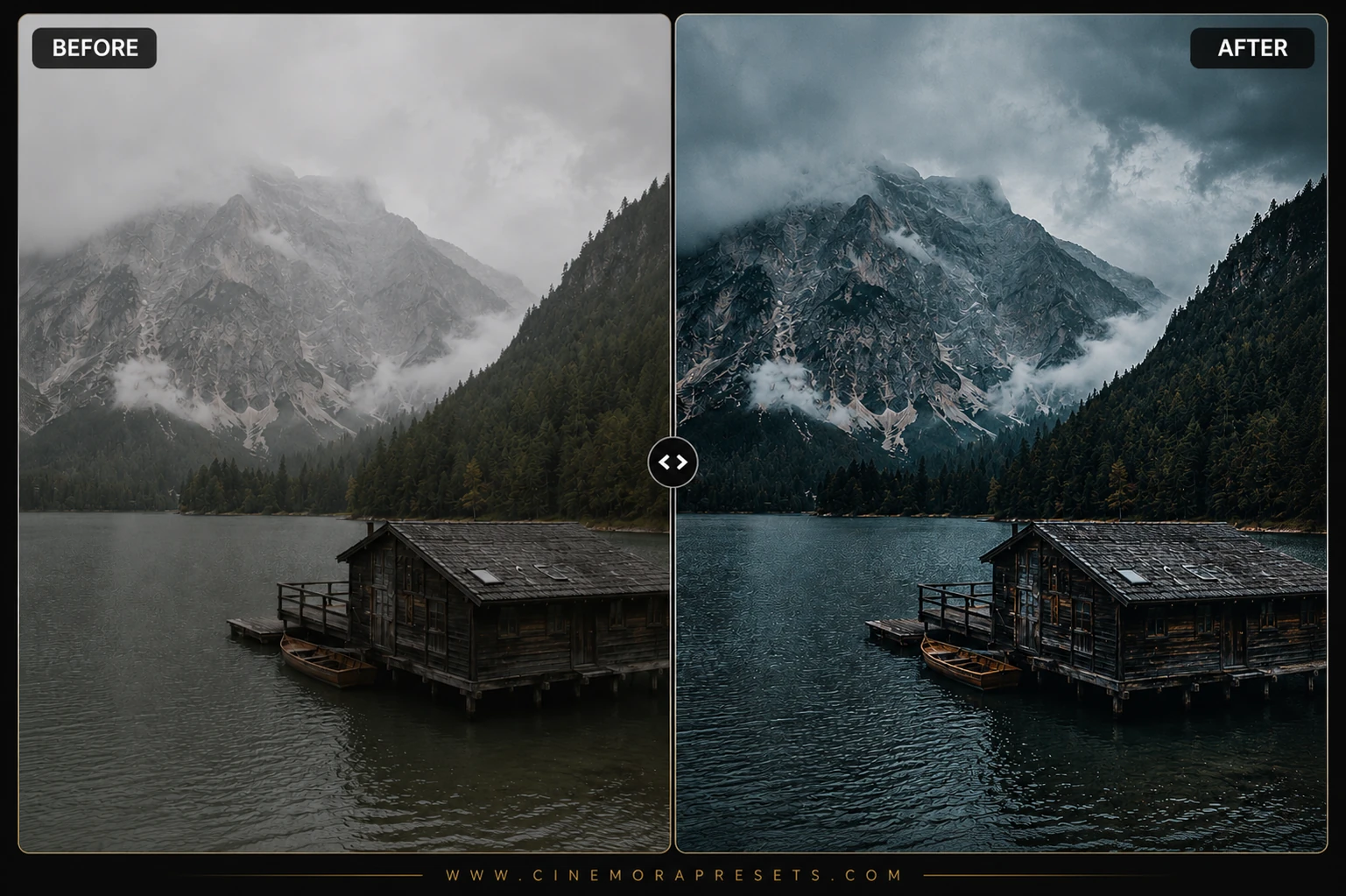 Dark
DarkShadow Fade Lightroom Presets for Mobile & PC
Shadow Fade Lightroom presets create beautiful matte blacks and soft atmospheric hazes. Add a compelling, editorial mood to your daily photos in one click
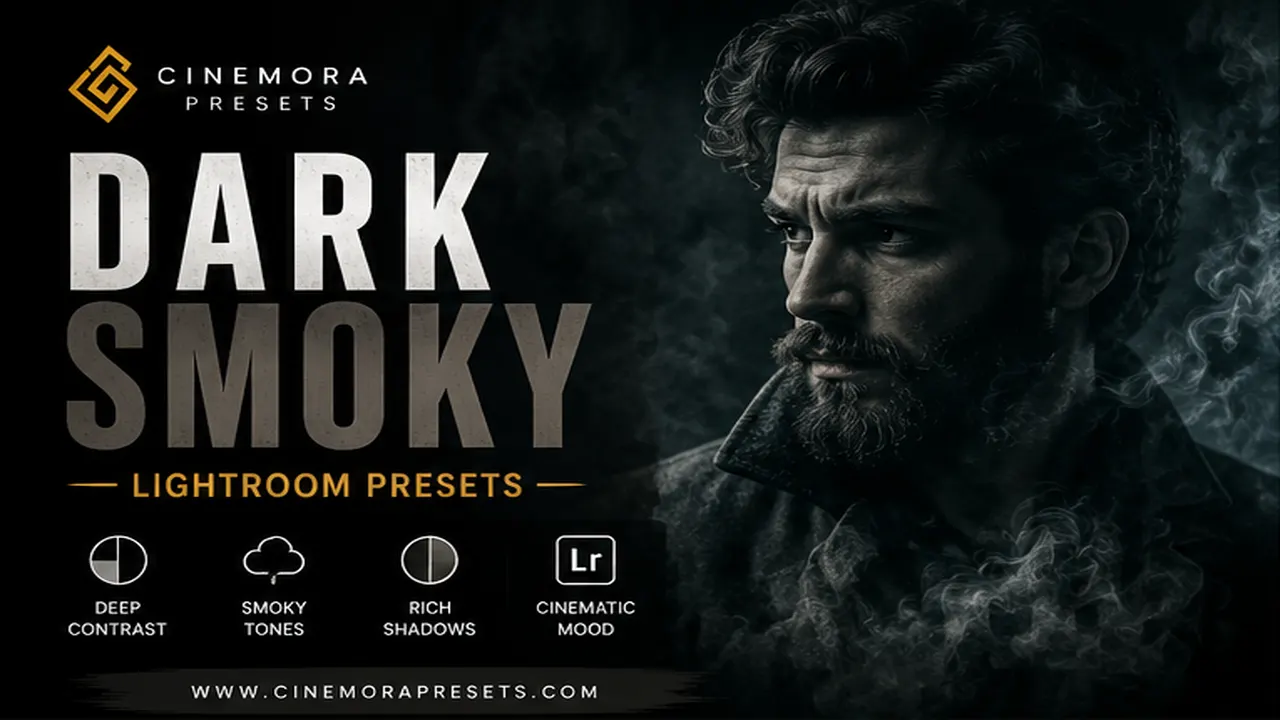 Dark
DarkDark Smoky Lightroom Presets
Download free Dark Smoky Lightroom Presets for Lightroom Mobile and Desktop with deep shadows, faded blacks, and smoky cinematic effects.
Featured Tutorials
Step-by-step editing guides and Lightroom tips to improve your photography workflow.
How to Edit Dark & Moody Photos in Lightroom (2026 Guide)
Learn how to edit dark and moody photos in Lightroom with specific slider values for shadows, tone curves, matte fades, and color grading that create dramatic low-key images.
How to Create a Consistent Instagram Aesthetic Feed (2026)
Learn how to build a cohesive Instagram feed using Lightroom presets, from choosing a color palette and editing consistently to planning your grid layout for maximum visual impact.
How to Fix Orange Skin Tones in Lightroom (2026 Guide)
Skin looking too orange in Lightroom? Learn exactly how to fix it using white balance, HSL sliders, and masking — for Lightroom Classic, Desktop, and Mobile.
Free Dark Lightroom Presets
Dark aesthetic presets lean into low-key exposure, velvet shadows, and selective highlight accents — the opposite of bright and airy feeds. I group smoky, shadow-fade, and noir-inspired packs here for photographers who want depth and mystery without losing facial or product detail.
These filters are calibrated on intentionally underexposed source files and high-contrast scenes so they enhance mood instead of hiding it. Use them for editorial portraits, moody product shots, concert photography, and atmospheric interiors.
Every dark-style pack is a free XMP download with no subscription required.
Frequently Asked Questions
What is the difference between dark and moody presets?
Dark packs push lower overall luminance and heavier shadow fade; moody packs keep more midtone separation with atmospheric color.
Will dark presets ruin already-bright photos?
They work best on intentionally darker exposures. Raise Exposure after applying if your source file was very bright.
Do dark presets work for concert photography?
Yes. Pair this category with our Concert pack for stage lighting and crowd scenes.
Are dark presets mobile-friendly?
Yes. Import XMP files into Lightroom Mobile and sync them across your phone and desktop library.