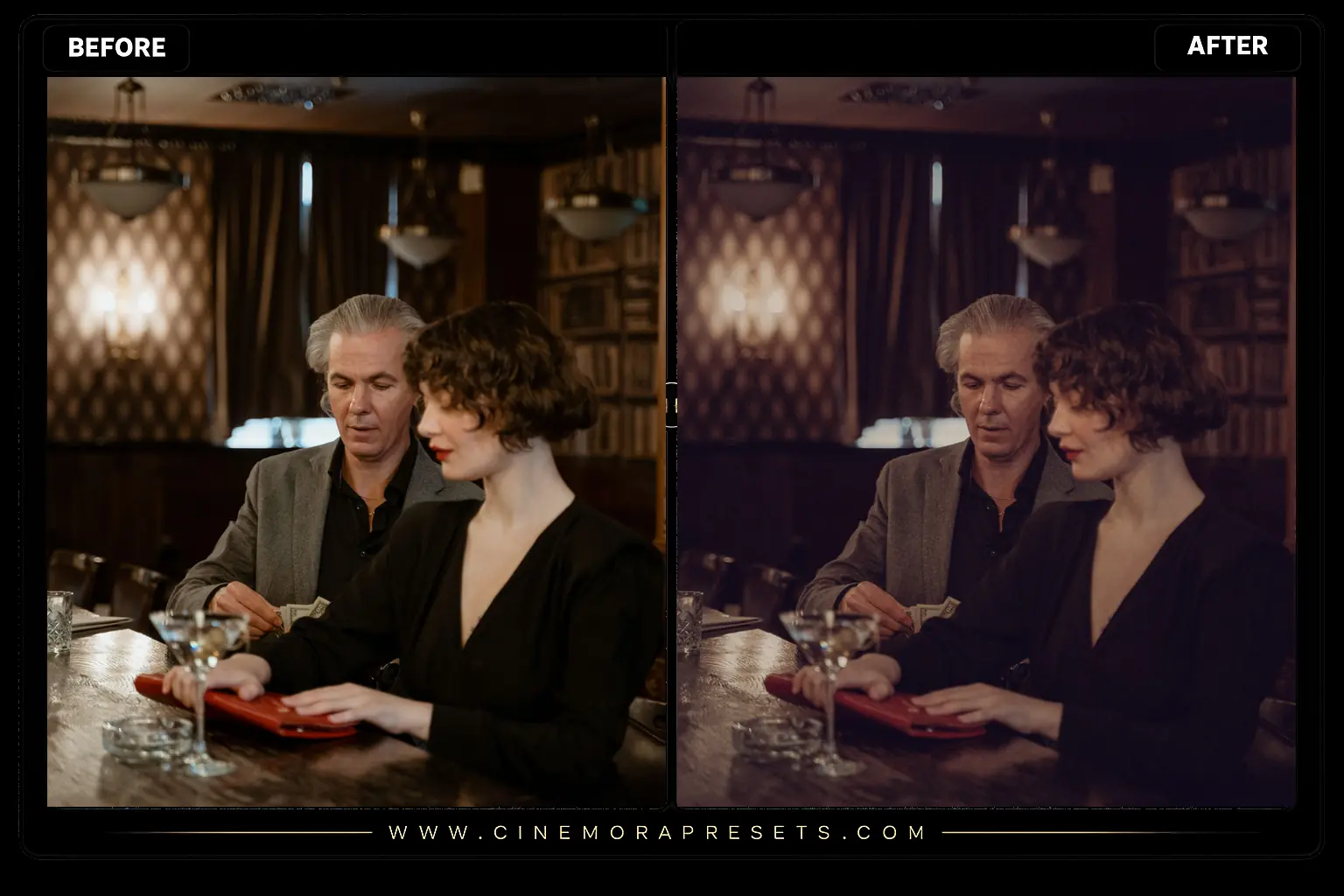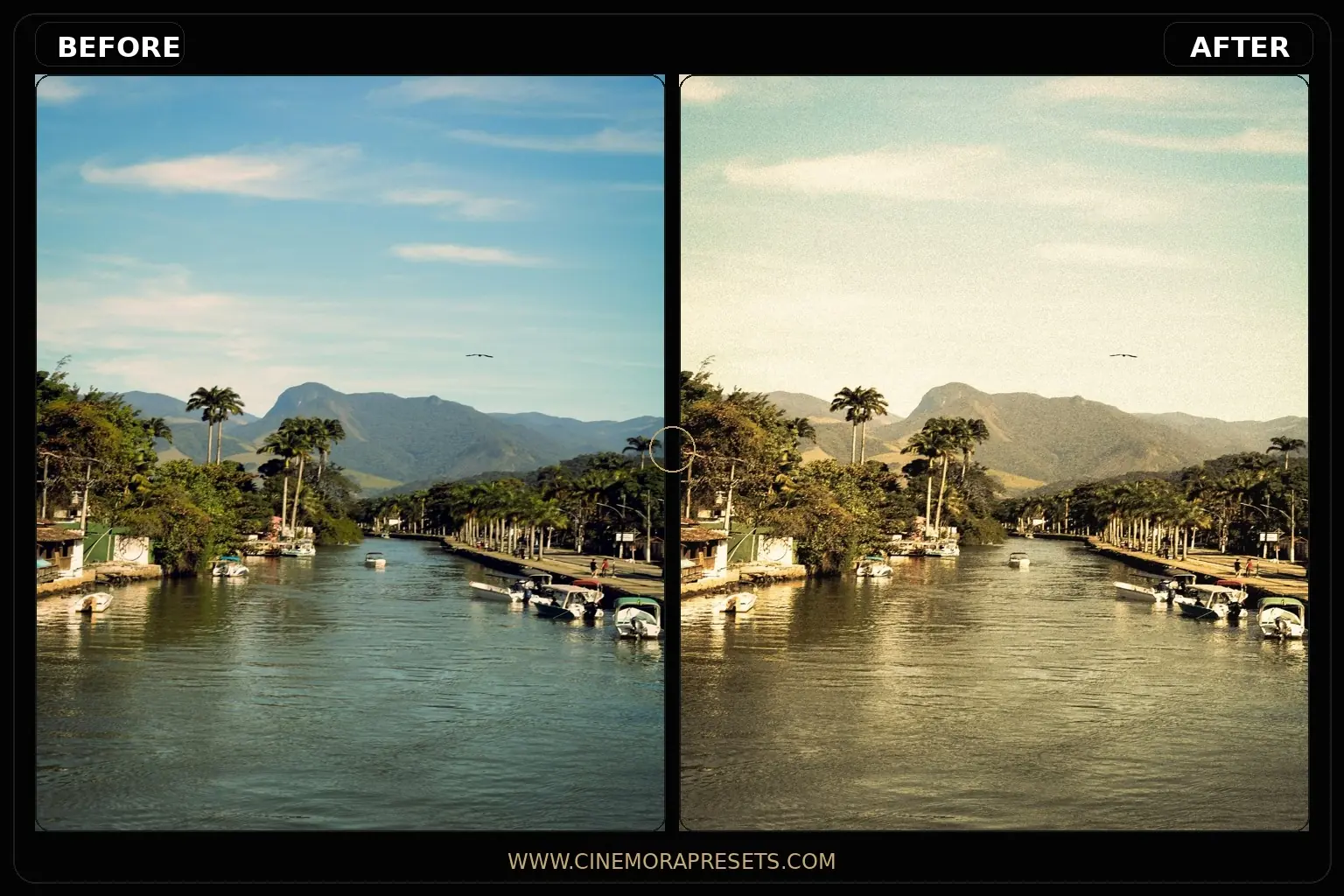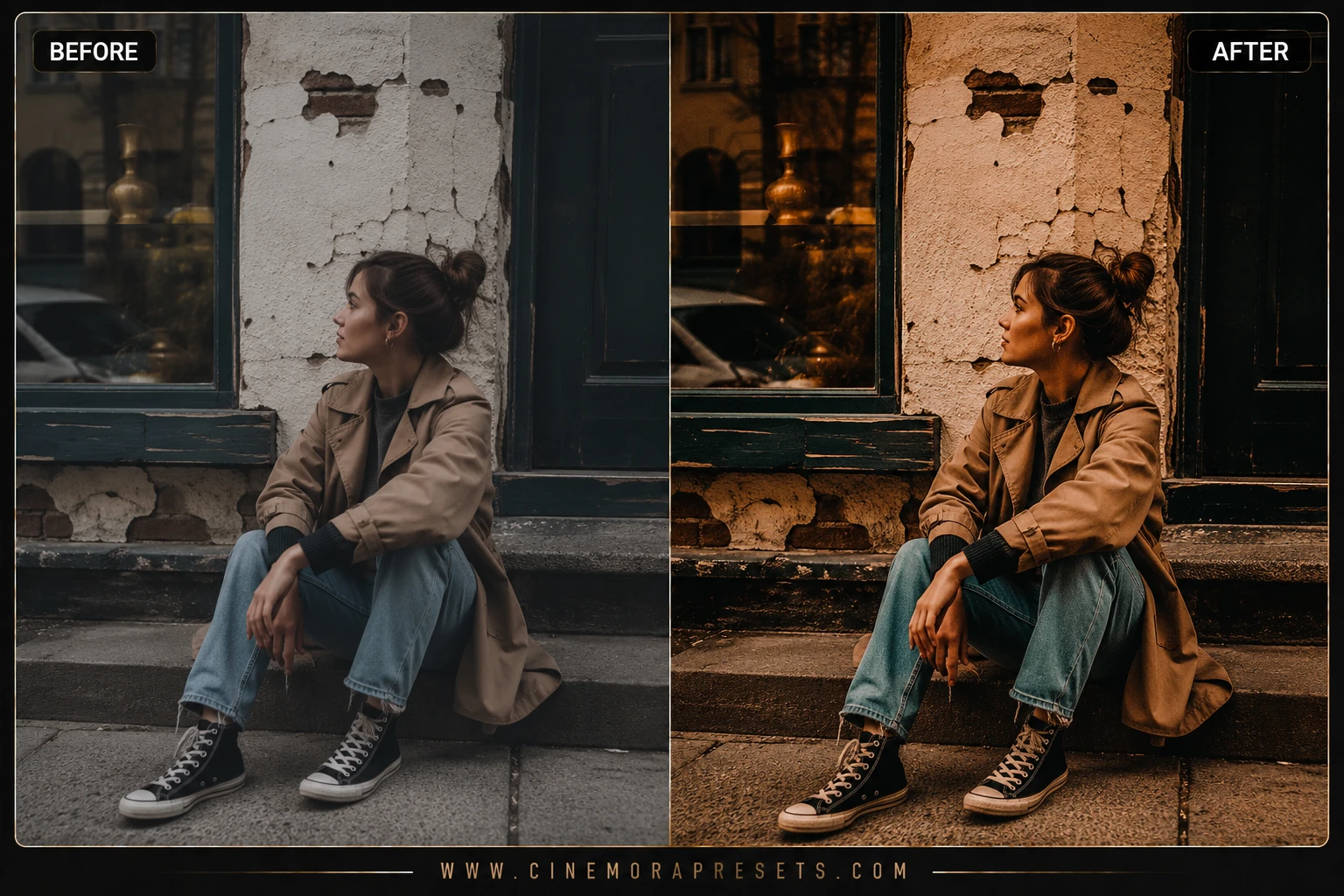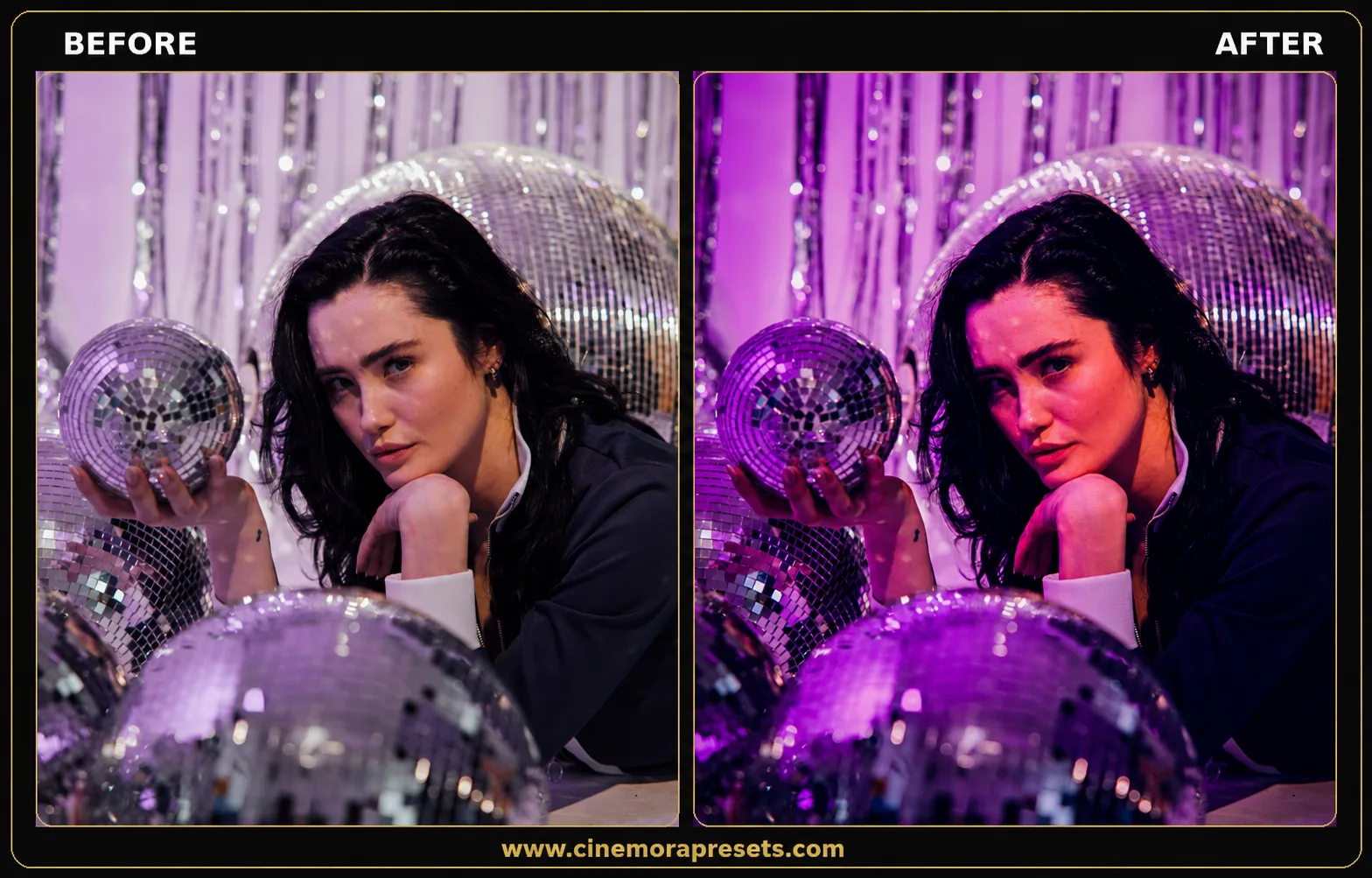
Disco Lightroom Presets. Bring the style of retro party lights and shiny disco balls to your photos. This collection of five presets gives your pictures warm pink, purple, and violet tones in the dark areas, making them look like they were taken under colorful club and stage lights. Instead of looking dull or cold, your photos will get a warm, glowing look. The bright parts stay clean, and the dark parts look deep and colorful, so your party pictures look exciting and bright without losing details.
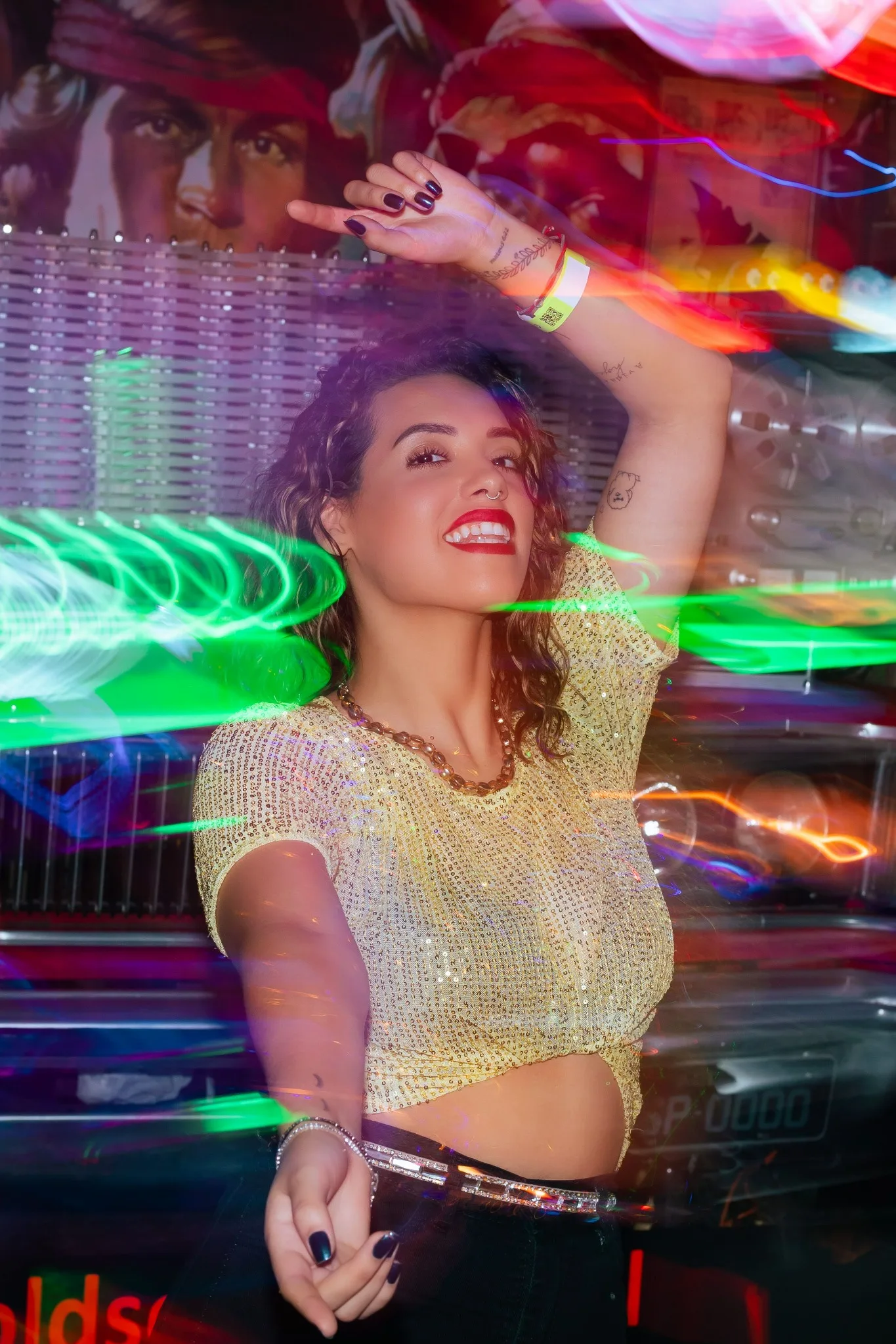
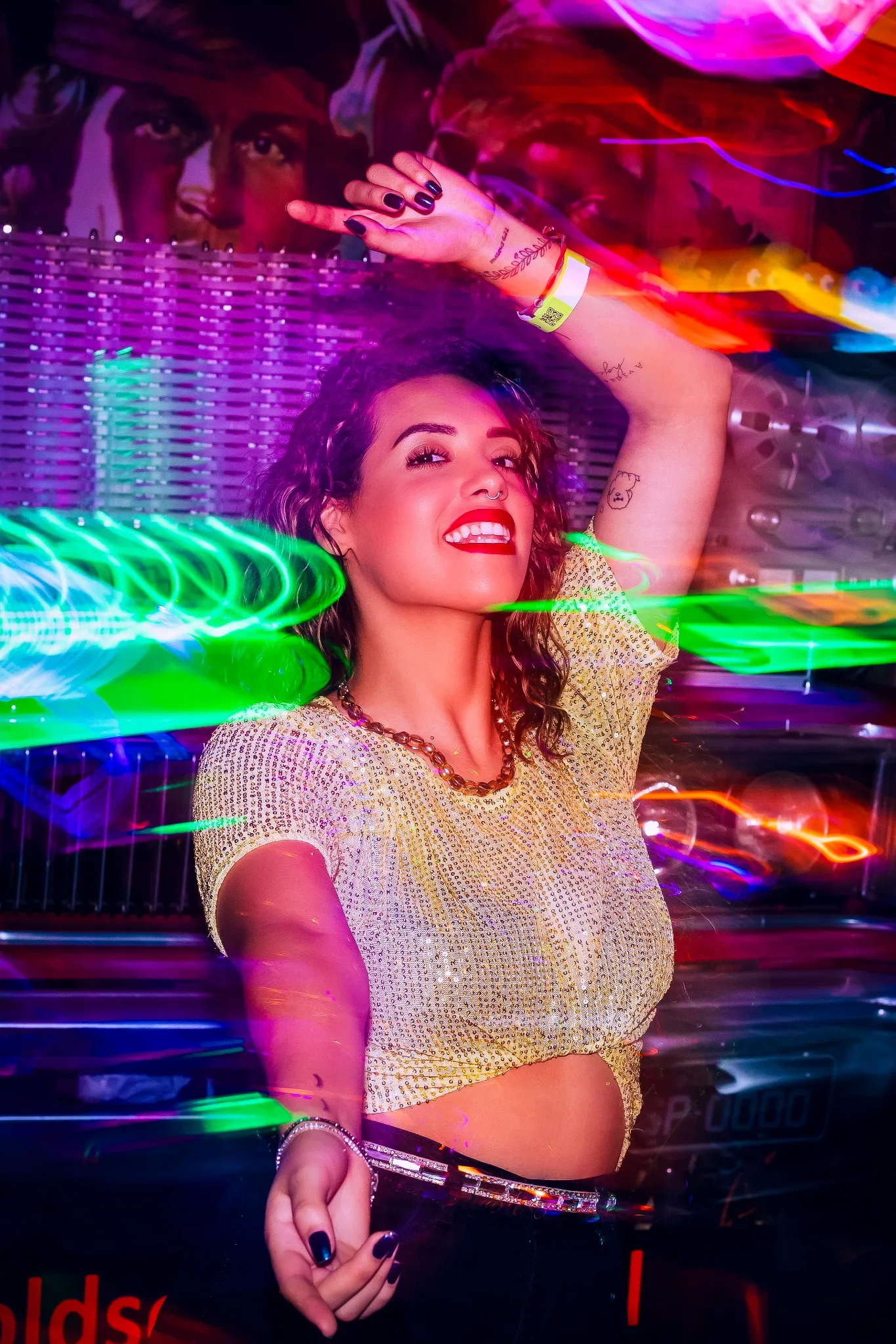
What's Included
Mirror Ball – the most balanced of the five, gentle vibrance boost and soft violet shadow tones, good starting point for most photos.
Studio 54 – warm amber shadows with light grain, built for a retro club feel.
Neon Boogie – the punchiest of the set, deep magenta and violet toning with the highest saturation, made for actual neon or stage lighting shots.
Glitter Pop – bright and warm with pink highlight toning, made to catch reflective surfaces like sequins and glitter.
Velvet Groove – the darkest and moodiest, deep blacks and a heavier vignette for low light dance floor shots.
Best Photos for These Presets
Shots with real colored lighting, string lights, neon signs, stage lights, or reflective surfaces like sequins and disco balls, respond best since the tone shifts have real color to grab onto. On flat daylight photos with no colored light source, the effect will look more subtle since there's less warmth in the shadows to enhance.
In order to install these presets on your mobile device or computer, follow our preset install guide for step-by-step instructions.
After downloading, extract the ZIP file and import the XMP presets into Lightroom.