Free Lightroom Presets
For Mobile & PC.
Discover a handpicked collection of free Lightroom mobile presets and PC filters. Cinemora Presets provides professional photo editing presets designed to elevate your photography workflow. Whether you want cinematic lightroom presets, moody vibes, or classic vintage styles, download your next lightroom preset pack in one click.
Vintage Presets
4 presets in this category
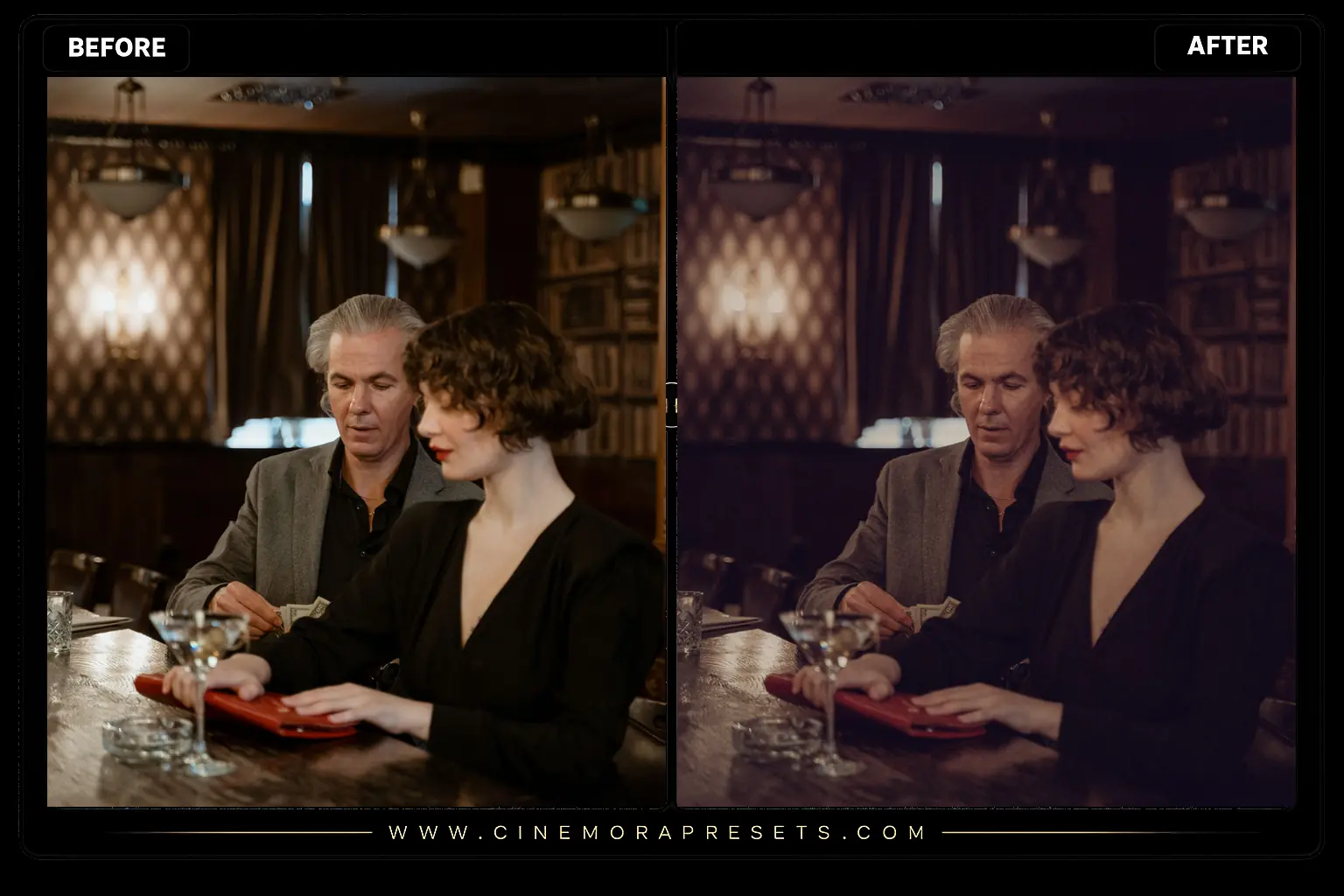 Vintage
Old Money Lightroom Presets
Classy, vintage looks for your photos. Download free Old Money Lightroom presets in XMP format to get a clean, quiet-luxury aesthetic.
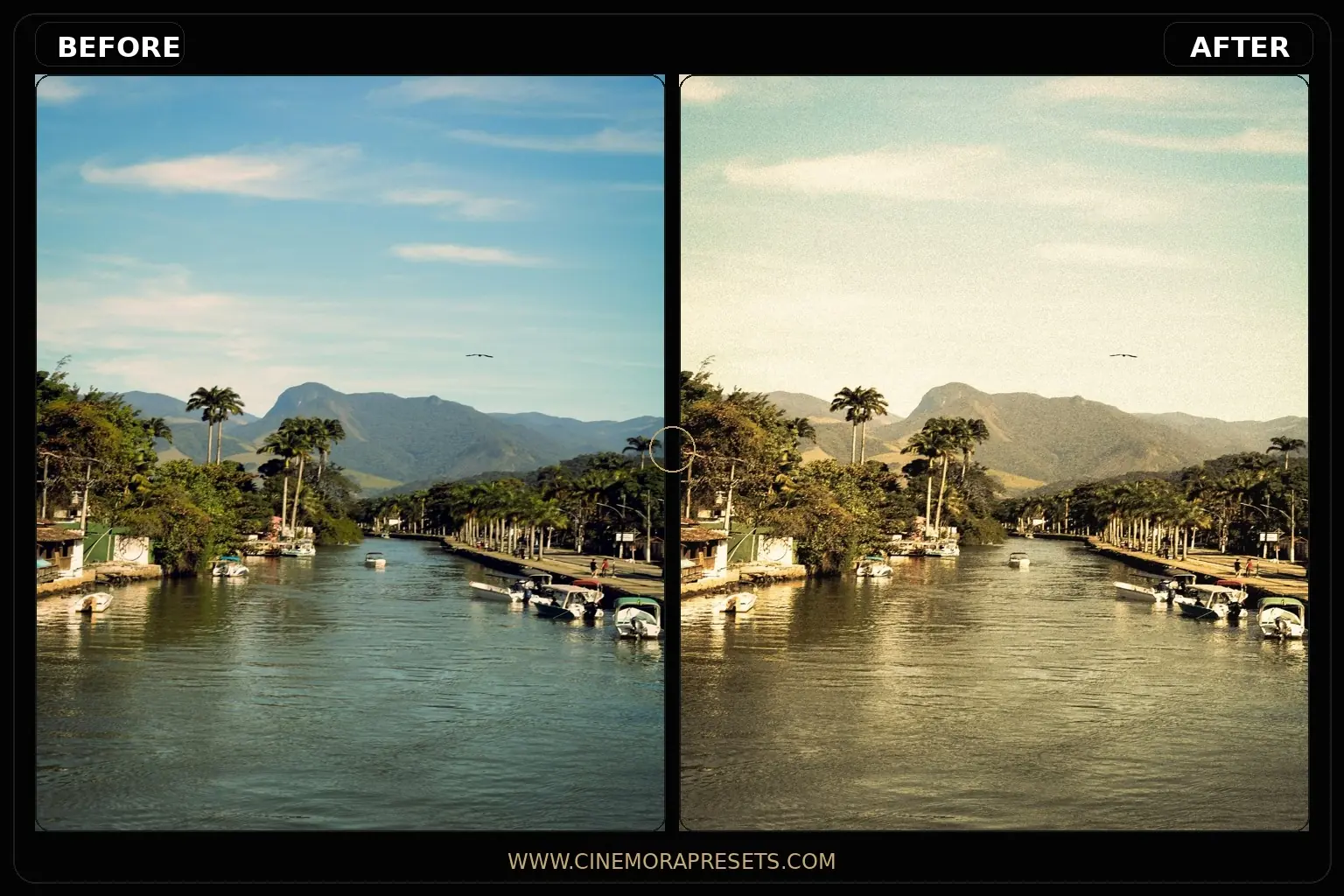 Vintage
Grain Lightroom Presets
Grain Lightroom presets blend organic analog textures with cinematic color grading. Soften digital sharpness and give your photos a retro film character
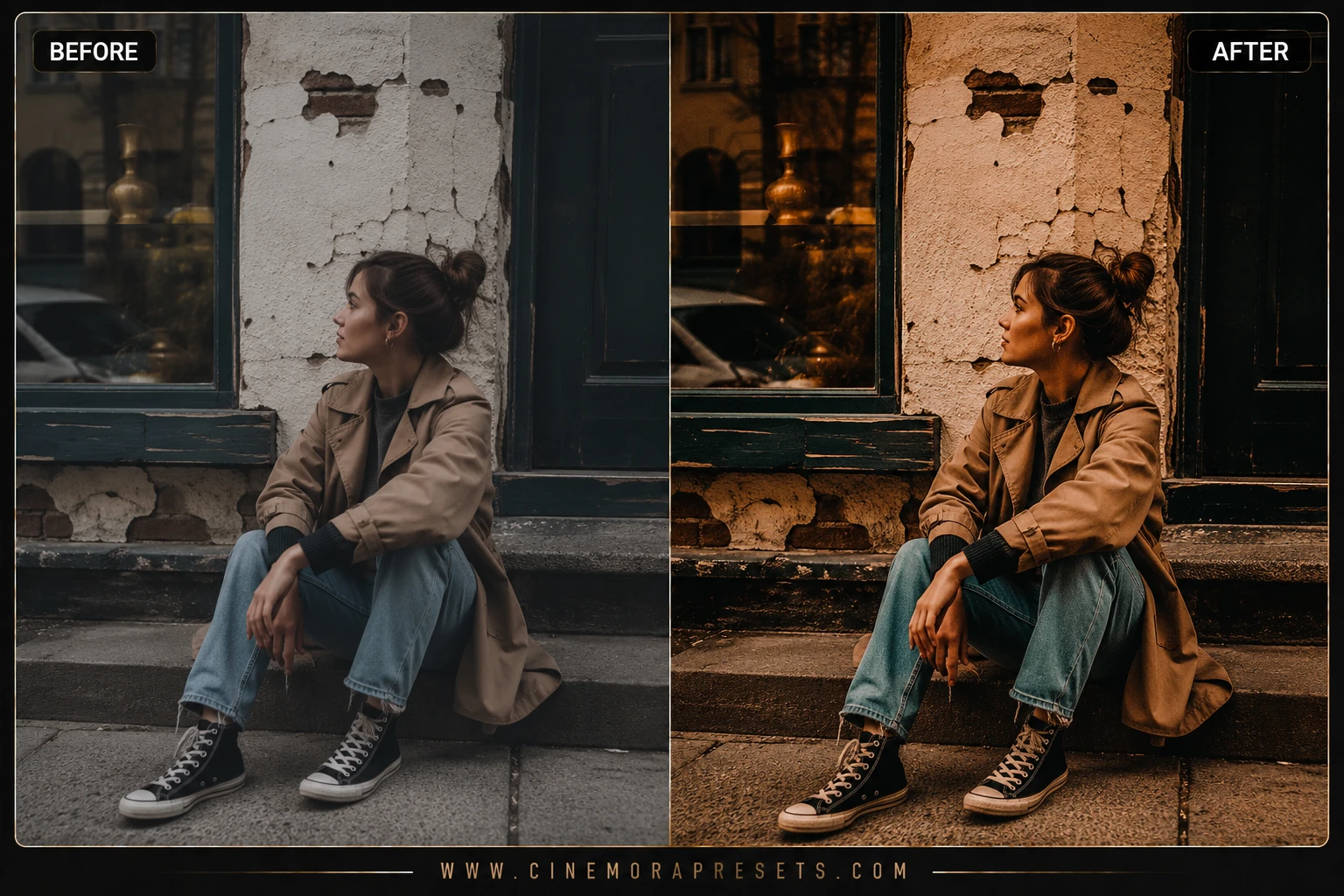 Vintage
Nostalgic Film Lightroom Presets for Mobile & PC
Nostalgic Film presets recreate the warm grain and soft highlights of classic 35mm film. Inject timeless analog film aesthetics into your photo feed
 Vintage
Vintage Lightroom Presets
Download free Vintage Lightroom Presets for Lightroom Mobile and Desktop with retro colors, faded highlights, and nostalgic film-inspired warmth.
Featured Tutorials
Step-by-step editing guides and Lightroom tips to improve your photography workflow.
How to Edit Dark & Moody Photos in Lightroom (2026 Guide)
Learn how to edit dark and moody photos in Lightroom with specific slider values for shadows, tone curves, matte fades, and color grading that create dramatic low-key images.
How to Create a Consistent Instagram Aesthetic Feed (2026)
Learn how to build a cohesive Instagram feed using Lightroom presets, from choosing a color palette and editing consistently to planning your grid layout for maximum visual impact.
How to Fix Orange Skin Tones in Lightroom (2026 Guide)
Skin looking too orange in Lightroom? Learn exactly how to fix it using white balance, HSL sliders, and masking — for Lightroom Classic, Desktop, and Mobile.
Free Vintage Lightroom Presets
Vintage presets recreate the feeling of faded prints, warm yellow casts, and soft highlight bloom from 70s, 80s, and 90s photo albums. I avoid heavy sepia clichés and instead shift individual color channels so reds, blues, and greens age differently — closer to how real film stock decays.
These looks work beautifully on travel memories, thrift-fashion shoots, retro portraits, and documentary-style street photography. Each pack keeps enough shadow detail that images do not turn into muddy brown squares.
Download free vintage XMP presets compatible with every current version of Lightroom.
Frequently Asked Questions
What makes a preset look vintage instead of just desaturated?
Vintage looks combine faded blacks, shifted color channels, and selective warmth — not just lower saturation.
Can vintage presets fix modern digital sharpness?
They soften contrast and color response; add grain in the Effects panel if you want a stronger retro texture.
Do vintage presets work on black and white photos?
They are tuned for color images, but you can apply them to monochrome shots for subtle toning effects.
Are vintage presets free to redistribute?
You may use them on your photos commercially, but you cannot resell or re-upload the raw XMP files.