Free Lightroom Presets
For Mobile & PC.
Discover a handpicked collection of free Lightroom mobile presets and PC filters. Cinemora Presets provides professional photo editing presets designed to elevate your photography workflow. Whether you want cinematic lightroom presets, moody vibes, or classic vintage styles, download your next lightroom preset pack in one click.
Cinematic Presets
5 presets in this category
 Cinematic
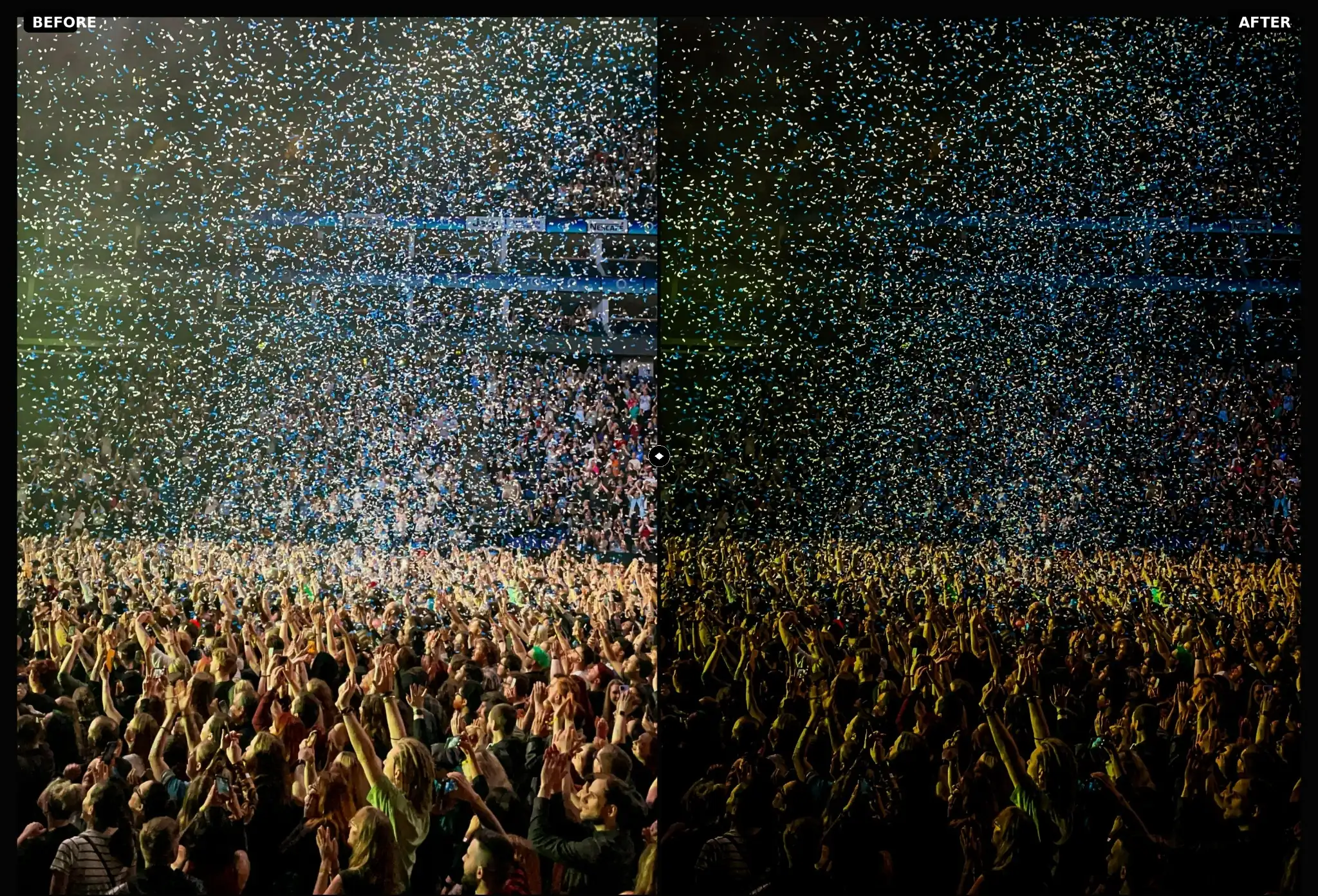
Concert Lightroom Presets
Concert Lightroom presets balance harsh neon stage lights and bring out crowd details. Edit live music photography with dramatic colors on mobile and PC
 Cinematic
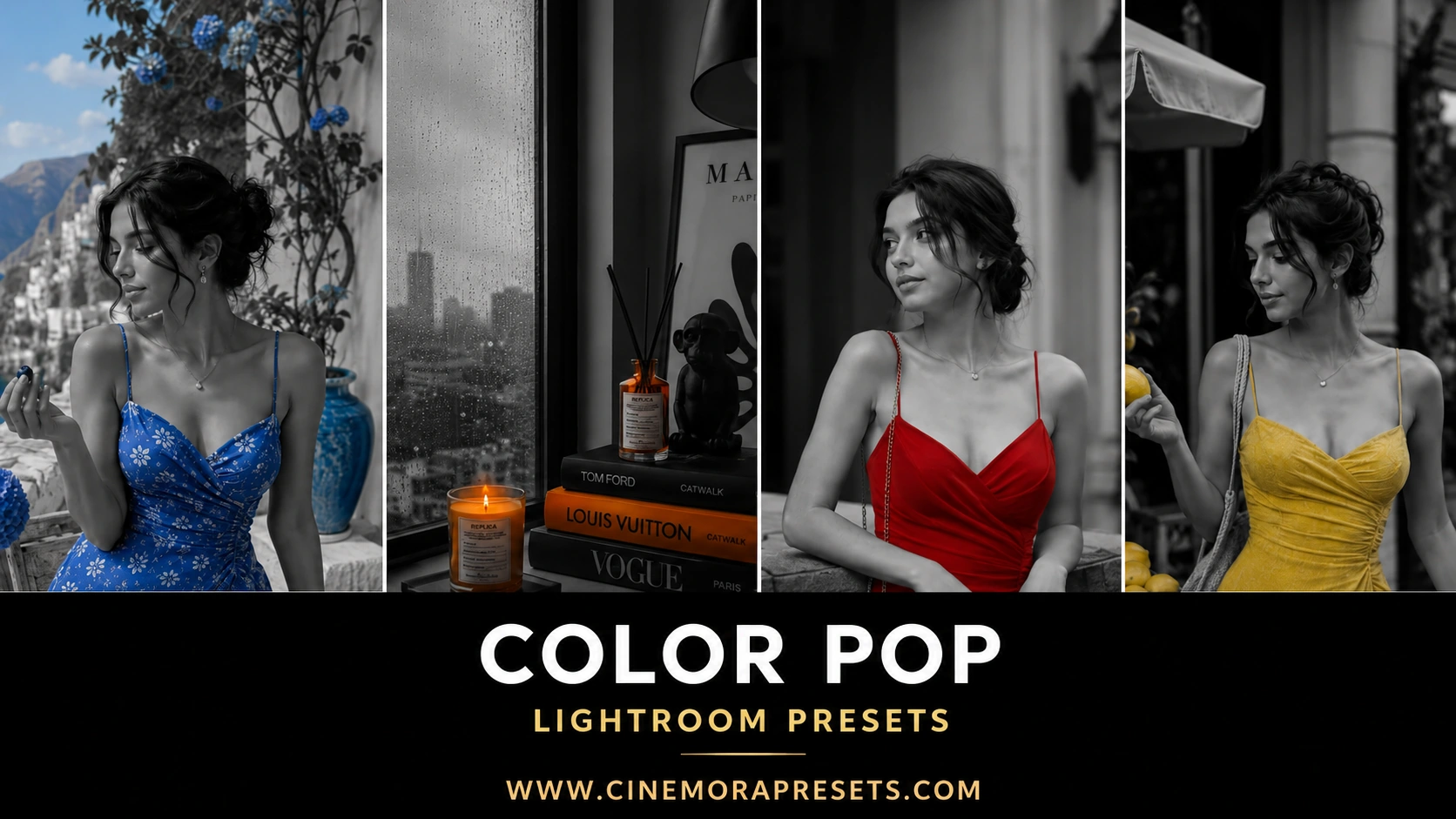
Color Pop Lightroom Presets
Download free Color Pop Lightroom Presets for Mobile and Desktop. Isolate a single color and turn the rest of the image black and white.
 Cinematic
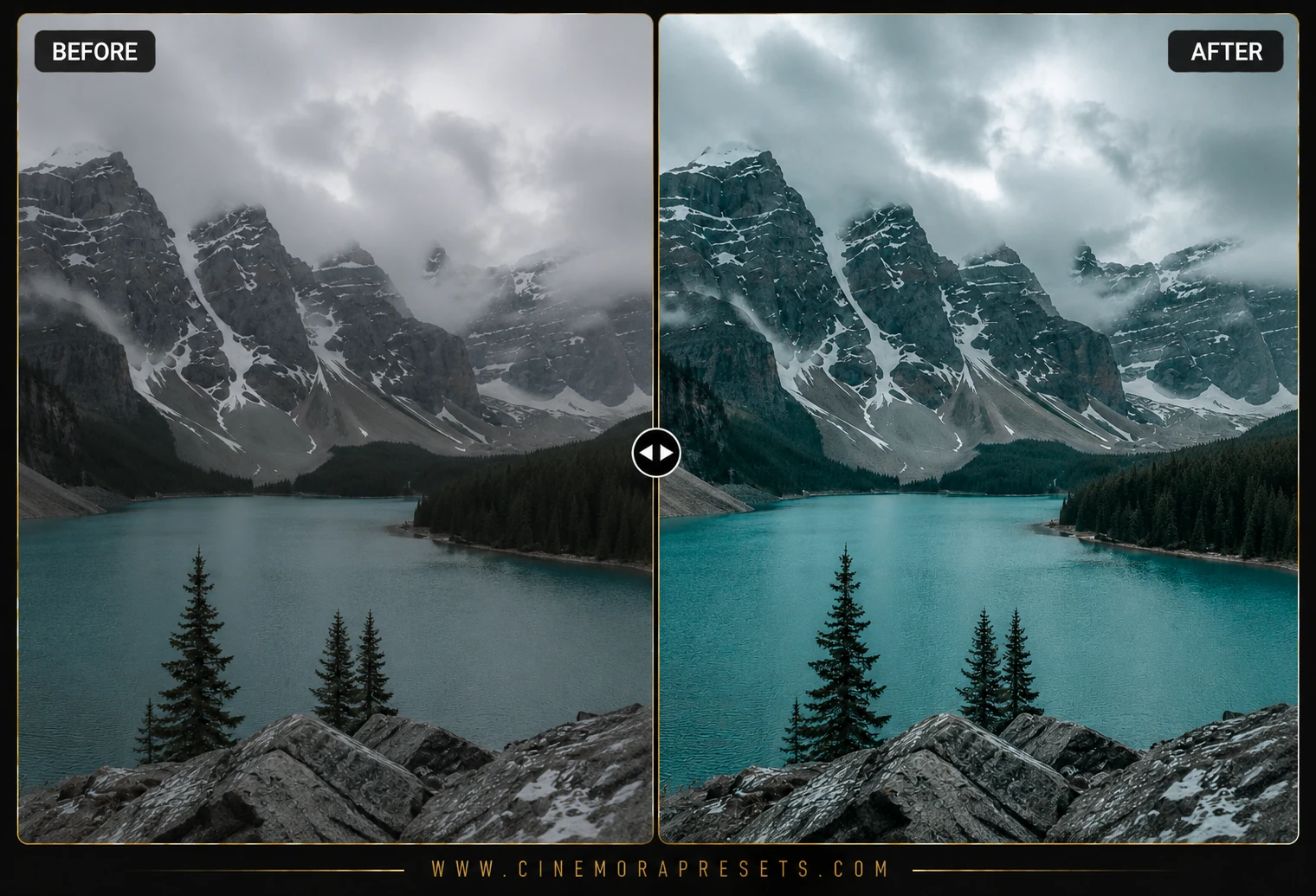
Arctic Cinematic Lightroom Presets for Mobile & PC
Arctic Cinematic Lightroom presets add crisp winter blues, cool pastel tones, and frosty tones to travel photos. Make cold landscapes stand out on any device
 Cinematic
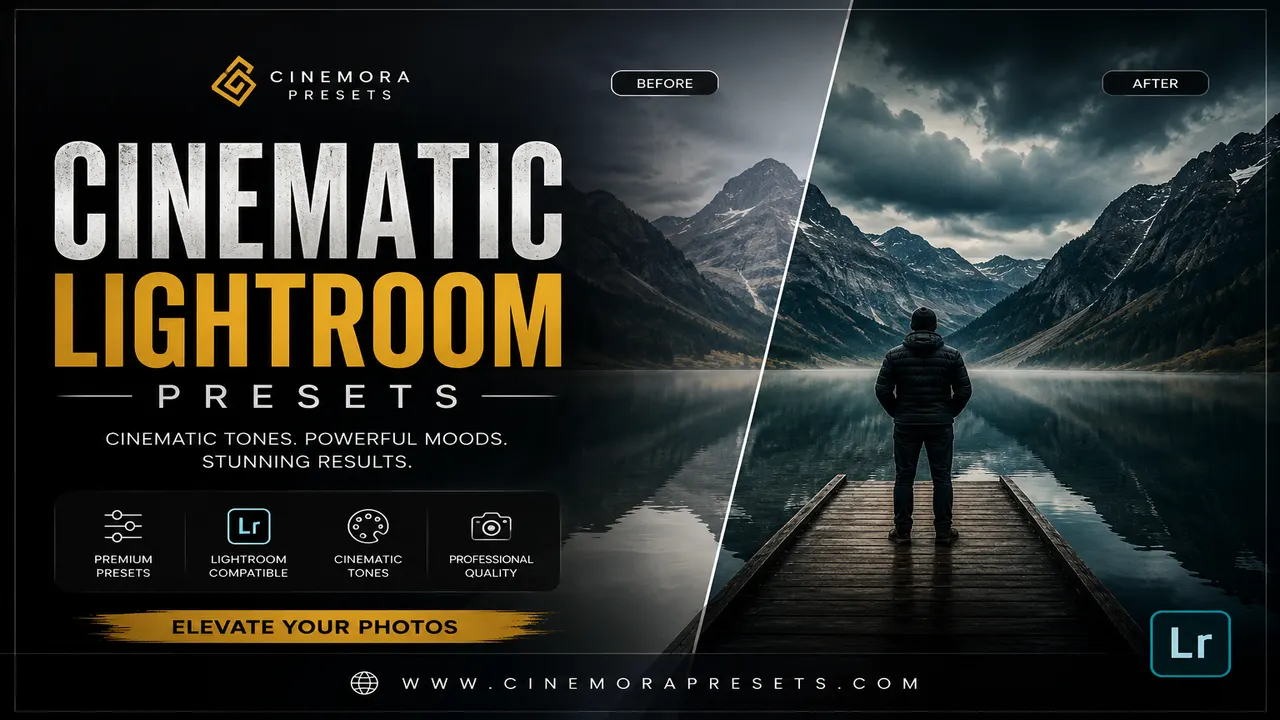
Cinematic Lightroom Presets
Download free Cinematic Lightroom Presets for Lightroom Mobile and PC with movie-inspired color grading, dramatic contrast, and cinematic tones.
 Cinematic
Teal Orange Cinematic Lightroom Presets
Download free teal and orange Lightroom presets for that cinematic, film-style color grade. One-click XMP install, works on desktop and mobile, no signup needed.
Featured Tutorials
Step-by-step editing guides and Lightroom tips to improve your photography workflow.
How to Edit Dark & Moody Photos in Lightroom (2026 Guide)
Learn how to edit dark and moody photos in Lightroom with specific slider values for shadows, tone curves, matte fades, and color grading that create dramatic low-key images.
How to Create a Consistent Instagram Aesthetic Feed (2026)
Learn how to build a cohesive Instagram feed using Lightroom presets, from choosing a color palette and editing consistently to planning your grid layout for maximum visual impact.
How to Fix Orange Skin Tones in Lightroom (2026 Guide)
Skin looking too orange in Lightroom? Learn exactly how to fix it using white balance, HSL sliders, and masking — for Lightroom Classic, Desktop, and Mobile.
Free Cinematic Lightroom Presets
Cinematic color grading separates shadow teals from warm skin highlights and shapes contrast like a motion-picture still. These presets borrow techniques from Hollywood blockbusters and indie films: split toning, S-curves, and selective desaturation in the background.
I built this category for photographers who want movie-still drama in still frames — travel scenes, urban night shots, automotive detail, and narrative portraits. Each pack is calibrated so skin does not turn neon while the environment gets bold color separation.
Every cinematic pack is a free XMP download for Lightroom Mobile and Desktop.
Frequently Asked Questions
What is teal-and-orange cinematic grading?
It pushes cool tones into shadows and warm tones into skin and highlights, creating complementary color contrast common in film posters.
Do cinematic presets work for video in Lightroom?
Lightroom video editing supports presets on mobile; desktop video grading is limited, so test on a short clip first.
Why does cinematic grading look flat on my photo?
Increase contrast slightly or add clarity after the preset if your source image was shot in flat overcast light.
Are cinematic presets free for commercial use?
Yes. Commercial client work and paid campaigns are allowed under our free license.