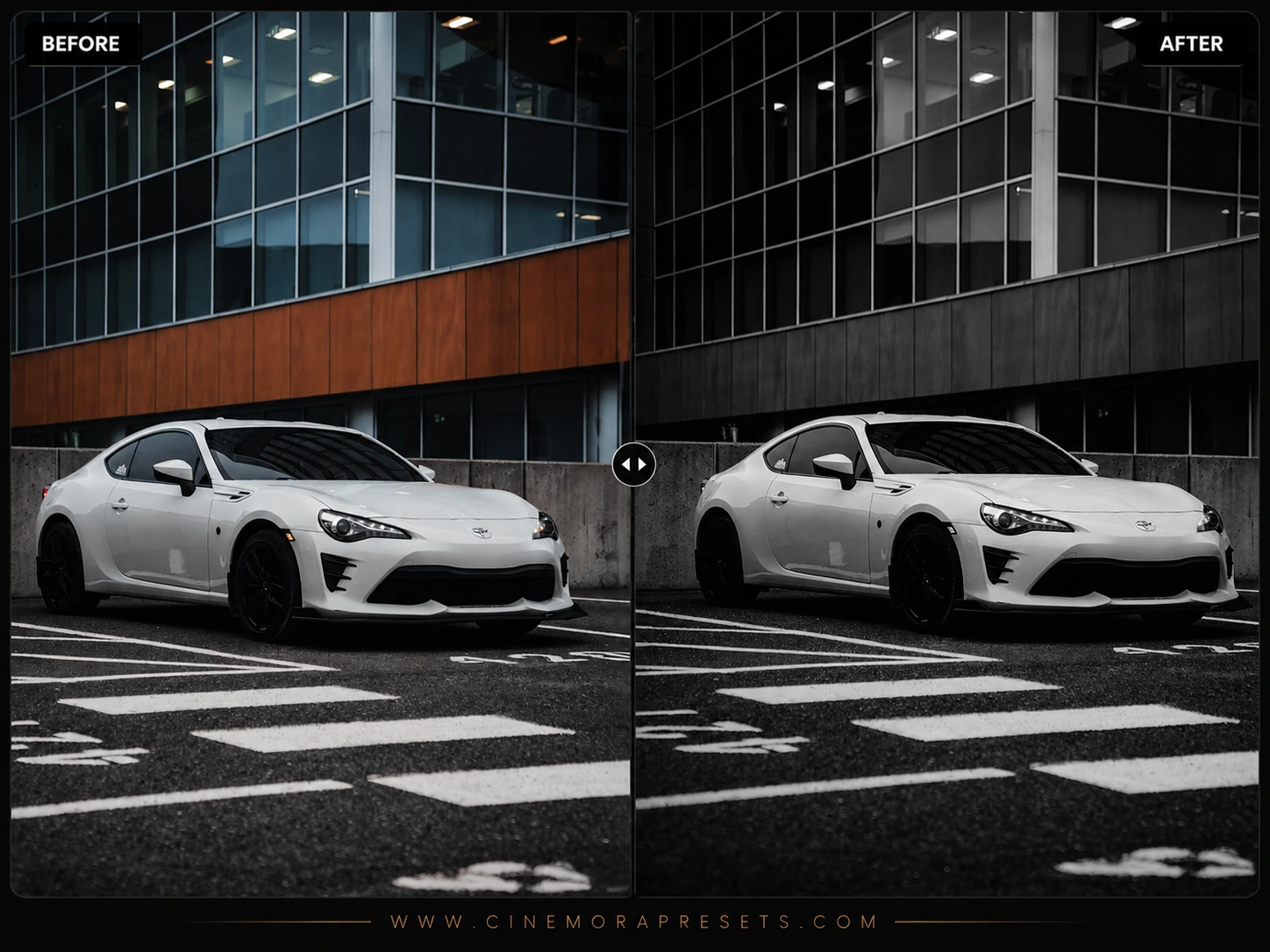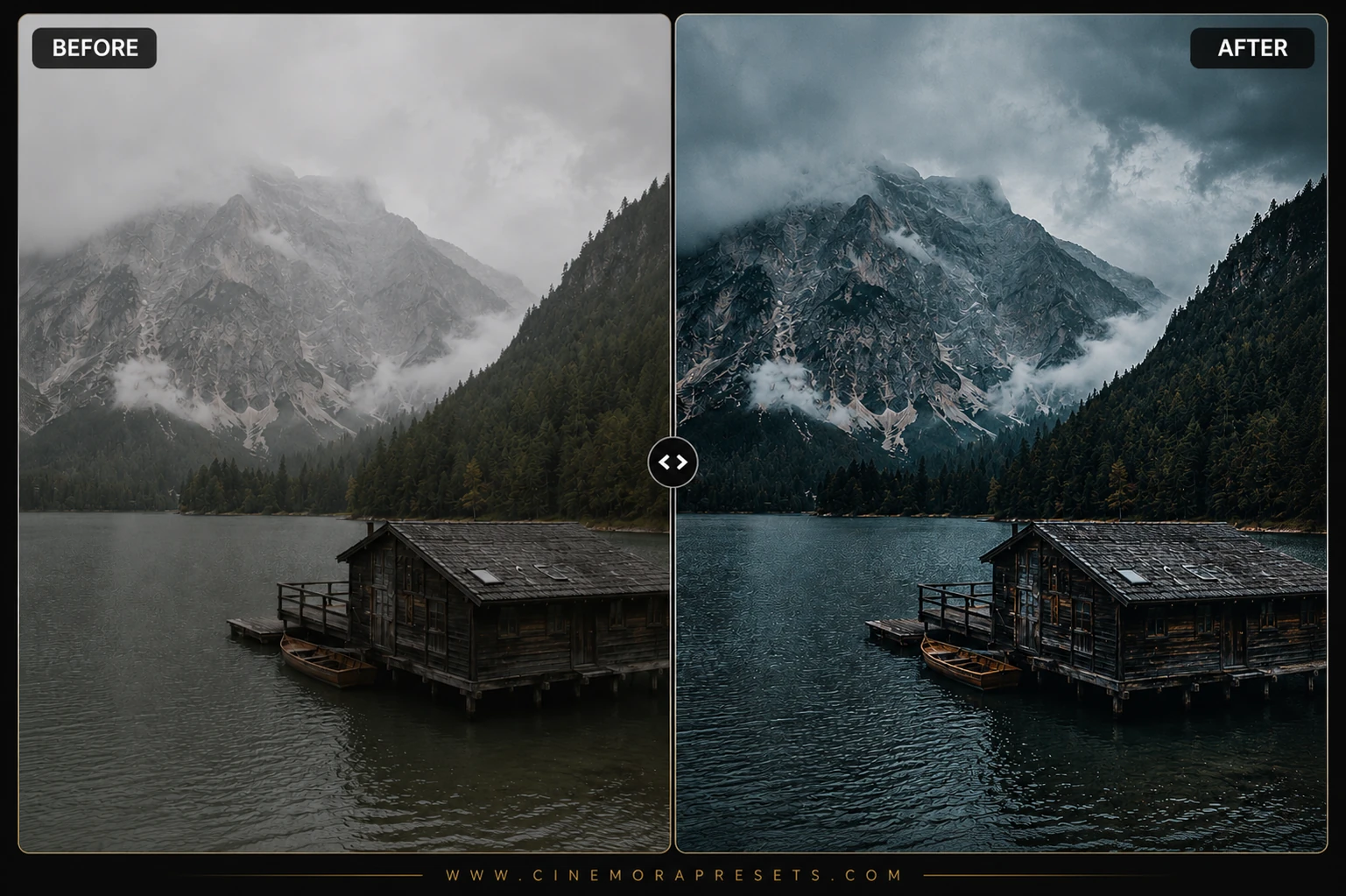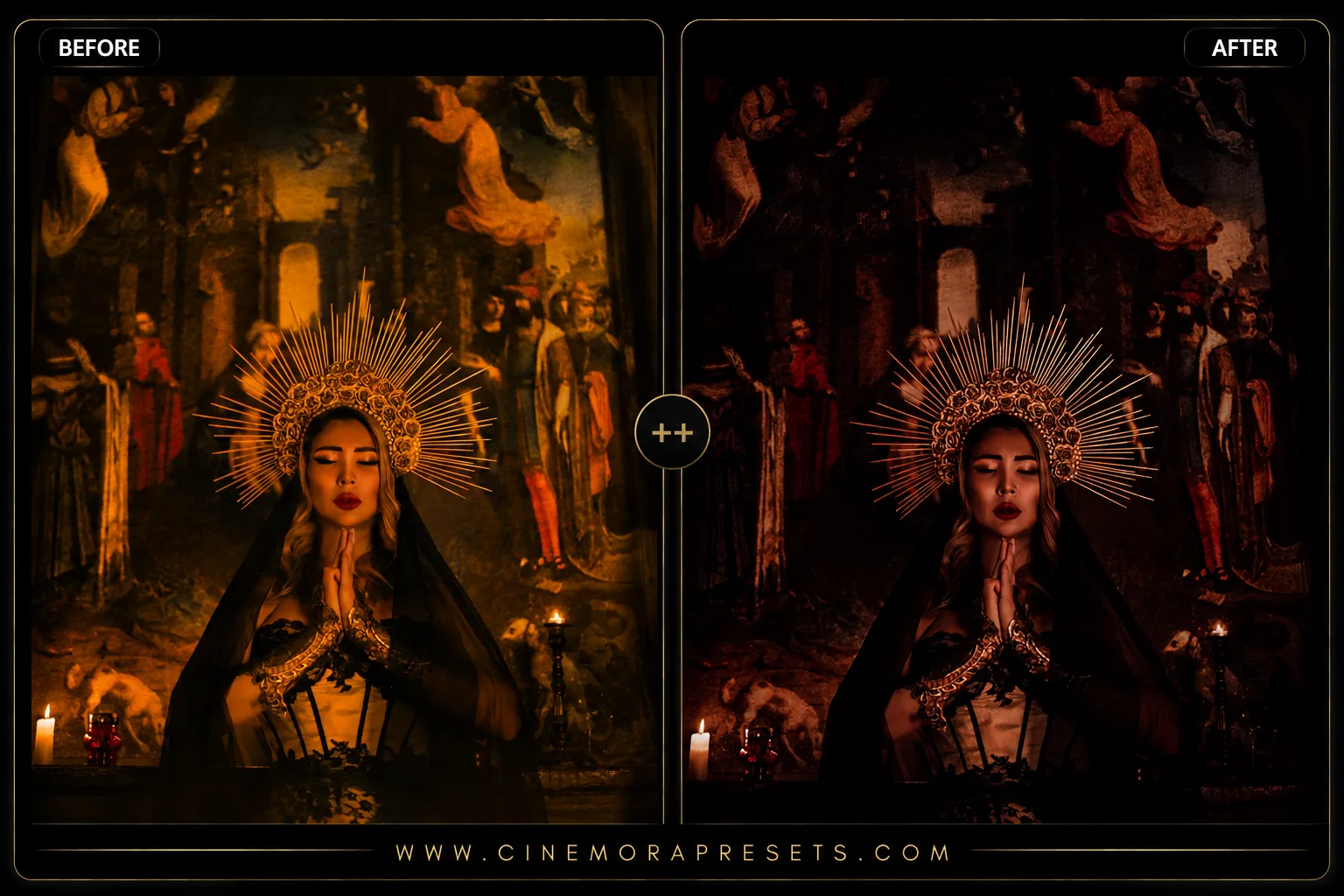
Creating a dark, mysterious visual style is one of the most powerful ways to convey emotion and atmosphere in your photography. While modern digital cameras are engineered to capture balanced exposure and clean, sterile colors, this often strips away the mood and drama of a scene. I designed this collection of free Gothic Lightroom presets to help you reclaim that cinematic darkness by introducing rich, faded blacks, cool shadow undertones, and high-contrast color grading.

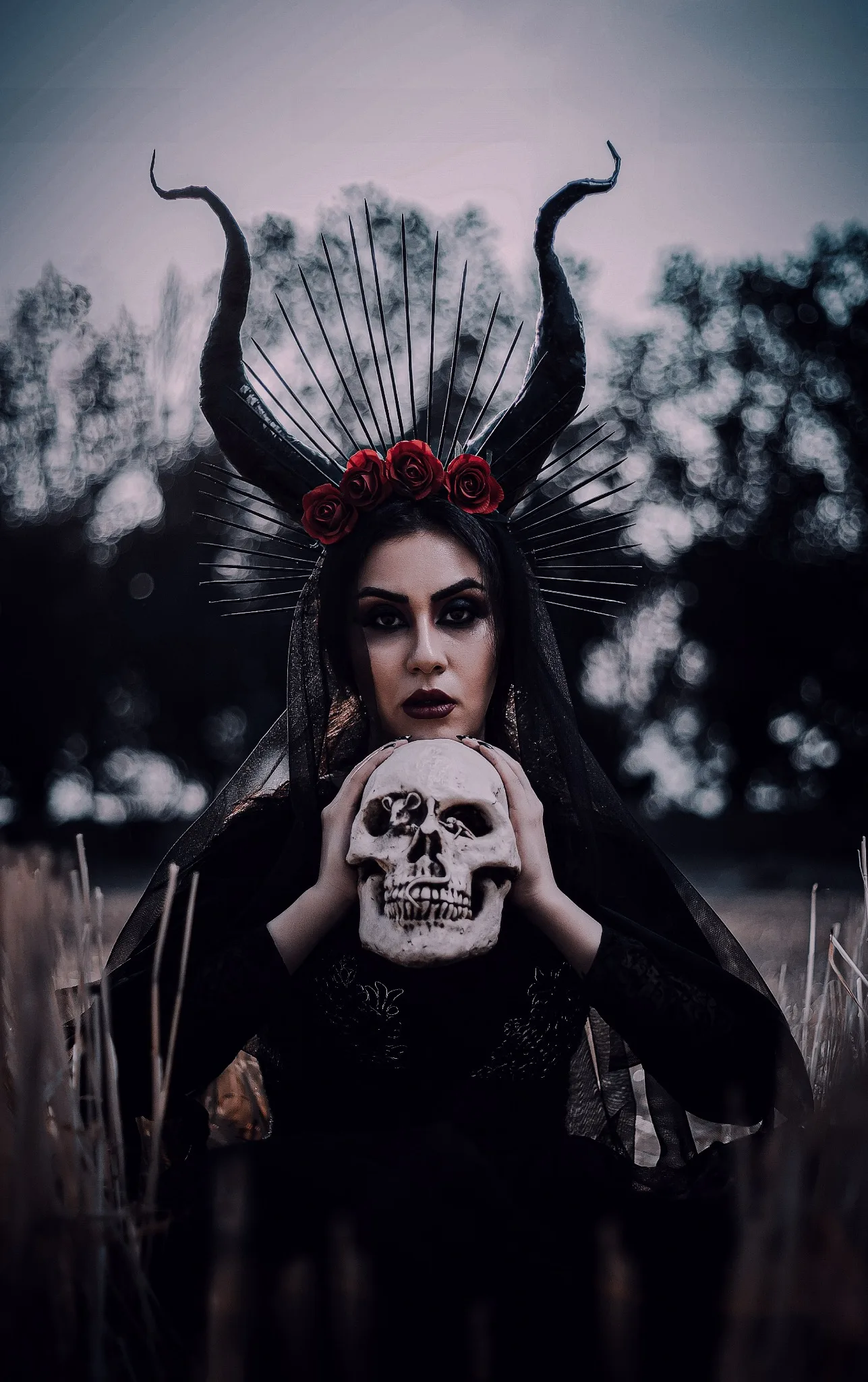
This collection works by targeting the luminance of your shadow regions, pulling down exposure while lifting the absolute black point to create a velvet-matte finish. Simultaneously, cold primary colors like blues and teals are gently desaturated or shifted to create a colder, more gothic environment, while warm red and orange skin tones are preserved for a striking, dramatic pop.
Delivered in the standard XMP format, these filters apply identical dark aesthetic profiles across both your Lightroom Mobile app and desktop Lightroom catalog, enabling a seamless editing workflow.
Mastering the Dark Gothic Aesthetic
Achieving a true gothic color grade is about painting with shadows while maintaining crisp detail. Rather than flat underexposure, this aesthetic relies on creating deep, velvet-textured shadows and cold color separation. If you love this dramatic look, you can also explore our dark smoky Lightroom presets for a softer, mistier atmosphere.
Gothic Slider Settings & Slider Values
Use these professional slider values as your creative baseline when editing gothic shots:
Exposure: -0.25 | Contrast: +35 | Highlights: -40 | Shadows: +15 | Whites: -10 | Blacks: -30 | Temp: 5200K (cool) | Vibrance: -15 | Saturation: -5
Here is my recommended professional workflow for editing with this gothic collection:
1. The Velvet Matte Tone Curve
Pure digital black can sometimes look harsh or clipped. To create an organic, expensive feel, go to the Tone Curve panel and slightly lift the bottom-left black point. This softens your darkest shadows, rendering them as a rich, charcoal matte texture rather than plain black.
2. Cool-Tone Shadow Splitting
Gothic grading thrives on cold shadow tones. Using the Color Grading panel, add a subtle blue-teal hue to your shadows. Keep your highlights and midtones neutral or slightly warm to protect skin tones. This creates a gorgeous, cold color separation that makes your photos feel like dark cinematic stills.
3. Rim Lighting and Exposure Compensation
Because gothic presets darken shadow areas, they work best on photos with strong lighting contrast. When shooting, place your light source to the side or behind your subject to capture rim lighting. This outline separates your subject from the dark background, ensuring they don't get lost in the shadows.
Installation Guide
Setting up these presets on your phone or computer is very simple:
- Download the ZIP file containing the XMP preset files.
- If you need step-by-step instructions for your specific device, follow my guide on how to install Lightroom presets for instant setup help.
What's Included in This Gothic Collection
This dark aesthetic preset bundle contains five specialized gothic filters, each calibrated to enhance different lighting conditions and creative styles:
- Classic Gothic Preset (the signature look featuring deep, rich blacks, desaturated midtones, and cool shadow grading for an instantly dramatic vibe)
- Vampire Romance Preset (adds a subtle crimson/burgundy tint to highlight zones, giving skin tones and lips a striking, lifelike pop against dark backgrounds)
- Shadow Fade Preset (softens contrast by lifting the black point for a misty, charcoal matte texture and gorgeous cinematic grain)
- Cold Crypt Preset (emphasizes cold emerald and teal tones in shadow regions, making it ideal for ancient stone architecture and street photography)
- Noir Goth Preset (a high-contrast black-and-white conversion with deep crushed shadows and intense emotional contrast)
Designed to Prevent Color Overlap
While many generic presets simply underexpose your image, these gothic presets are calibrated with precision. For example, our Dark Smoky presets introduce warm haze and soft contrast, and our Moody presets focus on warm shadow tones. In contrast, this Gothic pack is engineered to optimize deep black clipping, cool shadow color splitting, and dramatic highlight recovery. This ensures a unique, professional look that stands apart from standard low-key filters.
How to Master the Gothic Tone Curve
A true gothic photo lives and dies by its lighting and contrast. For the best results, apply these presets to images captured under overcast skies, in deep forest environments, or in window-lit indoor settings. Once the preset is applied, fine-tune the exposure slider to balance the highlights, and adjust the temperature slider toward the cool side to enhance the mysterious atmosphere.
After downloading, extract the ZIP file and import the XMP presets into Lightroom.
Frequently Asked Questions
Will these gothic presets work on Lightroom Mobile?
Yes. These universal XMP presets load directly into both the free and paid Lightroom CC mobile apps on iOS and Android devices, syncing seamlessly through your Adobe account.
What type of photos respond best to these presets?
These filters work exceptionally well on low-light portraits, alternative fashion shoots, historic stone architecture, dark street photography, and moody woodland landscapes.
How do I prevent skin tones from looking too pale or grey?
If the preset makes skin look too desaturated, open the Color Mixer panel, select the Orange channel, and increase the Saturation and Luminance sliders until natural warmth is restored.
How can I make my subject stand out in dark photos?
To create separation, shoot your subject using side-lighting or rim-lighting. After applying the preset, use a radial gradient or adjustment brush to slightly boost exposure on your subject.
Are these presets free for commercial use?
Yes. Every preset pack in our catalog is 100% free for both personal and commercial photography projects, with no sign-ups or email requirements.