Free Lightroom Presets
For Mobile & PC.
Discover a handpicked collection of free Lightroom mobile presets and PC filters. Cinemora Presets provides professional photo editing presets designed to elevate your photography workflow. Whether you want cinematic lightroom presets, moody vibes, or classic vintage styles, download your next lightroom preset pack in one click.
Film Presets
4 presets in this category
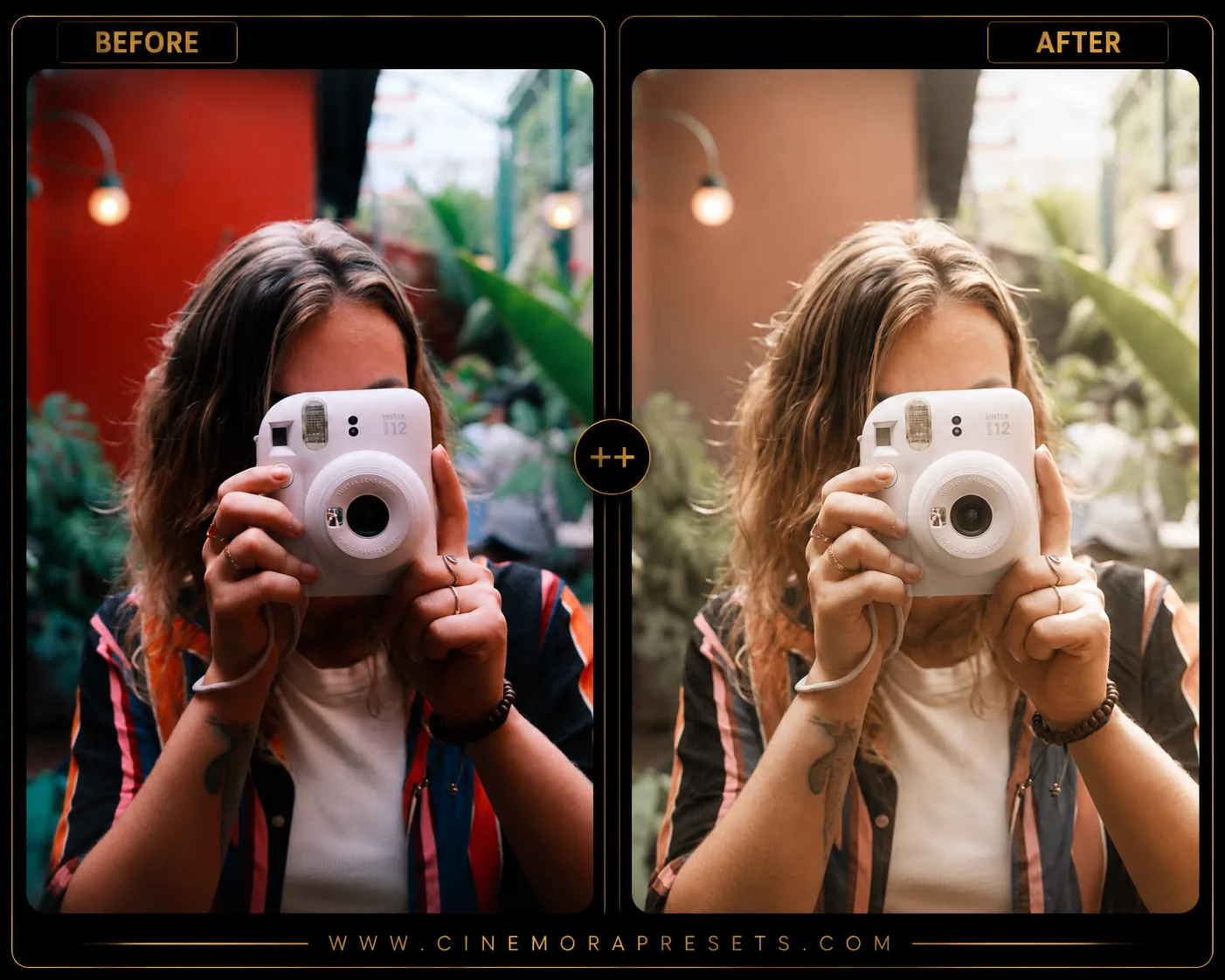 Film
FilmFree Disposable Camera Lightroom Presets for a Vintage Film Look
Download free Disposable Camera Lightroom Presets for Lightroom Mobile and Desktop. Get nostalgic film grain, flash photography effects, and vintage camera colors.
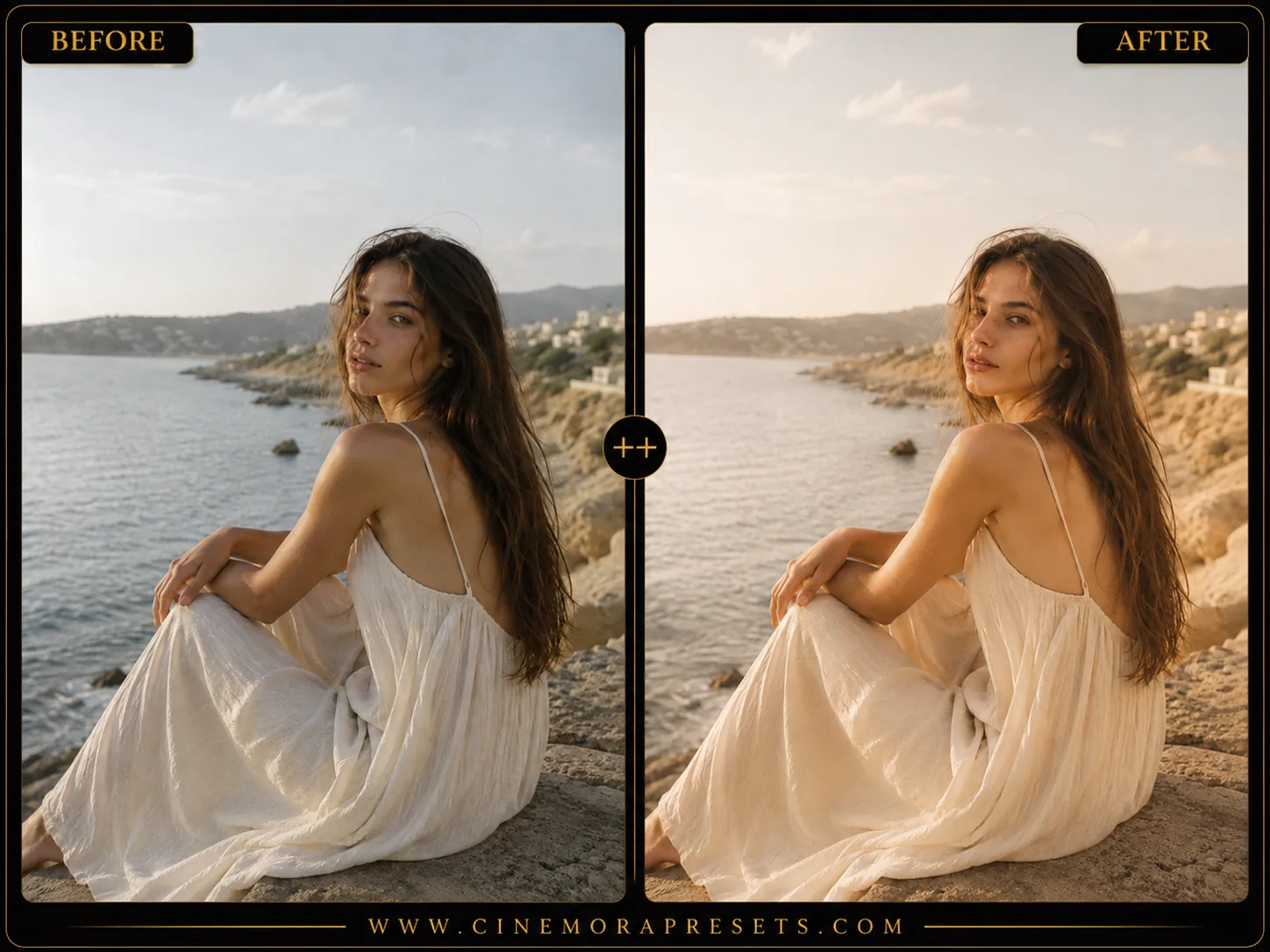 Film
FilmFree Kodak Portra Lightroom Presets (Film Color Look)
Recreate the iconic Kodak Portra film color palette in Lightroom. Free XMP presets for portraits, weddings, and everyday photos, easy one-click install.
 Film
FilmFilm Lightroom Presets
Download free Film Lightroom Presets for Lightroom Mobile and Desktop with analog grain, vintage colors, warm highlights, and classic film tones.
 Film
FilmFree Fujifilm Lightroom Presets — Classic Chrome, Superia & Film Simulations
Fuji Film Lightroom presets replicate the beautiful colors of classic film. Recreate Classic Chrome and Superia simulations for analog street photography
Featured Tutorials
Step-by-step editing guides and Lightroom tips to improve your photography workflow.
How to Edit Dark & Moody Photos in Lightroom (2026 Guide)
Learn how to edit dark and moody photos in Lightroom with specific slider values for shadows, tone curves, matte fades, and color grading that create dramatic low-key images.
How to Create a Consistent Instagram Aesthetic Feed (2026)
Learn how to build a cohesive Instagram feed using Lightroom presets, from choosing a color palette and editing consistently to planning your grid layout for maximum visual impact.
How to Fix Orange Skin Tones in Lightroom (2026 Guide)
Skin looking too orange in Lightroom? Learn exactly how to fix it using white balance, HSL sliders, and masking — for Lightroom Classic, Desktop, and Mobile.
Free Film Lightroom Presets
Film-style Lightroom presets emulate analog color response: lifted blacks, subtle grain, shifted greens, and highlight roll-off that digital sensors rarely produce out of camera. I study reference scans from Portra, Superia, and classic 35mm stocks when building these packs.
Unlike heavy Instagram filters, film emulations here adjust hue and luminance per color channel so skies, skin, and foliage shift together instead of fighting each other. The result is a nostalgic look that still feels photographic on modern mirrorless and phone images.
All film packs ship as lightweight XMP profiles you can sync across every device in your Lightroom ecosystem.
Frequently Asked Questions
What is the difference between film and vintage presets?
Film presets focus on analog grain and color science, while vintage packs lean toward faded 70s–90s warmth and soft contrast.
Do film presets add grain automatically?
Some packs include grain adjustments in the Effects panel; others keep grain optional so you can add it to taste.
Are film presets better on RAW files?
RAW files preserve more highlight and shadow data, which helps film emulations look smoother and less noisy.
Can I stack film presets with other edits?
Yes. Apply the preset first, then fine-tune exposure, crop, and local adjustments as needed.