Free Lightroom Presets
For Mobile & PC.
Discover a handpicked collection of free Lightroom mobile presets and PC filters. Cinemora Presets provides professional photo editing presets designed to elevate your photography workflow. Whether you want cinematic lightroom presets, moody vibes, or classic vintage styles, download your next lightroom preset pack in one click.
Portrait Presets
5 presets in this category
 Portrait
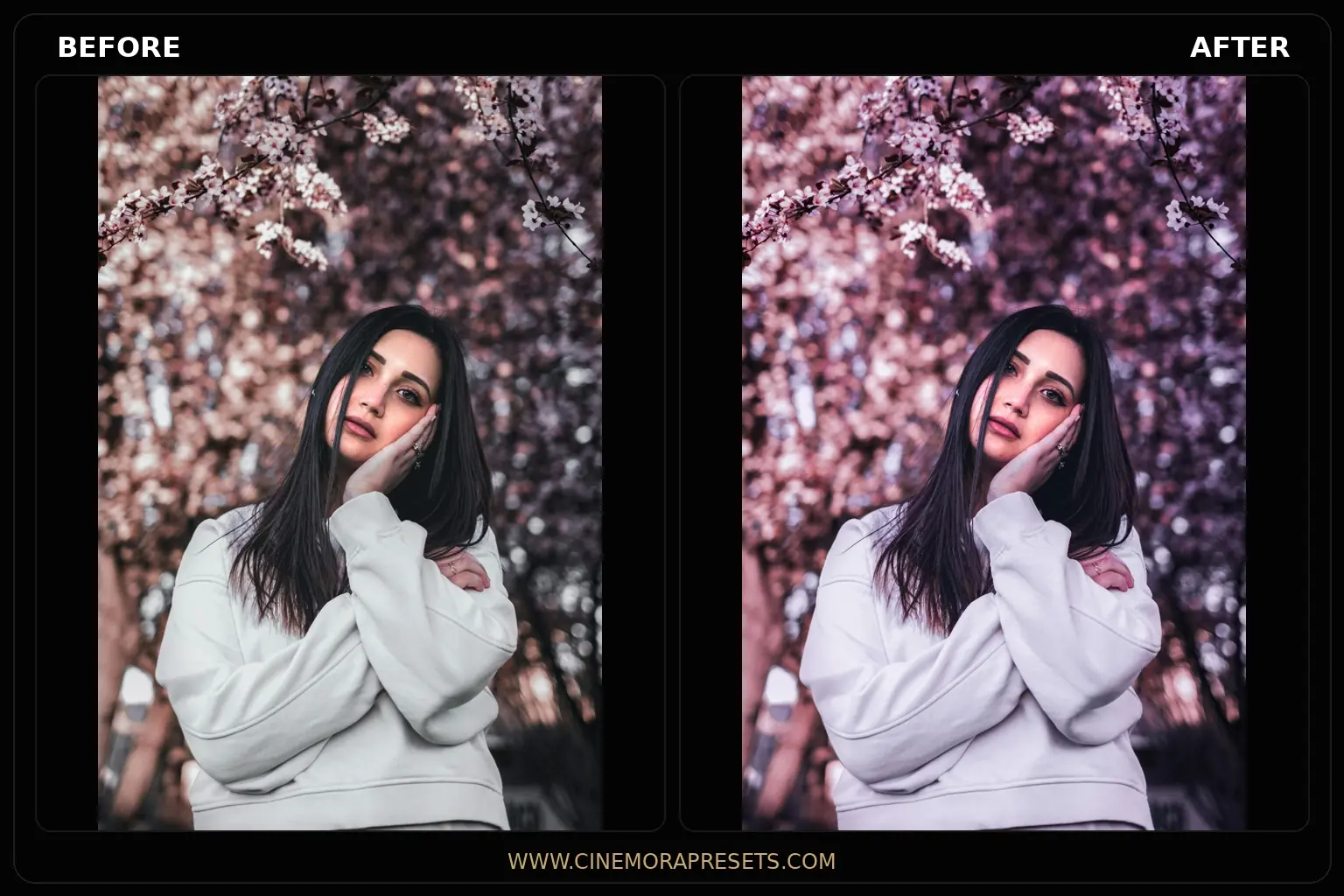
Pink Aesthetic Lightroom Presets free for Dreamy Photos
Pink Aesthetic Lightroom presets inject soft rose glows and warm pastel tones. Create dreamy lifestyle edits for cohesive, romantic social media feeds
 Portrait
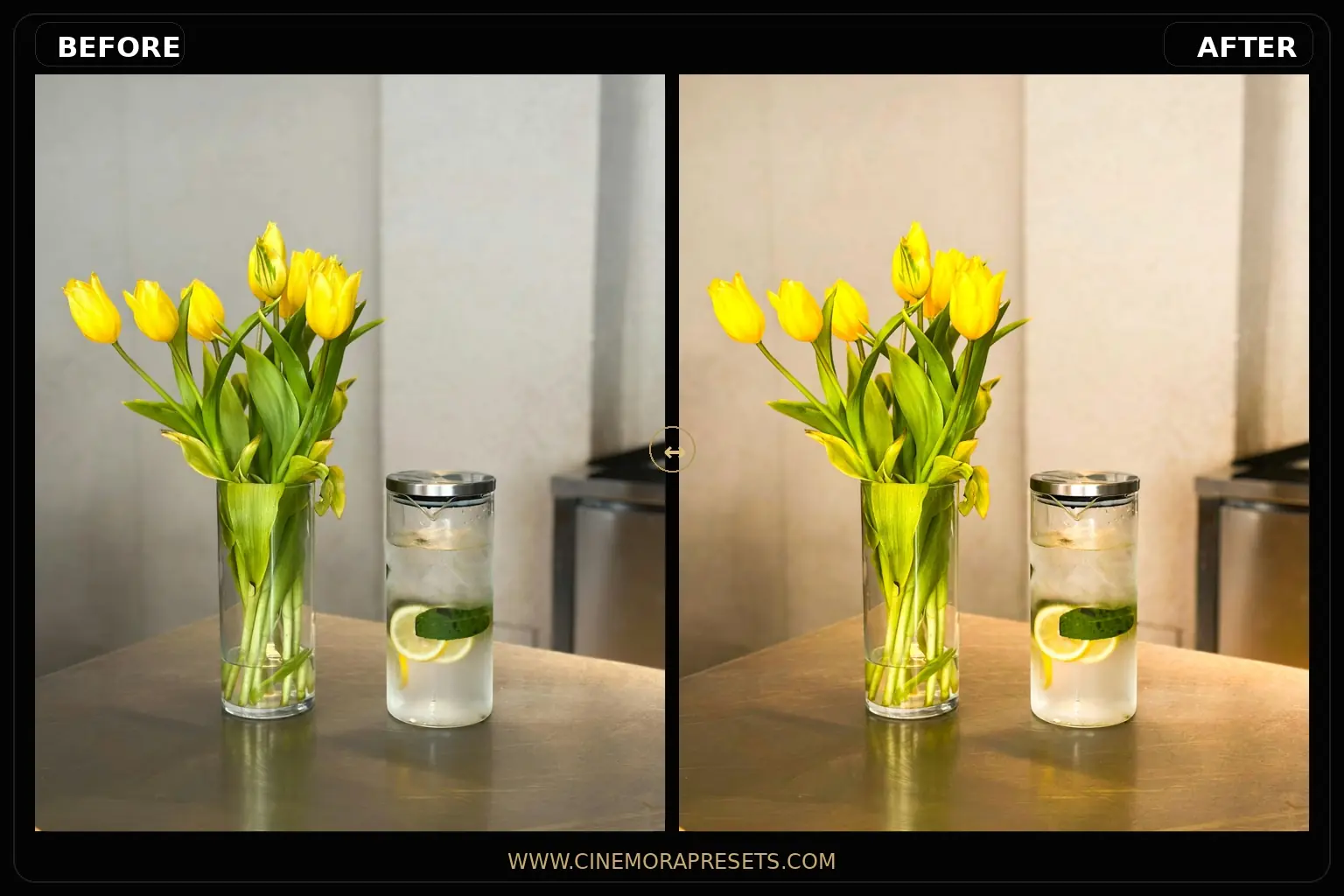
Aesthetic Lightroom Presets
Aesthetic Lightroom presets give your photos beautiful pastel tones and a soft glowing look. Clean up your portraits and lifestyle grids in one click.
 Portrait
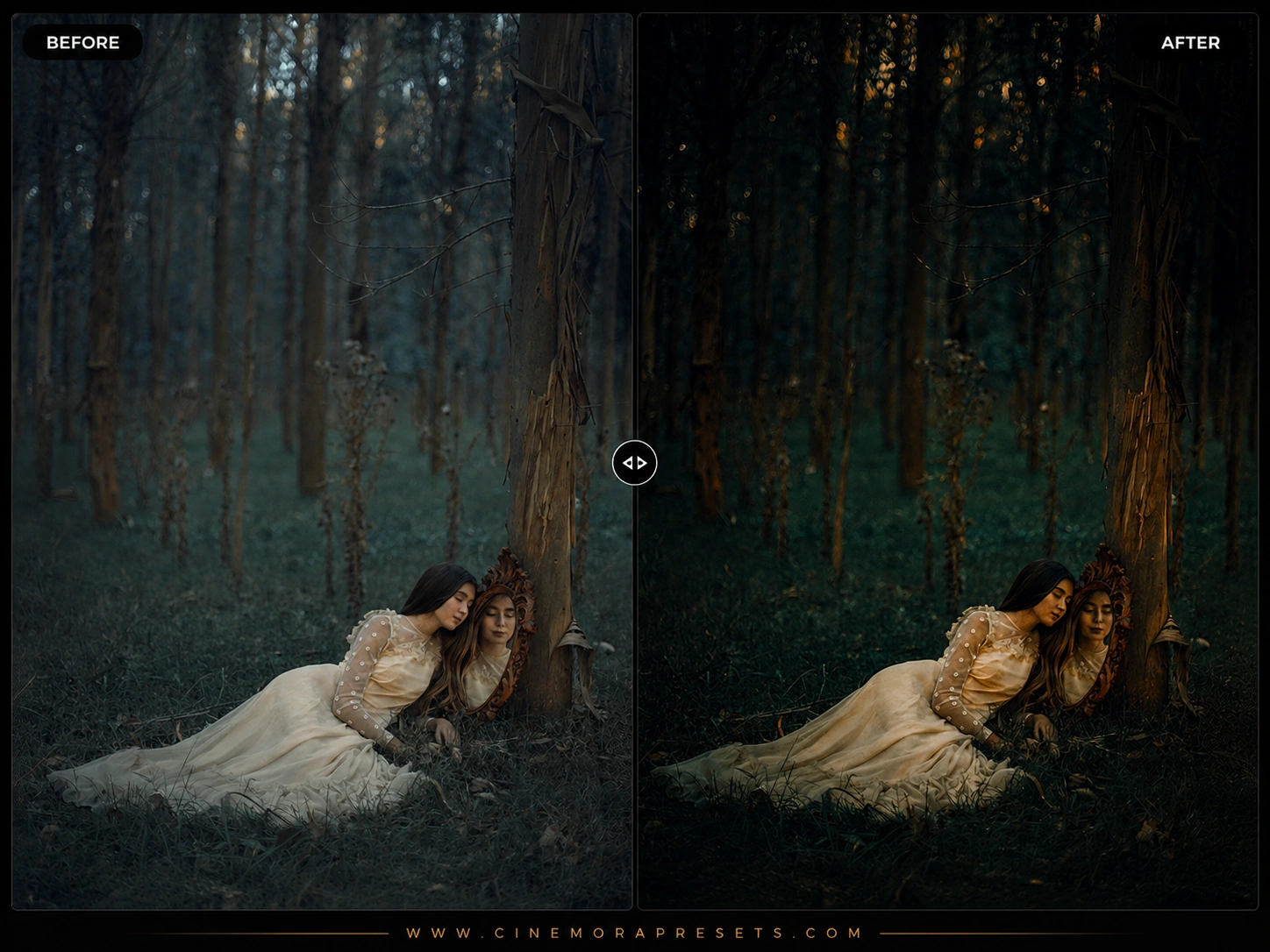
Dreamy Lightroom Presets
Dreamy Lightroom presets add a soft glowing look, warm pastel colors, and romantic edits to your portrait photography. Edit aesthetic photos on mobile & PC
 Portrait
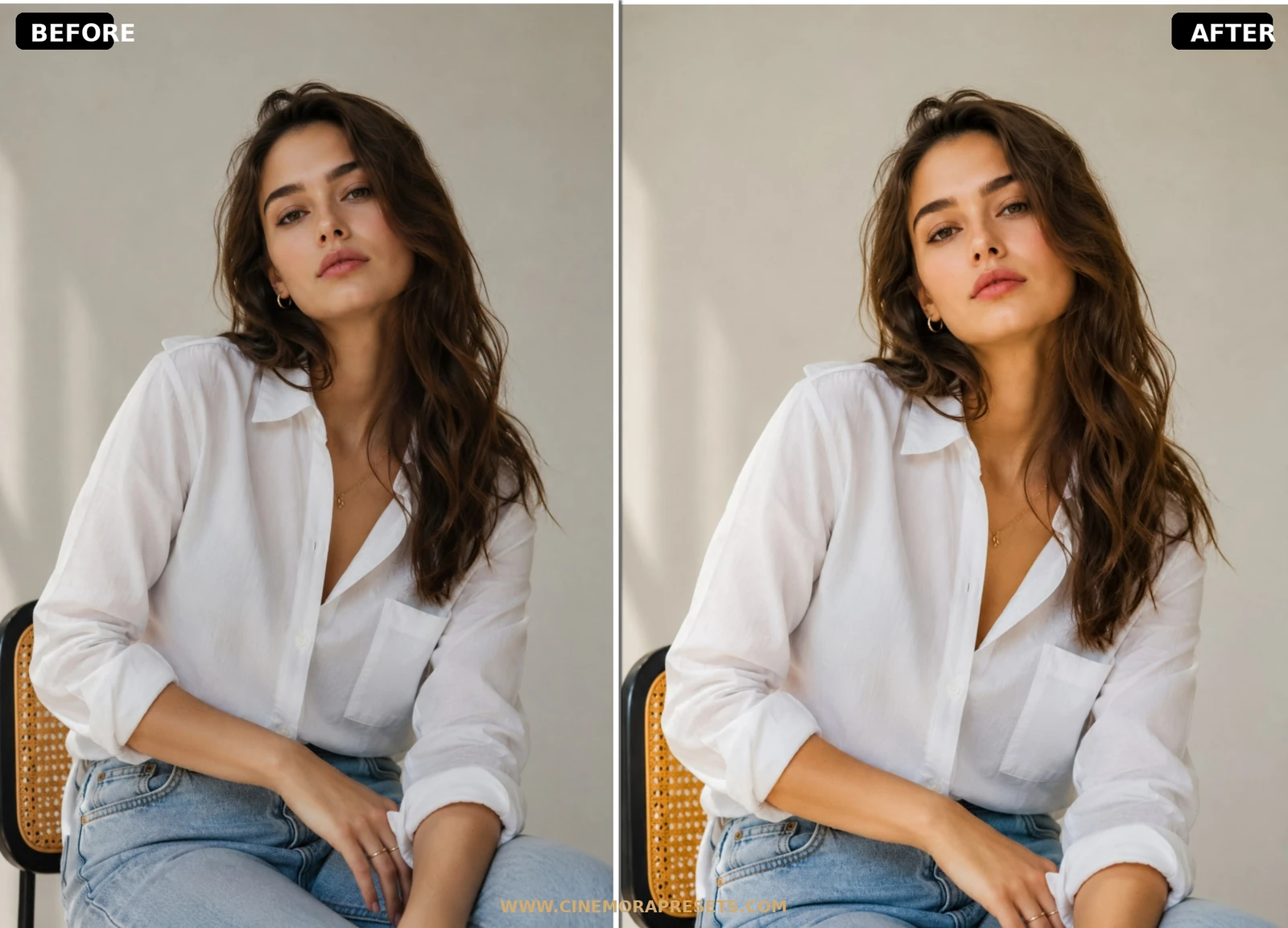
Fashion Lightroom Presets
Fashion Lightroom presets grade high-end editorial skins, rich vintage textures, and dramatic runway colors. Transform your visual style grid today
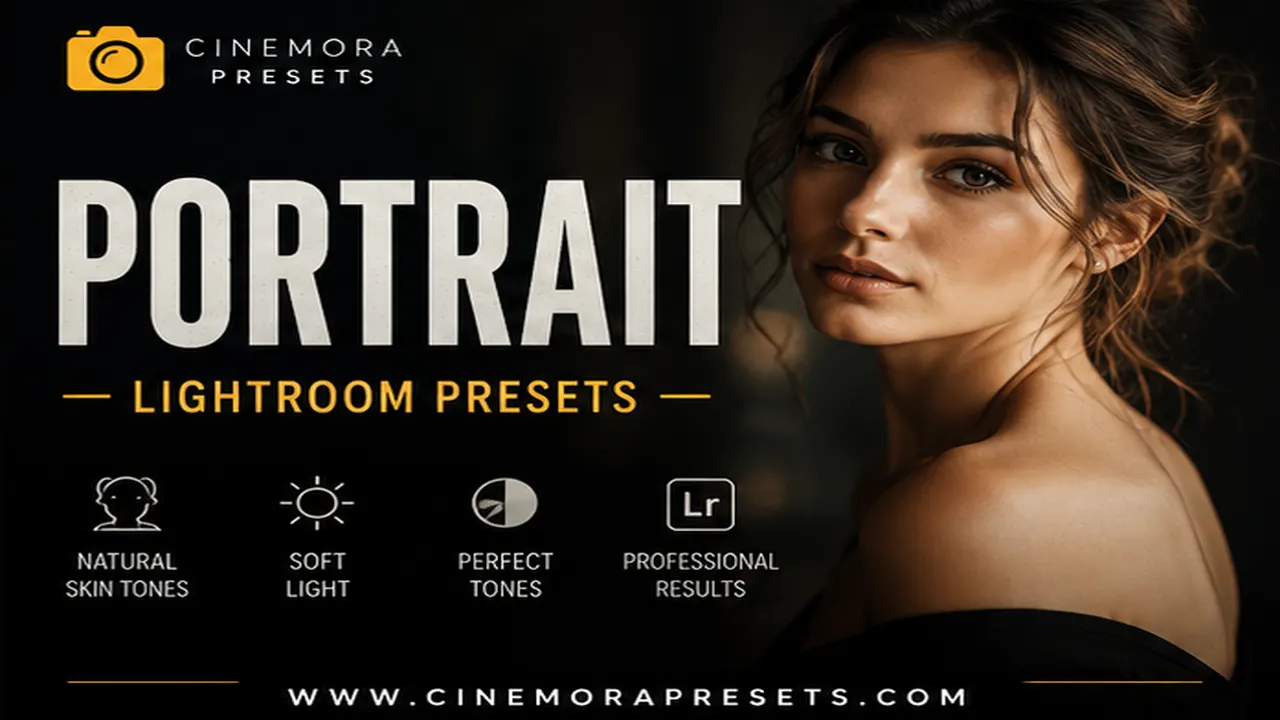 Portrait
Portrait Lightroom Presets
Download free Portrait Lightroom Presets for Lightroom Mobile and Desktop to enhance skin tones, facial details, and natural lighting.
Featured Tutorials
Step-by-step editing guides and Lightroom tips to improve your photography workflow.
How to Edit Dark & Moody Photos in Lightroom (2026 Guide)
Learn how to edit dark and moody photos in Lightroom with specific slider values for shadows, tone curves, matte fades, and color grading that create dramatic low-key images.
How to Create a Consistent Instagram Aesthetic Feed (2026)
Learn how to build a cohesive Instagram feed using Lightroom presets, from choosing a color palette and editing consistently to planning your grid layout for maximum visual impact.
How to Fix Orange Skin Tones in Lightroom (2026 Guide)
Skin looking too orange in Lightroom? Learn exactly how to fix it using white balance, HSL sliders, and masking — for Lightroom Classic, Desktop, and Mobile.
Free Portrait Lightroom Presets
Portrait Lightroom presets are built around one non-negotiable rule: skin tones must stay natural. I test every portrait pack on daylight headshots, indoor window light, and golden-hour outdoor sessions before publishing, because a filter that looks great on landscapes will often turn faces orange or muddy.
The packs in this category lift shadows gently, control redness in the HSL panel, and keep highlight roll-off smooth on cheeks and foreheads. They work on both RAW and JPEG files, though RAW gives you more room to recover exposure after applying a one-click grade.
Whether you shoot beauty content, client headshots, or casual lifestyle portraits on your phone, these free XMP presets import directly into Lightroom Mobile and Desktop with no email gate.
Frequently Asked Questions
Will portrait presets work on phone selfies?
Yes. All packs use the universal XMP format and sync through Adobe Creative Cloud on iPhone and Android Lightroom apps.
How do I stop skin from looking too orange?
Lower the Temperature slider slightly or reduce Orange saturation in the HSL panel after applying the preset.
Are these portrait presets free for client work?
Yes. Every download is licensed for personal and commercial photography under our Terms of Service.
Do I need RAW files for portrait presets?
RAW is recommended for the cleanest skin detail, but the presets also work on JPEG and HEIC mobile photos.