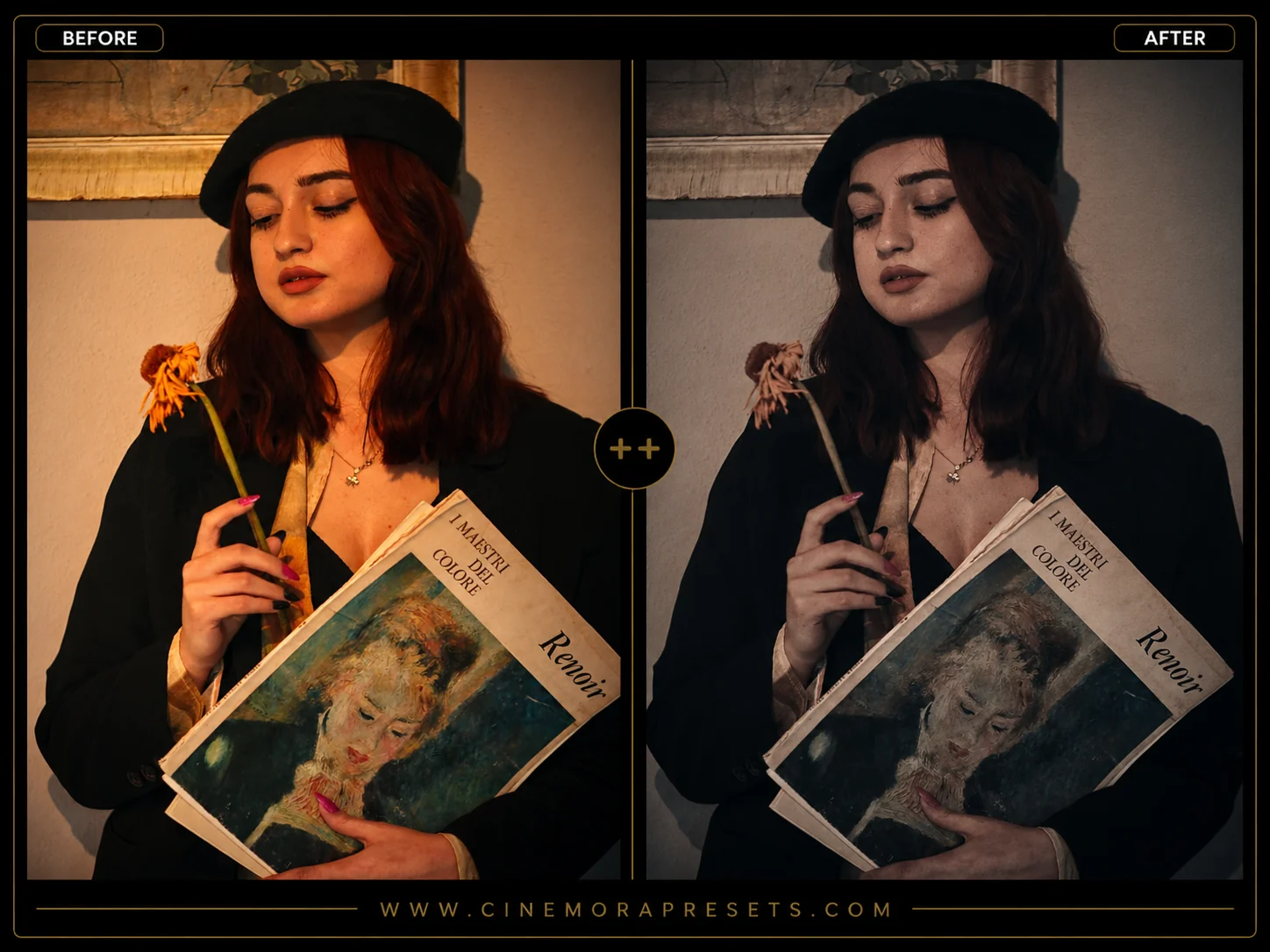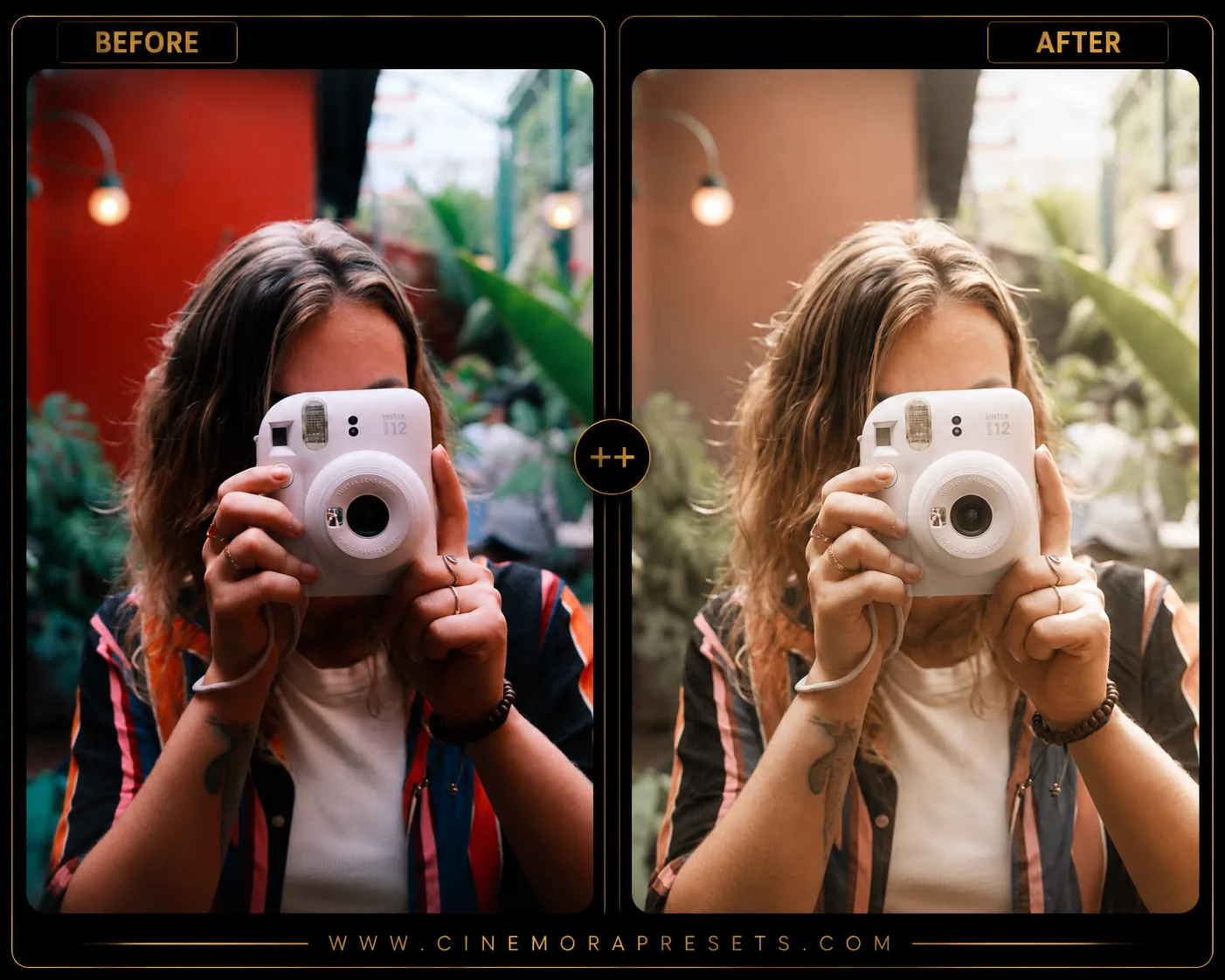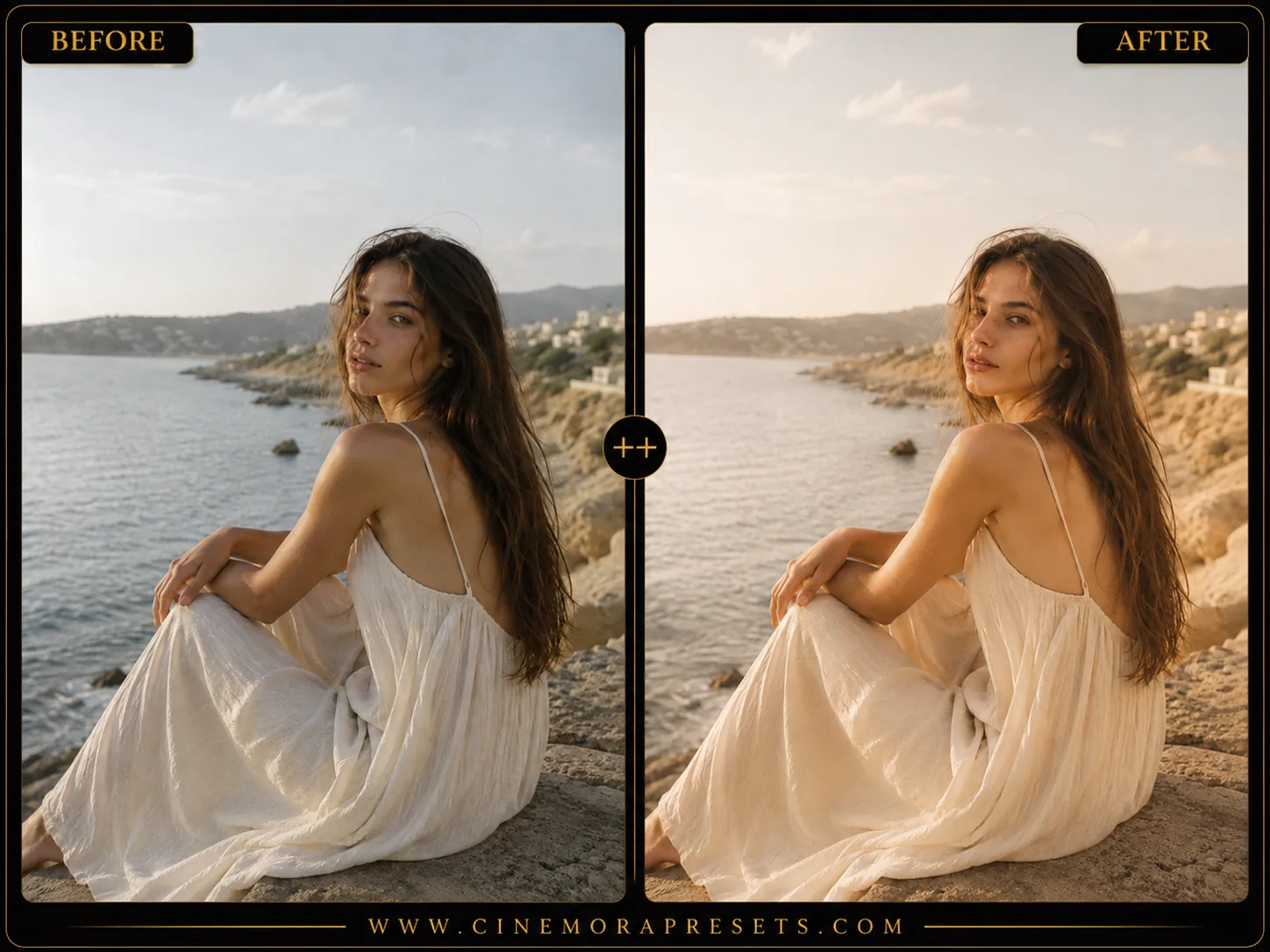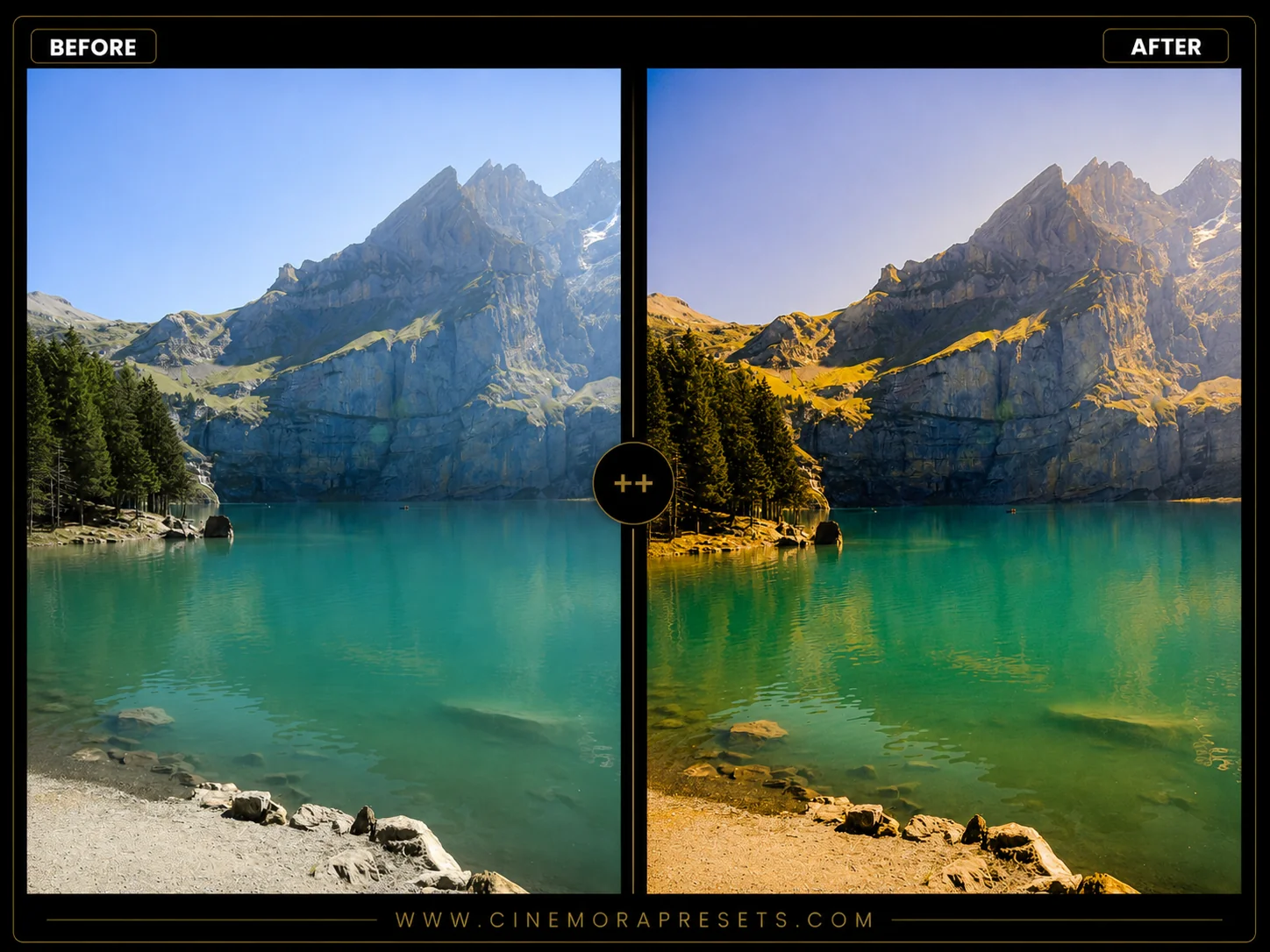
Fuji Velvia is legendary among outdoor photographers for its ultra-saturated colors, deep blacks, and exceptional rendering of rich greens and oceanic blues. Recreating the chemistry of Velvia 50 slide film breathes dramatic energy into flat digital images.
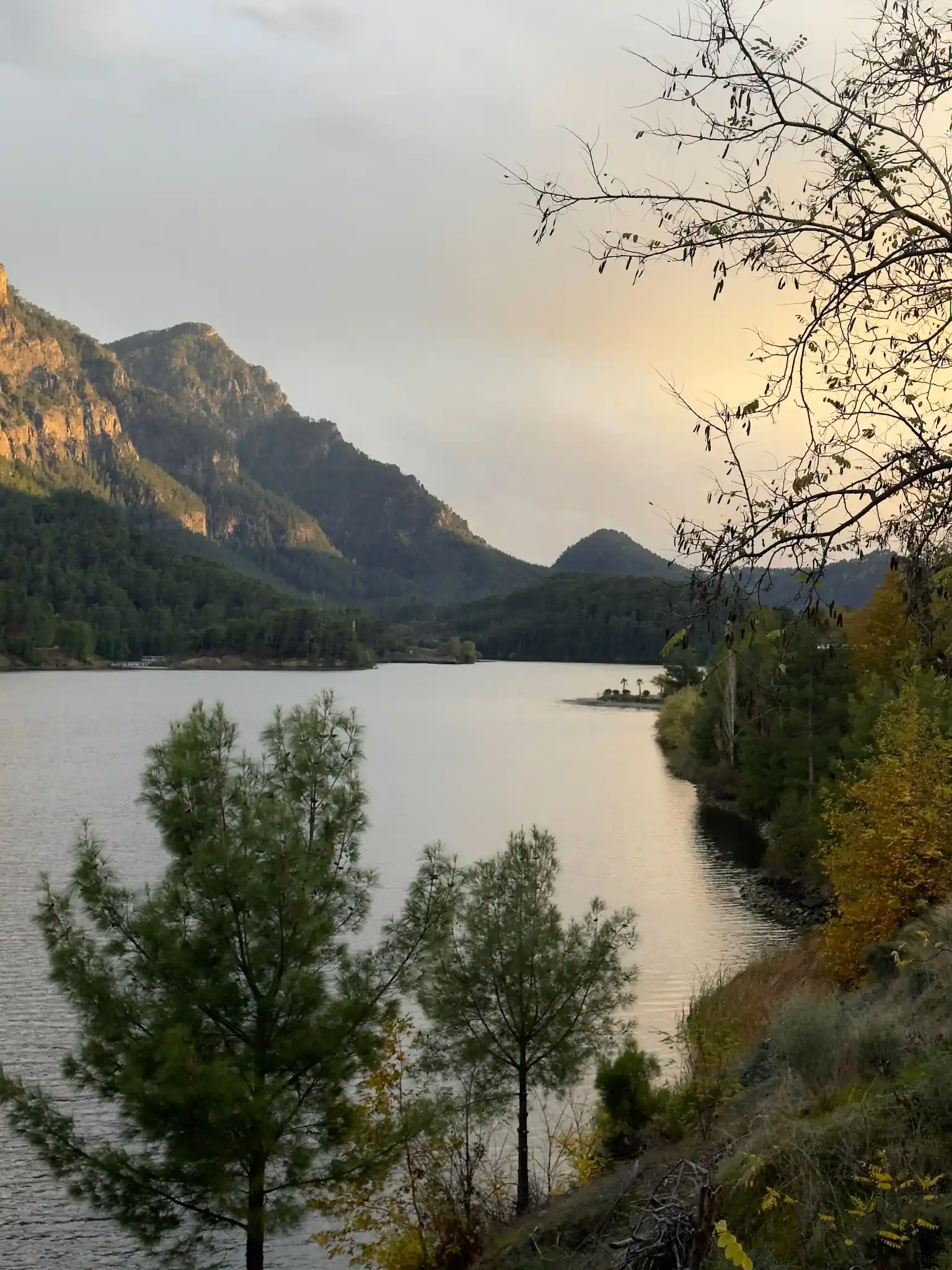
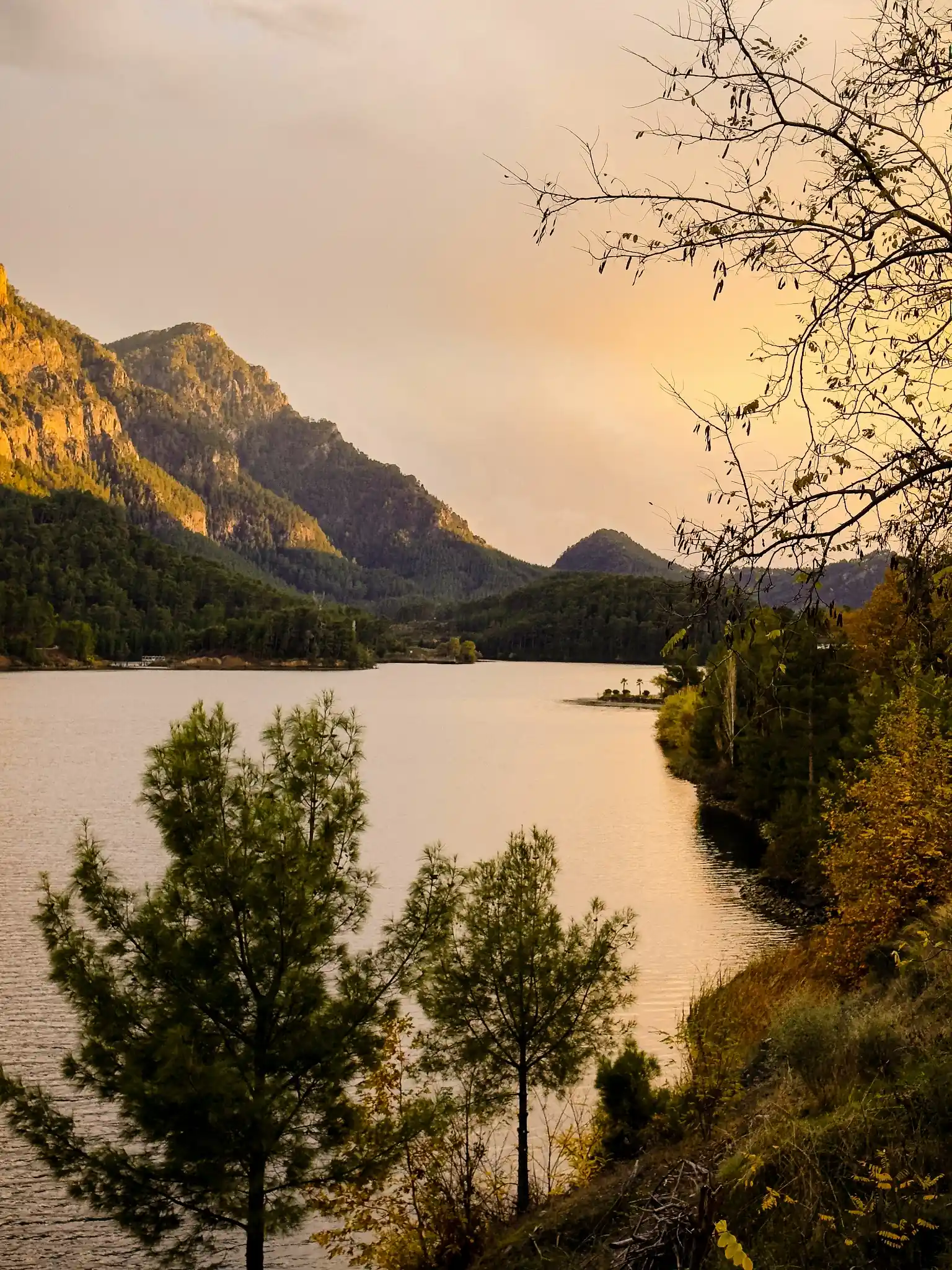
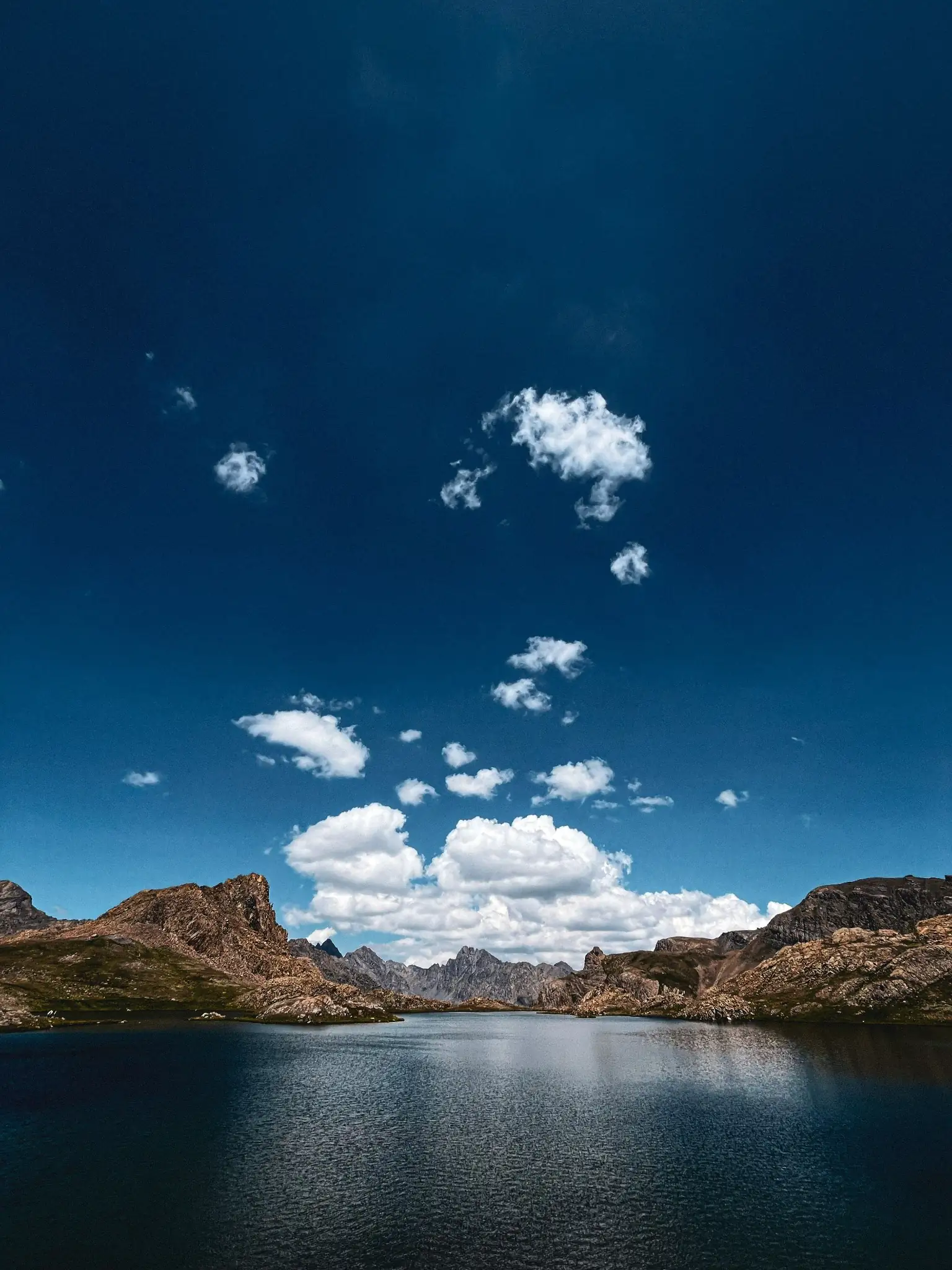
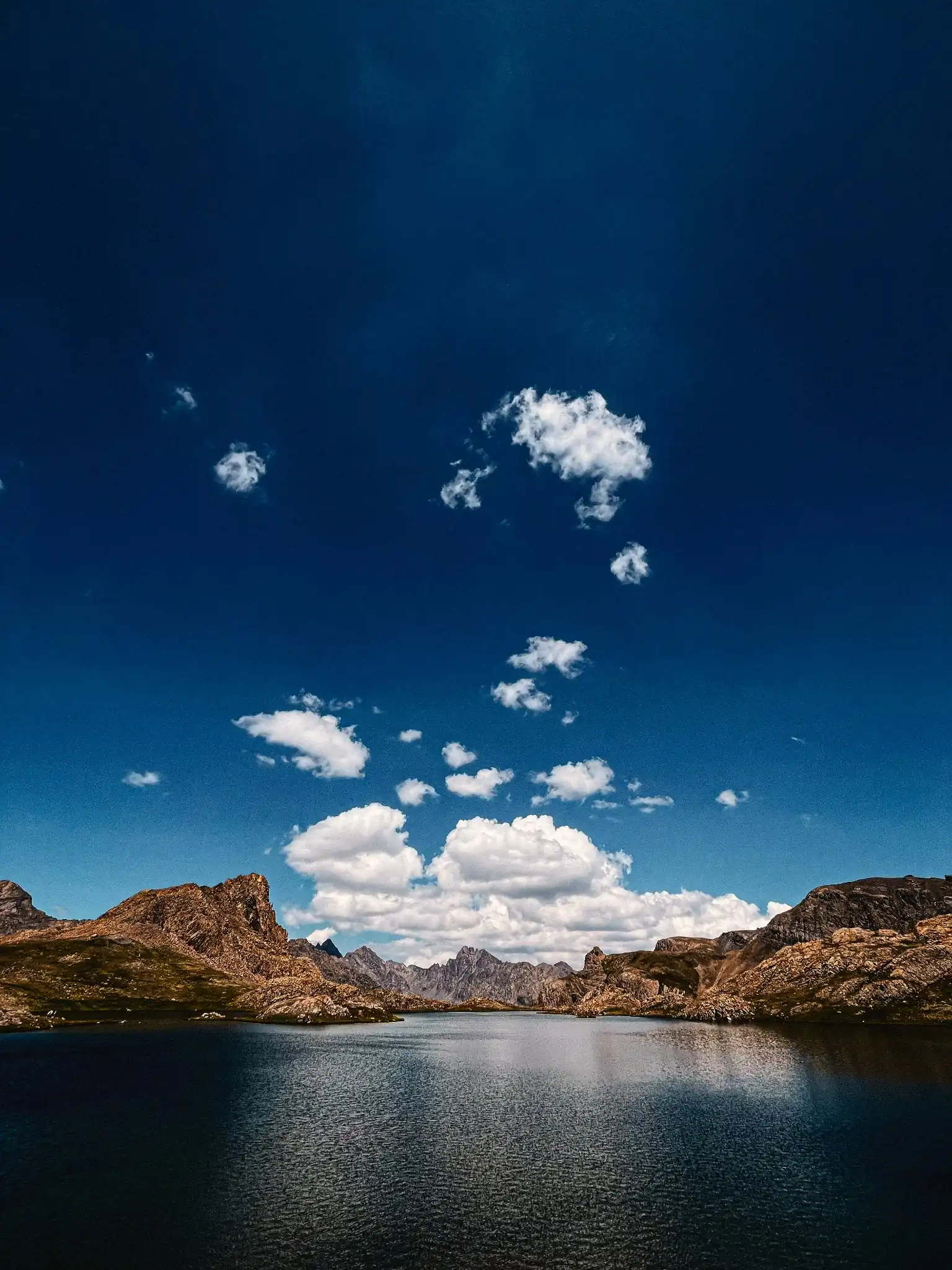
This free preset pack is delivered in XMP format, providing identical color curves and analog film grain on both Lightroom Mobile and Desktop.
[!NOTE] Looking for a more balanced daily look? Check out our general Fujifilm Film Simulation presets containing Superia, Provia, and Astia emulations for street and portrait photography.
The Chemistry of Fuji Velvia 50
In the era of analog landscape photography, Fuji Velvia 50 was the undisputed king. While portrait films like Kodak Portra were built for muted, flattering skin tones, Velvia was engineered for maximum punch. It was a slide film (color reversal) known for:
- Vivid Color Saturation: Deeply saturated reds, vibrant yellows, and glowing warm highlights.
- Legendary Greens and Blues: Foliage and water are pushed to their absolute limits, giving landscapes a rich, painterly feel.
- Deep Contrast Curves: Hard shadows and bright highlights that emphasize physical shapes and lighting geometry.
These presets bring that exact high-impact chemical response to your digital workflow, turning flat, dull RAW files into dramatic landscape captures.
How to Recreate the Velvia Vibe Manually
If you want to understand how Velvia constructs its signature contrast and color chemistry, you can recreate these key Lightroom slider adjustments:
- Contrast & Tone Curve: Increase Contrast (+15 to +20). Use a standard S-curve on the RGB tone curve but keep the shadows deep and blacks dense—unlike vintage negative films, Velvia slide film retains rich, deep blacks.
- Color Mixer (HSL): Shift the Green Hue slider toward Teal (+5 to +10) and increase Green Saturation (+12 to +18). Push the Blue Hue slider slightly toward Teal (+3 to +5) and boost its Saturation (+10 to +15) to make skies and oceans pop.
- Color Grading: Add a touch of warm amber (Hue: 45) to the highlights, and a very subtle cool cyan (Hue: 215) to the shadows to build clean color separation.
- Effects: Keep film grain small and fine (Amount: 15, Size: 25, Roughness: 35) to match the low-grain characteristics of a slow 50 ISO film stock.
Best Travel & Landscape Environments
Fuji Velvia presets perform best in outdoor environments rich in natural colors and textures. It is the perfect aesthetic for editing shots from iconic travel destinations:
- Alpine Lakes & Forest Trails: Bring out deep, organic greens and crisp turquoise reflections in the Swiss Alps, Pacific Northwest trails, or the Canadian Rockies.
- Coastal coastlines & Tropical Horizons: Enhance bright ocean gradients, coral sands, and golden sunset horizons in places like Amalfi, Hawaii, or Iceland’s dramatic black sand beaches.
- Autumn Foliage: Intensify the fiery red maples and golden leaves during autumn in Kyoto or New England.
Editing Tips for Saturated Colors
Because Fuji Velvia pushes colors to their upper limits, follow these tips to keep your edits looking clean and professional:
- Watch for Color Clipping: Highly saturated greens and reds can occasionally clip and lose detail. If a leaf or flower looks too flat, lower the specific color's Saturation or Luminance slider in the HSL panel.
- Avoid Portraits: Velvia is not a portrait preset. Its heavy saturation and high contrast will turn skin tones unnaturally red or orange. For human subjects, stick to our dedicated Portrait Lightroom presets.
- Always Edit RAW Files: Heavy color grades require maximum image data. Editing RAW files ensures your sky gradients stay smooth and do not suffer from digital color banding.
After downloading, extract the ZIP file and import the XMP presets into Lightroom.