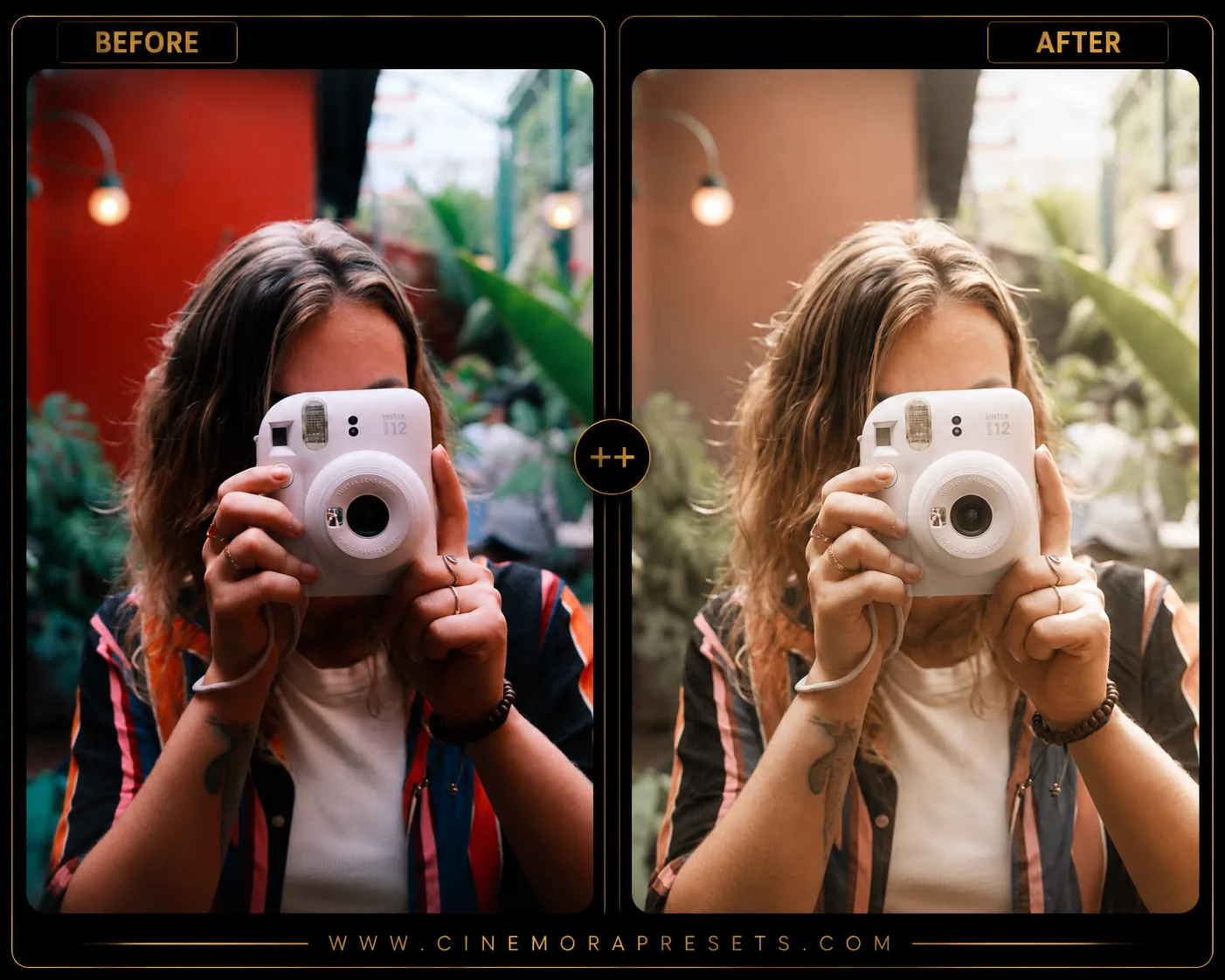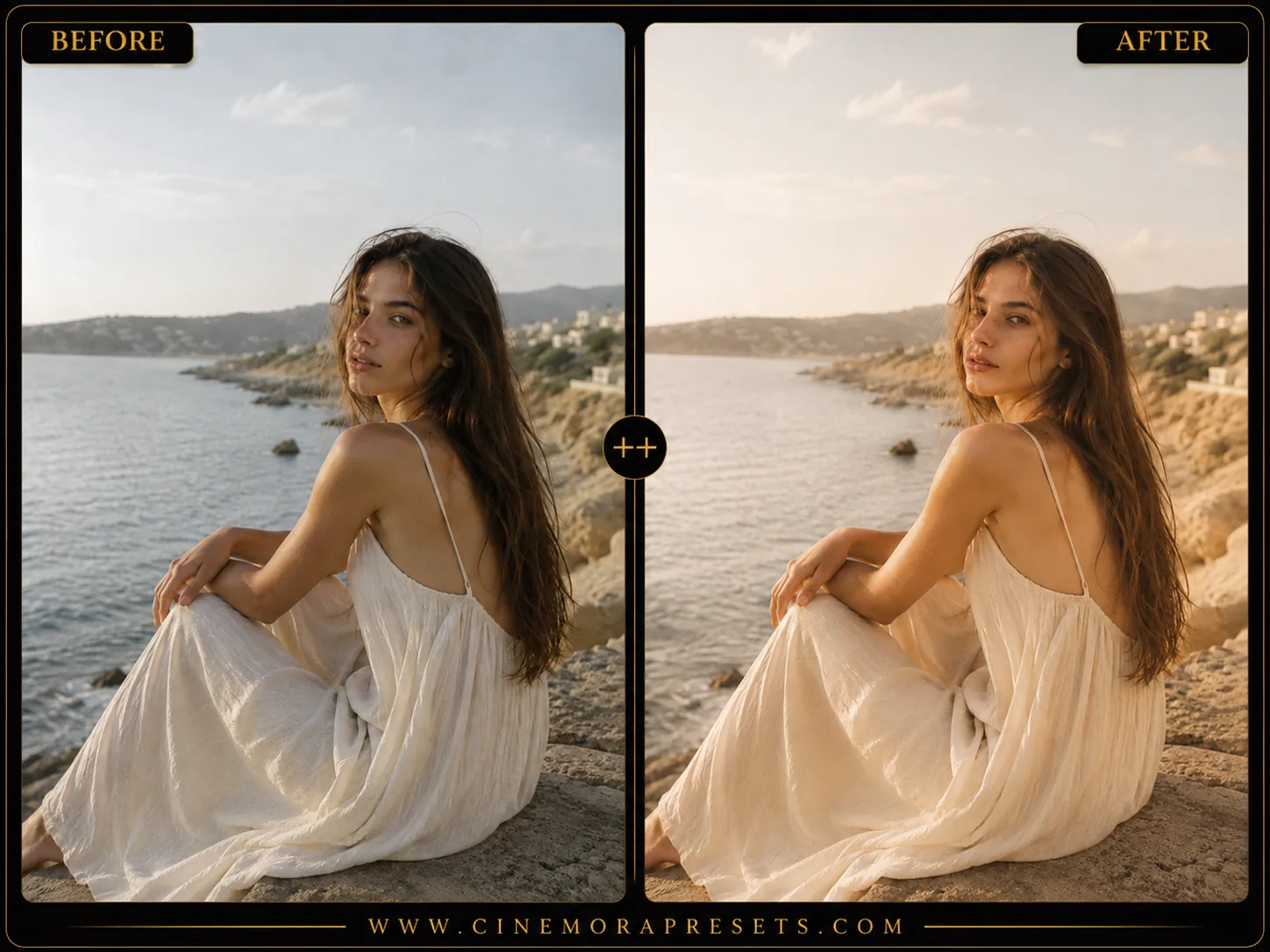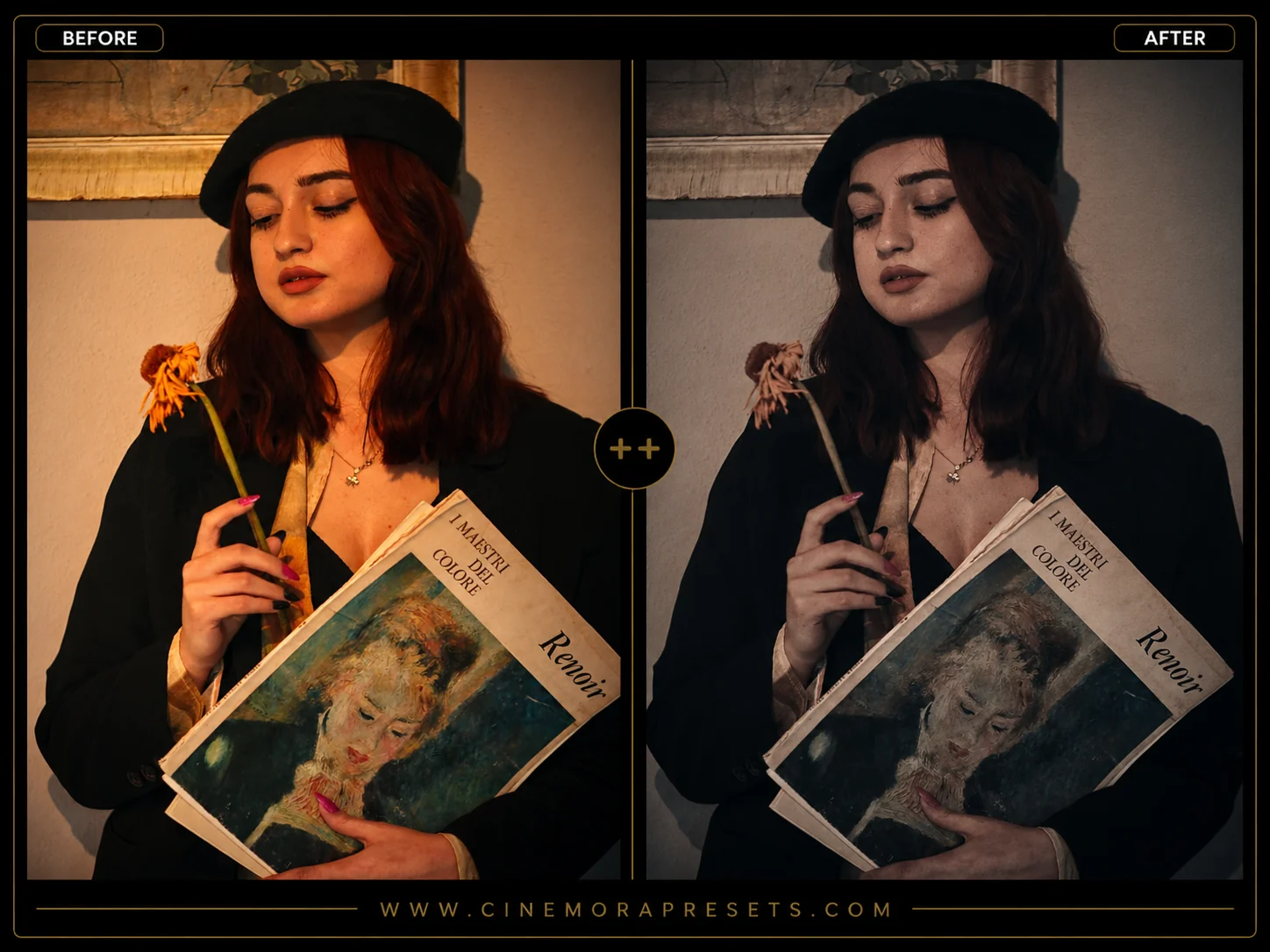
Fujifilm's Classic Chrome is celebrated as the ultimate film simulation for street and documentary photographers. By desaturating sky blues and boosting warm shadow contrasts, it shifts clinical digital images into cinematic visual narratives.
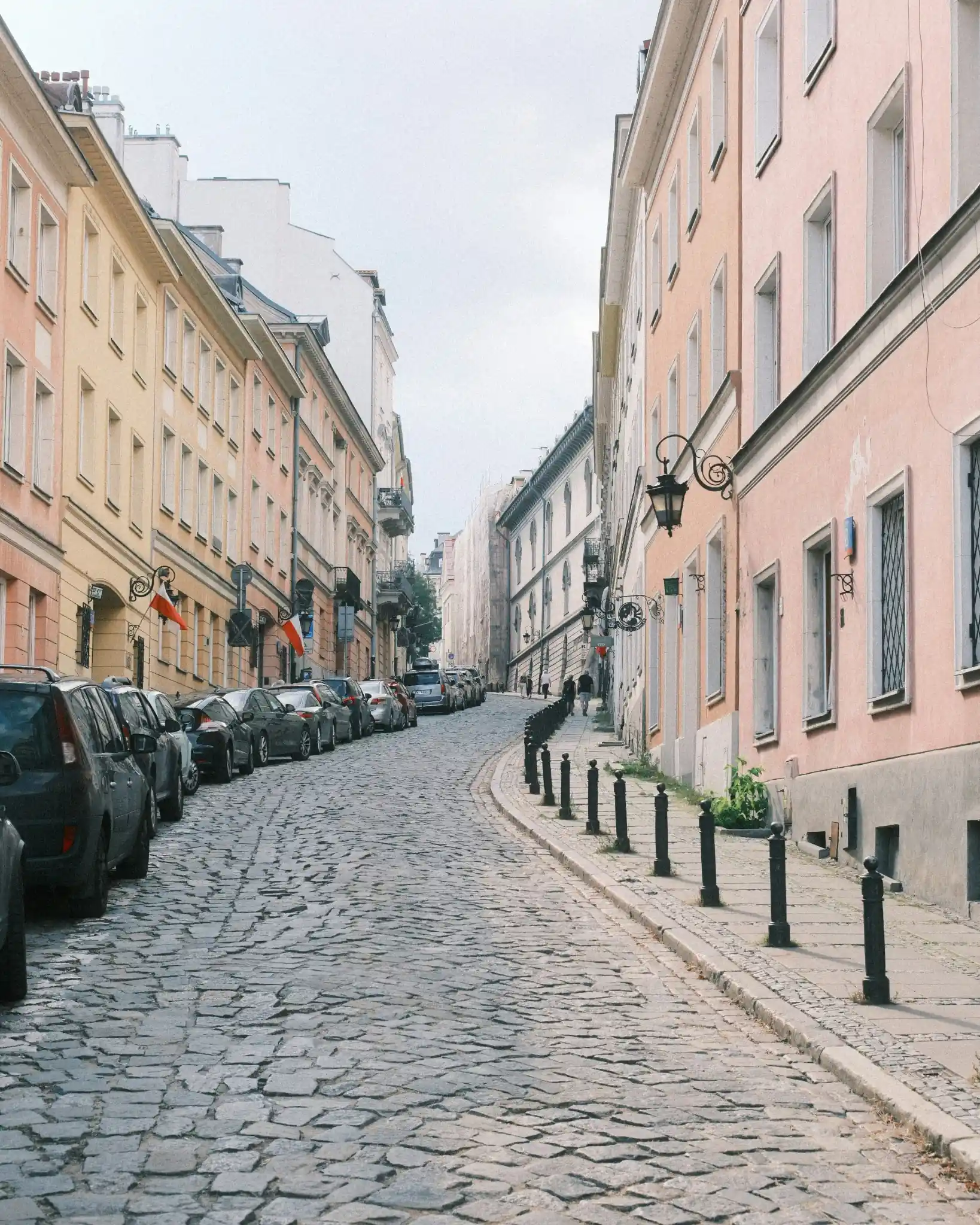
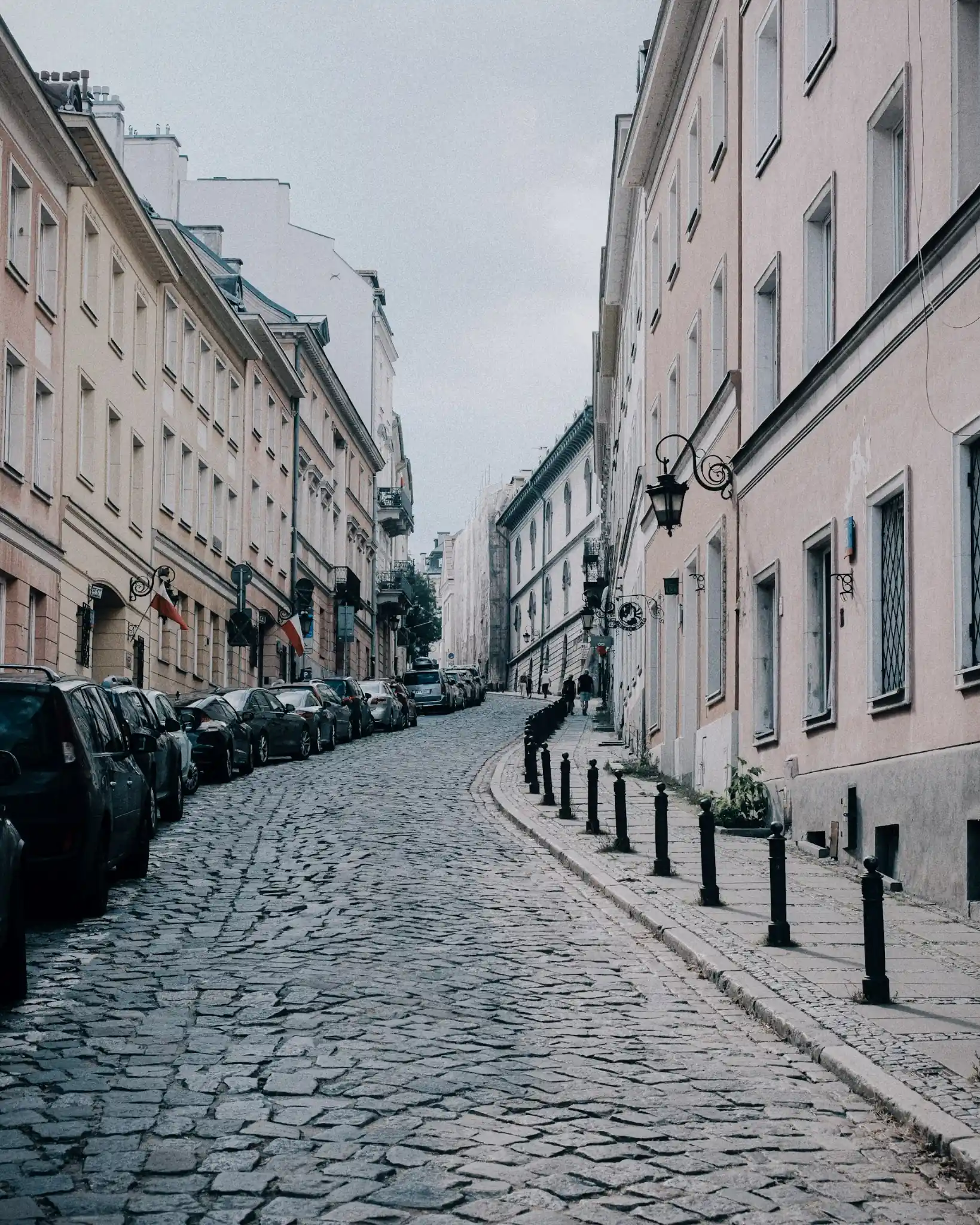
This free preset pack brings that exact color science to any camera raw file, fully optimized in XMP format for Lightroom Mobile and Desktop.
The Color Science of Classic Chrome
Classic Chrome is fundamentally different from traditional punchy film simulations. Instead of enhancing saturation, it takes a restrained, documentary-style approach:
- Muted Midtones: Secondary colors like blues and yellows are pushed back, shifting sky blues toward a deeper, desaturated cyan-teal.
- Rich Contrast: The tone curve introduces heavy shadow compression, resulting in deep, defined blacks that anchor the image.
- Warm Highlights: Warm tones are preserved, keeping skin colors and golden-hour highlights glowing amidst the desaturated surroundings.
This unique combination makes it perfect for telling stories through street scenes, architectural geometry, and candid, unposed portraiture.
Recreating the Look Manually
If you want to understand how Classic Chrome constructs its signature vibe, you can recreate these key Lightroom slider settings:
- Tone Curve: Elevate the black point slightly for a matte shadow finish, but keep a steep S-curve in the shadows to maintain the heavy street contrast.
- Color Mixer (HSL): Shift the Blue Hue slider toward Teal (+15 to +20) and reduce Blue Saturation (-25 to -35). Push the Green Hue towards Yellow (+5 to +10) and lower Saturation (-10 to -15).
- Effects: Introduce subtle monochrome grain (Amount: 25, Size: 30, Roughness: 50) to mimic the structure of physical film crystals.
[!TIP] To expand your collection of film emulations, compare this look with our dedicated Kodak Portra presets for softer skin tones, or our general Vintage Film presets.
Best Scenes and Lighting
Classic Chrome performs exceptionally well under specific lighting conditions:
- Overcast Streetscapes: Flat, gray skies allow the high-contrast tone curves to build drama and make urban textures pop.
- Harsh Midday Sun: The muted highlights prevent details from blowing out, while the compressed shadows create graphic, architectural geometry.
- Golden Hour Shadows: The contrast between warm highlights and cool shadows creates a beautiful, natural color separation.
For more urban-focused settings, you can also combine these presets with our gritty Street Lightroom presets or try the other analog simulations in our general Fujifilm Film Simulation pack.
After downloading, extract the ZIP file and import the XMP presets into Lightroom.