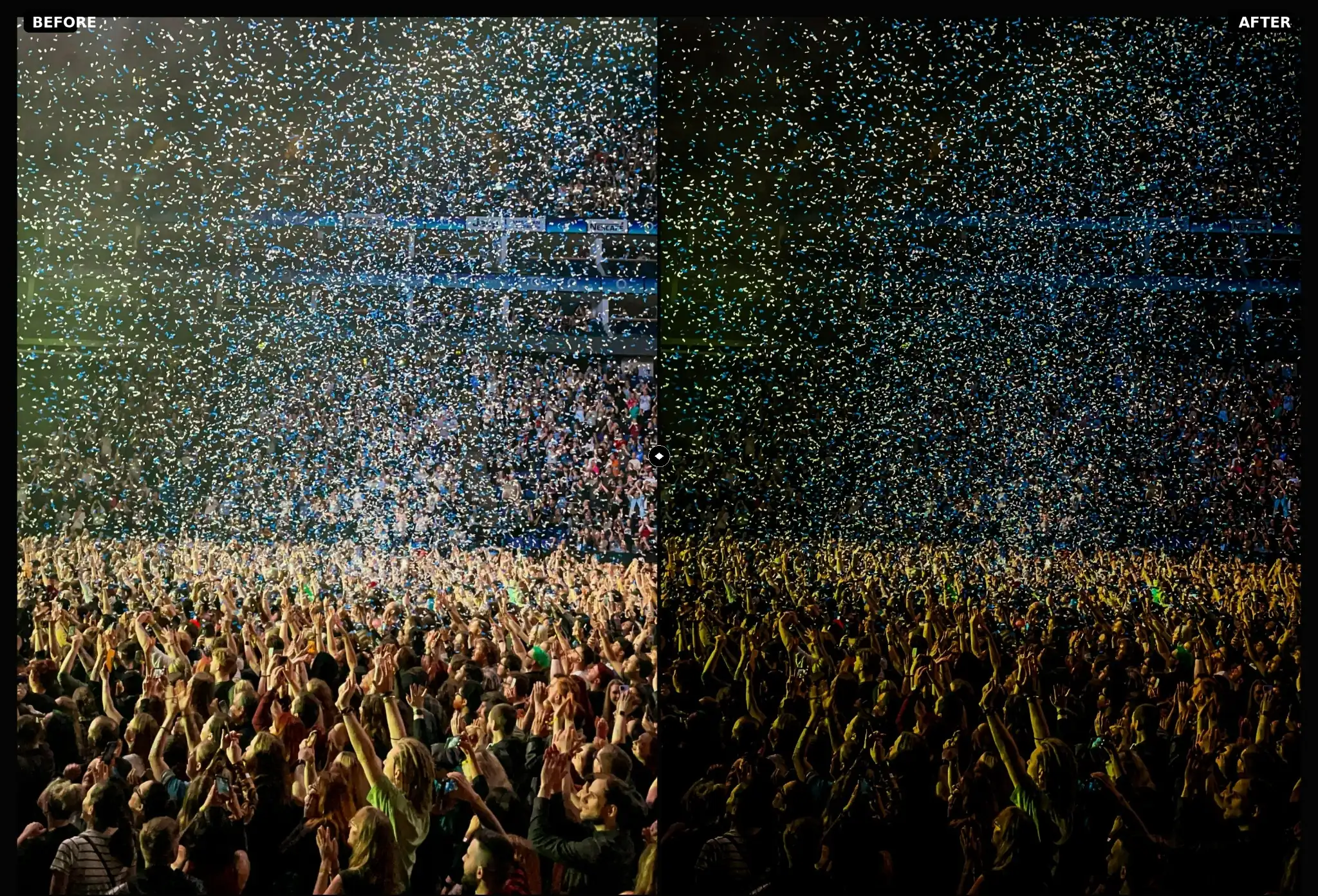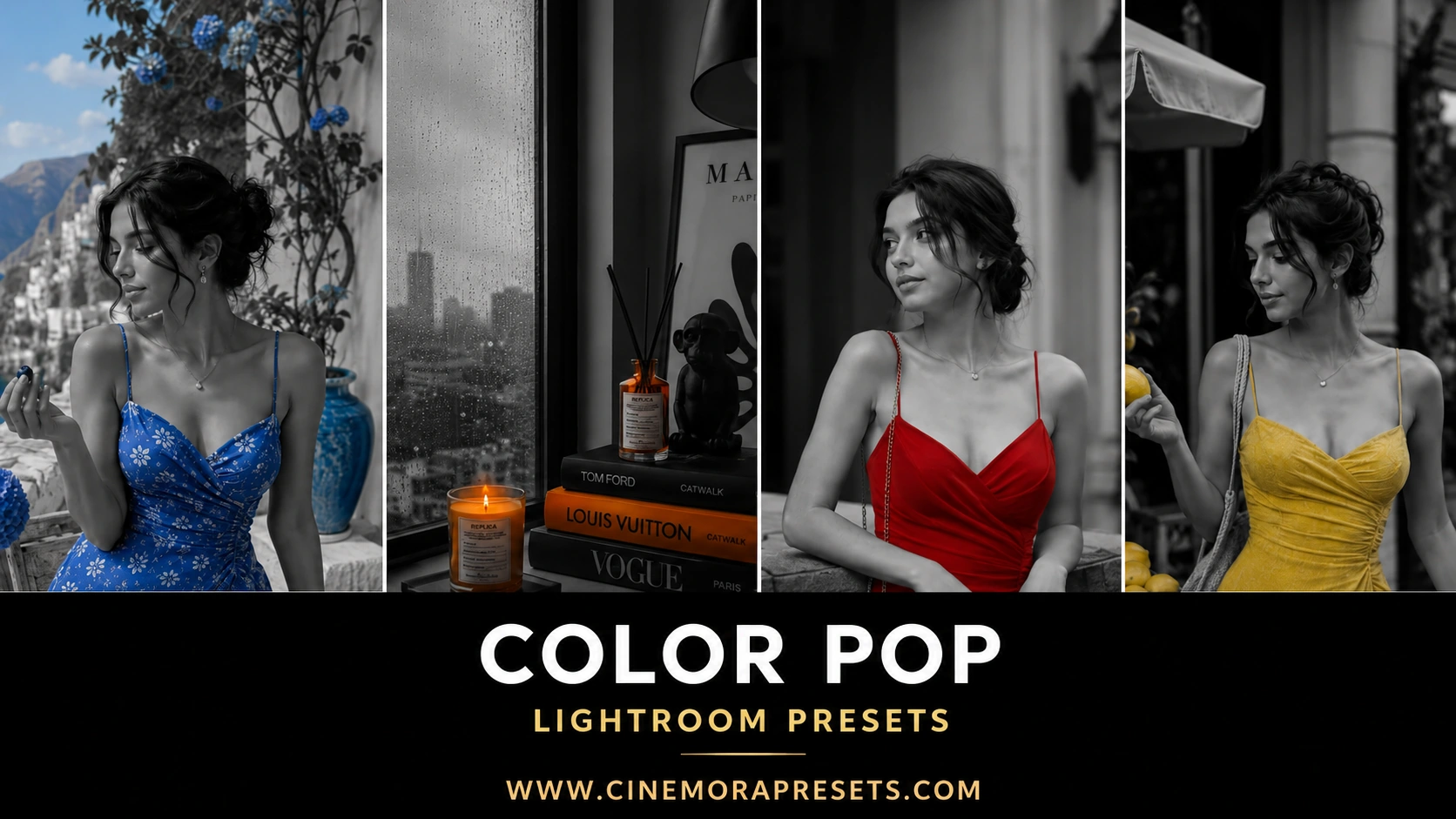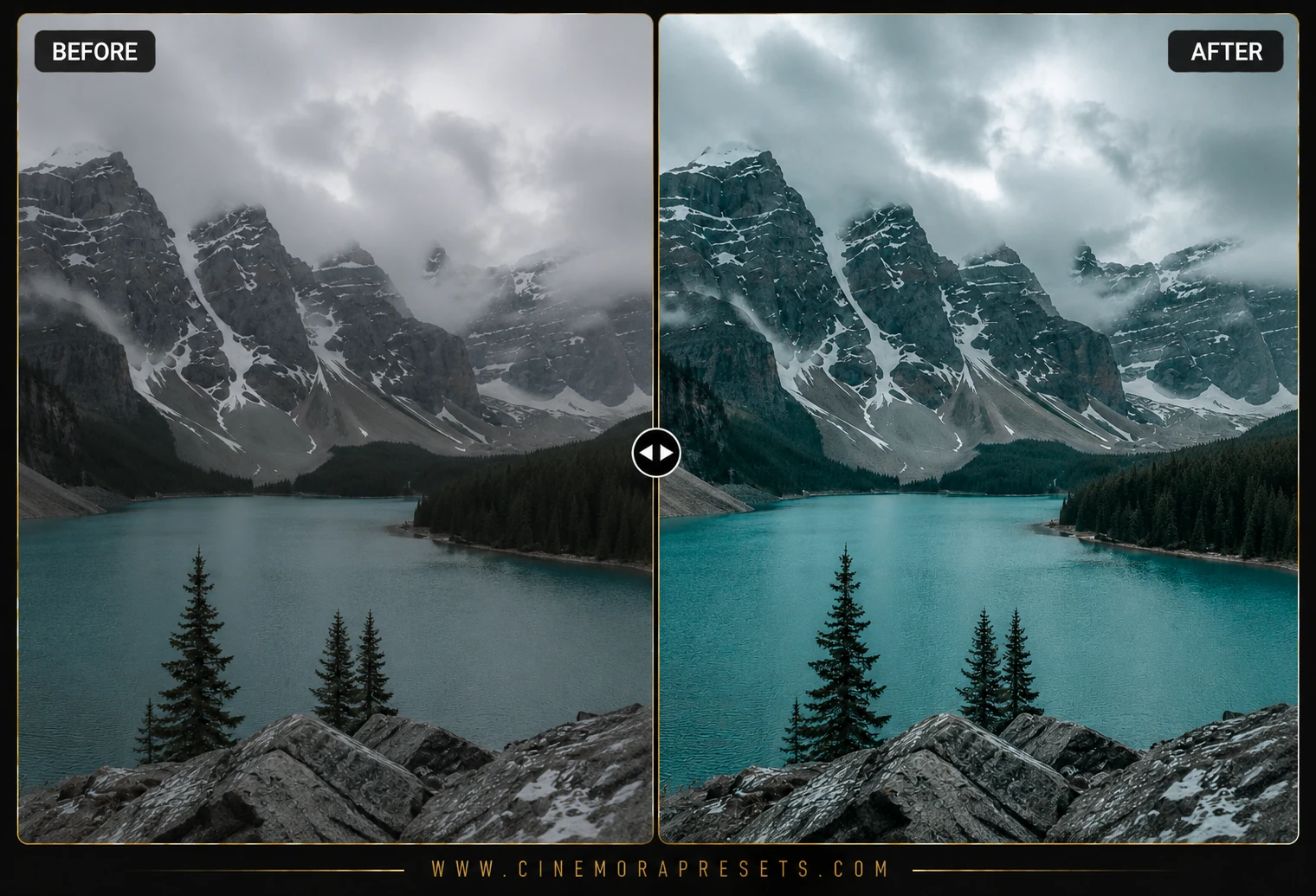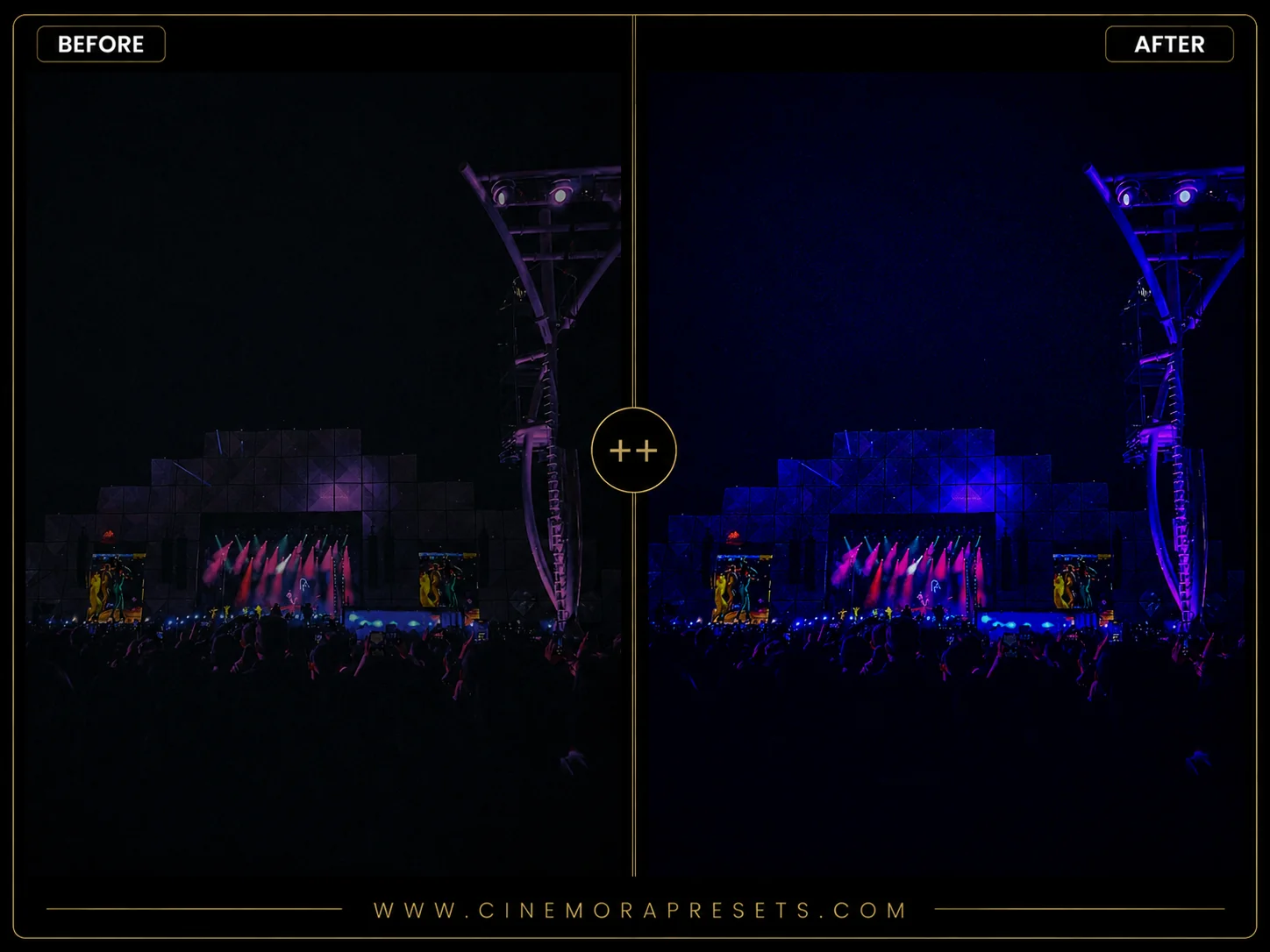
Editing music festival photos is unique because the environment changes constantly. From dusty daytime crowds and scorching midday sun to glorious golden hour stages and electric night light shows, outdoor festivals like Lollapalooza, Coachella, and Glastonbury require a highly versatile set of color grading tools. Standard camera profiles often blow out skies or make sunset dust look muddy.
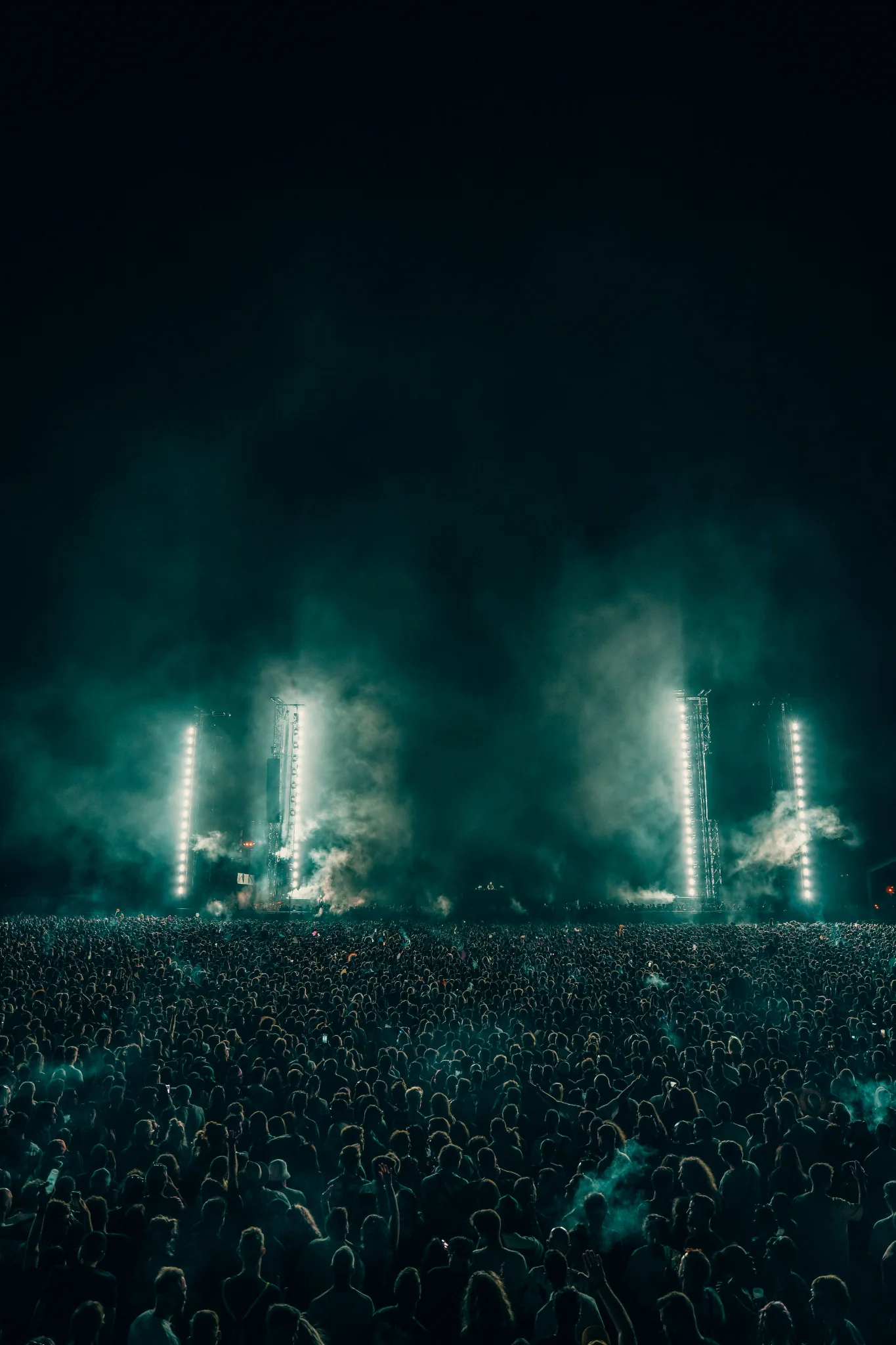
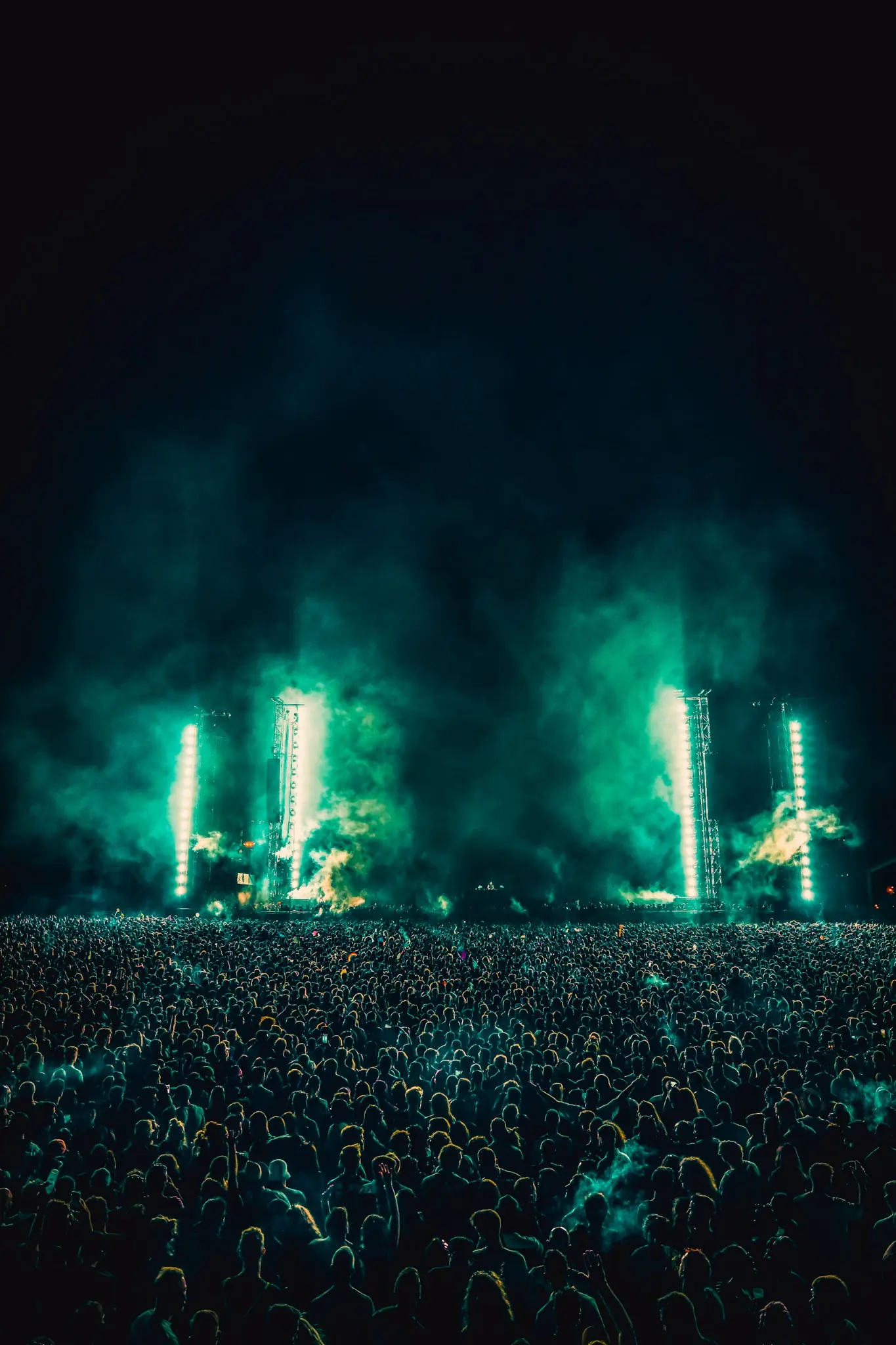
To help you capture the energy of the festival grounds, I created this free Music Festival Lightroom Preset pack. These filters are specifically calibrated to balance harsh daylight, enhance the warm glow of outdoor sets, and make laser lights look clean and vibrant. They are perfect for both mobile and desktop editing.
Tips for Editing Day & Night Music Festival Photos
Editing photos from all-day outdoor events requires balancing natural light and electric stage production. Here is a simple guide to fine-tuning your festival edits:
For indoor shows and dark basement venues, be sure to check out our dedicated Concert Lightroom presets.
Tone Down the Harsh Midday Sun
Main stage acts often perform in the middle of the afternoon under bright, direct sunlight. To prevent harsh shadows on faces and blown-out white skies, drag your Highlights slider down and lift the Shadows. This preserves the details of the stage rigging and keeps skin tones looking smooth.
Enhance the Warm Sunset Glow
Golden hour is the peak time for beautiful festival photos. To amplify the warm dust and golden rays, increase the Temperature slider slightly (+4 to +8) in the Basic panel. You can also go to the Color Mixer and shift Yellow hues slightly toward orange to give the grass and dust a rich, sun-drenched color.
Make Laser Beams and Neon Pop
When night falls, stages light up with lasers and strobes. If you want neon greens, blues, and purples to cut through the dark sky, go to the Hue tab in the Color Mixer. Move the Blue slider toward cyan, and the Purple slider toward magenta. This separates the neon beams and gives your night photos a modern, electric rave vibe.
Soften Digital Sharpness with Film Grain
Many festival-goers love the look of disposable film cameras. To get this nostalgic aesthetic, add moderate film grain in your Effects panel (around Grain: +15, Size: +25, Roughness: +35). This softens the sterile look of modern phone cameras and makes your festival memories feel classic and timeless.
What's Included in this Bundle
This pack includes 5 distinct presets in XMP format to handle every phase of a festival day.
- Stage Lights: Highlights laser beams, stage setups, and colorful nighttime spotlights.
- Golden Field: Enhances the warm, sun-drenched festival vibe during sunset performances.
- Crowd Energy: Boosts skin tones, colors, and the general energy of people in the crowd.
- Neon Rave: Amplifies flashing neon makeup, glowing wristbands, and dark EDM tents.
- Festival Film: Creates a soft, retro 35mm disposable camera aesthetic with classic grain.
Contrast: Concert vs. Festival Editing
It is easy to confuse concert editing with festival editing, but they are very different. Standard concert photography usually takes place in dark, indoor clubs with harsh spotlighting and deep black shadows.
Music festivals, on the other hand, are mostly held outdoors. You are dealing with wide landscapes, natural grass fields, dusty skies, and natural sunlight combined with stage rigging. Our Music Festival presets preserve these natural ambient tones—like warm greens and soft sky blues—while adding the electric, high-contrast look needed for the main stage.
Best Photos to Use
These presets work best on wide outdoor shots, crowded festival fields, sunset performances, and nighttime EDM raves. They look amazing on lifestyle portraits featuring colorful festival outfits, glitter, and accessories under both natural sun and neon stage lights.
After downloading, extract the ZIP file and import the XMP presets into Lightroom.