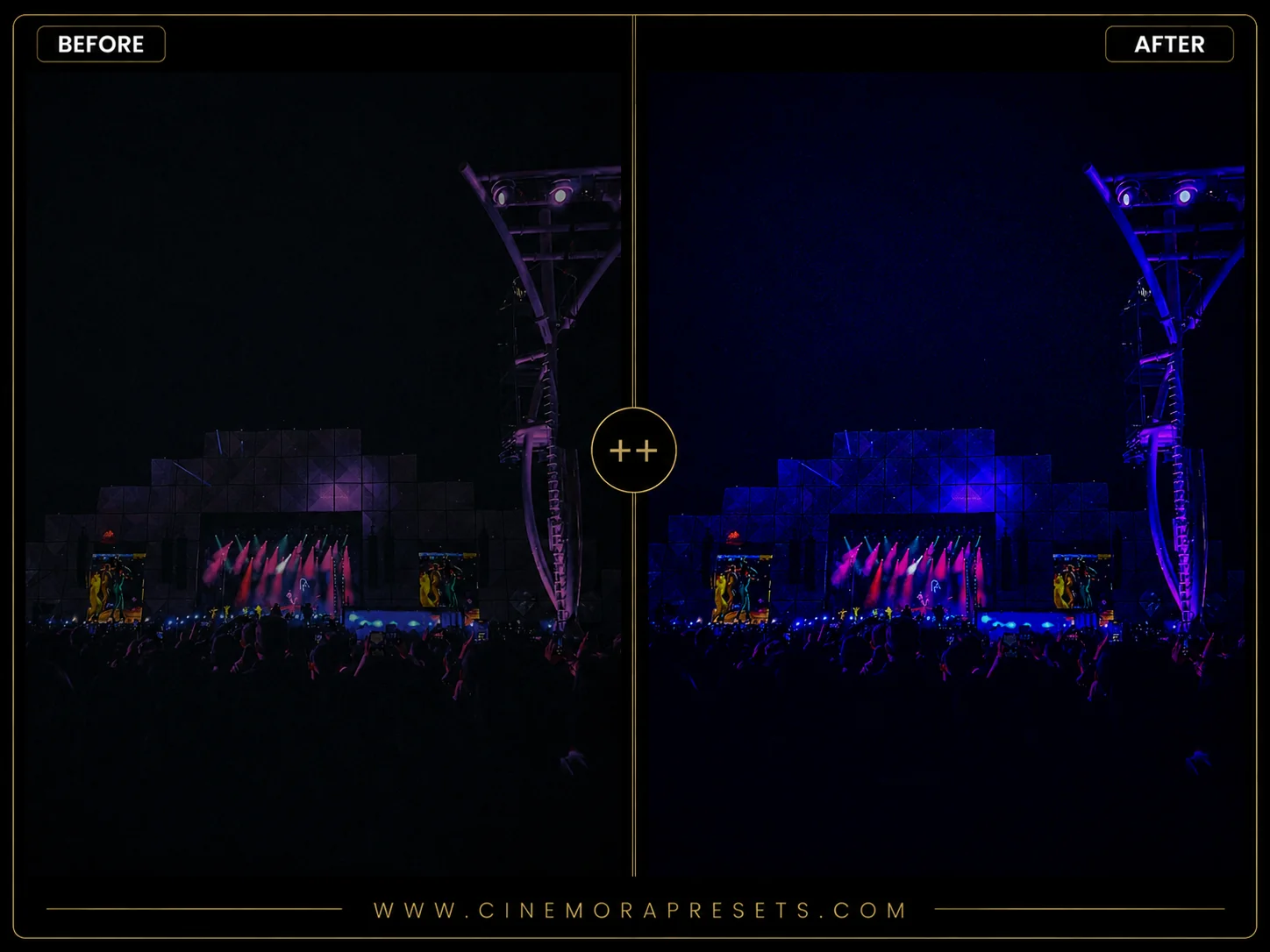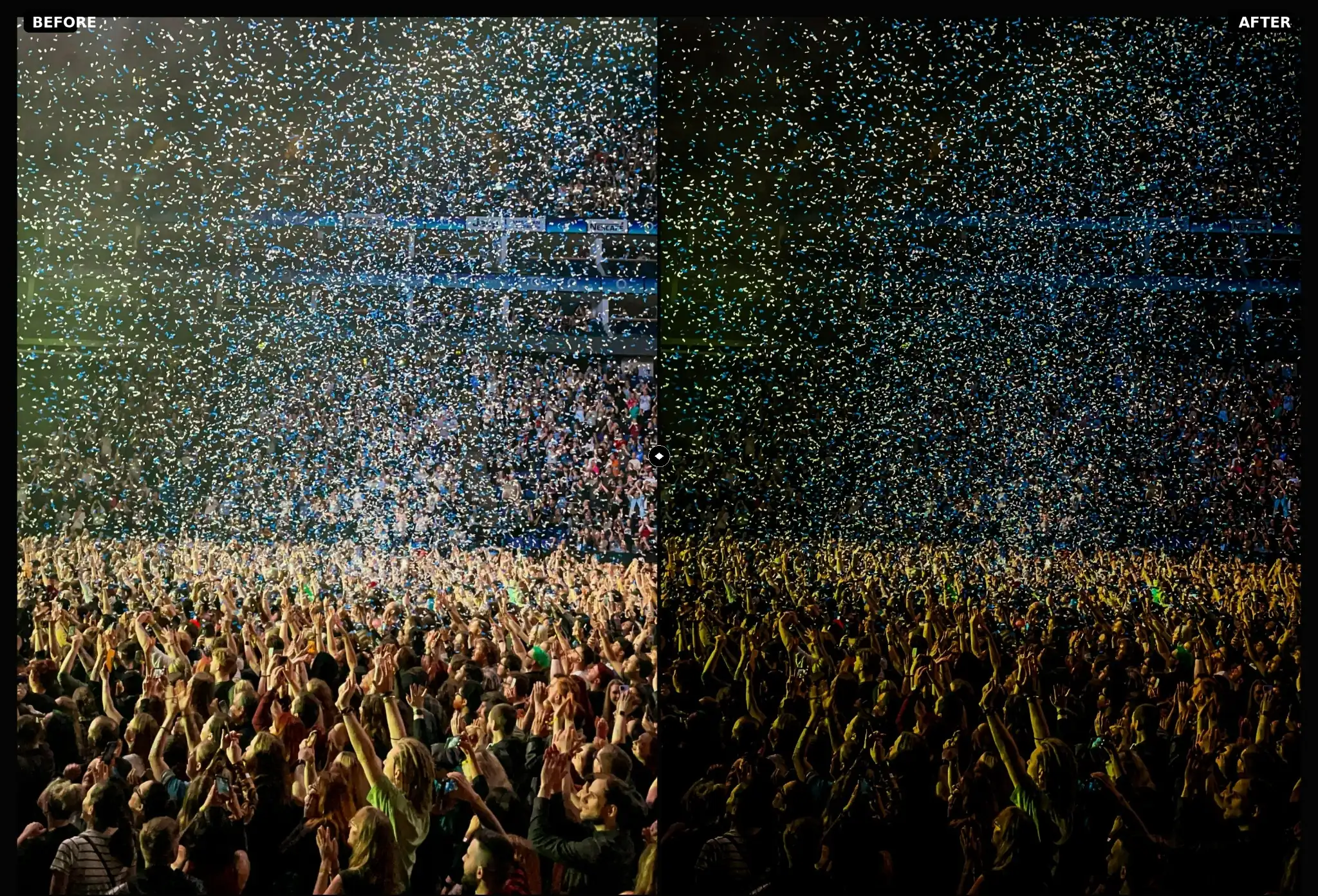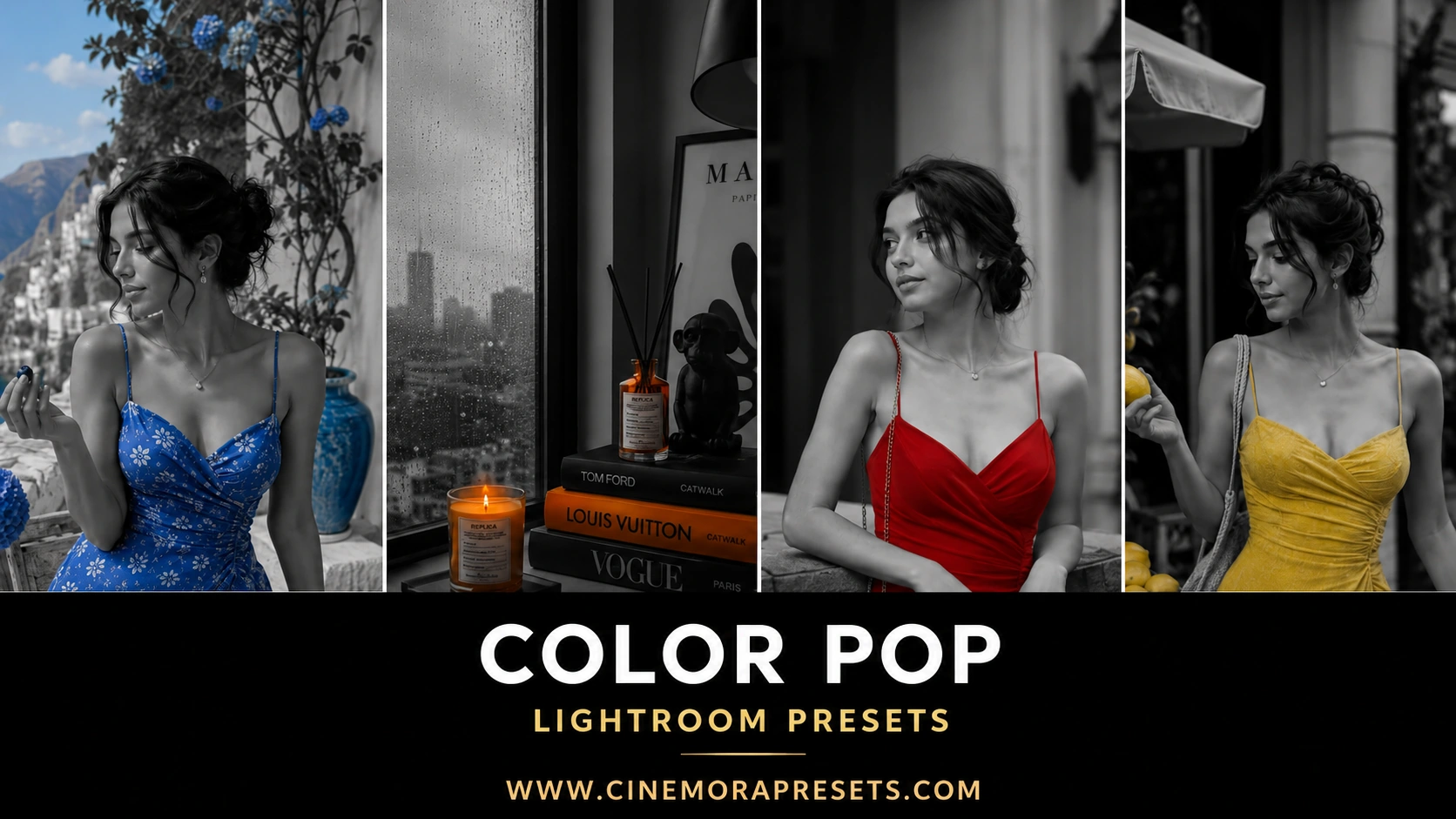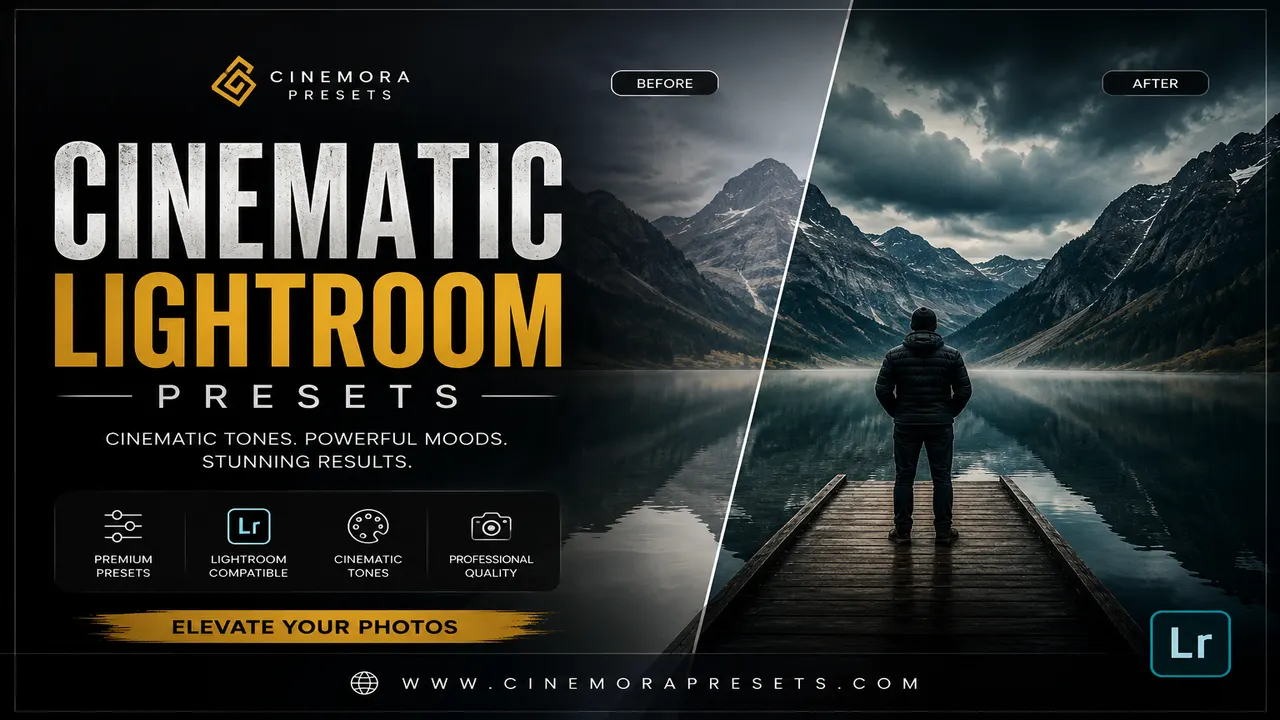
Color grading is what gives a film its mood, context, and visual identity. We all know that iconic Hollywood 'teal and orange' look, but there is so much more to cinematic color than just contrasting blue and warm tones. I created this collection of presets to bring the depth of cinema to still photography.
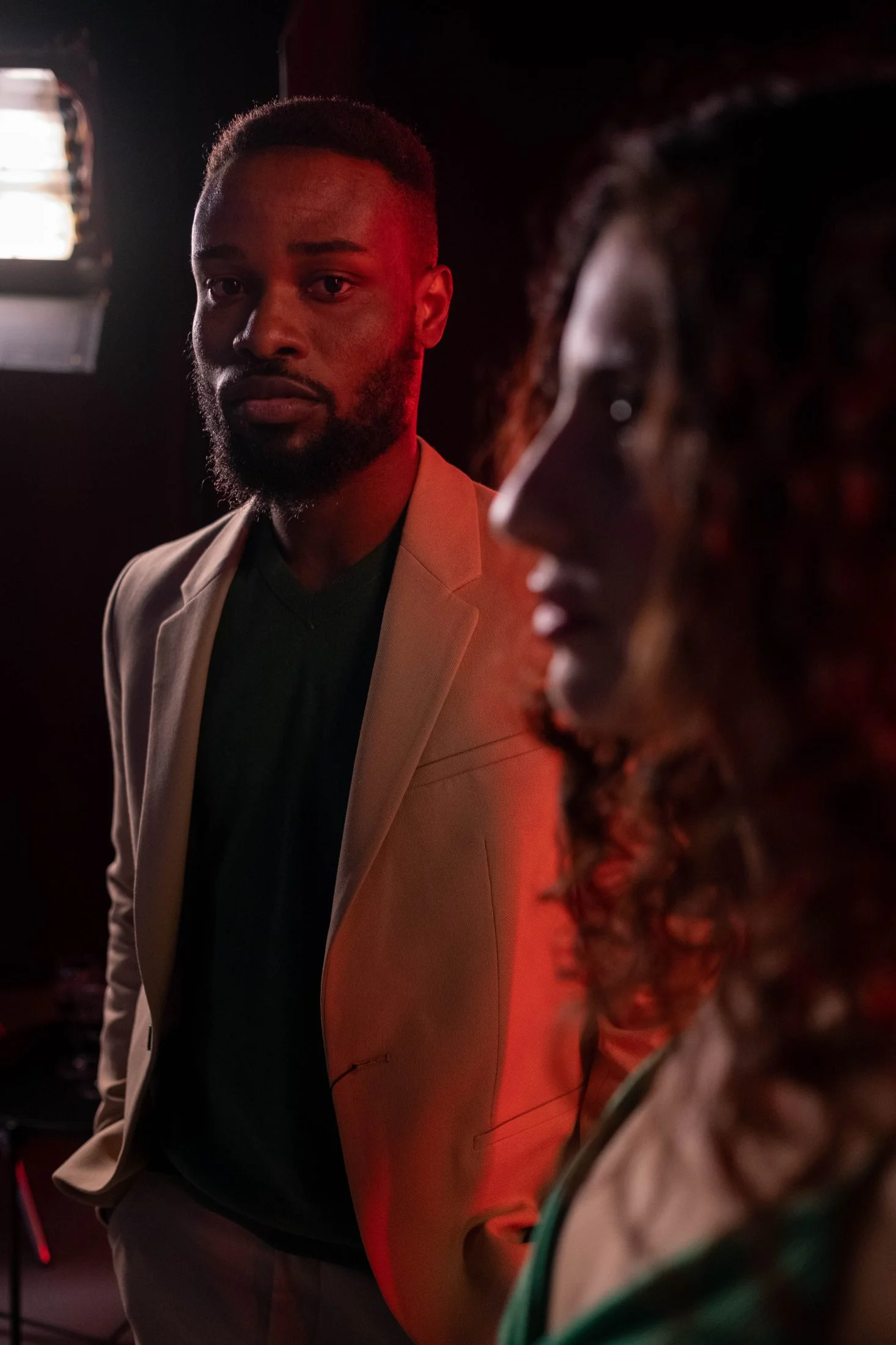
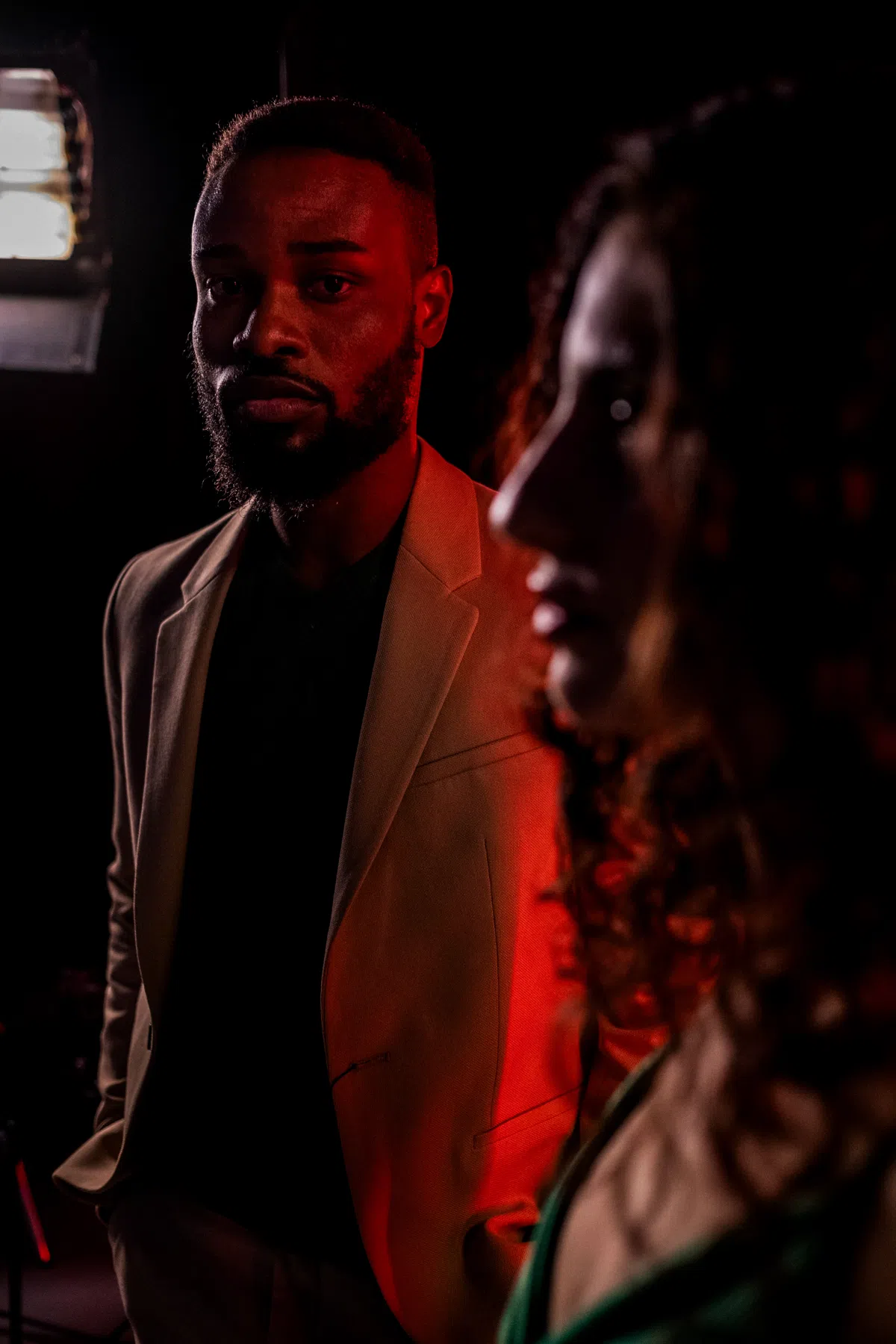
I wanted to design filters that make every shot look like a still taken directly from a movie screen. I focused on building complex color wheels, subtle color separation, and a cinematic tone curve that gives your photos an expensive, high-production look. These are the presets I use when I want to tell a grand story with a single frame.
This cinematic collection is engineered in the universal XMP format, ensuring that the precise color separation and movie-still aesthetics look identical across all your editing devices. From heavy desktop color-grading sessions to quick on-the-go adjustments on your mobile app, these XMP profiles render high-fidelity color tones perfectly on every single screen.
Editing Like a Motion Picture Colorist
Movie screens have a wider aspect ratio, but their real magic lies in color separation. By pushing cool colors into the shadows and warm colors into the highlights, you create a beautiful visual balance that keeps the viewer locked in.
Here is how to get the most cinematic look from this pack:
Hollywood Teal & Orange Lightroom Preset Settings & Slider Values
Exposure: -0.10 | Contrast: +55 | Highlights: -50 | Shadows: +22 | Whites: +10 | Blacks: -30 | Texture: +12 | Clarity: +35 | Saturation: +8 | Vignette: -12
For other high-production cinematic grades, try our classic Teal & Orange presets.
1. Shoot in 16:9 Aspect Ratio
To immediately give your photos a movie-still feel, crop them to 16:9 in Lightroom's Crop module. This mimics the wide cinematic canvas and forces you to compose your scenes like a film director.
2. Perfect the Color Wheels (Color Grading)
Lightroom's Color Grading panel lets you inject specific hues into Shadows, Midtones, and Highlights. These presets use custom color wheels to inject teals and deep blues in the shadows while keeping highlights golden. If the tint feels too heavy, use the Global Balance slider at the bottom of the Color Grading panel to shift the weight.
3. Add Letterboxing
If you want to go all out, export your 16:9 cropped photo and place black borders (letterboxing) on the top and bottom. It instantly elevates the image, giving your portfolio an artistic, storytelling edge.
Installation Guide
Setting up these presets on your phone or computer is very simple:
- Download the ZIP file containing the XMP preset files.
- If you need step-by-step instructions for your specific device, follow my guide on how to install Lightroom presets for instant setup help.
What's Included
This premium color-grading suite includes free movie-grade presets, perfect for urban, travel, and lifestyle photography. Inside the zip file you will find:
- Hollywood Teal & Orange Presets (perfectly balanced skin tones with deep teal shadows)
- Cyberpunk Night Presets (designed for neon lights, high contrast, and vivid colors)
- Warm Editorial Presets (softer contrast, golden highlights, and classic cinematic tones)
Preset Style & Color Tone
The color palette features beautiful complementary color grading, utilizing rich blues, deep teals, and warm amber highlights. The contrast curve is designed to mimic professional motion picture film stocks, with deep but detailed shadows and highly controlled highlights that never look harsh or over-exposed.
Best Photos for This Preset
These presets work best on urban street scenes, nighttime cityscapes with neon lighting, dramatic back-lit portraits, and cinematic travel vistas. Photos with strong light sources or high dynamic range show off the color separation beautifully.
After downloading, extract the ZIP file and import the XMP presets into Lightroom.