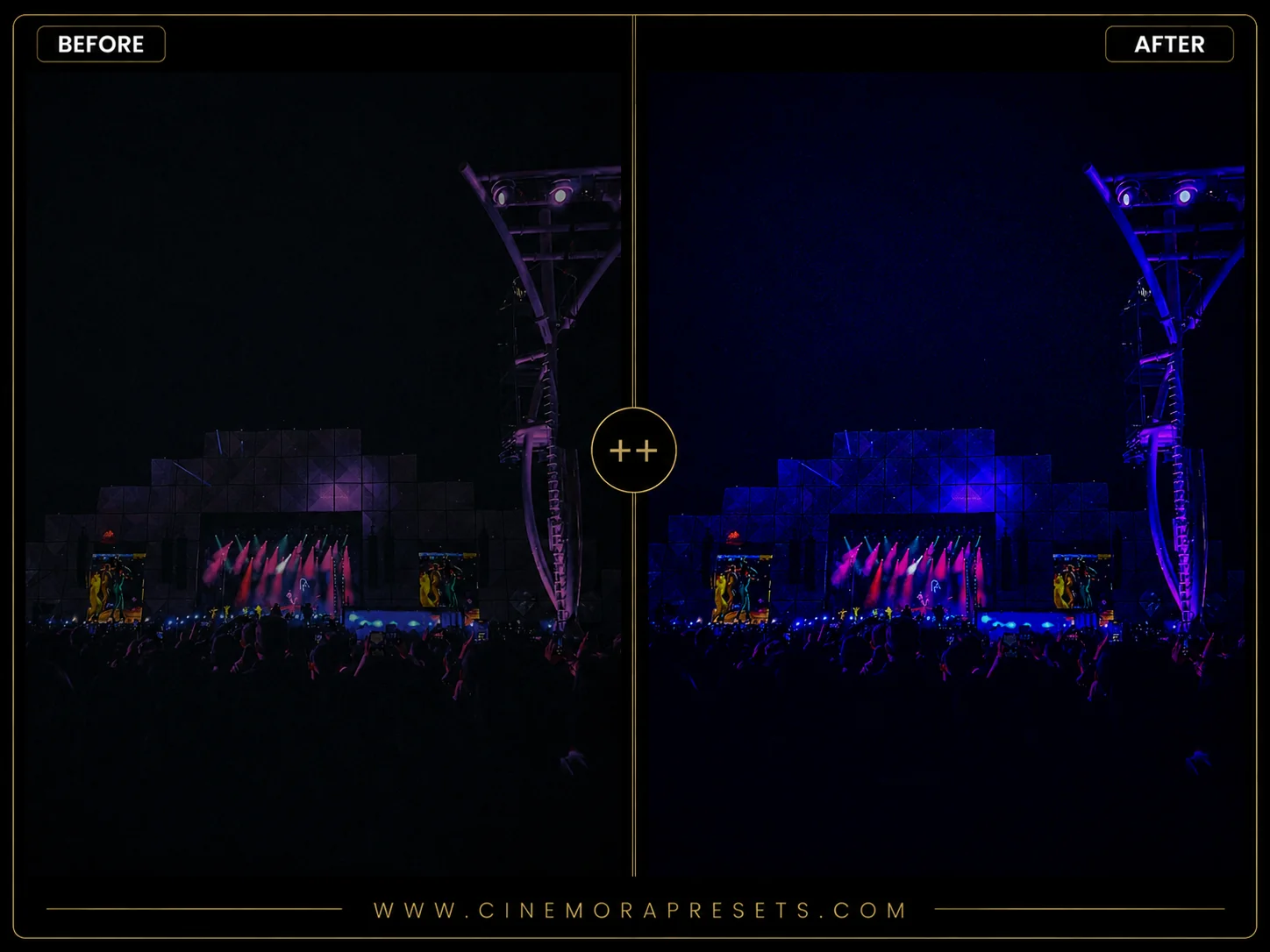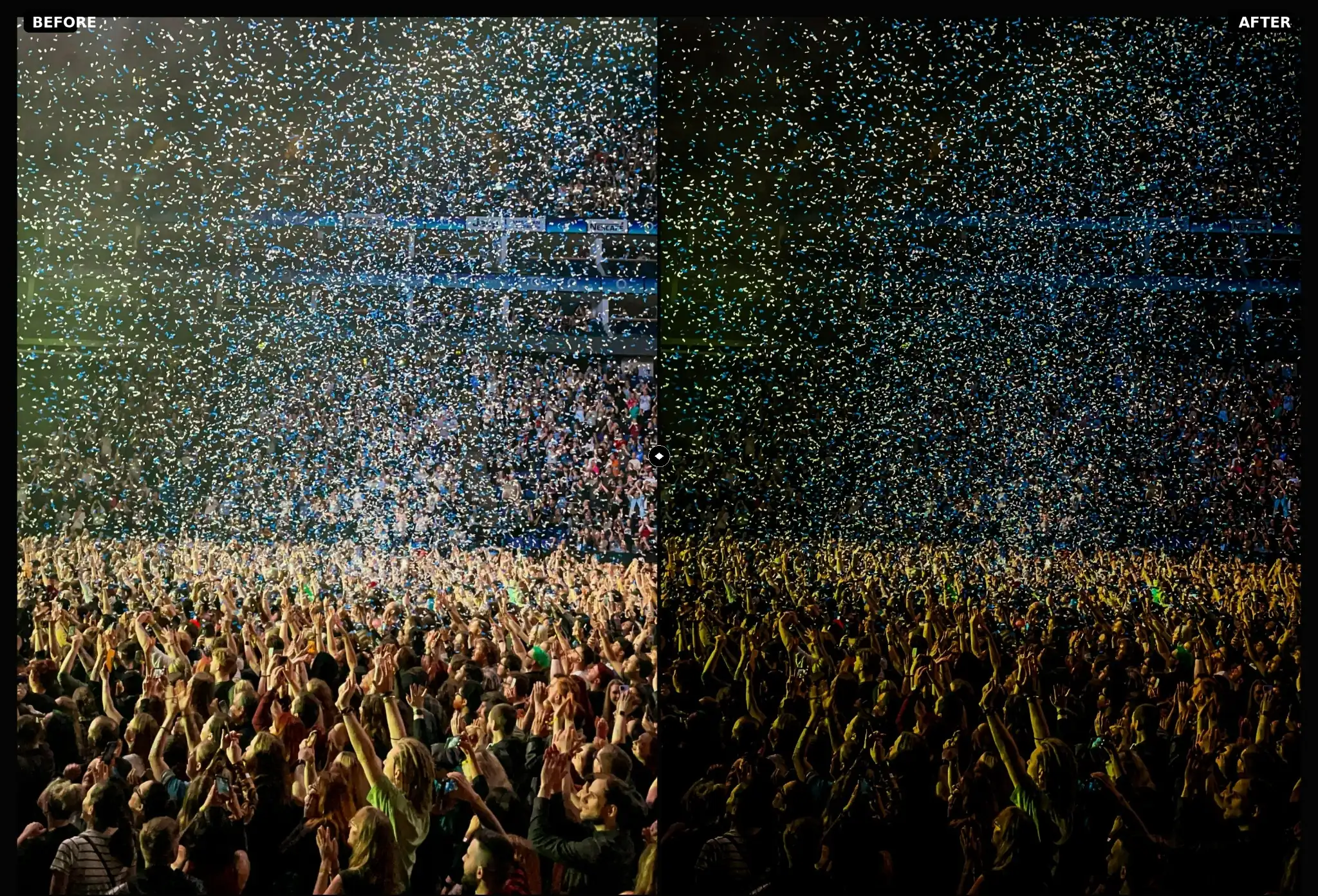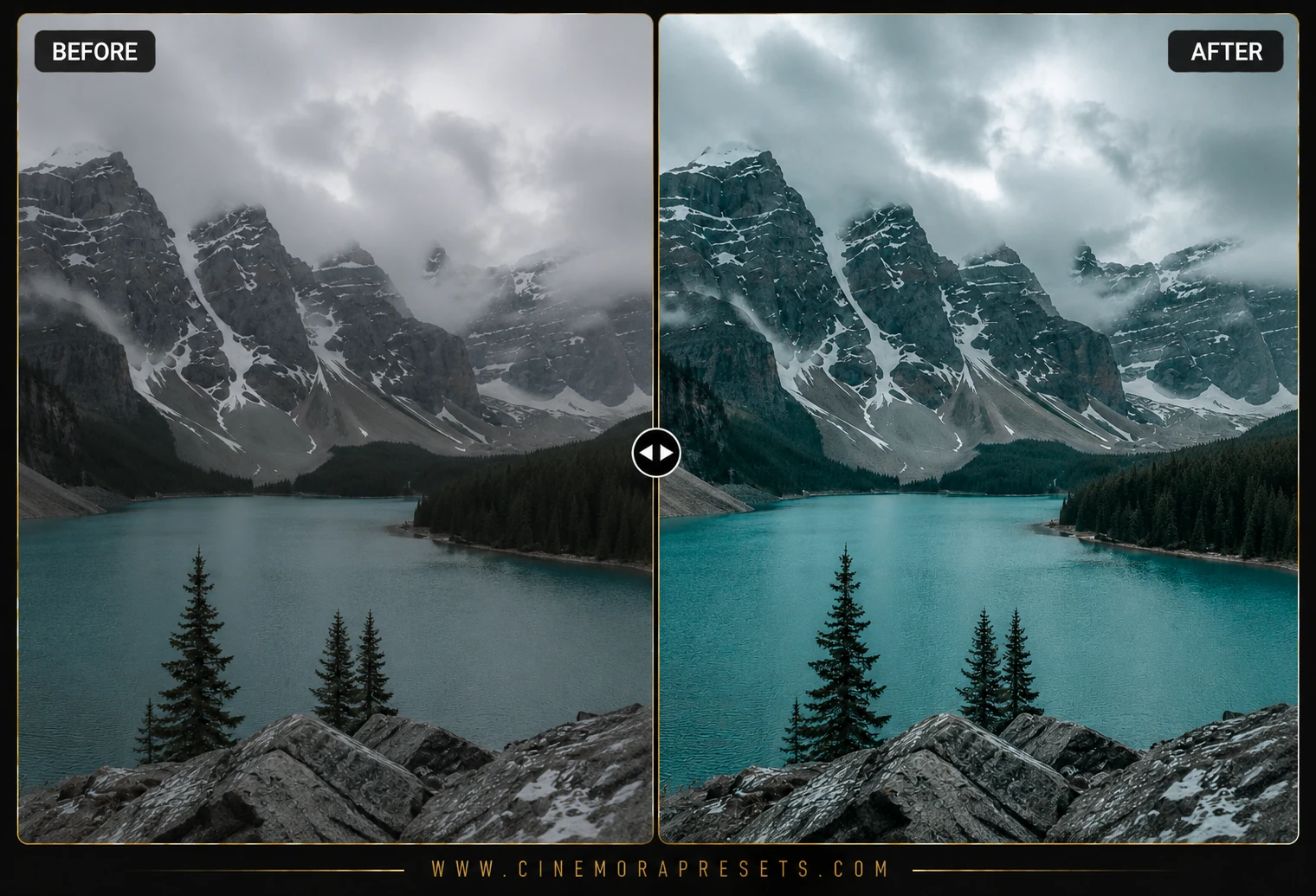
Creating a clean, cool blue aesthetic without making your photos look lifeless, cold, or clinical is one of the hardest challenges in color grading. Standard overall blue filters make skin tones look sickly and backgrounds flat. I developed this pack of free Arctic Cinematic presets to give you a frosty, moody blue look that keeps skin tones warm, glowing, and natural.
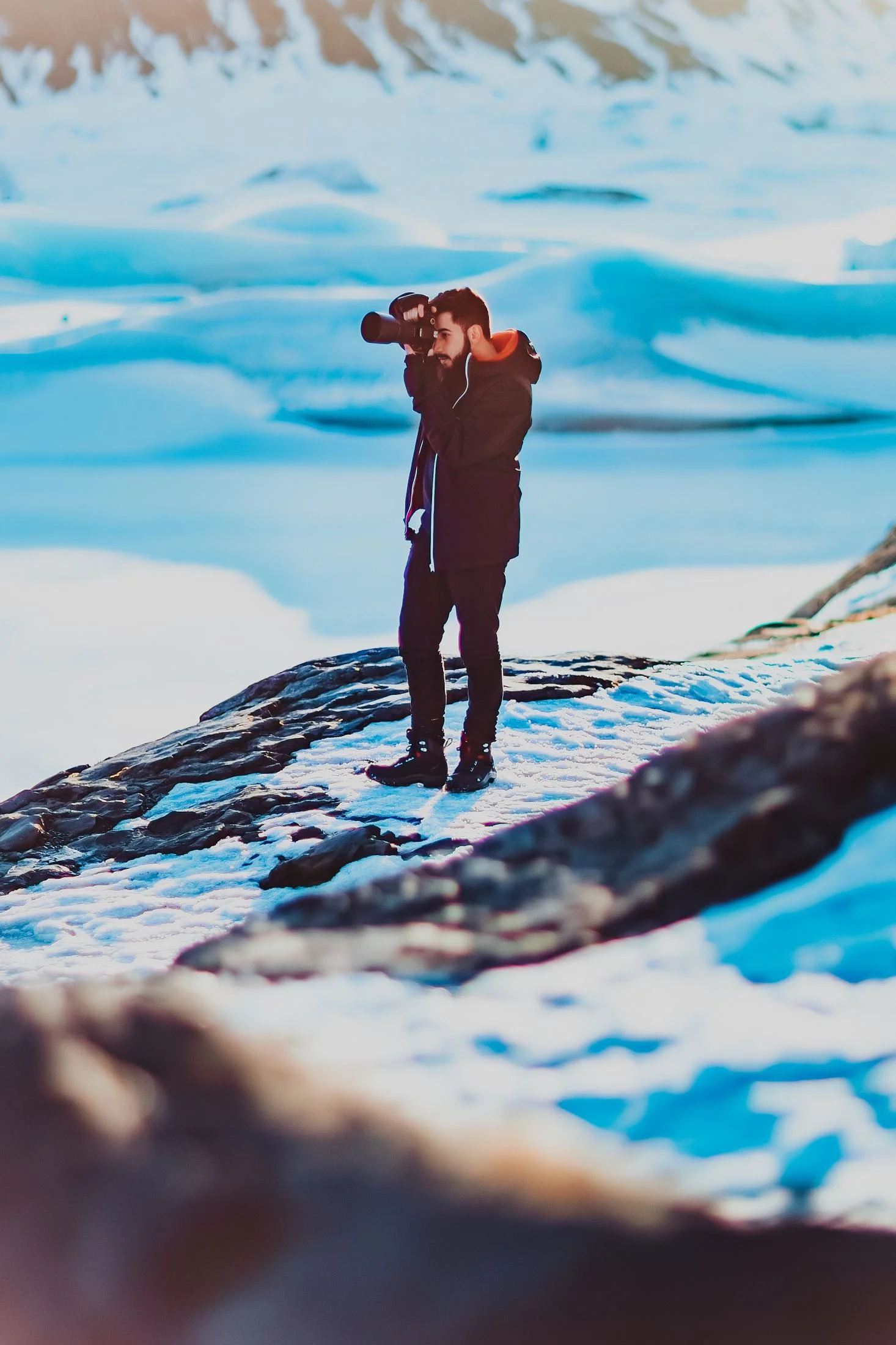
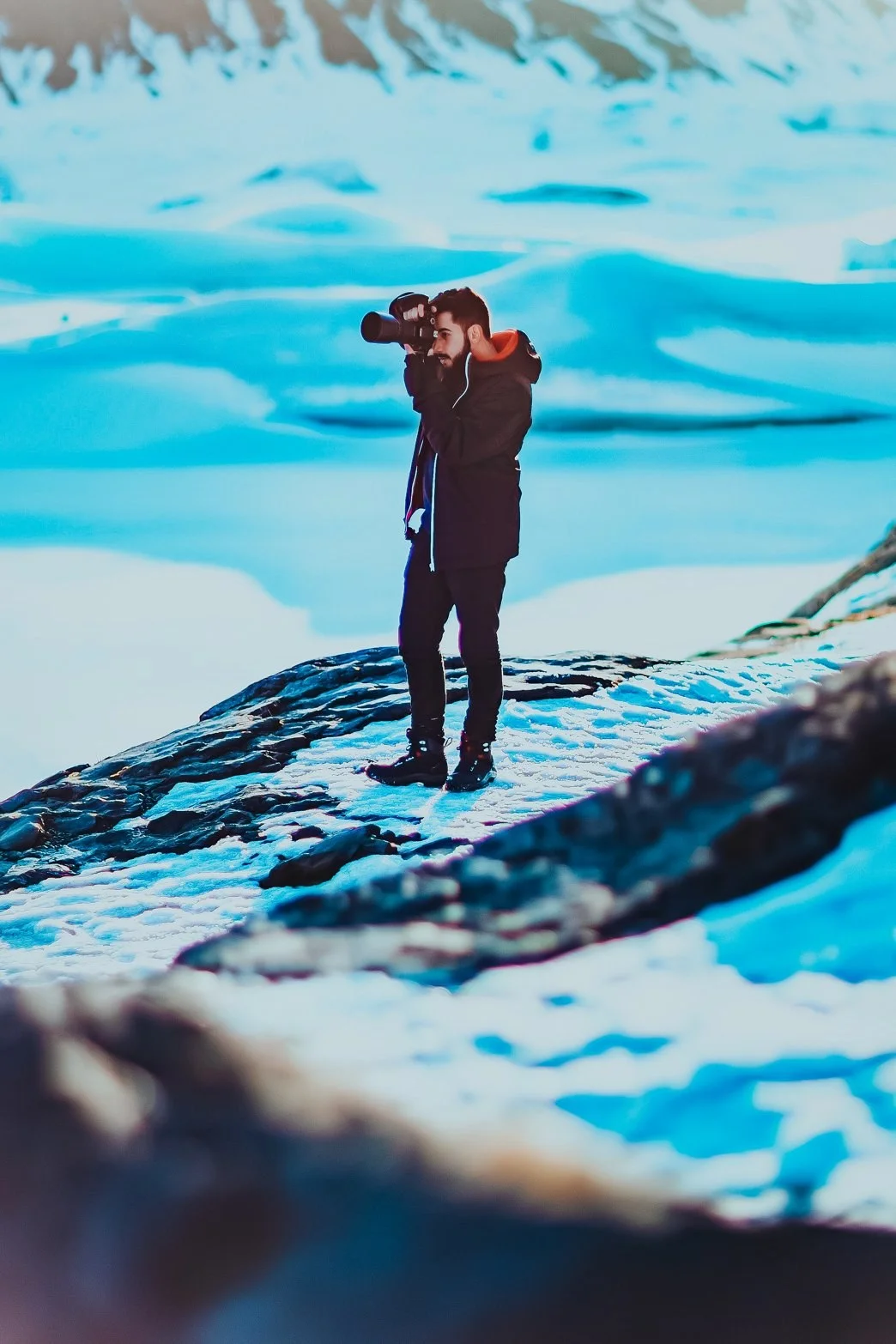
These filters are engineered around high-contrast cinematic curves and surgical color channel isolation. They push deep, icy teals and cyans into the shadows and dark backgrounds, desaturate messy yellows and greens, and protect the orange spectrum of human skin so subjects pop from their cold surroundings.
To ensure your cinematic winter aesthetic remains perfectly consistent on every screen, these presets are delivered in the universal XMP format. They apply identical arctic color profiles and custom tone curves seamlessly across both your mobile CC app and desktop Lightroom catalog.
Master the Arctic Cinematic Aesthetic
A beautiful frosty edit relies on crisp highlights and deep shadow teals. Follow these professional tips to get the perfect movie-like ice grade:
Glacier Blue Lightroom Preset Settings & Slider Values
Exposure: -0.05 | Contrast: +15 | Highlights: -8 | Shadows: +12 | Whites: +4 | Blacks: -2 | Temp: -6 | Tint: -1 | Texture: +10 | Saturation: -2 | Vignette: -2
To expand your movie-like grading, you can also combine these with our classic Teal & Orange presets.
1. Cool Your White Balance
To get the absolute best out of the arctic shadows, go to the Basic panel and adjust the Temperature slider slightly to the left. Cooling the white balance gives the preset a clean blue foundation to work with.
2. Keep Your Snow White
When editing winter snow shots, the blue tint can sometimes spill into highlights. To fix this, use the Highlights slider to adjust exposure, or go to the Color Grading panel and drag the Highlights wheel towards the center (neutral).
3. Desaturate Conflicting Tones
Distracting bright green grass or warm yellow building casts can break the frosty mood. Go to the HSL panel and selectively desaturate Green and Yellow channels to lock in the clean, icy arctic aesthetic.
Installation Guide
Setting up these presets on your phone or computer is very simple:
- Download the ZIP file containing the XMP preset files.
- If you need step-by-step instructions for your specific device, follow my guide on how to install Lightroom presets for instant setup help.
What's Included
This professional collection contains custom XMP presets crafted to elevate your photographic edits with a single click. Here is what is in your free download:
- Glacier Blue Presets (deep frosty shadow teals and ice-white highlights)
- Frosty Portrait Presets (cool atmospheric background with isolated, glowing warm skin tones)
- Blue Hour Cinema Presets (dramatic, deep shadows and cold cinematic grading)
Preset Style & Color Tone
Features deep frosty shadow cyans, desaturated yellows/greens (up to -80%), highly contrastive cinematic tone curves, and clean, cool white highlights that keep snow and ice looking brilliant and frosty.
Best Photos for This Preset
Outstanding for winter scenes, foggy forests, overcast gloomy outdoor days, modern architecture, and dramatic blue hour portraits (just after sunset). They look incredibly atmospheric on moody or misty days.
After downloading, extract the ZIP file and import the XMP presets into Lightroom.