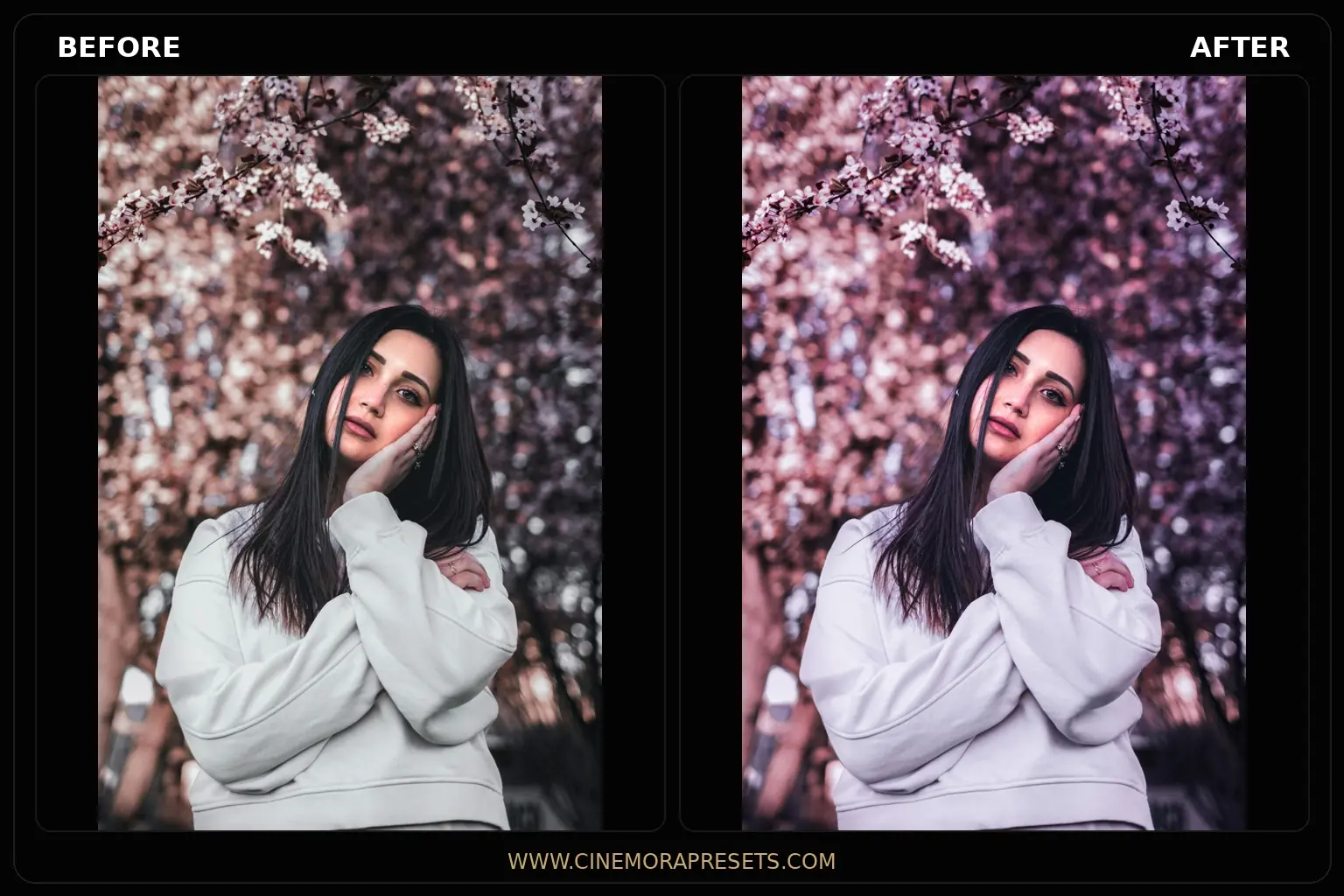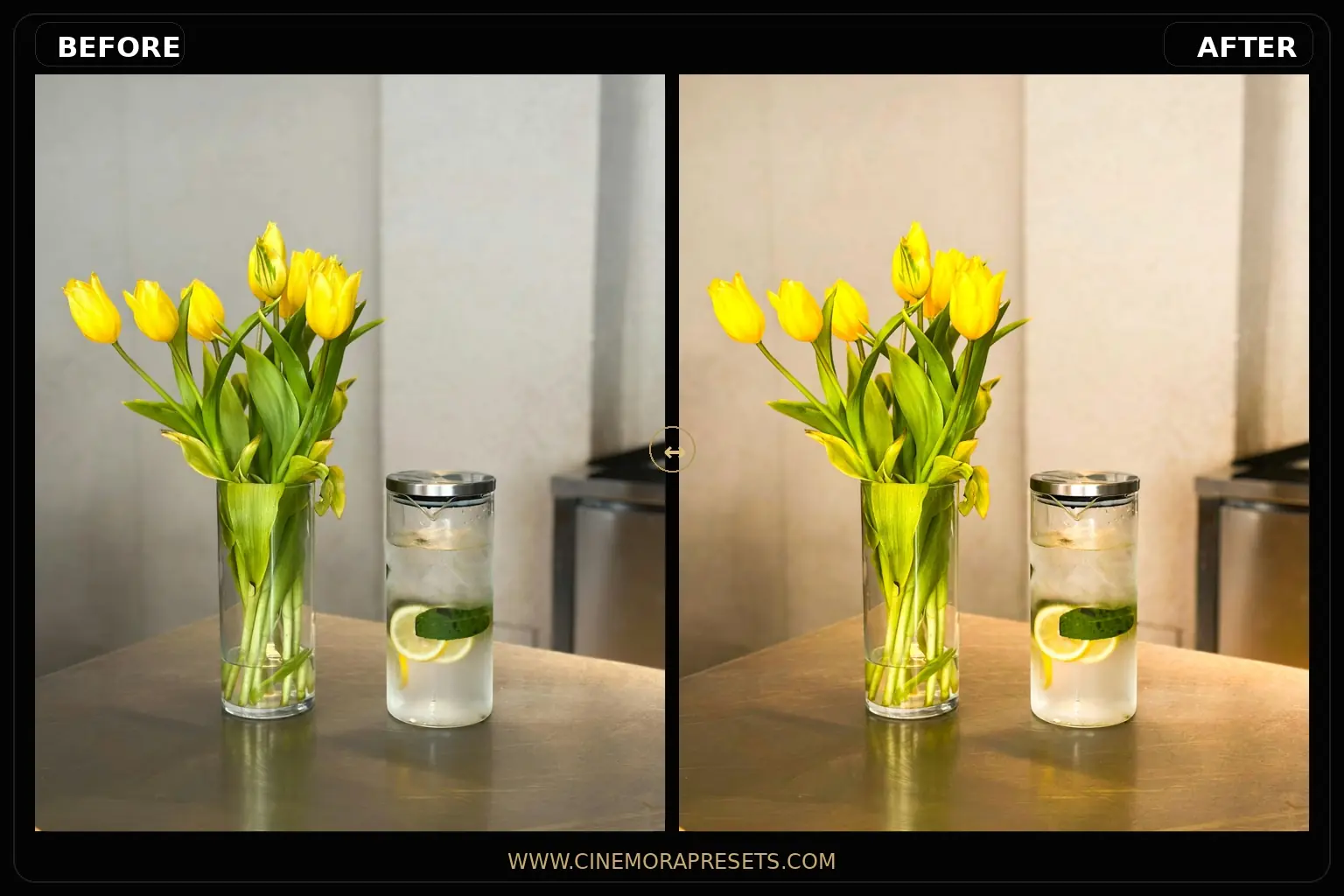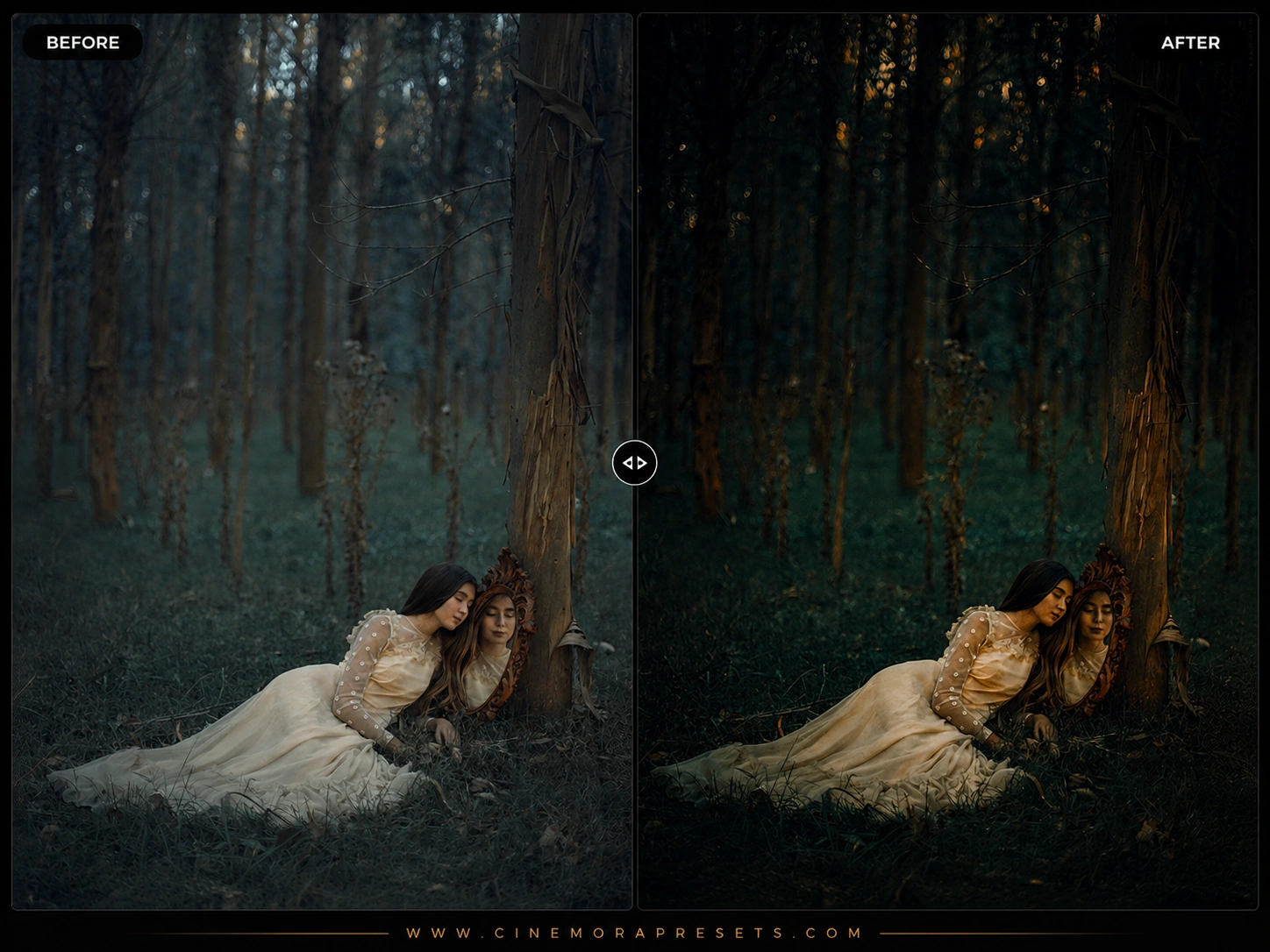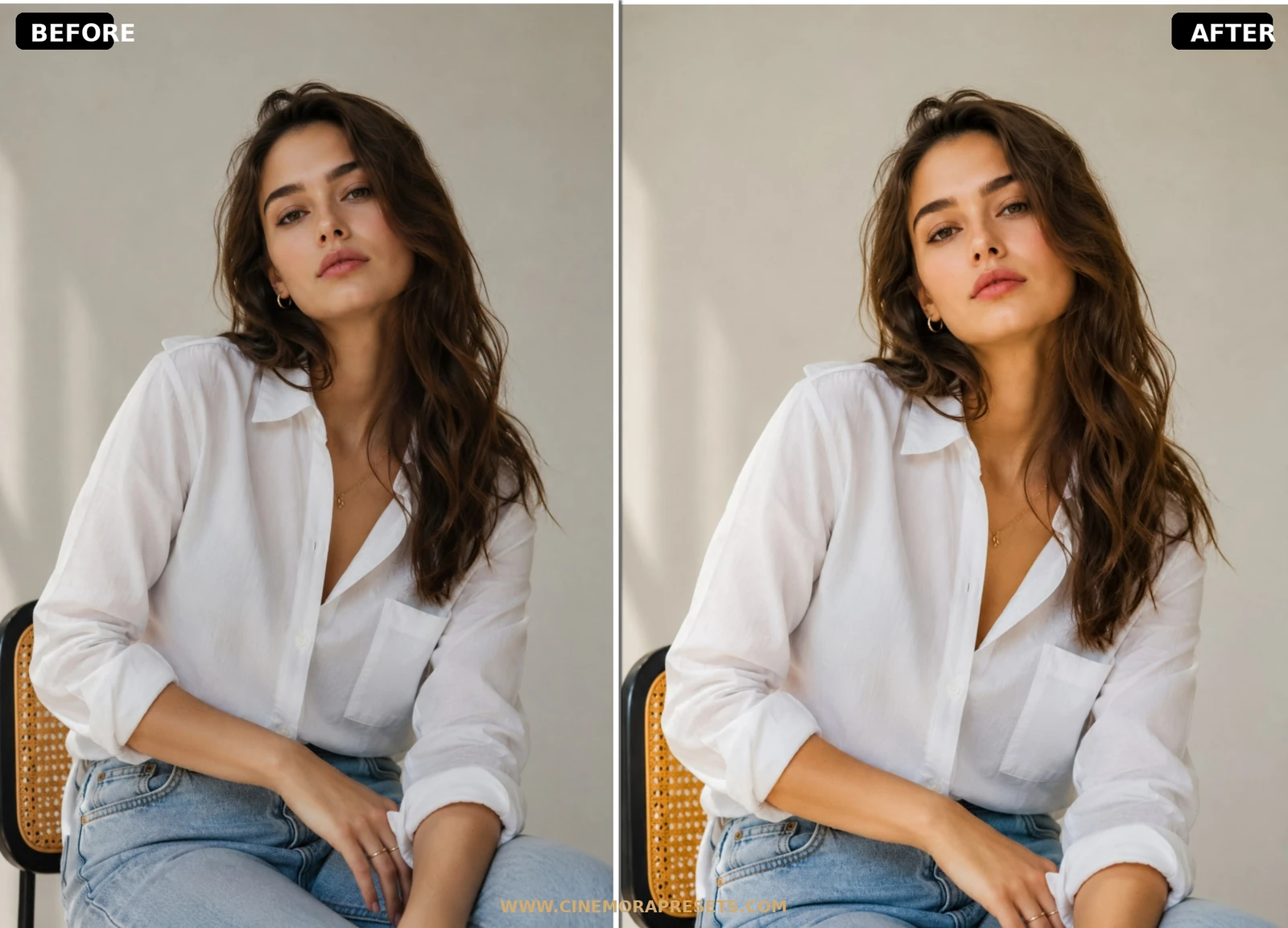
Fashion Lightroom presets turn flat, raw digital portraits into high-end editorial and lookbook photographs with sophisticated contrast and rich fabric textures. Calibrated for studio strobes and outdoor apparel shoots, these filters soften harsh highlights and balance skin tones for a polished, expensive magazine finish. Works on mobile and desktop.
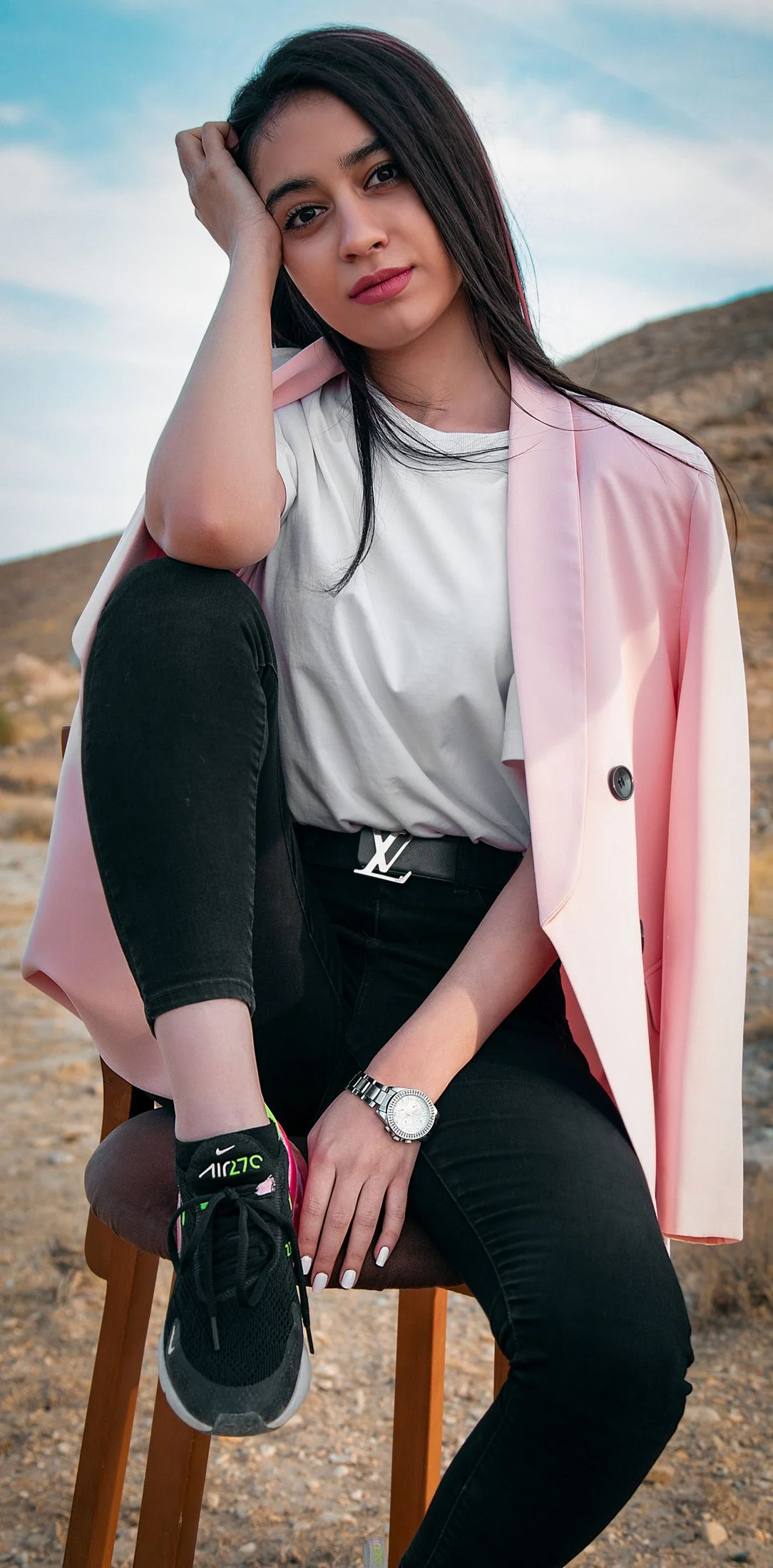
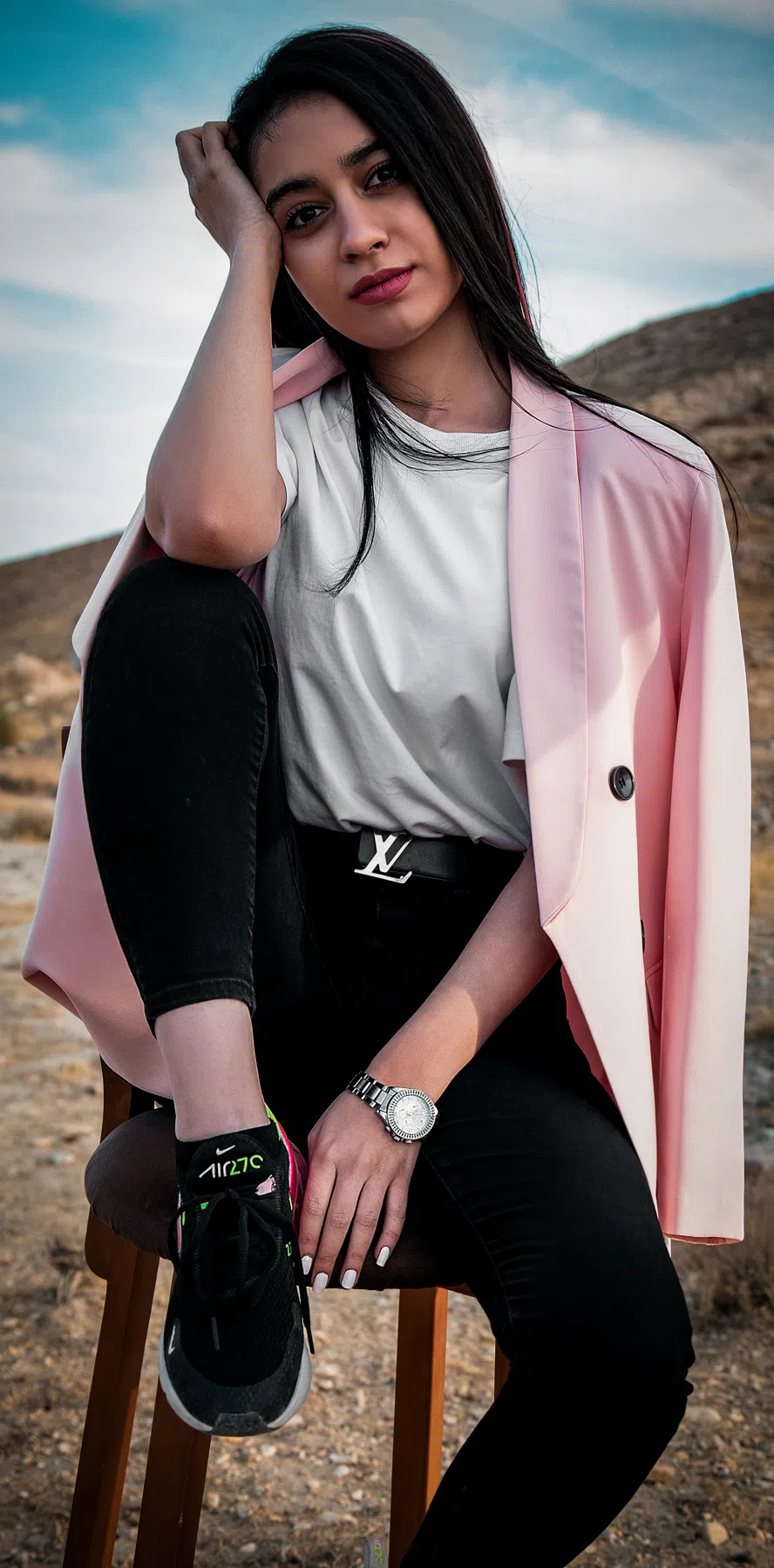
Presets Included in the ZIP Pack
This download file contains three custom-engineered presets for commercial and editorial styling:
- Editorial Matte: Softens bright flashes, lifts shadow details, and adds a rich, luxury lookbook finish.
- Runway Contrast: Sharpens fine fabric weaves and creates dramatic color separations between the model and background.
- Vogue Grain: Introduces organic analog film grain and desaturates wild background hues for a retro studio feel.
The Editorial Color Palette
Modern digital cameras often capture clothing colors with flat, clinical details. Editorial color grading introduces depth and soul by shifting highlight roll-off and crushing the black point for soft, matte shadows.
To achieve a warmer, minimalist neutral look, you can also combine these styles with our cozy Beige Aesthetic presets.
Key Steps for Editing Fabric & Apparel
- Focus on Textile Details: A garment's texture is key in fashion photography. Boost the Texture slider slightly to bring out the weave of linen, denim, or leather.
- Protect Brand Colors: Keep the designer's fabric dye accurate. Use the HSL panel to adjust the hue of the outfit's dominant color to match its real-life shade.
- Calibrate Skin Tones: Studio strobes can make skin tones look washed out or overly orange. Adjust orange saturation (-5) and boost orange luminance (+10) to restore a natural skin glow.
Once your files are downloaded, you can follow our simple Lightroom presets installation guide for instant setup on mobile or desktop.
Ideal Photos for This Preset
These presets are designed specifically for high-fashion studio portraiture, wardrobe lookbooks, outdoor street-style outfits, and runway events. For the best results, use images with clean compositions, neutral studio backdrops, or structured urban architecture.
After downloading, extract the ZIP file and import the XMP presets into Lightroom.