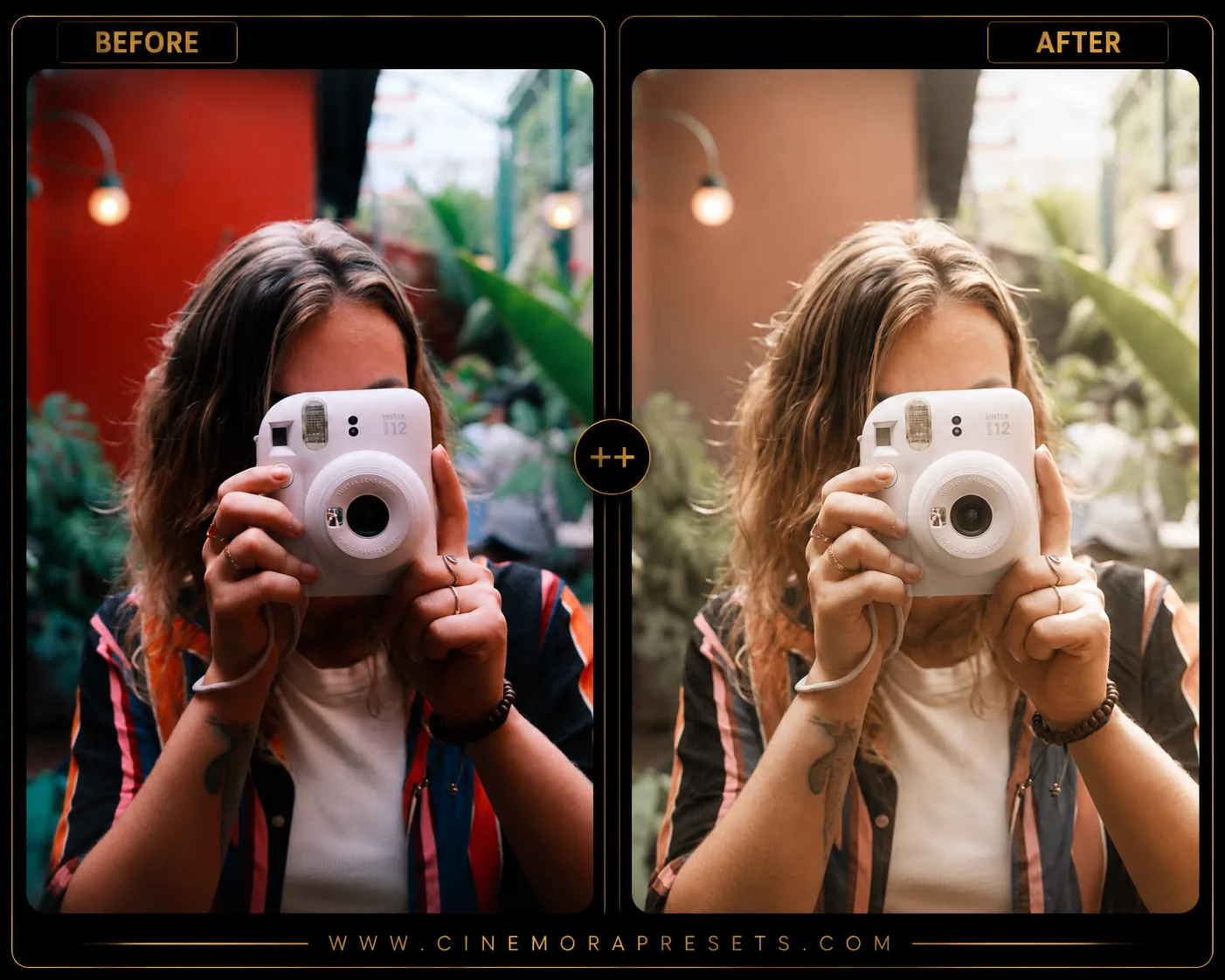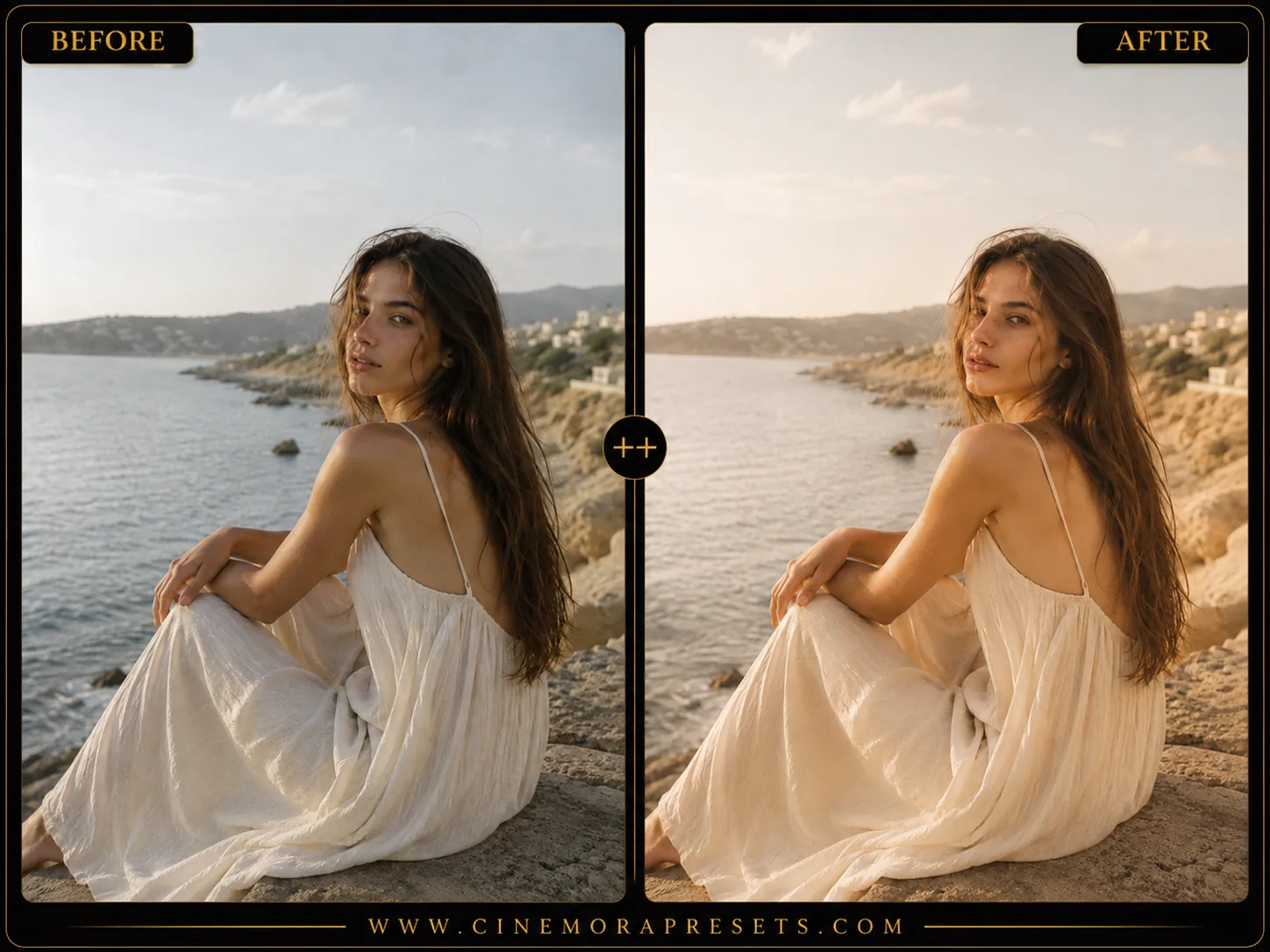
Fujifilm film simulation is a digital color calibration profile that mimics the chemical reaction of vintage analog film. Recreating stock chemistry like Fuji Superia 400 or Classic Chrome adds texture and storytelling to digital images.


This free pack is delivered in XMP format, providing identical grain structure and color curves on both Lightroom Mobile and Desktop.
Recreating Classic Film Color Science
Fujifilm film simulation refers to a color profile designed to replicate classic dye-chemistry film stocks. Unlike standard digital filters, it uses non-linear color curves, desaturating sky blues while giving foliage and greens a distinct warm teal-green hue.
This organic color harmony is perfect for recreating a natural analog feel, introducing character, texture, and soft shadows to modern digital photography.
Replicating Iconic Fuji Film Stocks
This preset pack contains five analog simulations calibrated from real film scans:
- Classic Chrome: Offers muted documentary-style tones, soft saturations, and high contrast for street photography.
- Velvia: Calibrated for rich landscape colors, vivid greens, and vibrant outdoor scenes.
- Superia Reala: Delivers balanced contrast, organic foliage, and natural skin tones for everyday snapshots.
- Astia: A portrait-focused look with gentle contrast, glowing pastel skin tones, and soft shadows.
- Provia: A neutral, clean base with subtle warmth that serves as a starting point for any lighting.
Best Images for Fujifilm Edits
To get the most authentic film-like results, pay attention to the lighting and camera settings:
- Bright, Indirect Daylight: Works beautifully for street snaps and lifestyle portraits, letting the organic greens shine.
- Slightly Overexposed (High-Key): Recreates the classic overexposed print look, softening harsh digital shadows.
- RAW File Editing: Editing RAW files rather than JPEGs allows the film curves to resolve color gradations smoothly. You can use our Image Metadata Viewer to check your camera raw metadata.
[!TIP] To expand your vintage collection, check out our classic Analog Film presets.
After downloading, extract the ZIP file and import the XMP presets into Lightroom.