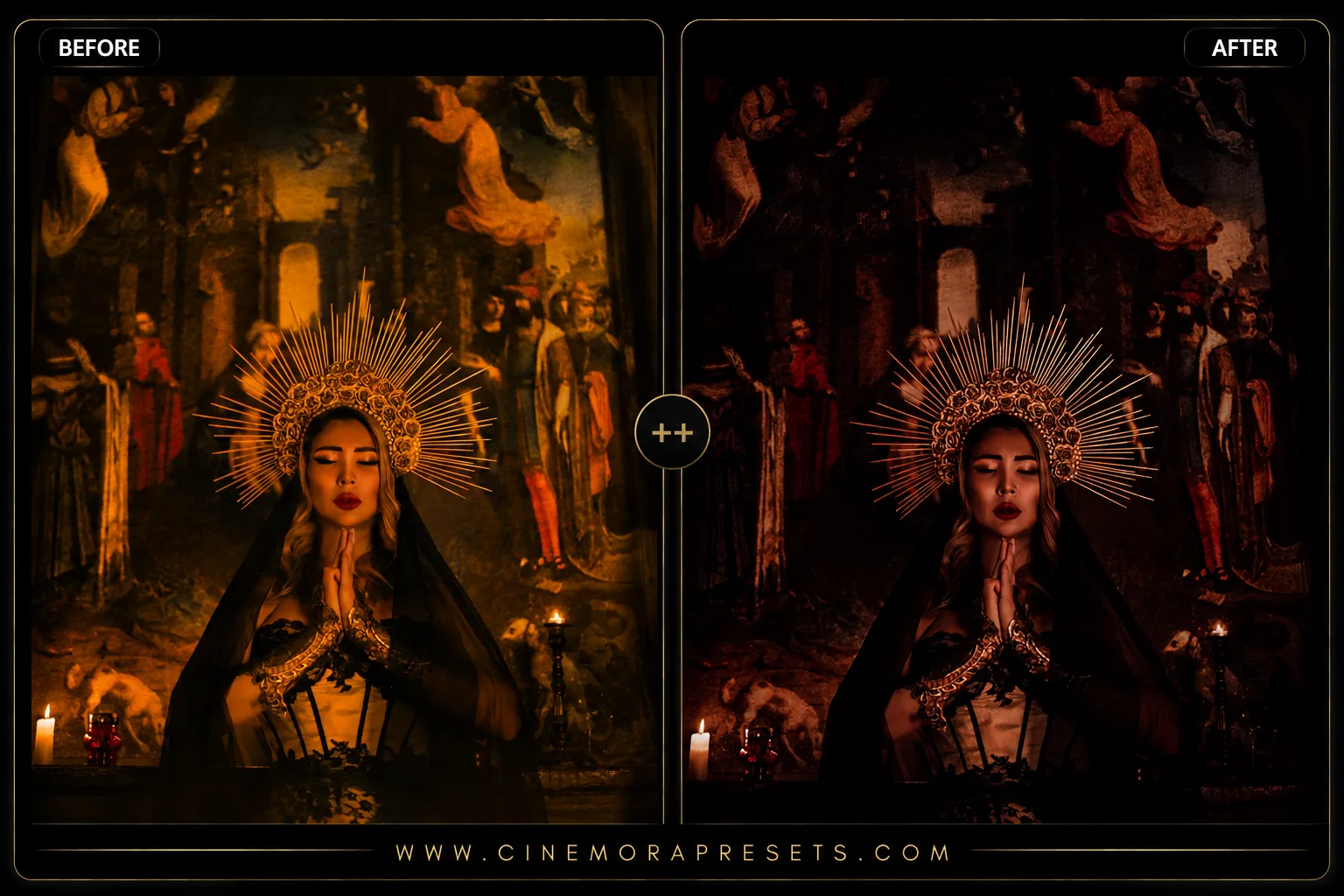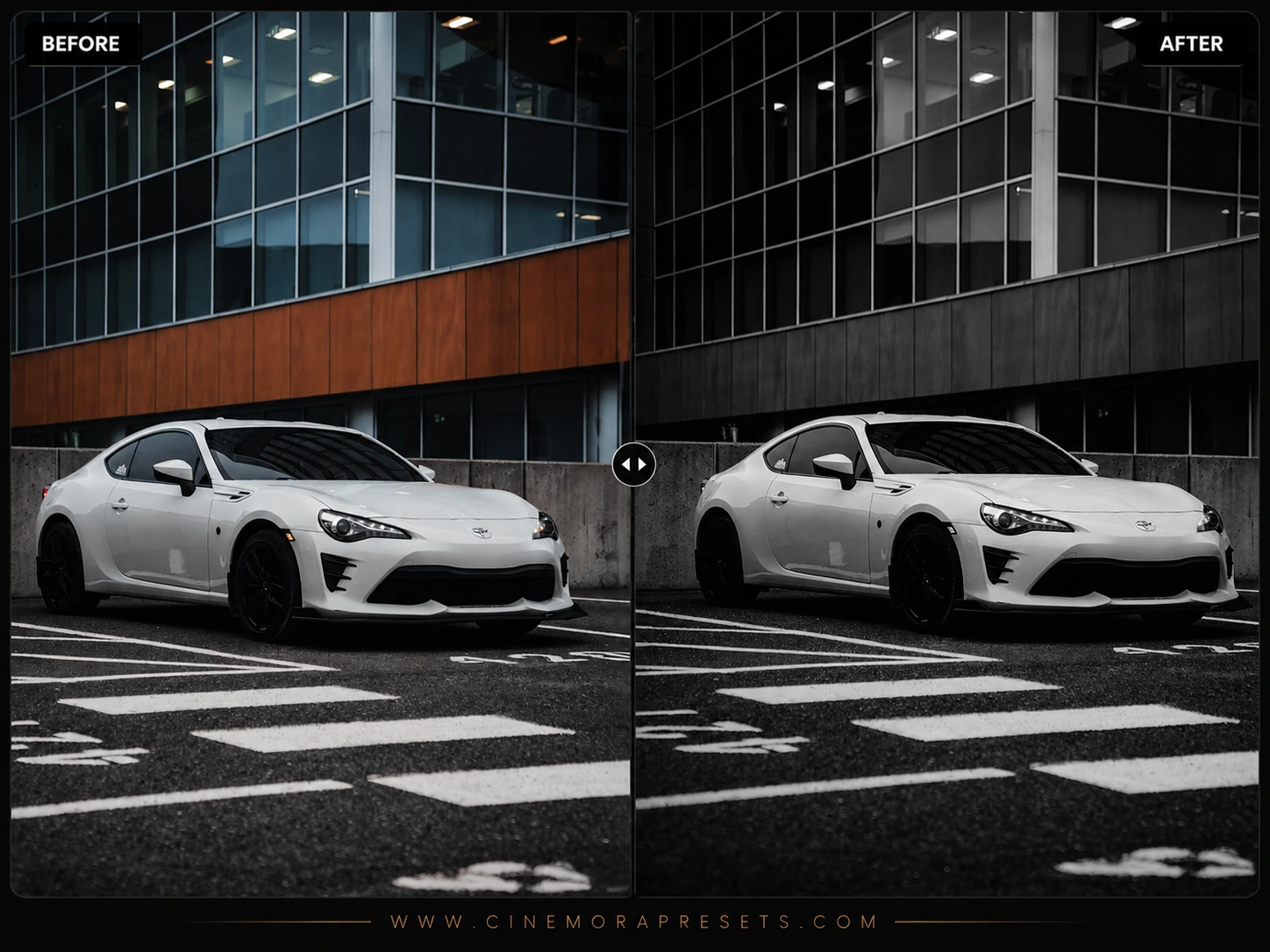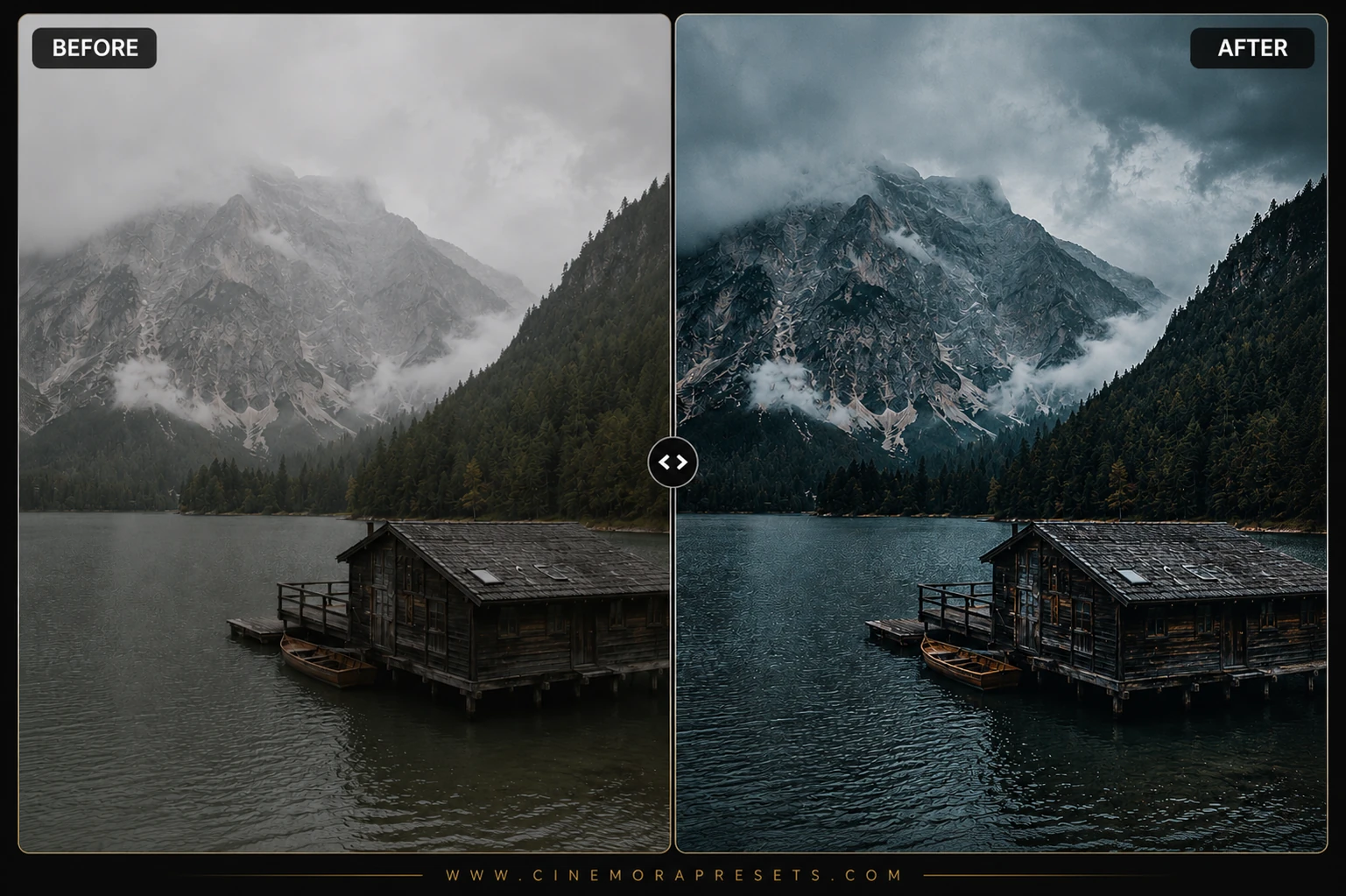
There is something incredibly beautiful about low-key, dark-toned photography. It forces the viewer to focus entirely on the subject, letting the shadows frame the light. I wanted to design a collection that wasn't just 'underexposed,' but rather filled with rich, textured shadows and a subtle, smoky atmosphere.
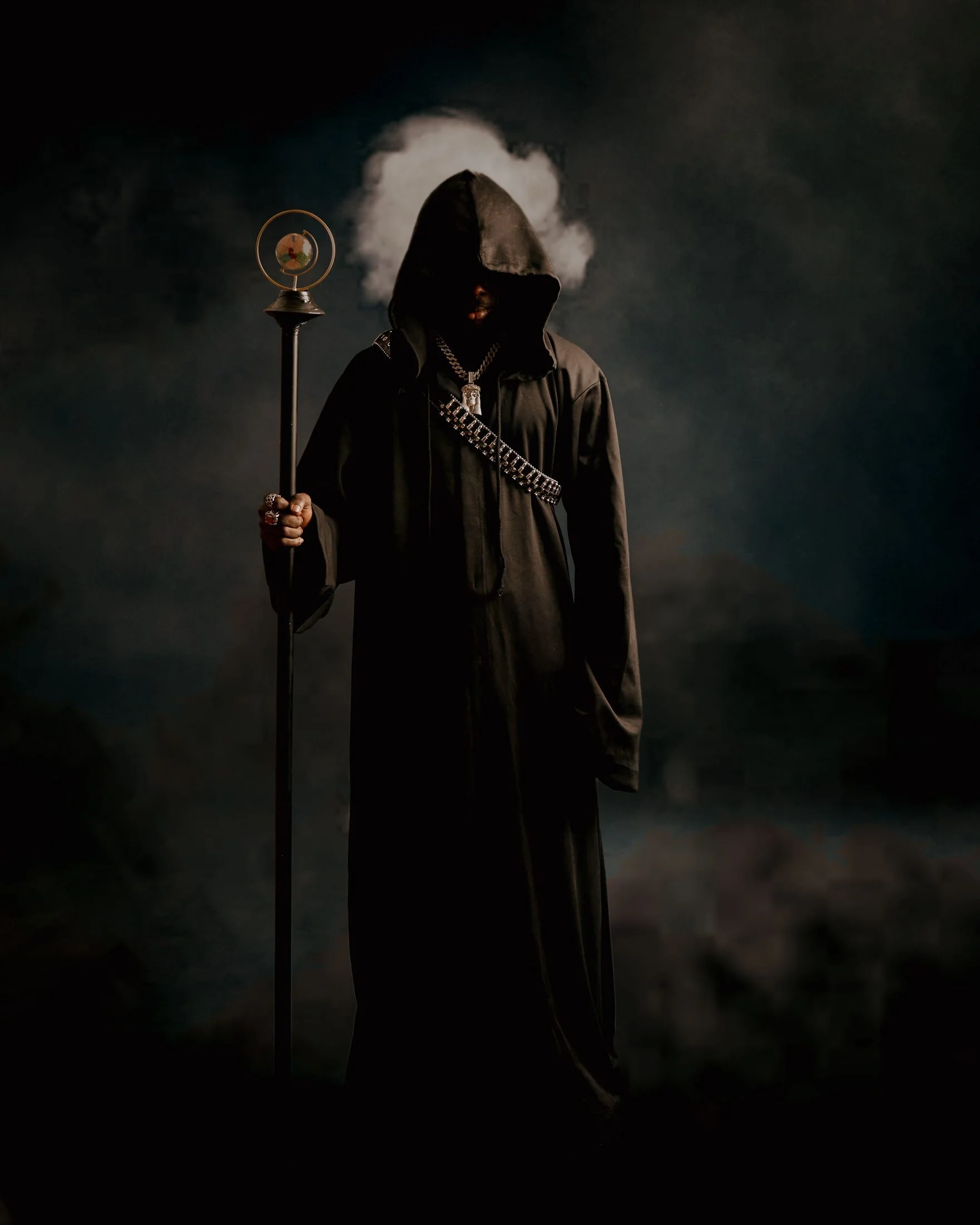
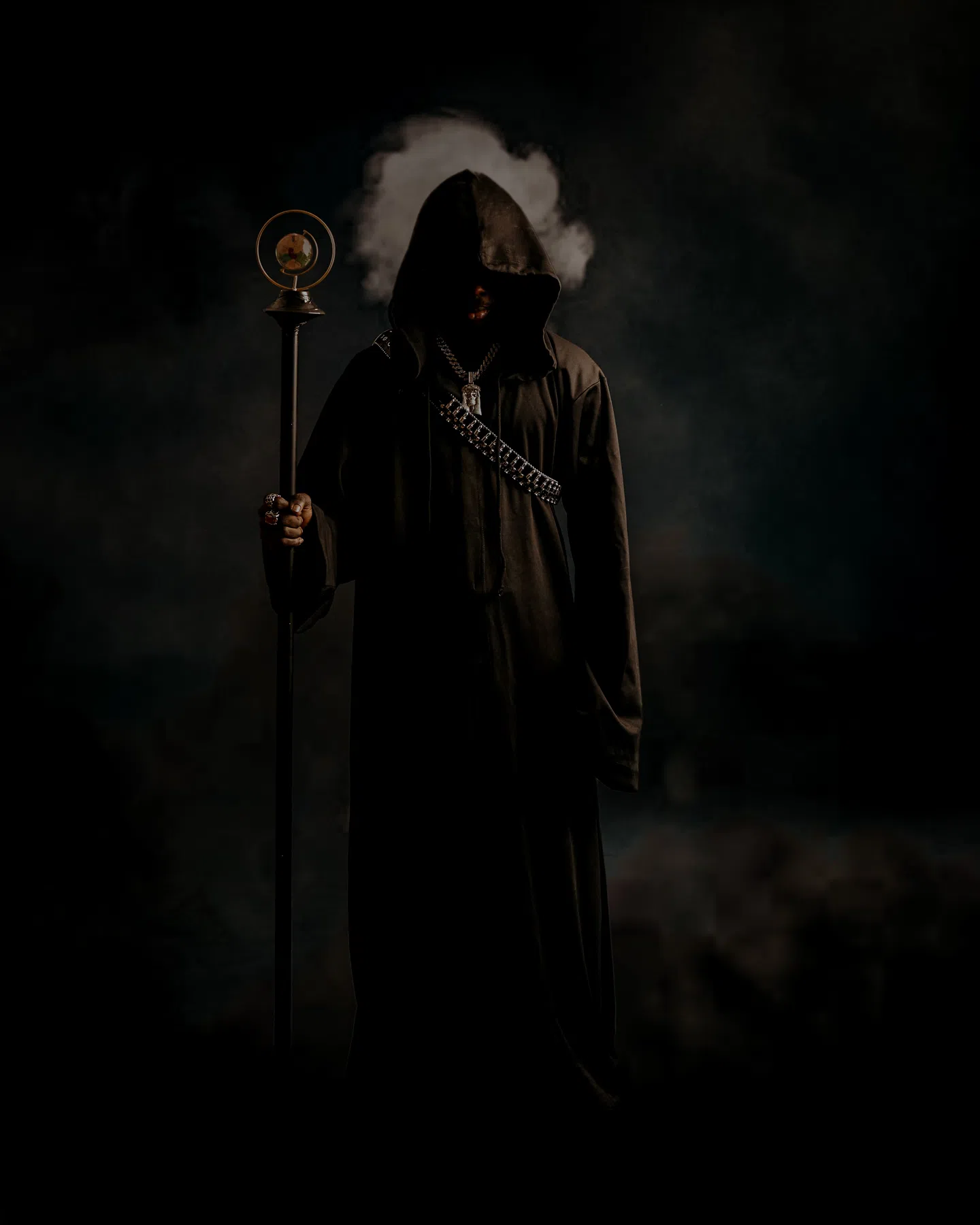
I spent weeks building this collection of free dark and smoky presets. My goal was to create a velvet-like black texture and a cool, matte color grade that feels sophisticated and cinematic. I personally use these when editing dramatic studio portraits, low-light lifestyle shots, and moody black-and-white images where contrast and shadow tell the whole story.
This collection is designed to give you rich, clean blacks and a refined smoky vibe using the modern XMP format. By syncing natively with Lightroom's upgraded profile architecture, these XMP presets render the exact same rich, textured shadows on your phone, tablet, or desktop workspace.
Mastering Low-Key and Dark Tones
Low-key photography is the art of painting with shadow. Instead of illuminating the entire frame, you choose to light only the core subject, leaving the surrounding environment shrouded in mystery.
Here are my top professional guidelines for editing with this smoky dark set:
Dark Smoke Lightroom Preset Settings & Slider Values
Exposure: -0.18 | Contrast: +52 | Highlights: -65 | Shadows: +10 | Whites: -15 | Blacks: -45 | Texture: +14 | Clarity: +30 | Saturation: -18 | Vignette: -22
If you love this dark look, you will also enjoy our moody Deep Moody Shadow presets.
1. The Velvet Matte Tone Curve
Pure digital black can sometimes feel too harsh and digital. These presets lift the black point slightly in the Tone Curve, rendering shadows with a rich, velvet-like charcoal texture. It softens the dark areas, giving them an organic, expensive look.
2. Smoky Shadow Calibration
To create the "smoky" or "noir" atmosphere, I have introduced subtle color splitting inside the shadows. We've added deep cold teals and emerald green tones to the dark tones while keeping the midtones warm. This creates gorgeous color separation in low-light environments.
3. Focus on Edge Highlights
When shooting low-key, try to capture your subject with rim lighting (a light source behind or to the side of the subject). This creates a beautiful, glowing outline that separates your subject from the dark background. Applying these presets to rim-lit portraits yields jaw-dropping results!
Installation Guide
Setting up these presets on your phone or computer is very simple:
- Download the ZIP file containing the XMP preset files.
- If you need step-by-step instructions for your specific device, follow my guide on how to install Lightroom presets for instant setup help.
What's Included
This premium low-key collection includes free specialized dark and smoky presets, calibrated for dramatic lighting and deep shadow work:
- Velvet Black Presets (for deep, rich, matte shadows and highly controlled highlights)
- Smoky Teal & Gold Presets (introducing cold dark teals in the shadows and soft gold in skin tones)
- Dark Noir B&W Presets (heavy contrast, low-key, and intense emotional monochrome conversions)
Preset Style & Color Tone
The aesthetic is defined by deep shadows, matte blacks, and a desaturated, cool color palette. I carefully balanced the green and blue channels in the shadows to create a 'smoky' or misty tone, while highlights are rolled off softly to maintain a delicate highlight glow. Red and amber tones are preserved to keep skin tones natural.
Best Photos for This Preset
These presets are built for low-key photography, high-contrast studio work, indoor portraits with dramatic window light, and nighttime cityscapes. They work best on photos that already have a dark background or high contrast, where you want to blend the shadows into a clean, smoky matte texture.
After downloading, extract the ZIP file and import the XMP presets into Lightroom.