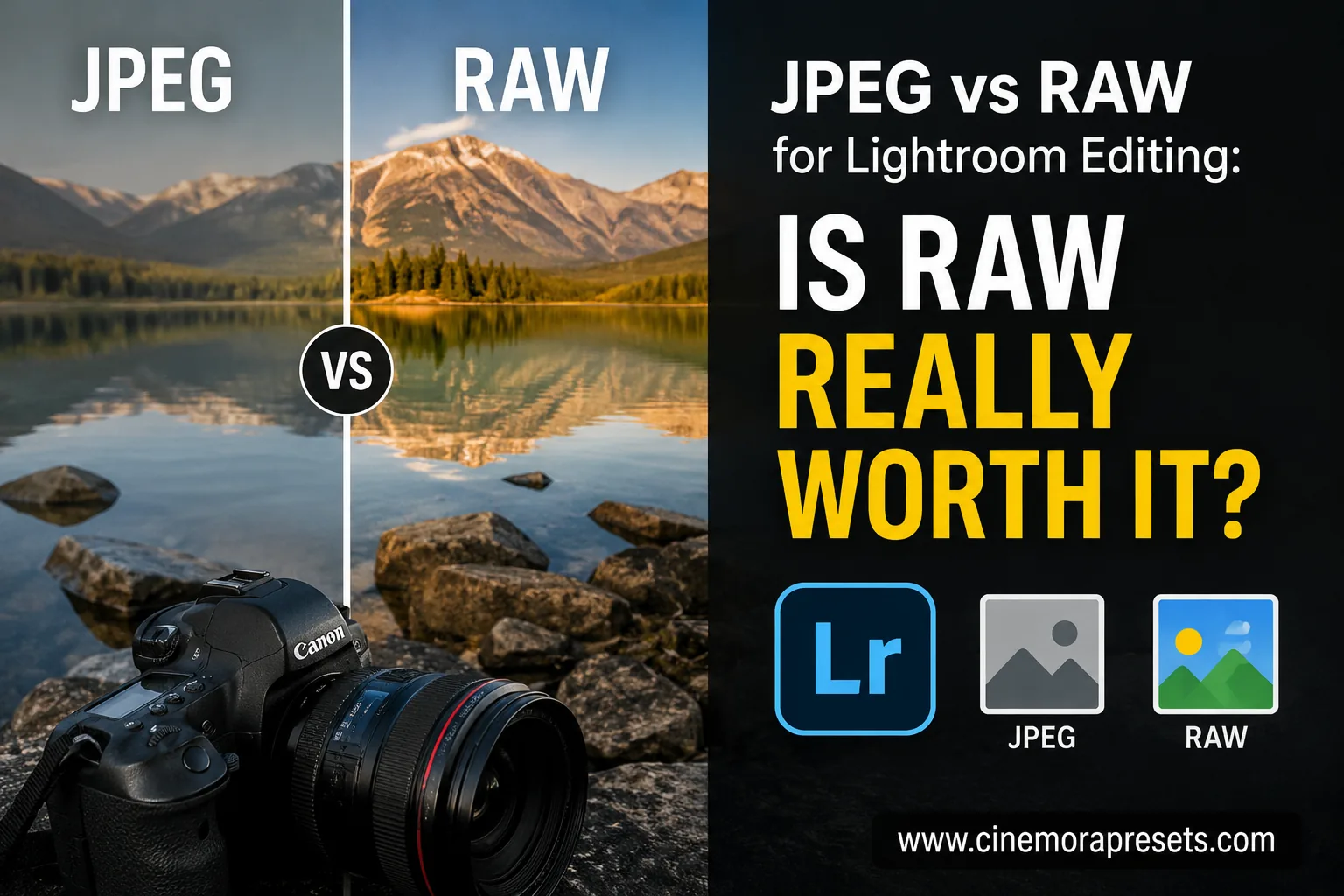
TL;DR: If you edit your photos in Lightroom, shooting in RAW is almost always worth it. RAW files preserve the original, uncompressed data from your camera's sensor, giving you maximum flexibility to recover highlights, lift shadows, and adjust white balance. JPEG files are smaller and more convenient for quick sharing, but their compressed data significantly limits your editing options.
A few years ago, I thought RAW files were only for professional photographers.
I shot everything in JPEG because it was simpler. The photos looked good straight out of the camera, the file sizes were smaller, and I didn't have to think about editing very much.
Then I started using Lightroom seriously.
That's when I realized why so many photographers prefer RAW.
The difference isn't always visible when you first look at a photo. The difference appears when you start editing.
If you've ever wondered whether RAW is actually worth using, this guide will give you a simple answer.
Quick Comparison
| Feature | RAW | JPEG |
|---|---|---|
| Editing flexibility | Excellent | Limited |
| File size | Large | Small |
| Highlight recovery | Strong | Limited |
| Shadow recovery | Strong | Limited |
| White balance | Flexible | Limited |
| Lightroom performance | Best for editing | Good for quick edits |
| Professional use | Preferred | Sometimes used |
| Social media use | Excellent | Excellent |
What Is a RAW File?
A RAW file is an image that contains the original, uncompressed data captured by your camera sensor. Think of it as a digital negative.
The camera records as much information as possible before processing the image. This gives Lightroom more information to work with later.
Instead of compiling a finished image, a RAW file records the maximum amount of color information, dynamic range, highlight detail, and shadow depth possible, giving you massive editing flexibility in post-production.
What Is a JPEG File?
A JPEG file is already processed and compressed by the camera. Before saving the file, the camera's internal software automatically makes permanent decisions about contrast, saturation, sharpness, noise reduction, and white balance.
The result is a smaller image that's ready to share immediately. The downside is that some image data gets discarded during compression. Once that information is gone, Lightroom cannot recover it.
Why Do Photographers Prefer RAW?
The biggest advantage of RAW is flexibility.
Imagine you accidentally underexpose a photo. With a RAW file, Lightroom can often recover a surprising amount of detail. With a JPEG, the image may become noisy or fall apart much sooner.
The same thing happens with highlights. If the sky is slightly overexposed, a RAW file usually gives you a better chance of recovering those details.
That's why most professional photographers shoot RAW. They want maximum flexibility during editing.
Can You Actually See the Difference?
Sometimes yes, sometimes no.
If a photo is already perfectly exposed and needs almost no editing, the difference between JPEG and RAW may be difficult to notice. However, once you start making larger adjustments, RAW files usually pull ahead.
This extra detail becomes highly visible when you need to recover a blown-out sky, brighten dark shadow areas, fix an incorrect white balance setting, adjust skin tones, or apply strong, stylized Lightroom presets.
The heavier the edit, the more valuable RAW becomes.
Which Format Works Better With Lightroom Presets?
RAW files almost always work better with Lightroom presets.
Presets change exposure, colors, contrast, highlights, shadows, and many other settings. Because RAW files contain more information, they give Lightroom more room to make those adjustments cleanly.
While presets still work on JPEGs, they often introduce color banding, digital noise, and lost details in the extreme highlights or deep shadows because the compressed file doesn't have the data to support those heavy changes.
This is especially noticeable with cinematic, film, and vintage-style presets.
Does Lightroom Mobile Support RAW?
Yes. Modern smartphones can capture RAW photos. Both Android and iPhone devices support RAW capture through various camera apps.
Lightroom Mobile can import and edit RAW files just like Lightroom Desktop. If your phone supports RAW photography, it's worth experimenting with it.
Should Beginners Shoot RAW?
In my opinion, yes.
Many beginners avoid RAW because they think it's complicated. In reality, Lightroom makes the process very simple. You don't need to understand every editing tool. Just having the extra flexibility is often enough to improve your results. The learning curve is much smaller than people expect.
When JPEG Actually Makes Sense
Shooting in RAW isn't always necessary. JPEGs are a great, practical choice if you rarely edit your photos, have limited memory card space, need to share images instantly, or are shooting high-volume scenes where convenience outweighs editing flexibility.
Many photographers use JPEG every day and get excellent results. The right format depends on your workflow.
My Personal Workflow
For important projects where I know I will edit the photos afterward—such as travel shoots, portraits, preset testing, and blog content—I always shoot in RAW.
Anything I plan to edit seriously. For casual snapshots that I'm sending to friends, JPEG is often perfectly fine.
The key difference is whether I expect to edit the image later. If the answer is yes, I choose RAW.
Related Guides
- XMP vs DNG Lightroom Presets
- Why Lightroom Presets Look Different on Every Photo
- Best Lightroom Presets for Instagram
Recommended Presets
- Film Lightroom Presets
- Portrait Lightroom Presets
- Cinematic Lightroom Presets
- Vintage Lightroom Presets
Frequently Asked Questions
Is RAW always better than JPEG?
For editing, yes. For convenience, not always. RAW provides more flexibility while JPEG provides smaller file sizes and easier sharing.
Do Lightroom presets work on JPEG photos?
Yes. However, presets generally produce better results on RAW images because they contain more editing information.
Why are RAW files so large?
RAW files store significantly more image data than JPEG files. That extra information is what allows Lightroom to make larger adjustments without degrading image quality.
Can I convert JPEG to RAW?
No. Once image information has been discarded during JPEG compression, it cannot be restored by converting the file to RAW.
Should iPhone users shoot RAW?
If you edit photos regularly in Lightroom Mobile, shooting RAW is usually worth it. The extra flexibility becomes noticeable when applying presets and adjusting exposure.
Final Thoughts
If you use Lightroom regularly, RAW is worth it.
The extra editing flexibility alone makes it valuable. JPEG files are great for convenience, but RAW files give you far more control over the final image. That's why most photographers, content creators, and editors choose RAW whenever image quality matters.
If you're serious about photo editing, RAW is one of the easiest upgrades you can make to your workflow.