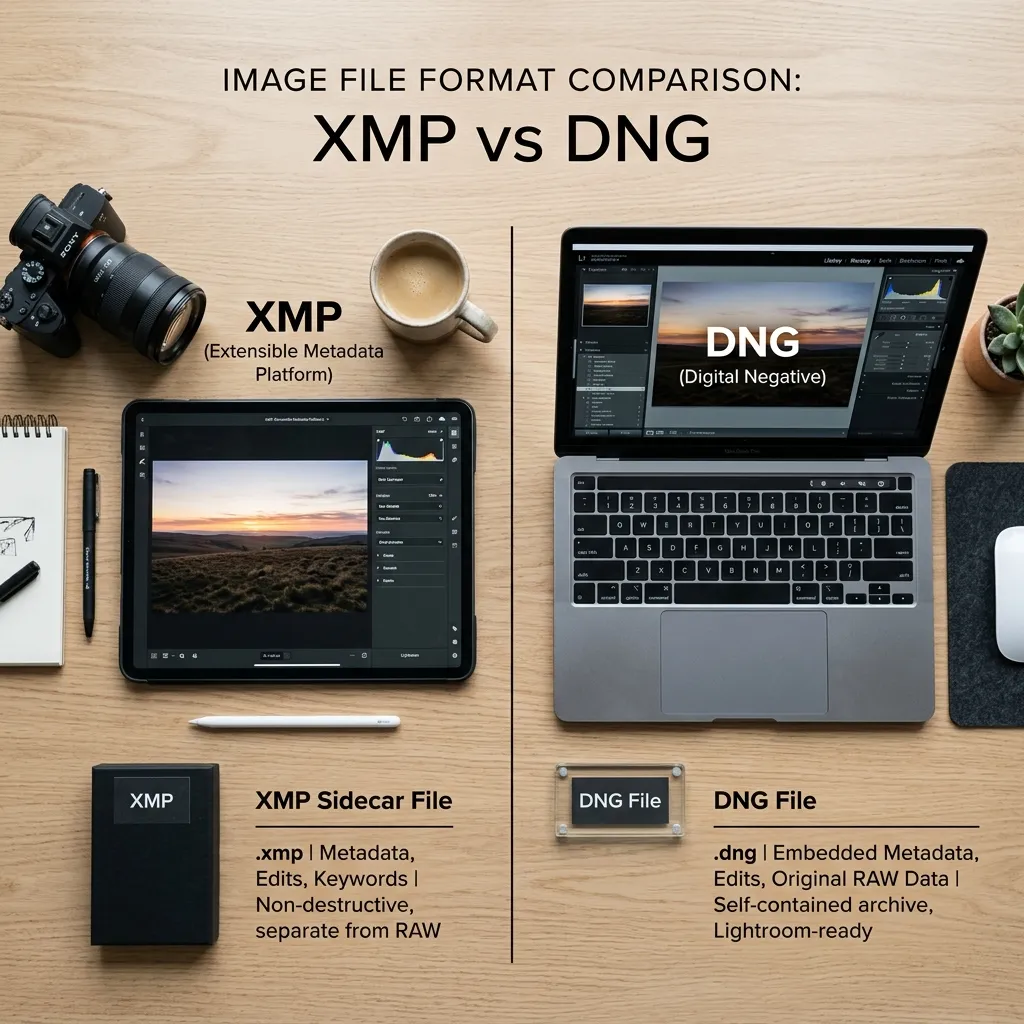
TL;DR: XMP presets are the modern Lightroom preset format recommended by Adobe. They work across Lightroom Mobile and Desktop, install faster, take up less space, and are easier to manage. DNG presets still work, but for most photographers and content creators, XMP presets are now the better choice.
What Are Lightroom Presets?
Lightroom presets are saved editing settings that let you apply a specific look to your photos with a single click. Instead of adjusting exposure, contrast, colors, and tone curves manually every time, a preset applies those settings instantly.
Photographers use presets—like our Cinematic Lightroom Presets or Moody Lightroom Presets—to speed up editing, maintain a consistent style, and create a recognizable look across their photos.
Today, most Lightroom presets are distributed in either XMP or DNG format.
What Are DNG Presets?
DNG presets became popular during the early years of Lightroom Mobile.
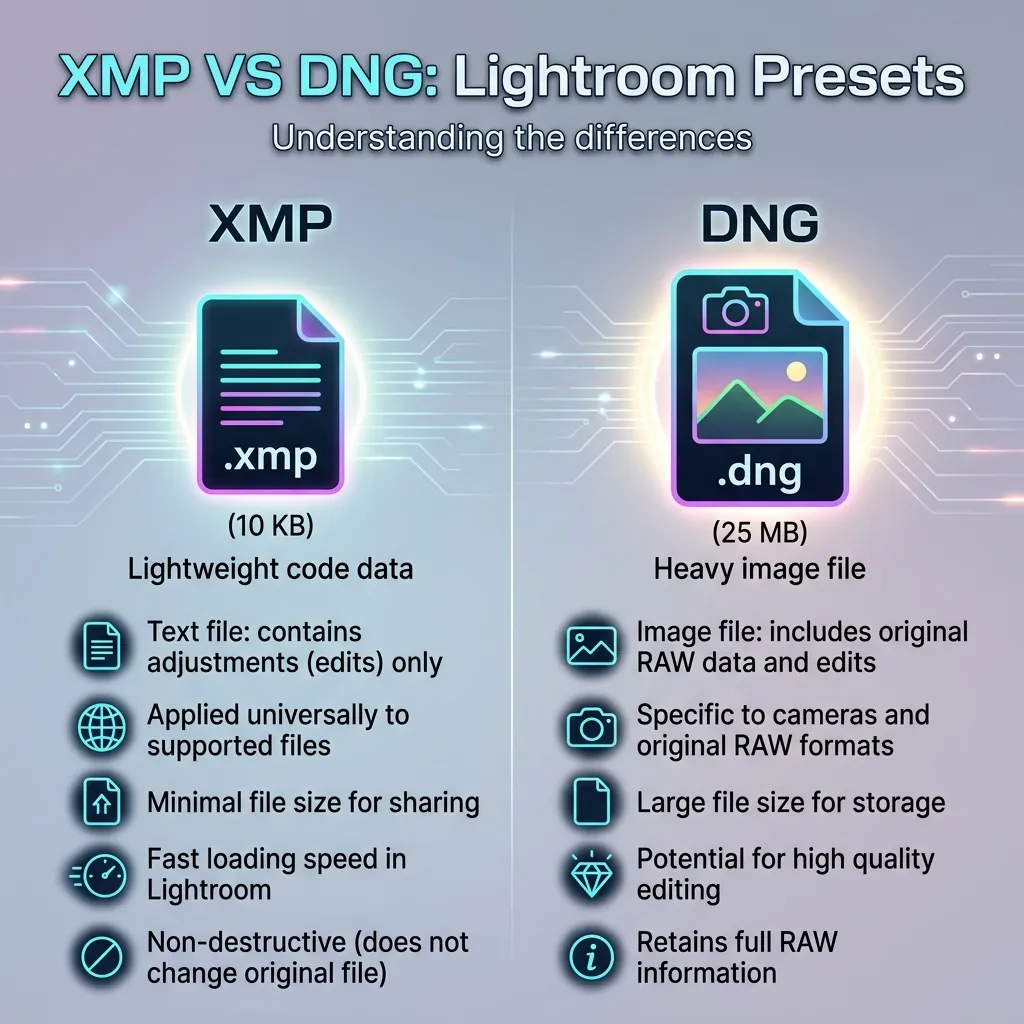
Unlike modern preset files, a DNG preset is actually a photo file containing editing settings. Users import the DNG image into Lightroom Mobile, copy the settings, and then paste those settings onto their own photos.
For years, this was one of the easiest ways to share presets on mobile devices.
Advantages of DNG Presets
- Work on older Lightroom Mobile versions
- Easy to share as image files
- Still supported by Lightroom
Disadvantages of DNG Presets
- Larger file sizes
- More installation steps
- Difficult to organize
- Not ideal for managing large preset collections
- Less convenient across multiple devices
What Are XMP Presets?
XMP is Adobe's modern preset format.
Instead of storing adjustments inside an image, XMP presets store only the editing instructions. This makes them lightweight, easier to manage, and compatible across Lightroom Mobile and Desktop.
Most professional preset creators now distribute their presets as XMP files because they provide a cleaner workflow and better compatibility.
Advantages of XMP Presets
- Faster installation
- Smaller file sizes
- Better organization
- Works across Lightroom Mobile and Desktop
- Easier preset management
- Supported by Adobe's current ecosystem
Disadvantages of XMP Presets
- Requires a relatively modern Lightroom version
- Older tutorials may still focus on DNG workflows
XMP vs DNG Presets: Quick Comparison
| Feature | XMP Presets | DNG Presets |
|---|---|---|
| Lightroom Mobile | Yes | Yes |
| Lightroom Desktop | Yes | Limited |
| File Size | Small | Larger |
| Installation | Simple | More Steps |
| Organization | Excellent | Basic |
| Modern Standard | Yes | No |
| Adobe Recommended | Yes | No |
| Sync Support | Better | Limited |
Why Most Creators Have Switched to XMP
A few years ago, many preset websites distributed DNG files because Lightroom Mobile had limited preset support.
That is no longer the case.
Today, Adobe's ecosystem is built around XMP presets. They install more cleanly, work across devices, and make it easier to keep your editing workflow organized.
If you download presets regularly, you'll quickly notice that most new premium and free preset packs are distributed in XMP format.
Are DNG Presets Obsolete?
Not completely.
Many older preset packs are still distributed as DNG files, and they can still produce great results.
If you already have a collection of DNG presets, there is no urgent reason to stop using them.
However, if you're starting from scratch today, XMP is generally the better long-term choice.
Which Format Should Beginners Use?
For most beginners, the answer is simple.
Choose XMP presets.
The installation process is easier, the files are smaller, and the workflow matches the way modern Lightroom is designed to operate.
Unless you're specifically following an older tutorial that requires DNG files, there is little reason to choose DNG over XMP in 2026.
Which Format Does Cinemora Presets Use?
All presets available on Cinemora Presets—from our warm Vintage Presets to our clean Portrait Presets—are provided in XMP format.
This allows the presets to work seamlessly with Lightroom Mobile and Lightroom Desktop while keeping downloads lightweight and easy to manage.
The goal is to provide a modern editing experience without the extra steps commonly associated with older DNG workflows.
Frequently Asked Questions
Are XMP presets better than DNG presets?
For most users, yes. XMP presets are easier to install, take up less storage space, and integrate better with modern Lightroom versions.
Do XMP presets work on Lightroom Mobile?
Yes. XMP presets work on Lightroom Mobile and Lightroom Desktop when using supported Lightroom versions.
Can I convert DNG presets into XMP presets?
In many cases, yes. Lightroom allows you to save edits from a DNG image as a new preset, which can then be exported as an XMP preset.
Why do some websites still offer DNG presets?
Many older preset collections were created before Adobe adopted XMP as the standard preset format. Some creators continue distributing those older files.
Should I download DNG or XMP presets?
If both versions are available, most users should choose XMP presets because they offer a more modern and convenient workflow.
Final Thoughts
Both XMP and DNG presets can produce beautiful edits. The difference isn't image quality. It's workflow.
DNG presets helped popularize mobile photo editing, but XMP presets have become the standard for modern Lightroom users. They are easier to install, easier to organize, and better suited to today's Lightroom ecosystem.
If you're building a preset collection in 2026, XMP presets are the format worth investing in.