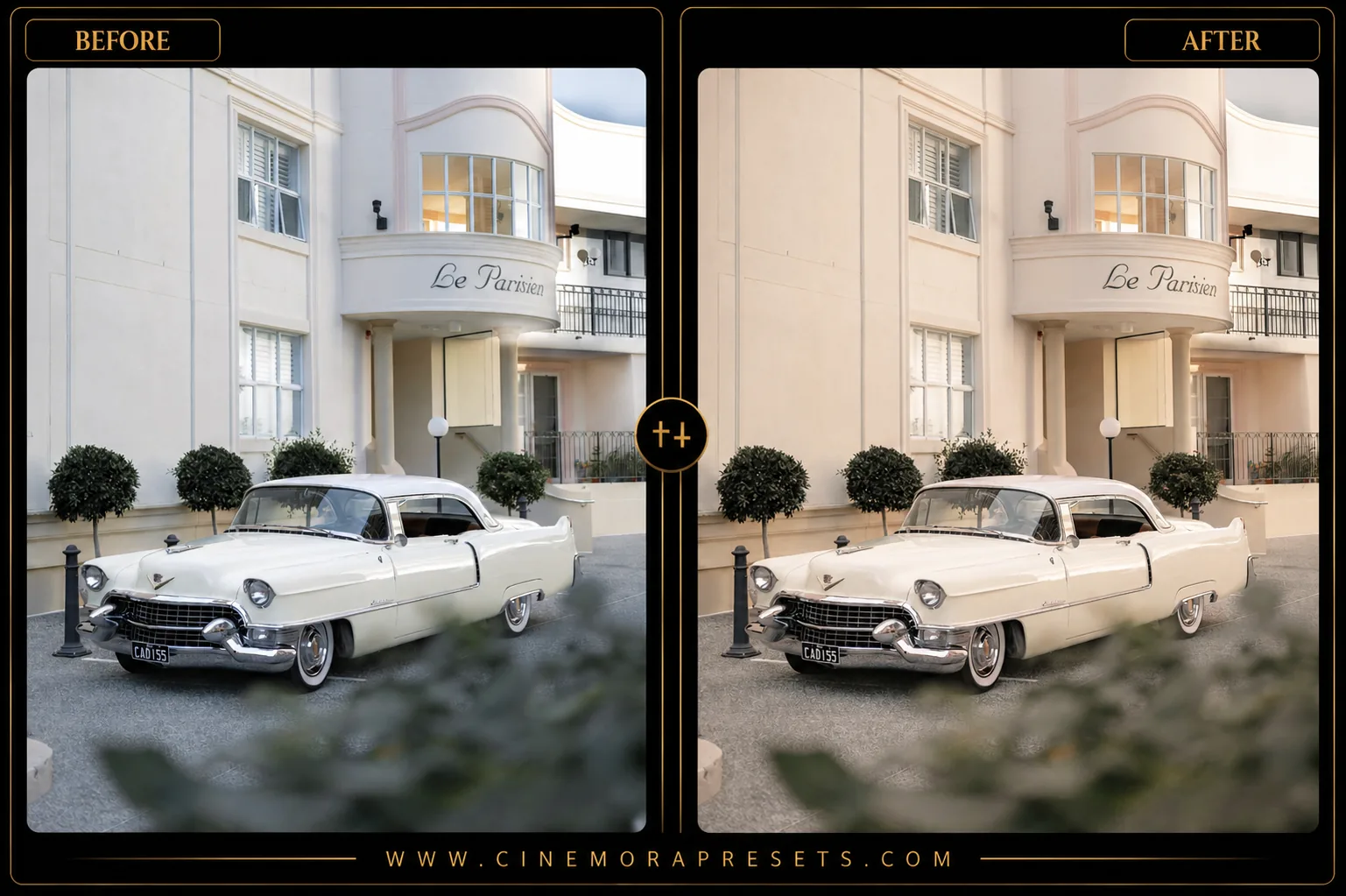
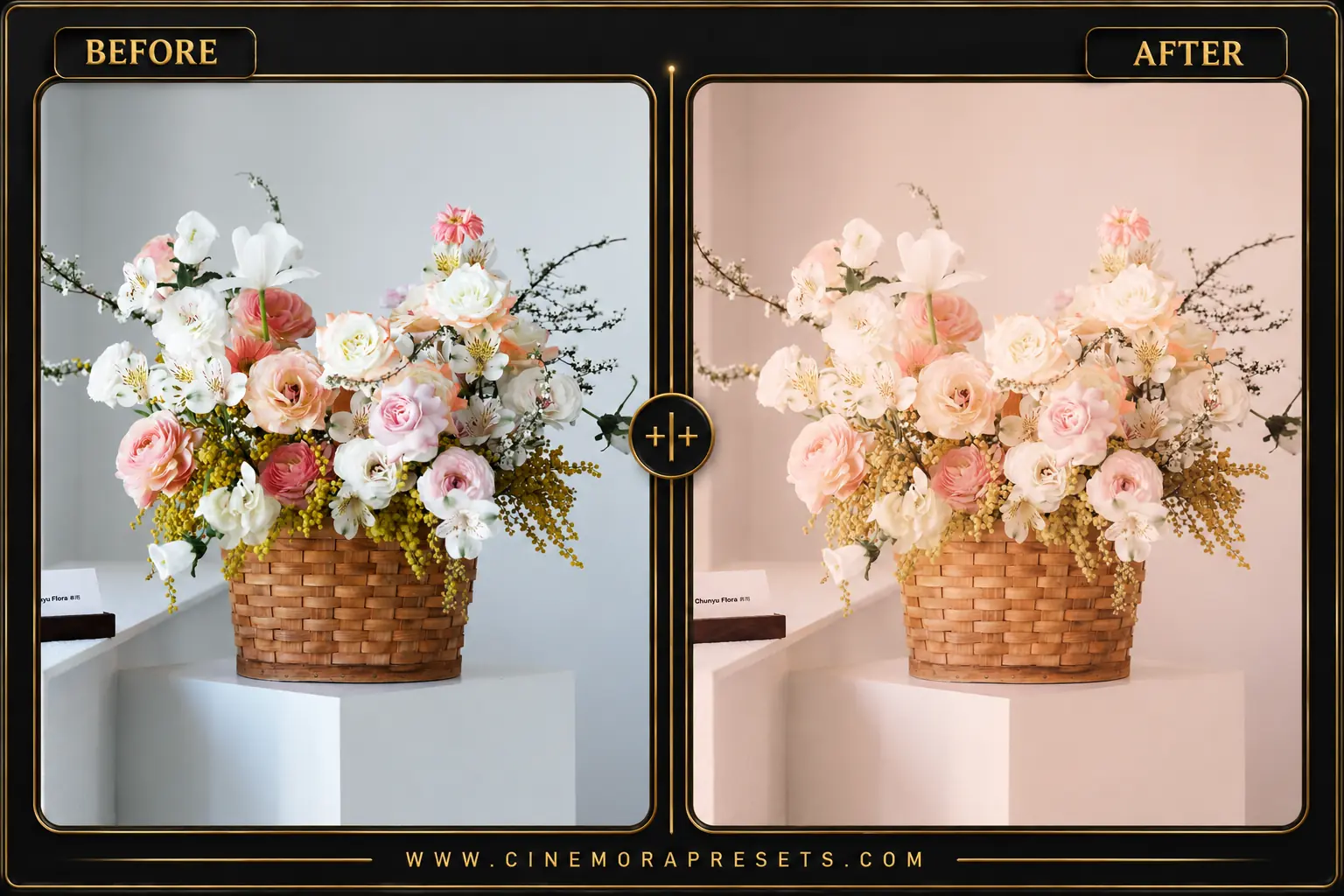
Minimal Lightroom presets are lightweight settings designed to declutter your photos and highlight clean lines. A minimal edit shifts the focus from busy background noise to your main subject.


This free pack focuses on bright whites, soft lighting, and neutral color tones. It is built in the modern XMP format, ensuring single-click applications on Lightroom Mobile and Desktop without clunky DNG templates.
Understanding the Minimalist Aesthetic
A minimal edit is all about letting the composition speak for itself. By stripping away oversaturated color tones and reducing heavy digital noise, your subjects gain a clean, modern presence.
This editing style is characterized by bright whites, soft natural lighting, and a desaturated, neutral color palette that emphasizes clean shapes and textures.
Replicating Iconic Minimalist Tones
This preset collection contains three distinct files to cover different minimalist photography styles:
- Clean & Airy: Focuses on bright white backgrounds, soft highlights, and neutral midtones.
- Minimal Interior: Calibrated for wood textures, neutral walls, and architectural details.
- Muted Tone: Desaturates harsh color channels while keeping skin tones bright and natural.
Best Images for Minimalist Edits
These presets work best on images with simple compositions and neutral backdrops. They are ideal for:
- Product Photography & Flat-Lays: Keeps background colors pure white and clean.
- Modern Architecture: Enhances clean lines, steel structures, and light wood textures.
- Minimalist Lifestyle & Portraits: Works beautifully for outdoor shots taken against simple concrete walls or open sky.
[!TIP] For a slightly warmer, cozy look, try our cozy Beige Aesthetic presets.
After downloading, extract the ZIP file and import the XMP presets into Lightroom.