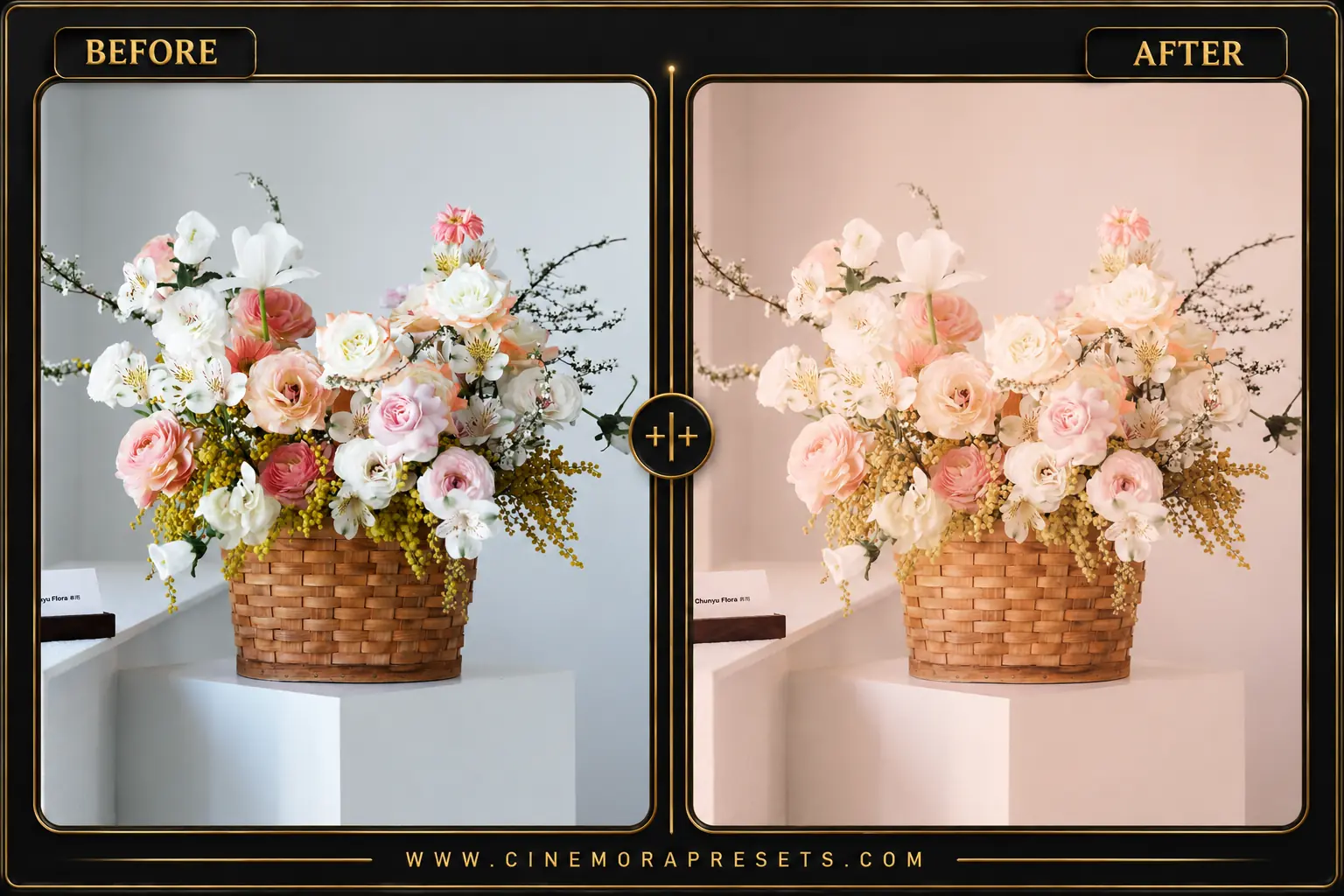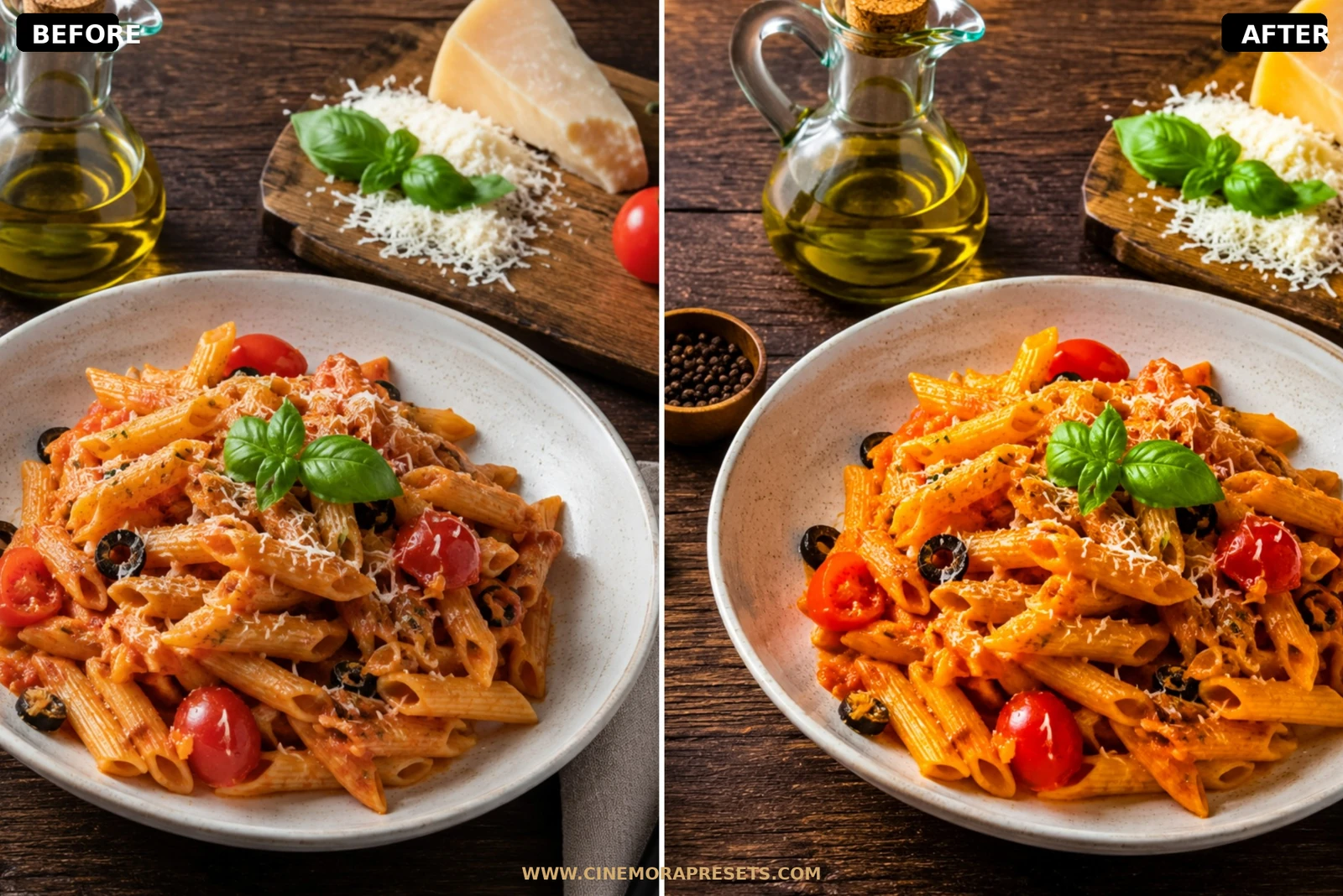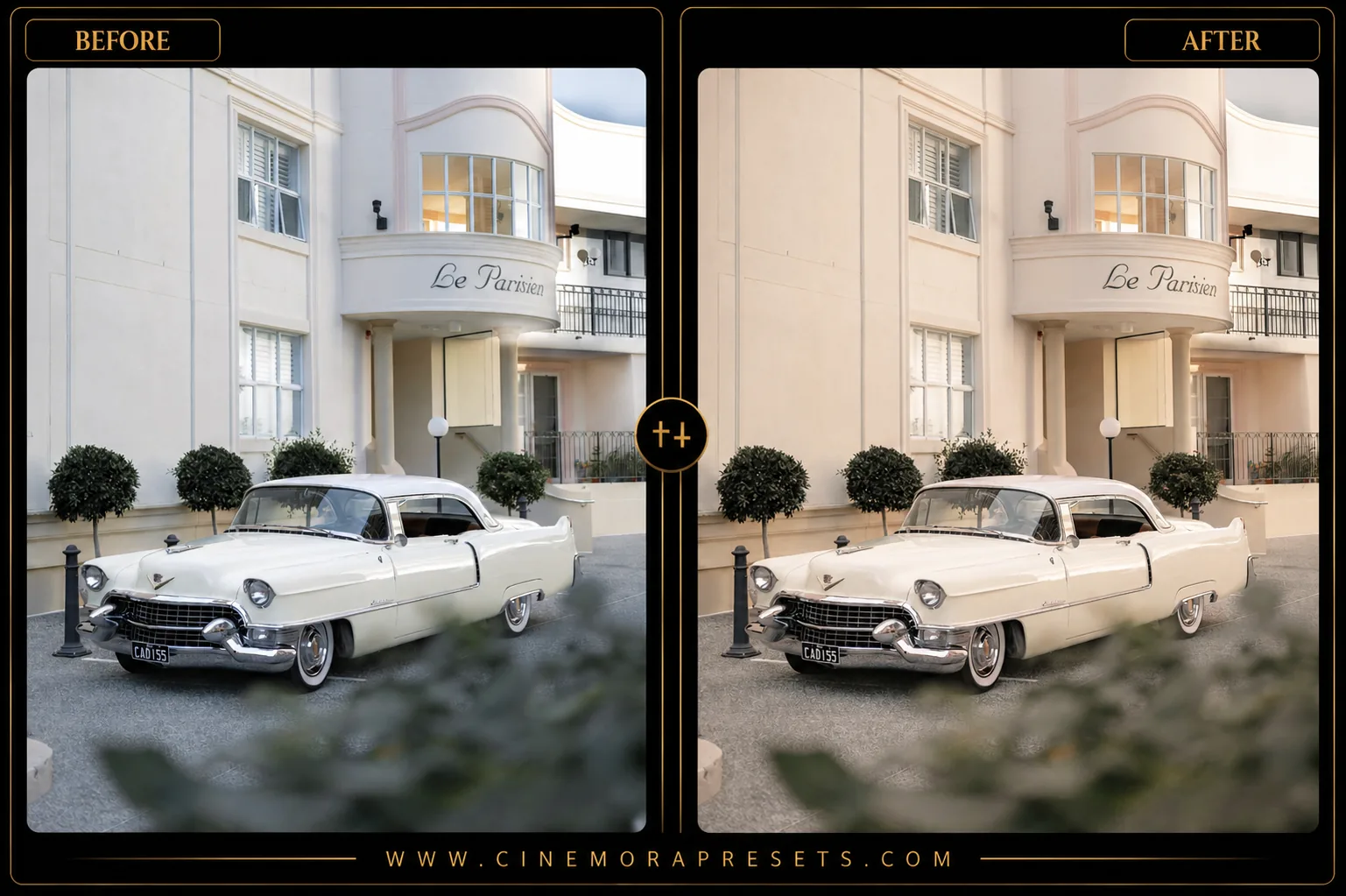
Luxury Lightroom presets help you achieve the popular quiet luxury aesthetic. High-end lifestyle photos suffer from over-exposure, harsh blue-tinted whites, and oversaturated colors that look cheap. These presets soften harsh highlights and warm up neutral tones to give your fashion and indoor photos a clean, sophisticated edit on mobile and PC.
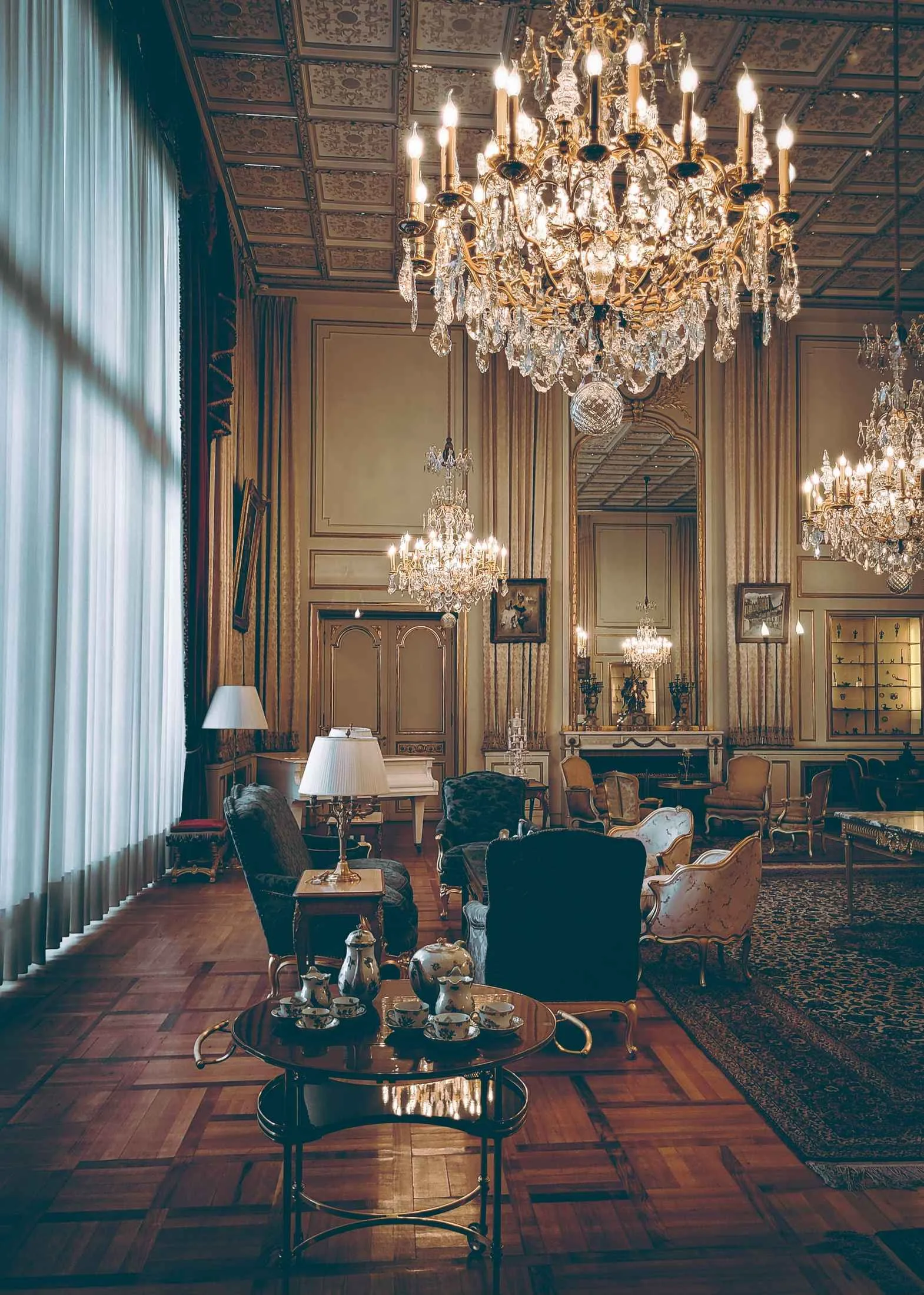
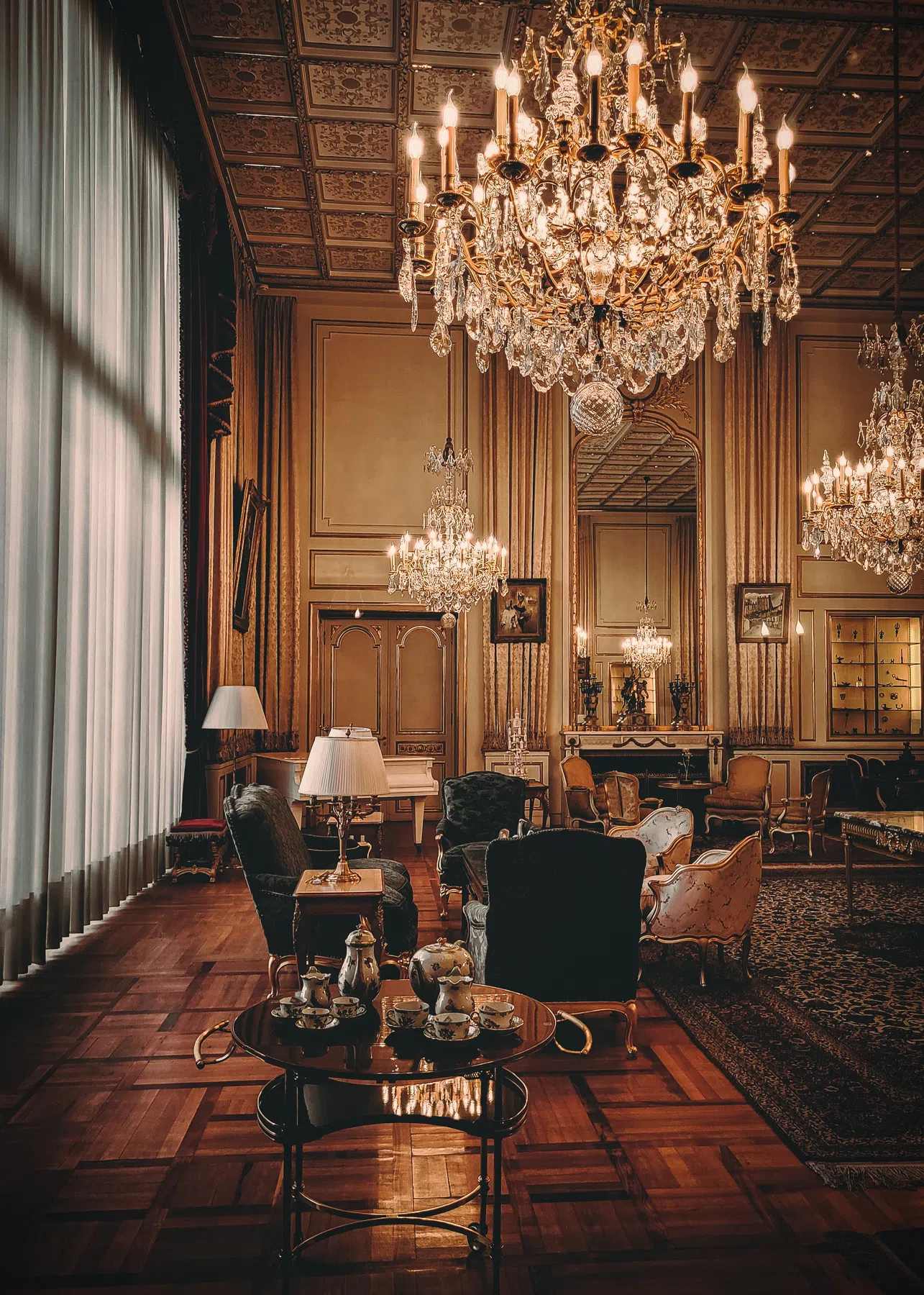
Softening whites and highlights
High-end and minimalist photography relies heavily on clean white elements, but digital cameras often render whites too bright, causing a loss of texture. These presets apply a soft highlight roll-off and lower the whites slider. This recovers the texture of linen fabrics, marble surfaces, and architectural details, transforming harsh digital glare into a creamy, organic glow.
Balancing warm neutral tones
The quiet luxury aesthetic is defined by warm, muted color palettes dominated by beiges, creams, and soft grays. The presets shift yellow tints toward a sophisticated warm gold and desaturate distracting neon colors like bright blues or electric greens. This creates a cohesive color story, ensuring background elements match perfectly without clashing with the subject.
What's Included
This free download comes with five luxury presets:
- Warm Stone: Adds a cozy, amber-tinted warmth to beige and cream backgrounds.
- Cool Slate: Cleans up indoor yellow artificial lighting, shifting whites to neutral grays.
- Raw Linen: Offers low-contrast editing with a touch of film grain for outdoor travel shots.
- Champagne Noir: A moody look that deepens shadows for classy nighttime or indoor dining photos.
- Coastal Marble: A bright, airy edit that maintains natural, rich skin tones.
Best Photos to Use
These presets work best on minimalist fashion, lifestyle portraits, clean architecture, and indoor spaces with soft window light. They perform exceptionally well when applied to photos that have neutral background colors, like beige walls or light wood textures, shot under soft, overcast daylight.
After downloading, extract the ZIP file and import the XMP presets into Lightroom.