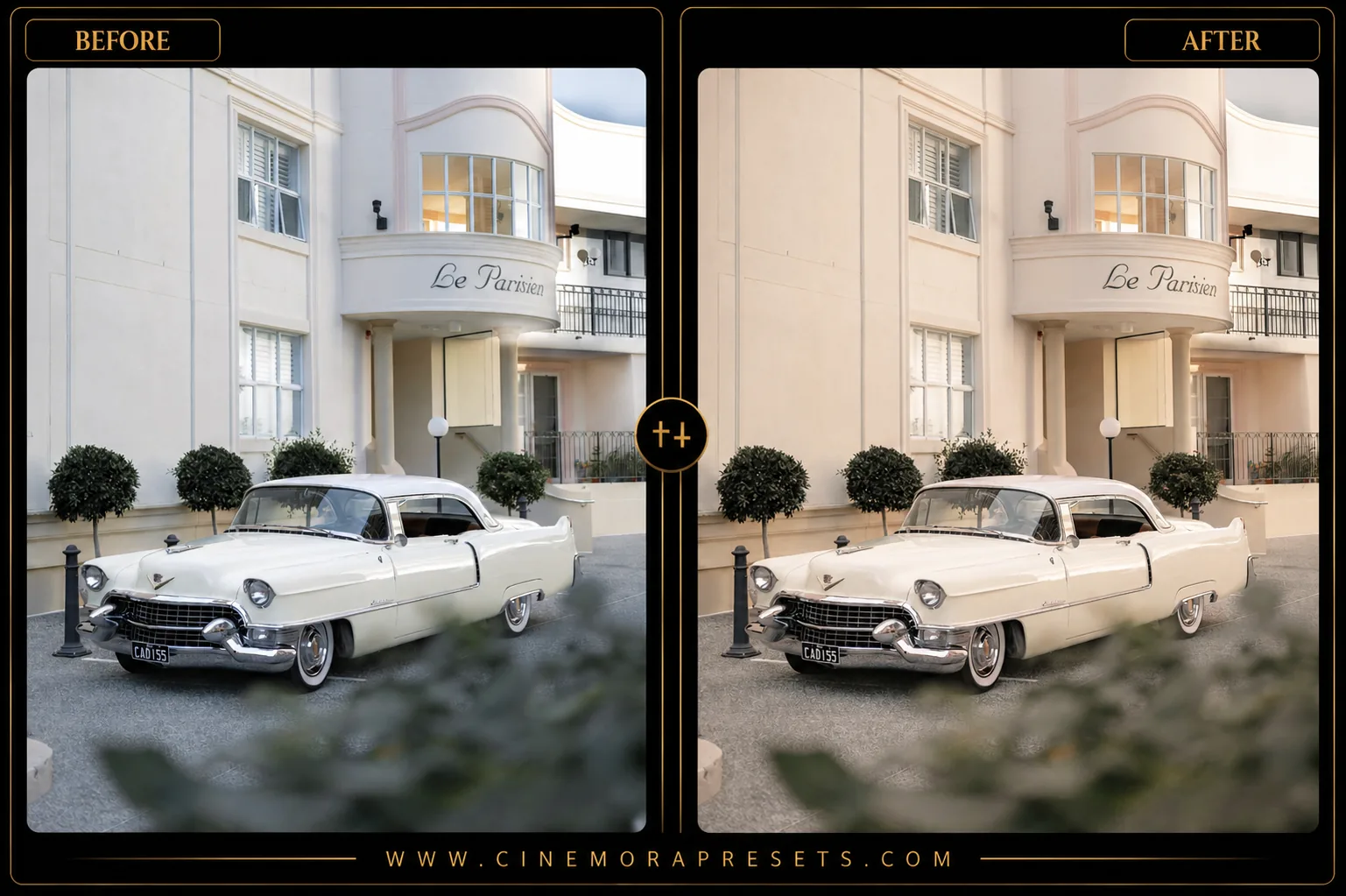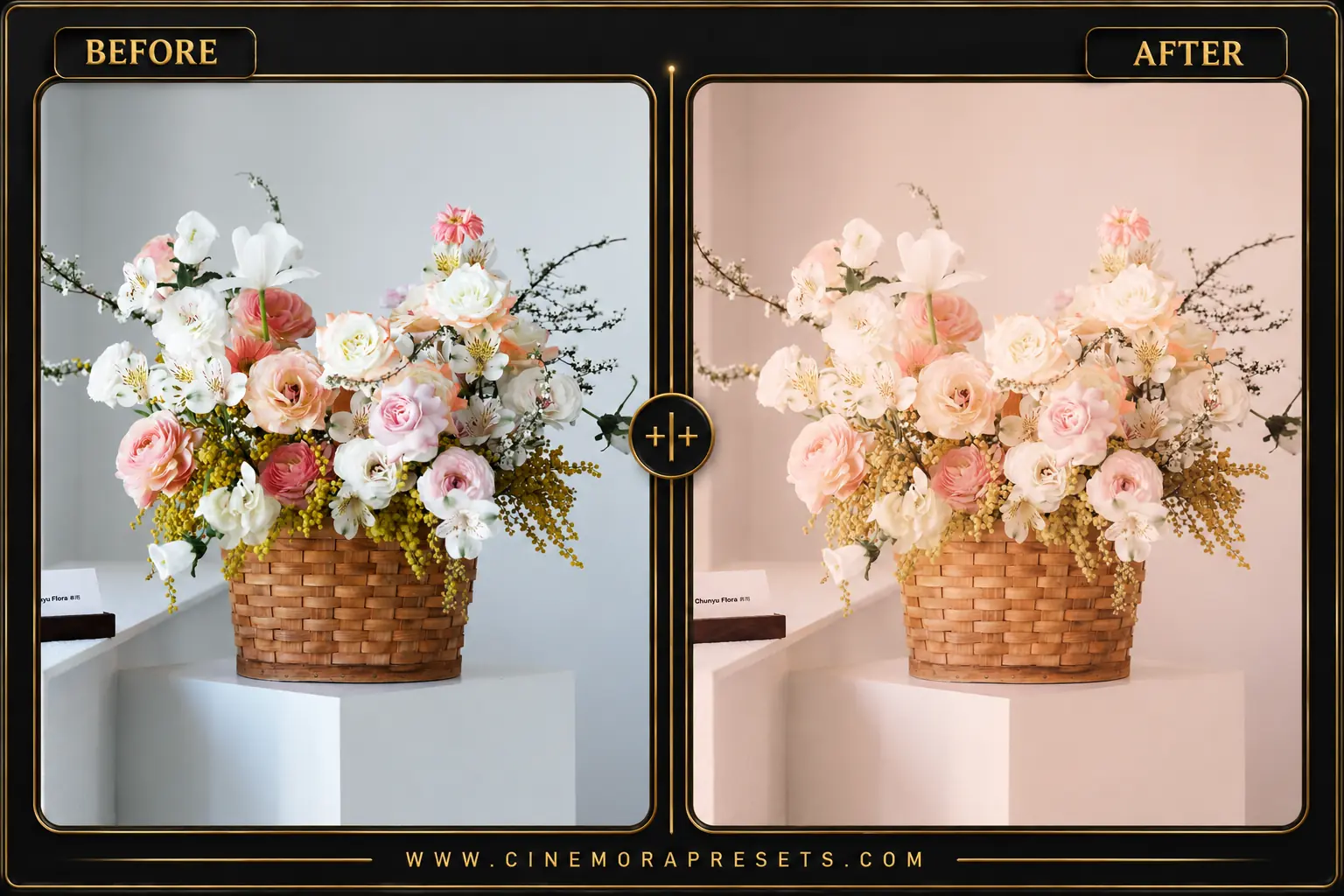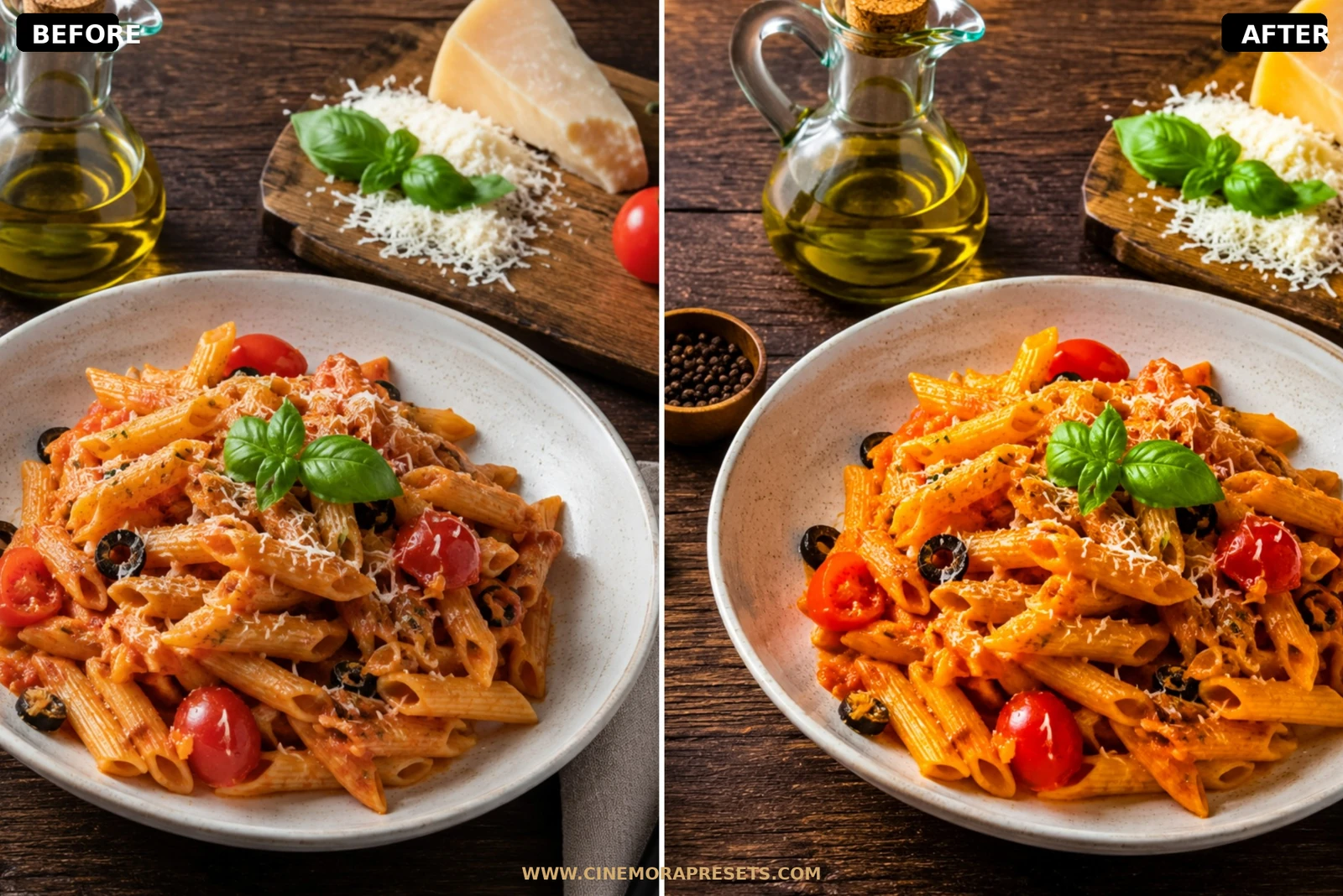
Food photography is about engaging the senses. A great recipe photo should make the viewer taste the fresh herbs, smell the warm spices, and feel the cozy cafe atmosphere. Standard presets often ruin culinary shots by introducing unnatural green casts, turning warm bread gray, or clipping delicious highlights. I spent months working in cafes and kitchens to design this pack of free Food Lightroom presets.
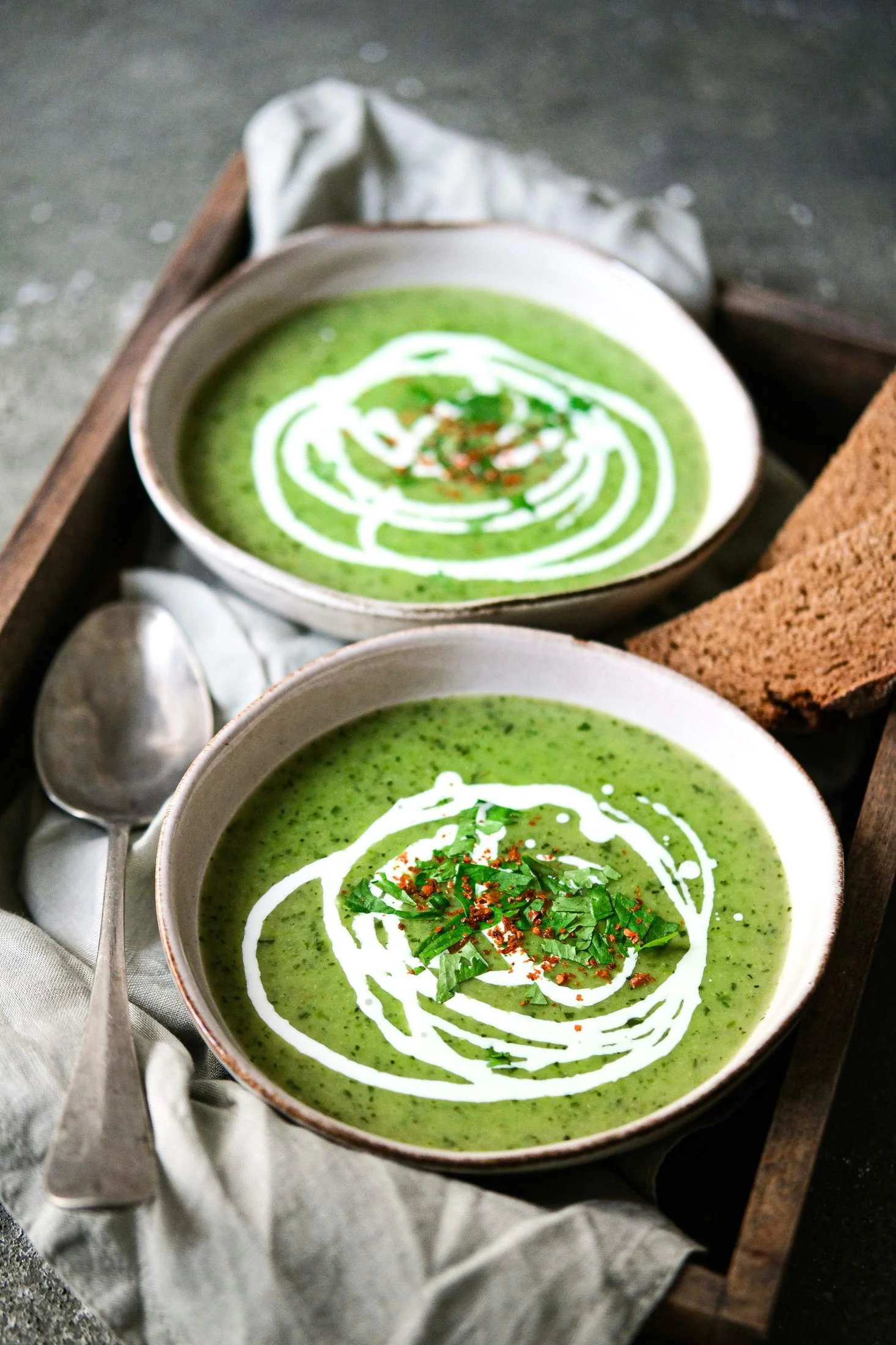
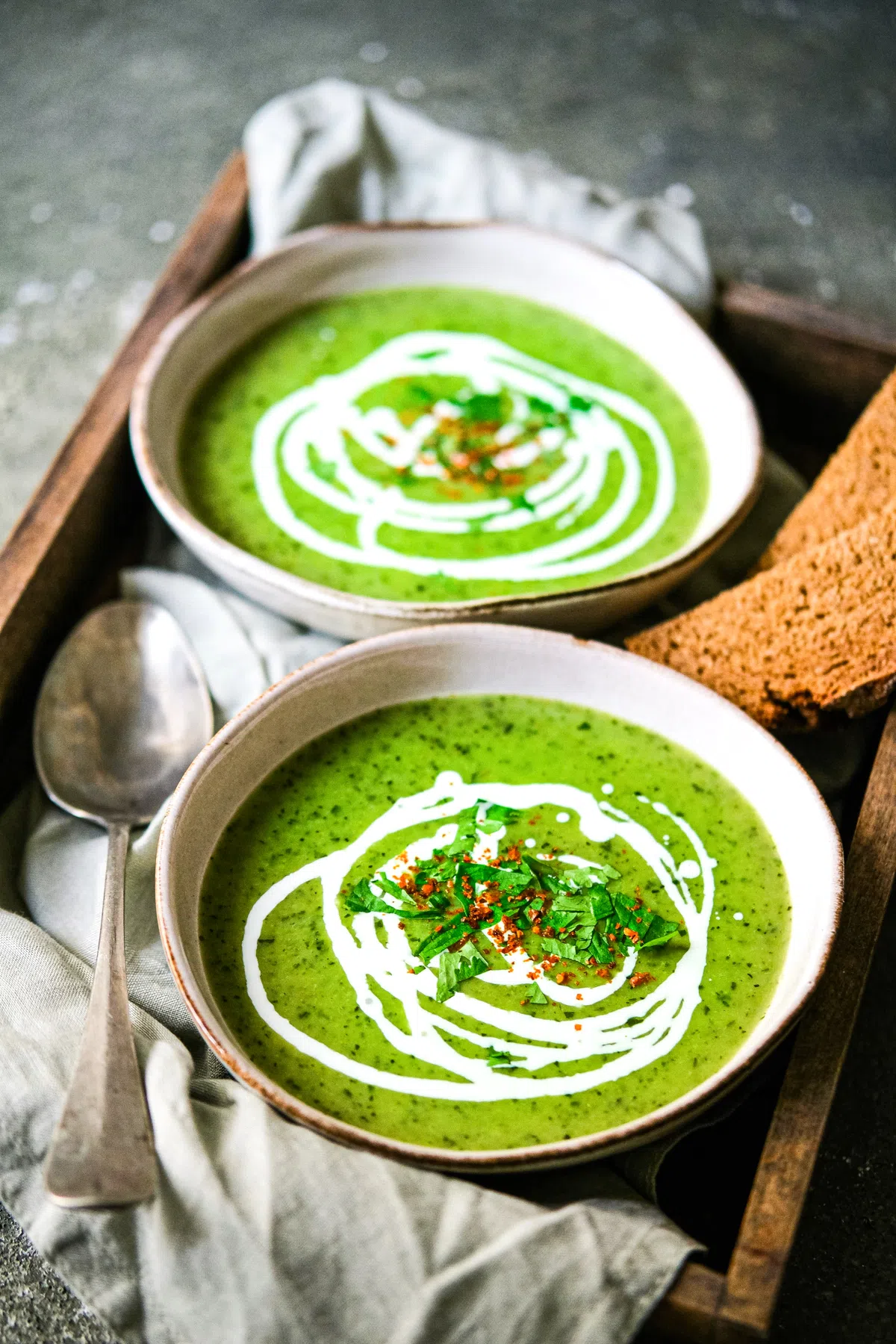
These filters are built around highly balanced RGB tone curves and precise, selective HSL adjustments. They desaturate ugly yellow overhead light casts, enhance red-orange tones to make baked goods look golden-brown, and soften high-contrast shadows to keep ingredients looking fresh, bright, and inviting.
Delivered in the universal XMP format, these culinary filters apply identical bright, organic color grades and highlight corrections seamlessly across both your mobile CC app and desktop Lightroom catalog.
Mastering Food and Café Color Grading
Stunning food photography is built on appetizing color palettes, soft lighting, and minimal clutter. Digital cameras often make food look cold or mathematically clinical; professional editing is about making colors look warm, organic, and delicious.
Here is my masterclass for editing food photos using this minimal pack:
Delicious Food Lightroom Preset Settings & Slider Values
Exposure: +0.30 | Contrast: +15 | Highlights: -30 | Shadows: +25 | Whites: +15 | Blacks: -15 | Clarity: +10 | Saturation: +10
To keep your lifestyle feed clean and bright, you can also mix these food filters with our clean Minimal presets.
1. Keep Your Whites Crisp and Creamy
Nothing ruins a food flatlay faster than dingy, blue, or gray plates. Clean whites represent freshness. If your ceramic dishes look cool, slightly adjust the Temperature slider towards warm (yellow) or go to the HSL panel and desaturate the Blue channel to restore clean, neutral table setups.
2. Make Baked Goods Golden Brown
Warm colors stimulate hunger. To make bread, croissants, pastries, or roasted meats look incredibly rich:
- Open the HSL / Color Mixer panel and select Orange.
- Drag the Hue slider slightly towards Red to create a deep, rich amber gold.
- Increase Luminance (+10) to make the crusts look warm and glowing.
3. Emphasize Texture in Wood and Linen
The environment around the plate is just as important as the food itself. To give your backgrounds an organic, tactile feel, push the Texture slider up (+10) in the Effects panel. This brings out the grain in wooden tables, the weaving in linen napkins, and the details in ceramic plates.
Installation Guide
Setting up these presets on your phone or computer is very simple:
- Download the ZIP file containing the XMP preset files.
- If you need step-by-step instructions for your specific device, follow my guide on how to install Lightroom presets for instant setup help.
What's Included
This clean, minimalist food-styling pack contains free professional presets calibrated to make every recipe and flatlay look stunning:
- Bright Cafe Presets (soft cream highlights, high exposure boosts, and desaturated cold colors)
- Rustic Table Presets (enhanced warm wood textures, deep rich shadows, and golden baked tones)
- Fresh Greens Presets (optimized for fresh salads, organic herbs, and vibrant vegetable luminance)
Preset Style & Color Tone
Focuses on achieving soft, organic creaminess with high exposure and low shadow contrast. Cold blues and purples are gently desaturated (up to -70%) to ensure warm, appetizing culinary hues remain the primary focus, while greens and reds are boosted in luminance for mouth-watering freshness.
Best Photos for This Preset
Incredible for cafe flatlays, breakfast plates, recipe blogs, home-cooked dishes, bakery spreads, and minimalist interior dining rooms. They perform beautifully in bright, diffused window light.
After downloading, extract the ZIP file and import the XMP presets into Lightroom.