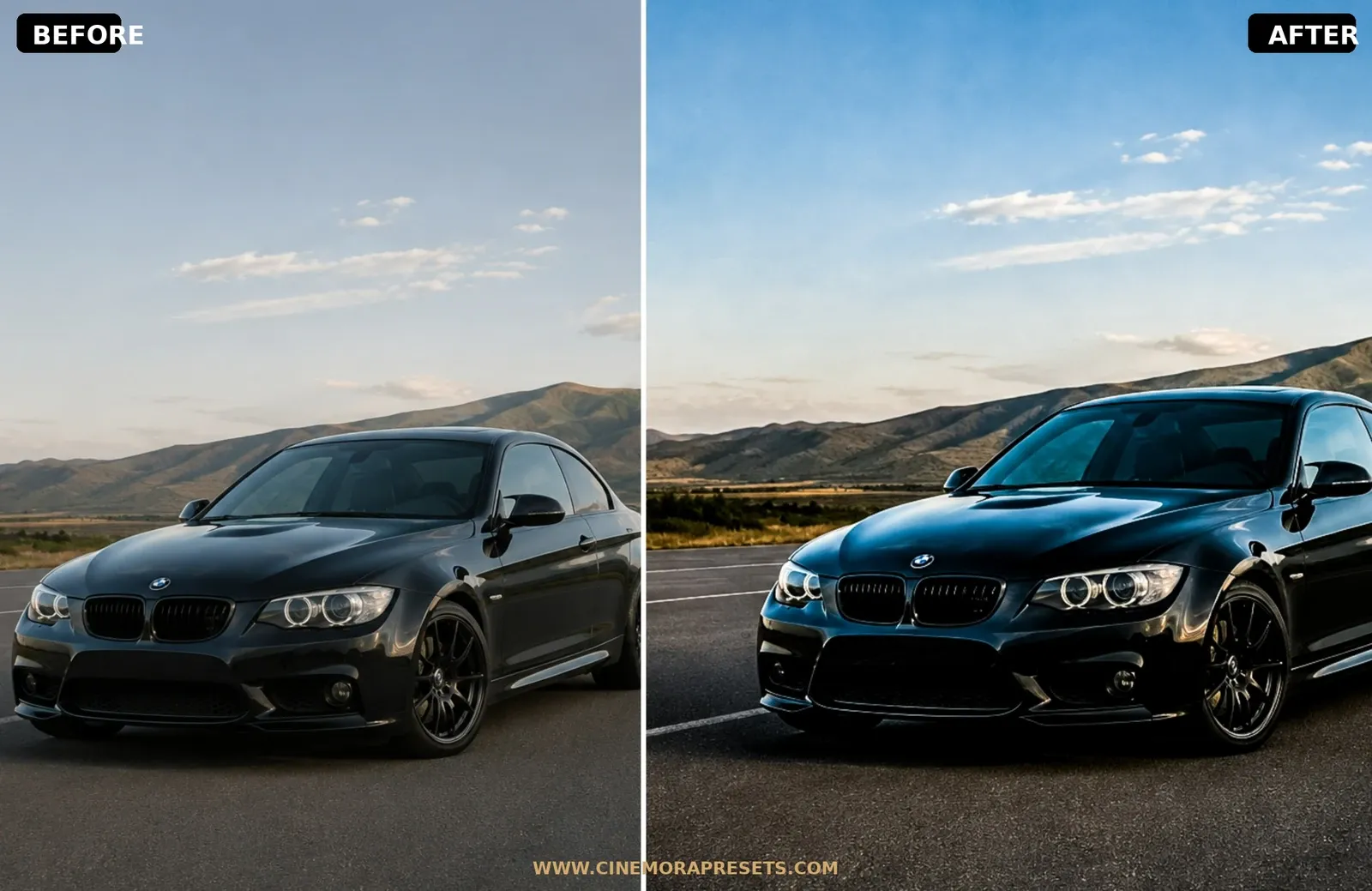
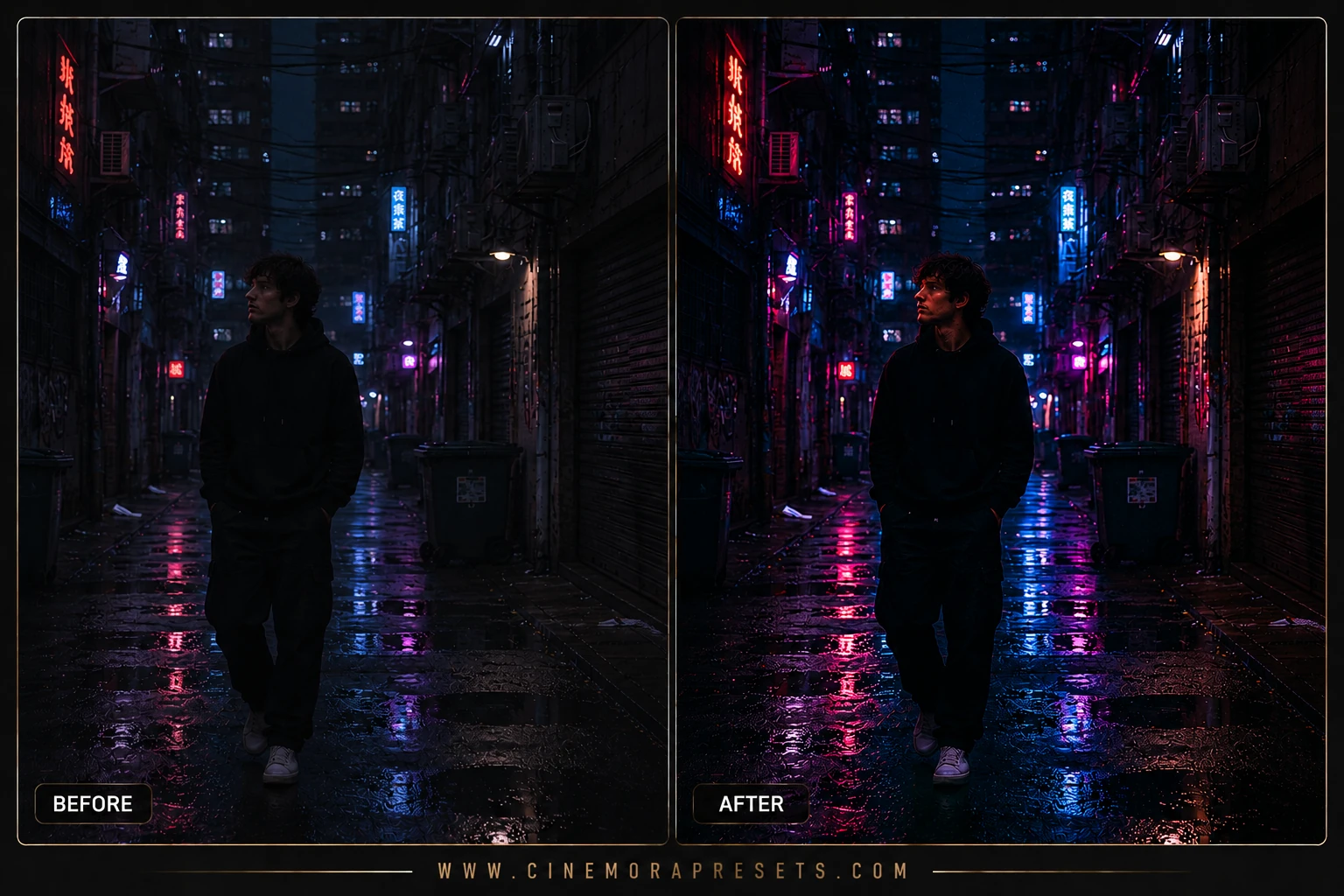
Urban night Lightroom presets are editing tools calibrated to manage the high contrast and mixed lighting of cityscapes after dark. Cameras often struggle to balance intense neon signs with deep, shadowy alleyways. These presets restore highlight details and clean up color casts, giving streets a gritty, cinematic edge.
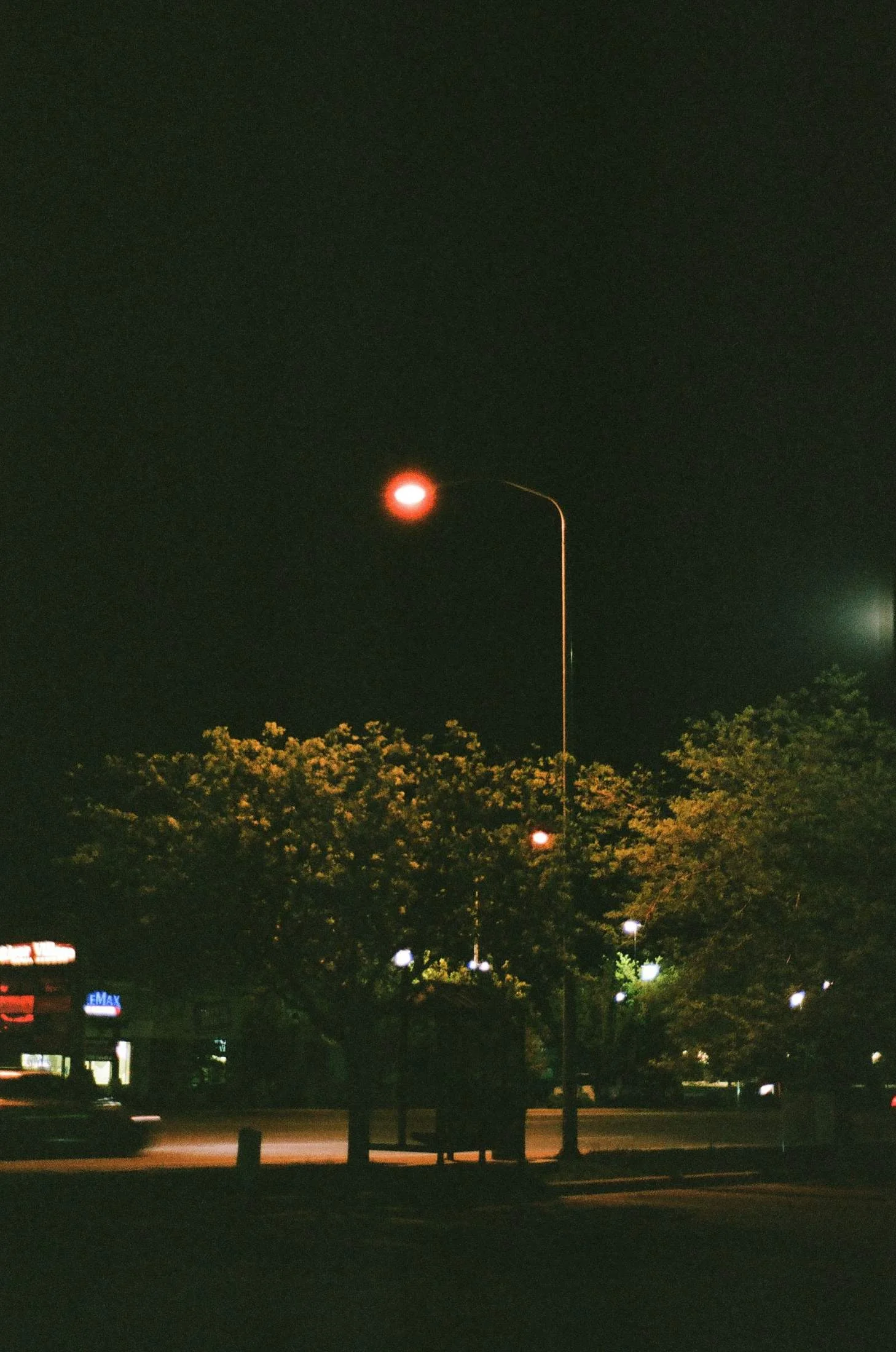
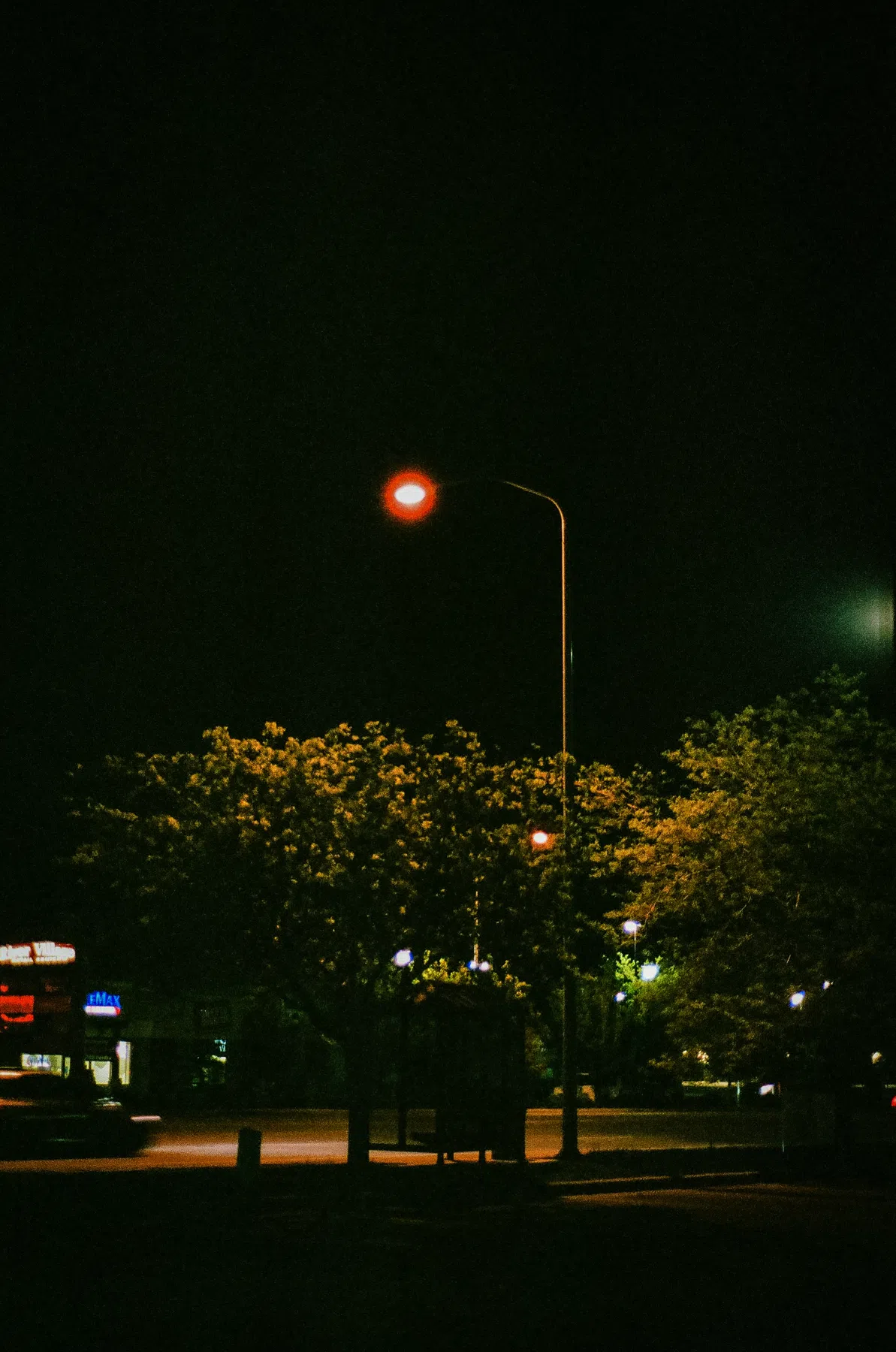
Built in the modern XMP format, these filters apply in a single click and sync seamlessly between Lightroom Mobile and Desktop.
Urban Night Color Science
Night street photography relies on managing high dynamic range scenes. The main challenge is handling pockets of intense, glowing neon lights set against vast fields of deep black shadows.
To create a gritty, cinematic night aesthetic, the editing curves must compress bright highlights to prevent neon signs from washing out into pure white. At the same time, increasing midtone local contrast (clarity) enhances the sharp, reflective textures of rain and light bouncing off wet asphalt, adding atmosphere and depth.
Replicating Iconic Neon & Gritty City Tones
This night-optimized preset package features three distinct styles calibrated for low-light environments:
- Neon Cyber: Boosts electric purples, vibrant pinks, and glowing cyans in street signage while keeping background elements dark.
- Moody Asphalt: Focuses on deepening dark alley shadows and enhancing light reflections on wet pavement.
- Amber Streetlight: Calibrated to soften harsh sodium street lamps and balance them with cool, blue shadow tones.
Best Images for Night Urban Edits
These filters perform best in scenes with strong artificial light sources:
- Wet Pavement Reflections: Rain-soaked streets create double the color reflections, making neon highlights pop.
- Defined Neon Light Sources: Clear storefronts, signs, or subway entrances offer the perfect high-contrast backdrop.
- Subway Stations & Dark Alleys: Great for capturing urban grit, metallic textures, and deep geometric shadows.
[!TIP] To enhance your daytime street photography, check out our high-contrast Urban Street presets.
After downloading, extract the ZIP file and import the XMP presets into Lightroom.