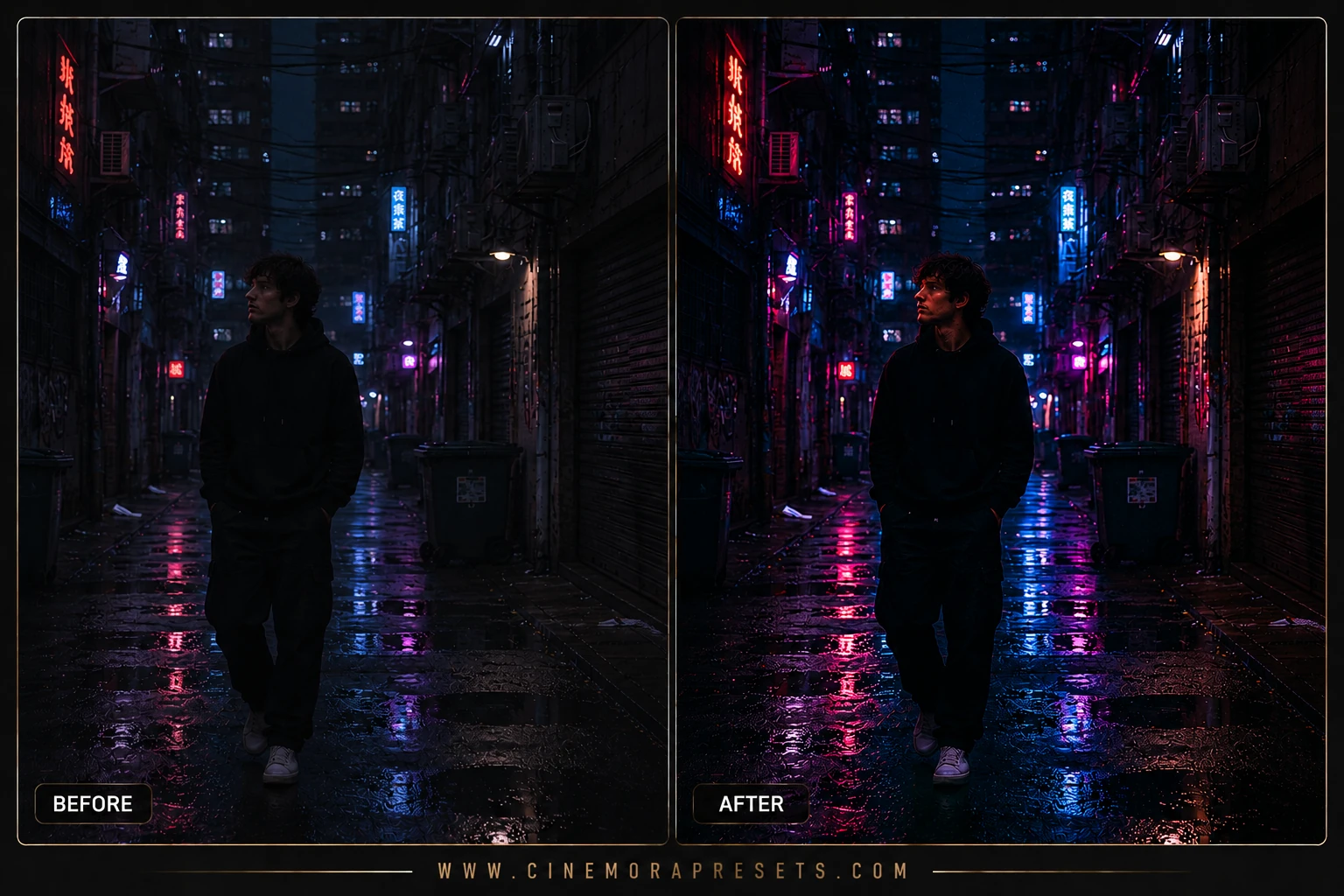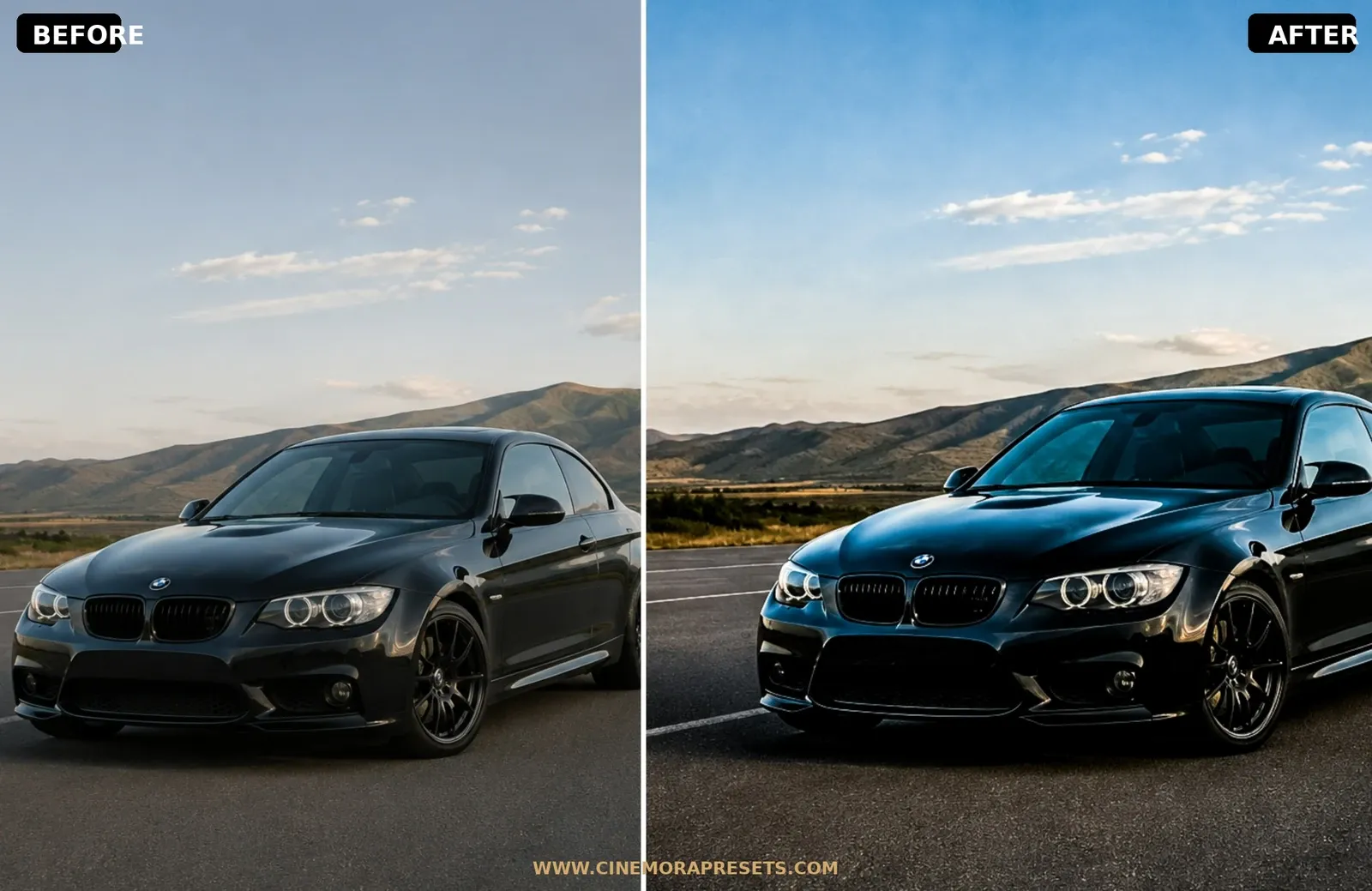
Automotive photography is all about capturing metal, glass, motion, and light. When editing cars, standard filters often make metallic paint look dull, blow out reflections, or wash out deep tire rubber tones. I created this professional collection of free Car Lightroom presets to give your automotive shots a rich, high-contrast street look.
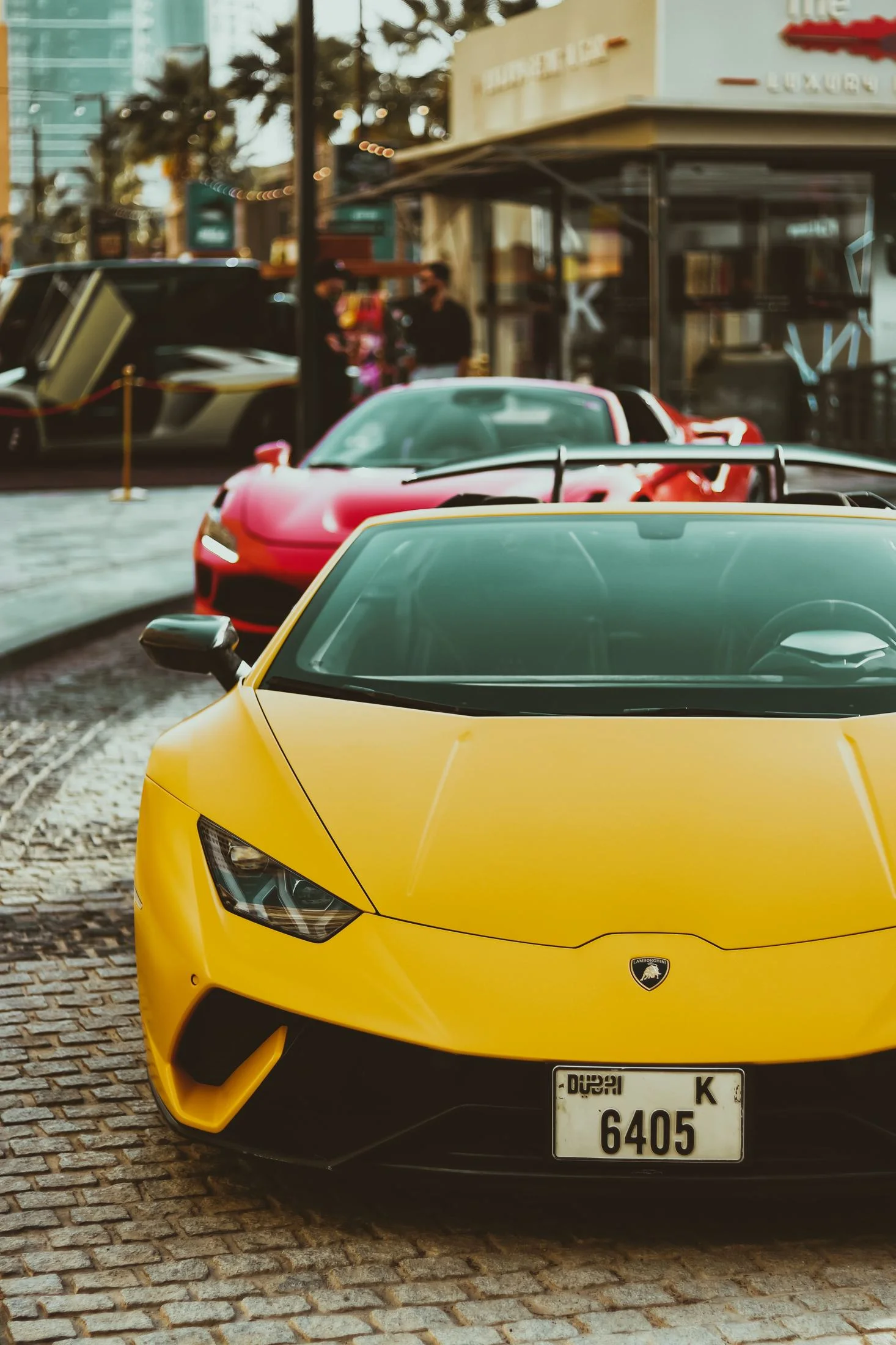
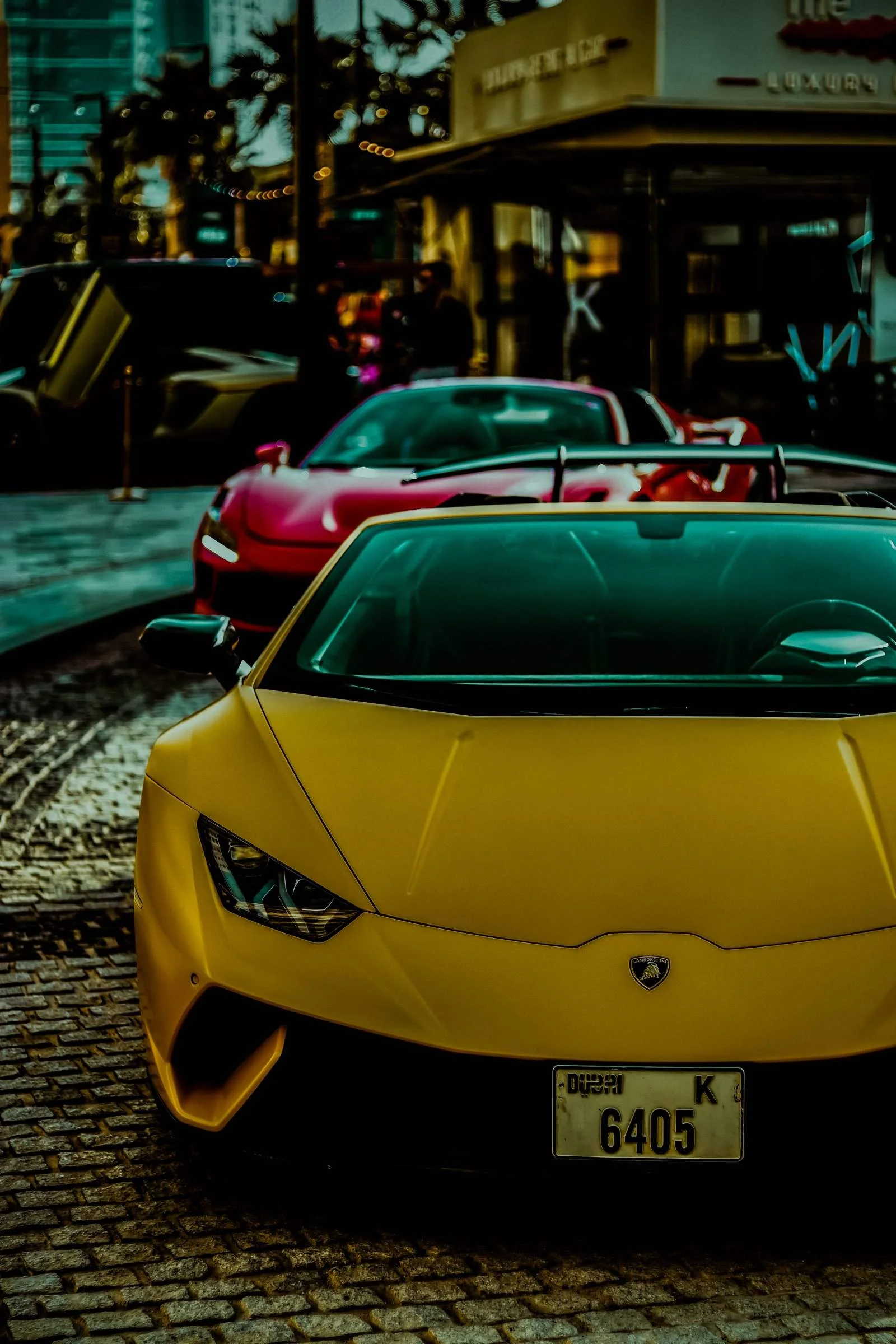
These presets are engineered around steep, aggressive tone curves and selective color-grade mapping. They deepen road asphalt texture, isolate primary paint hues (reds, blues, yellows) to make them pop, and compress highlights to protect metallic reflections from looking cheap or blown out.
Delivered in the universal XMP format, these filters apply identical automotive grading profiles seamlessly across both your mobile device and desktop Lightroom catalog.
Mastering Automotive and Car Color Grading
Automotive photography requires a delicate balance of contrast, reflection control, and color isolation. Unlike landscapes, a car's body panels reflect the entire sky and environment, making exposure management highly dynamic.
Here is my professional workflow for editing car photos using this collection:
Automotive Glow Lightroom Preset Settings & Slider Values
Exposure: -0.50 | Contrast: +60 | Highlights: -70 | Shadows: -20 | Whites: -10 | Blacks: -60 | Clarity: +50 | Saturation: +5 | Grain: +10
To get other dramatic automotive looks, try our high-contrast Urban Street presets.
1. Protect Your Paint Highlights
Reflections on the car's hood, windshield, and chrome accents are what give the vehicle its three-dimensional shape. If these highlights blow out, the car will look flat and cheap. Keep the Highlights under control, and if needed, use a radial brush over the headlights to add a soft, glowing halo.
2. Deepen the Tire and Wheel Contrast
A common mistake in car editing is leaving tires looking dusty and gray. These presets are designed to deepen dark midtones, making rubber look rich and brand new. If your wheels are black, slightly increase the Shadows (+10) to make sure you don't lose the intricate spoke details.
3. Make Paint Hues Pop
Automotive manufacturers spend millions developing unique paint pigments. To do them justice, use the HSL / Color Mixer panel:
- Go to the specific hue of the car (e.g. Red or Blue).
- Increase the Luminance slightly to make the paint glow.
- Pull down the Saturation of background colors (like green trees or gray asphalt) to remove competing color distractions.
Installation Guide
Setting up these presets on your phone or computer is very simple:
- Download the ZIP file containing the XMP preset files.
- If you need step-by-step instructions for your specific device, follow my guide on how to install Lightroom presets for instant setup help.
What's Included
This automotive grading pack features custom-designed presets to cover various paint surfaces and lighting setups:
- Track Day Presets (optimized for bright sunlight, fast shutter motion, and clean metallic panels)
- Urban Night Presets (designed for street headlights, wet asphalt, and moody city reflections)
- Supercar Matte Presets (adding a velvety flat texture to shadows and a clean, high-end editorial contrast)
Preset Style & Color Tone
These presets are characterized by high clarity, sharp edge contrast, and deep, dramatic shadow blacks. The color spectrum is refined to boost paint saturation while cool-grading the background asphalt and concrete, ensuring the vehicle stands out as the ultimate hero of the frame.
Best Photos for This Preset
Outstanding for sports cars, street car meets, track day action, classical vintage vehicles, and wet city night captures. They require direct or specular lighting (such as sunset backlights or bright headlights) to maximize metallic highlights.
After downloading, extract the ZIP file and import the XMP presets into Lightroom.