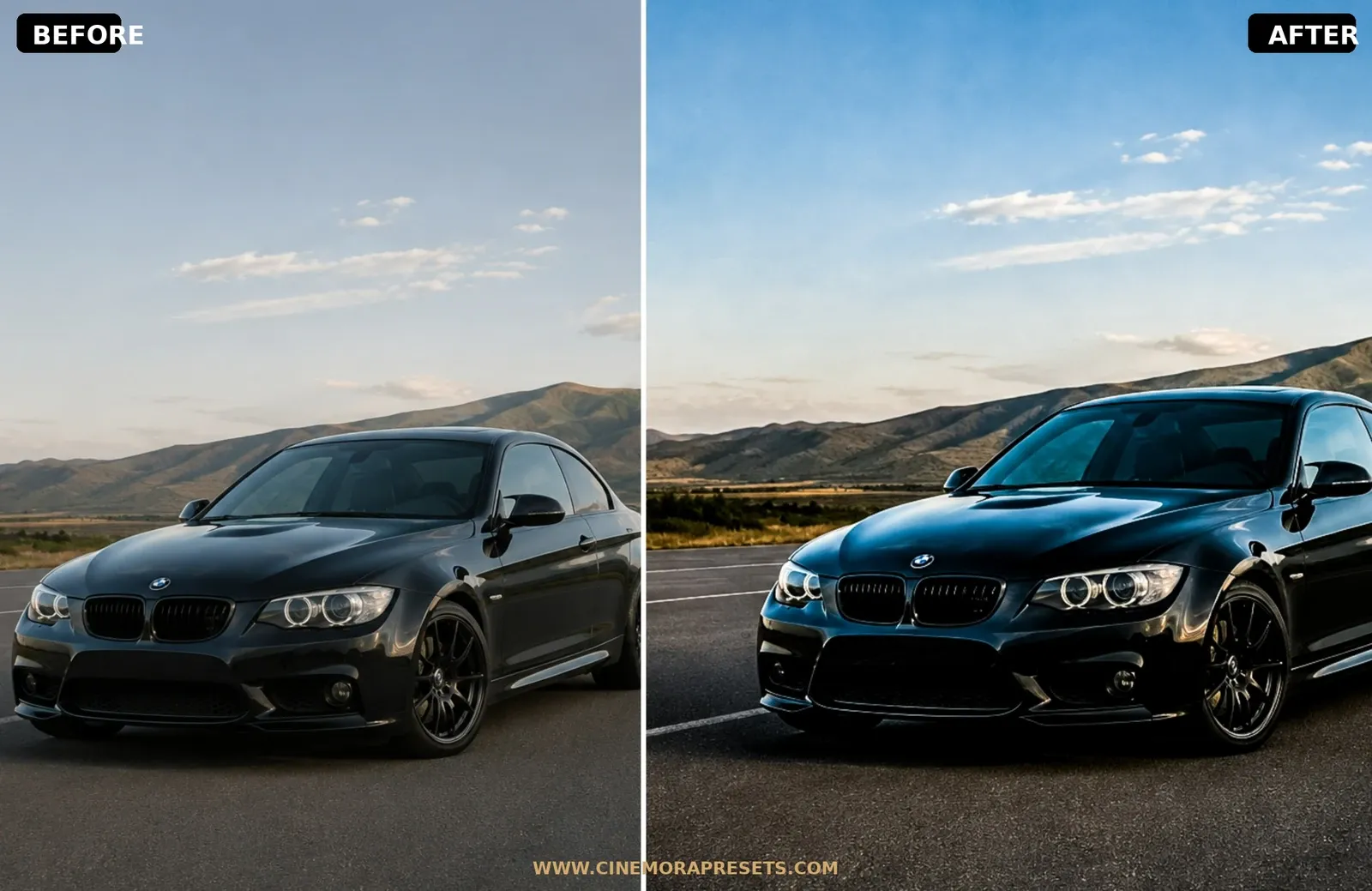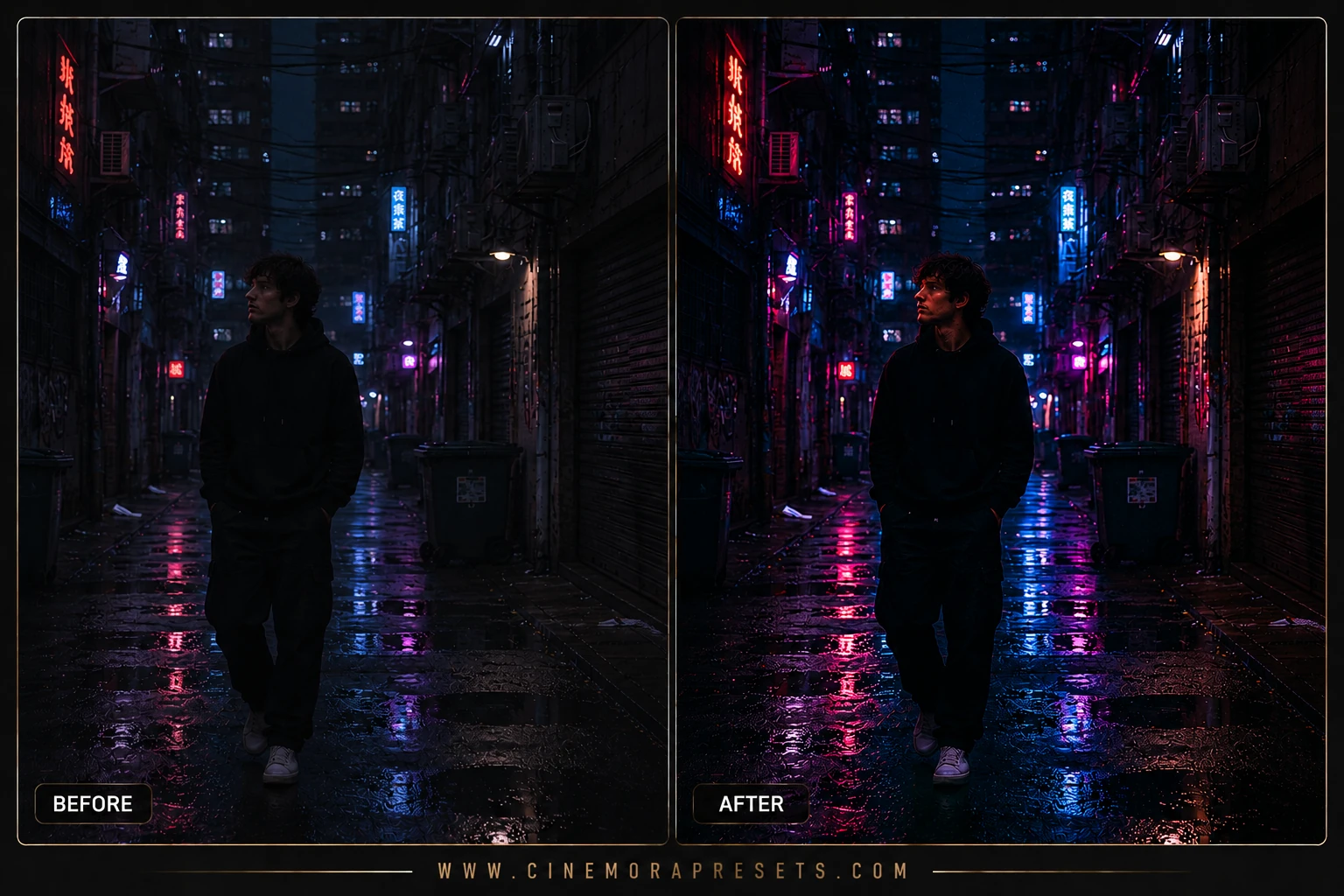
Street photography is about documenting raw, fleeting moments in the real world. When I started shooting on the streets of Tokyo and New York, I struggled to find presets that felt authentic. Everything I tried was either too clean, too saturated, or too soft. I wanted something that captured the grit, high contrast, and dynamic energy of urban environments.
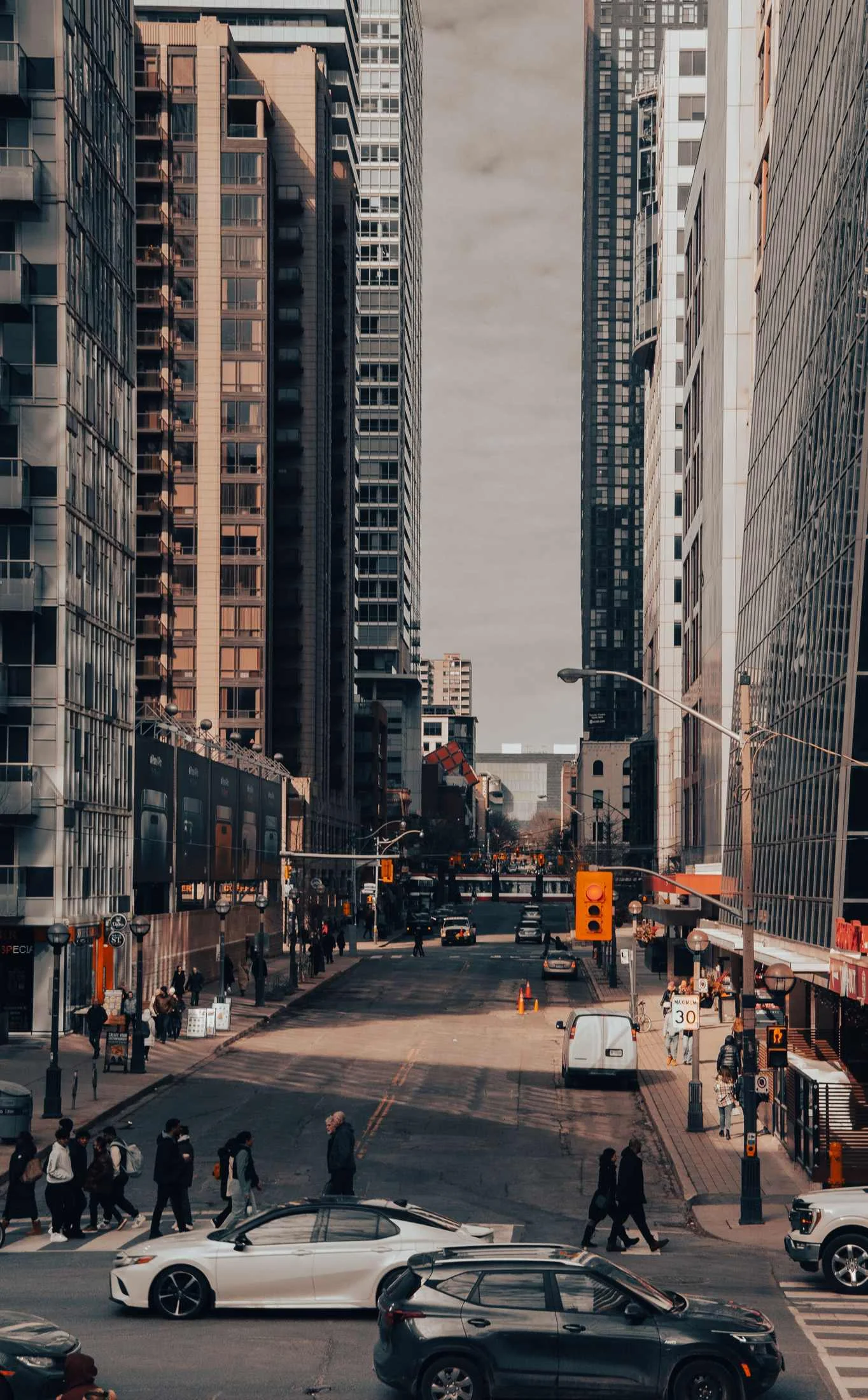
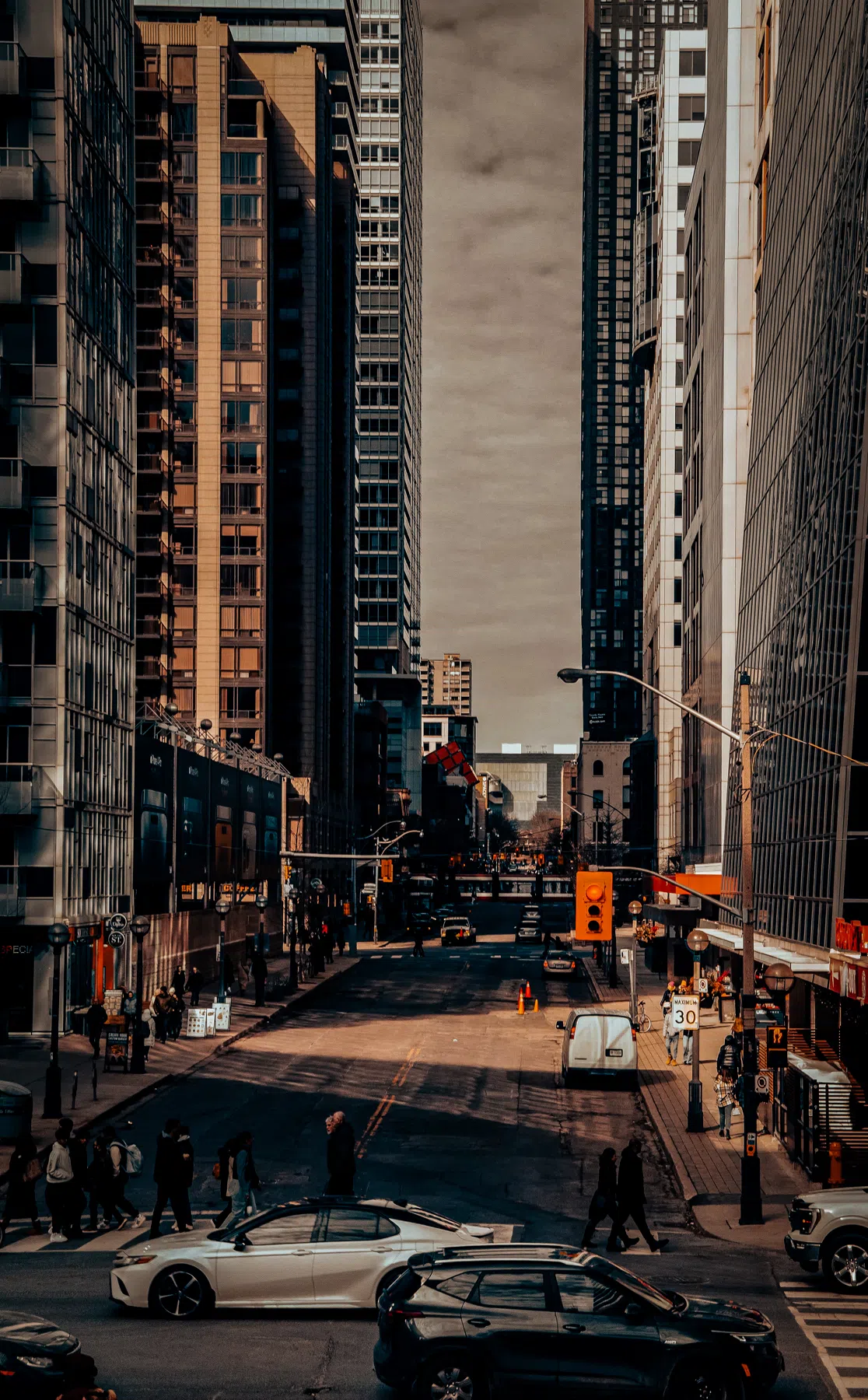
I created this set of free street presets to reflect that urban aesthetic. I wanted to build filters that embrace harsh light and deep shadows rather than hiding them. These presets are designed to punch up local details, enhance reflections on wet asphalt, and bring out the rich, industrial color palettes of the city.
To match the fast-paced nature of street photography, these free urban presets are delivered in the responsive, universal XMP format. They load instantly into the preset module of your mobile or desktop Lightroom apps, giving you instant, high-contrast grading that works identically across all devices without cluttering your system.
Shooting and Editing the Urban Landscape
Street photography relies entirely on timing and geometry. In the urban jungle, harsh sunlight cuts between buildings, creating clean shafts of bright light and deep, rich shadows.
Here is how to optimize your street edits with these urban filters:
Urban Street Lightroom Preset Settings & Slider Values
Exposure: -0.18 | Contrast: +52 | Highlights: -48 | Shadows: +22 | Whites: +10 | Blacks: -32 | Texture: +14 | Clarity: +32 | Saturation: -10 | Vignette: -14
For other dramatic urban environments, check out our electric Midnight City presets for neon night shots.
1. Embrace Dynamic Contrast
Do not try to recover all shadow details in street shots. The empty, completely black shadows are highly graphic and help create powerful, minimalist compositions. Let the shadows go dark, framing your lit subjects.
2. Enhancing Wet Streets
Rain completely changes the street aesthetic. It turns flat gray asphalt into a beautiful, reflective mirror that catches neon and streetlights. These presets increase Texture to highlight wet gravel and asphalt grain while emphasizing reflections.
3. Classic Monochrome Street Style
Black and white street photography is timeless. By removing the distraction of color, the viewer focuses entirely on the subject's face, expressions, and geometric forms. Try applying our Gritty B&W Presets to captures of high-contrast architectural shadows for instant visual impact.
Installation Guide
Setting up these presets on your phone or computer is very simple:
- Download the ZIP file containing the XMP preset files.
- If you need step-by-step instructions for your specific device, follow my guide on how to install Lightroom presets for instant setup help.
What's Included
This gritty urban collection features free professional XMP presets designed to add punch, texture, and character to your street frames:
- High-Contrast Urban Presets (optimized for harsh mid-day shadows and geometric street shapes)
- Rainy City Presets (enhancing reflections, wet pavement texture, and cool neon colors)
- Gritty B&W Presets (inspired by classic high-contrast street film like Tri-X)
Preset Style & Color Tone
Expect high contrast, rich local texture (clarity), and deep, dramatic shadows. The color palette focuses on cold steel blues, deep blacks, and punchy reds and yellows. Whites are kept crisp, and the overall contrast curve is aggressive, giving your photos a strong, graphical, and documentary feel.
Best Photos for This Preset
These presets look outstanding on urban streets, city architecture, night scenes with artificial lights, and candid street portraits. They shine on photos with high-contrast light sources, like sunlight cutting through tall skyscrapers or neon signs reflecting on wet streets.
After downloading, extract the ZIP file and import the XMP presets into Lightroom.