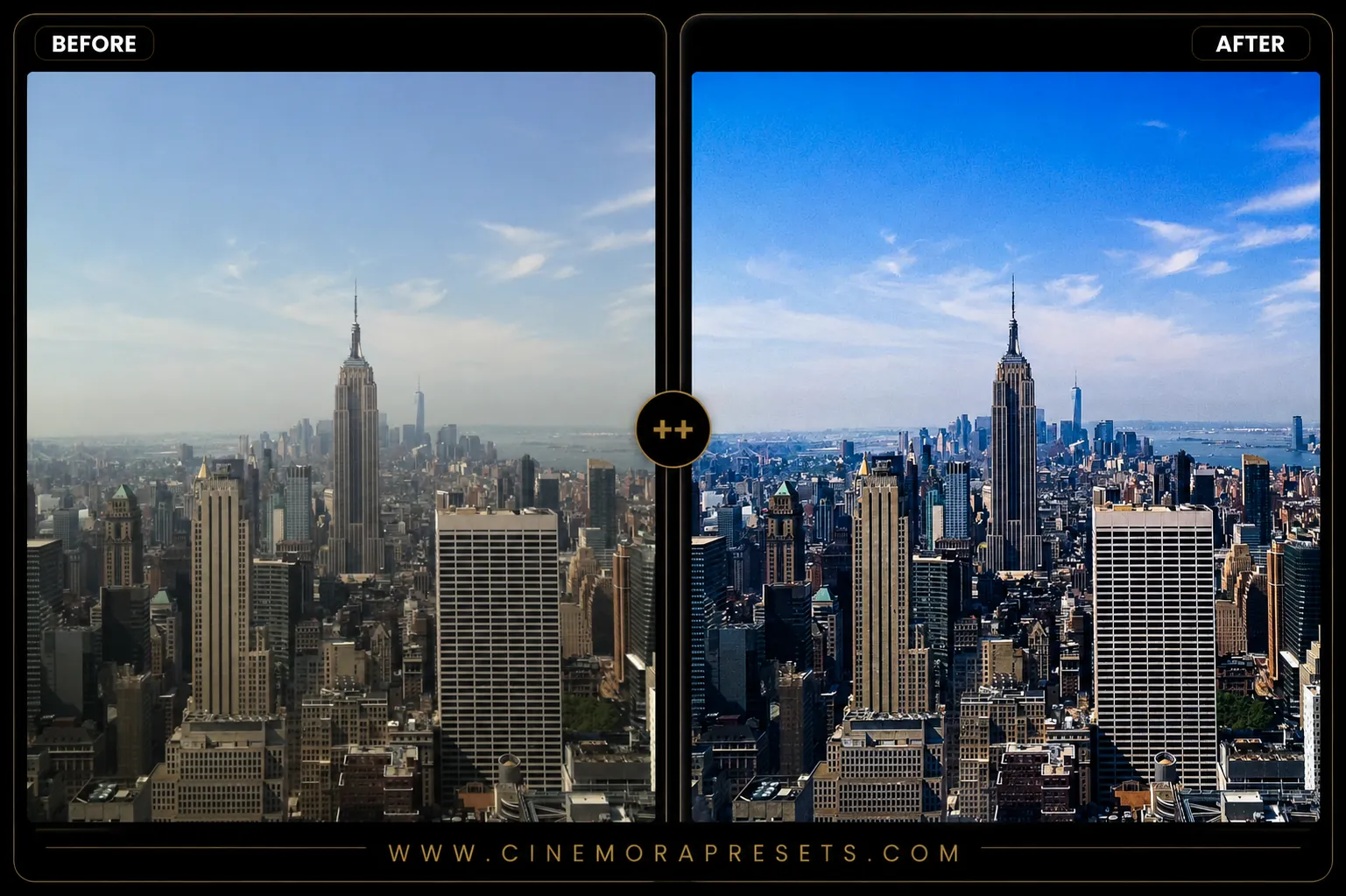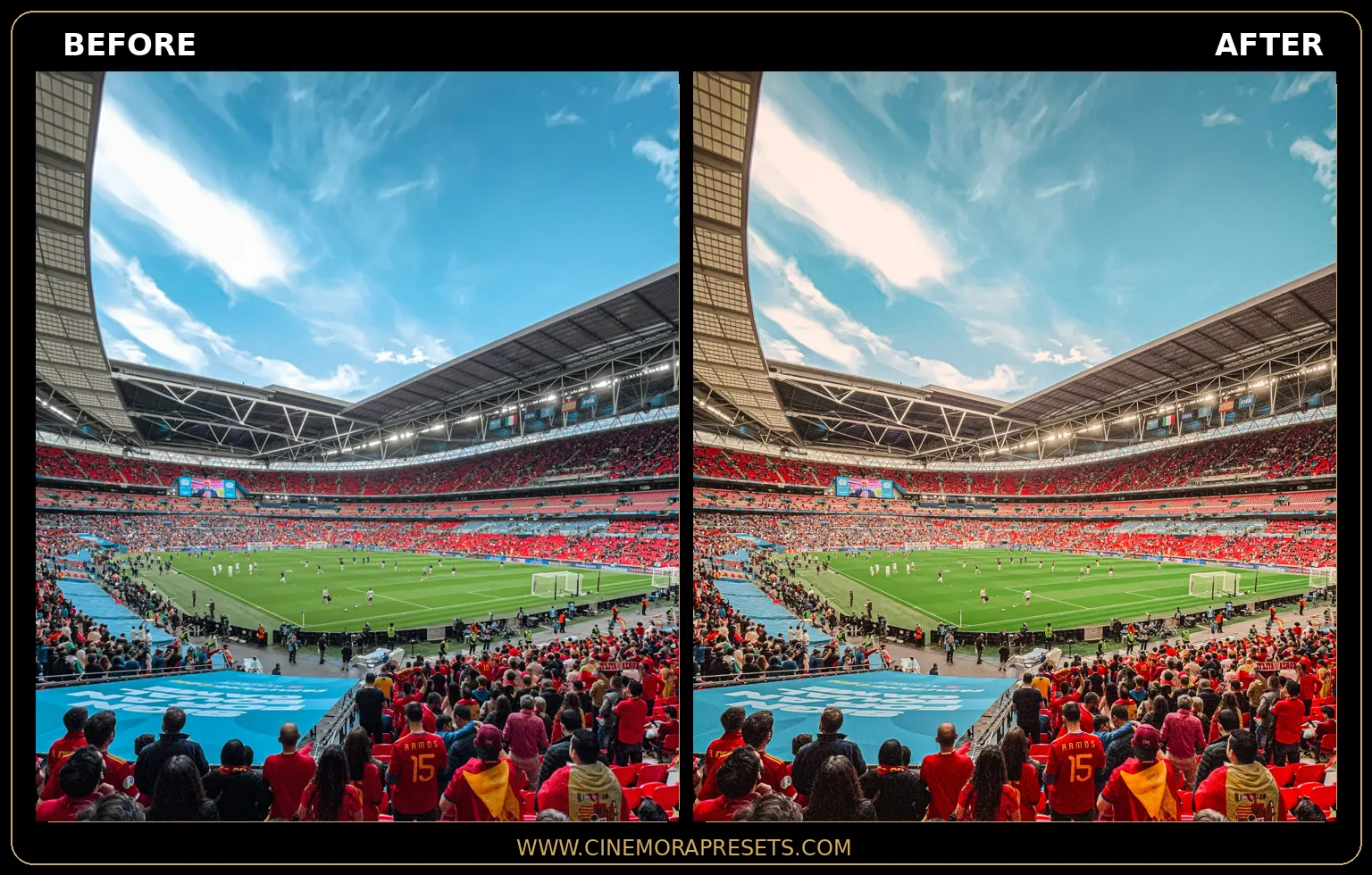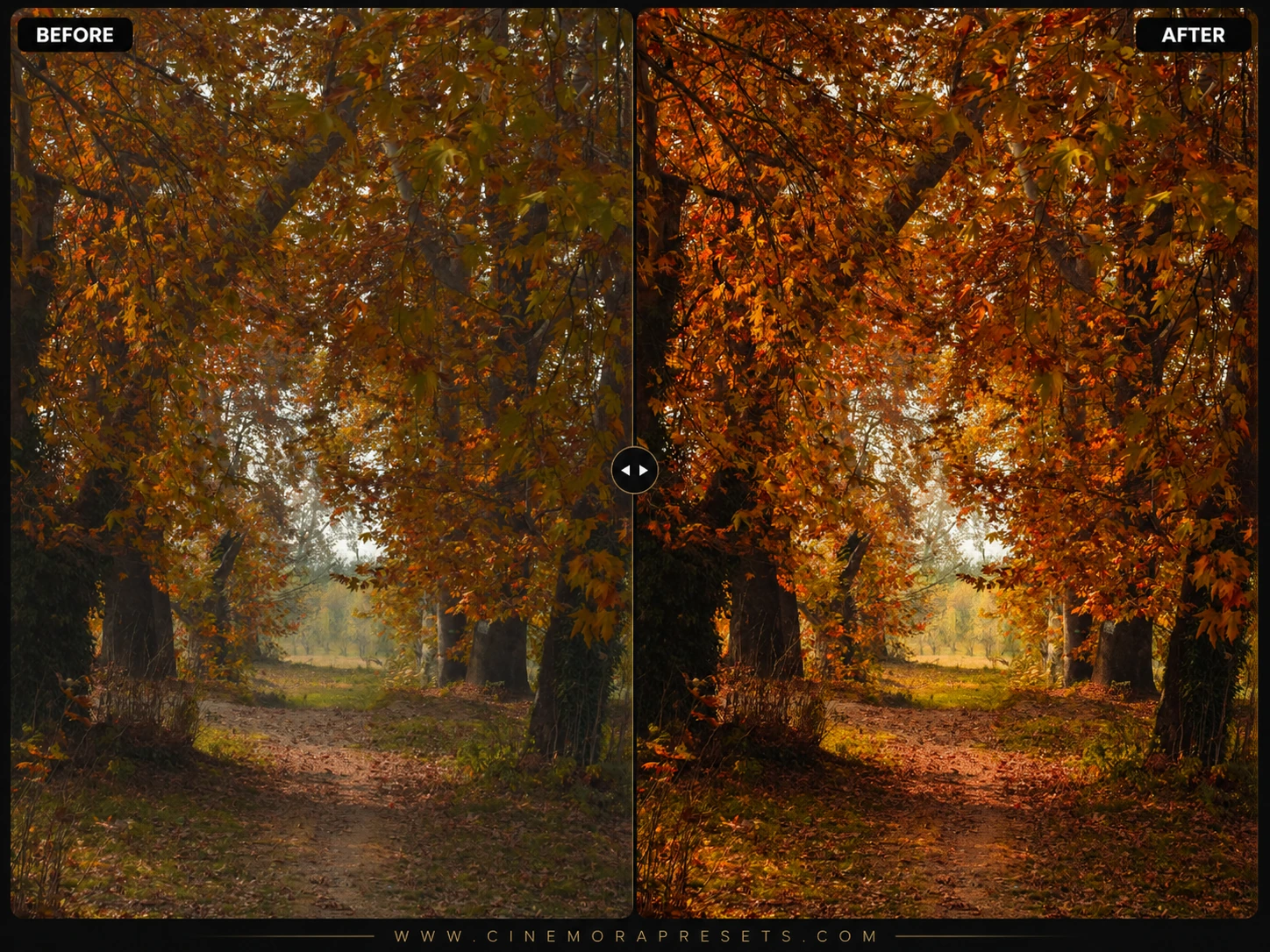
I spent weeks testing these across different lighting conditions, from bright noon alpine sun to soft forest mist. Landscape photography is incredibly personal, and I always found that generic filters either over-saturated the greens or made the sky look artificially blue.
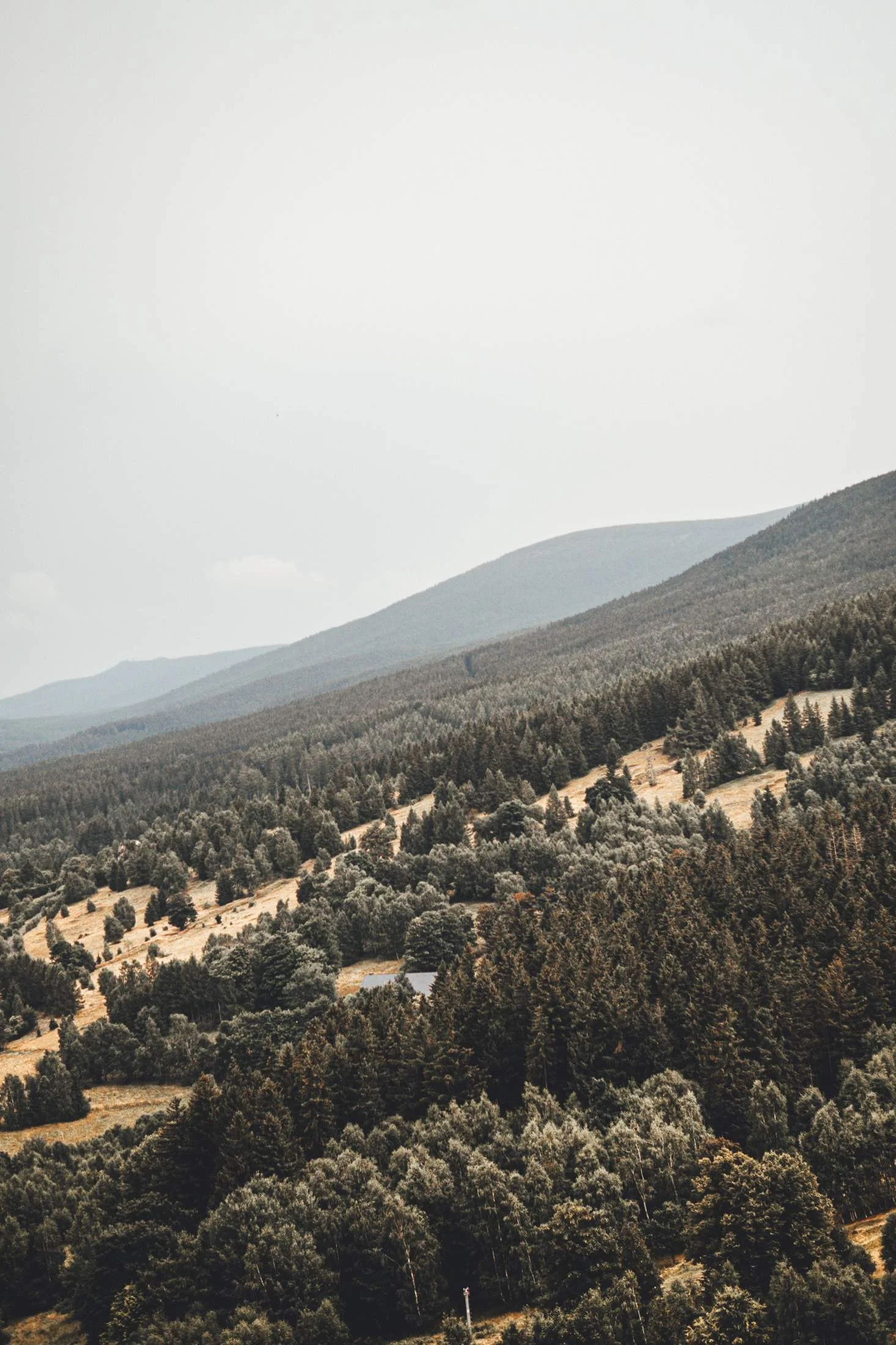
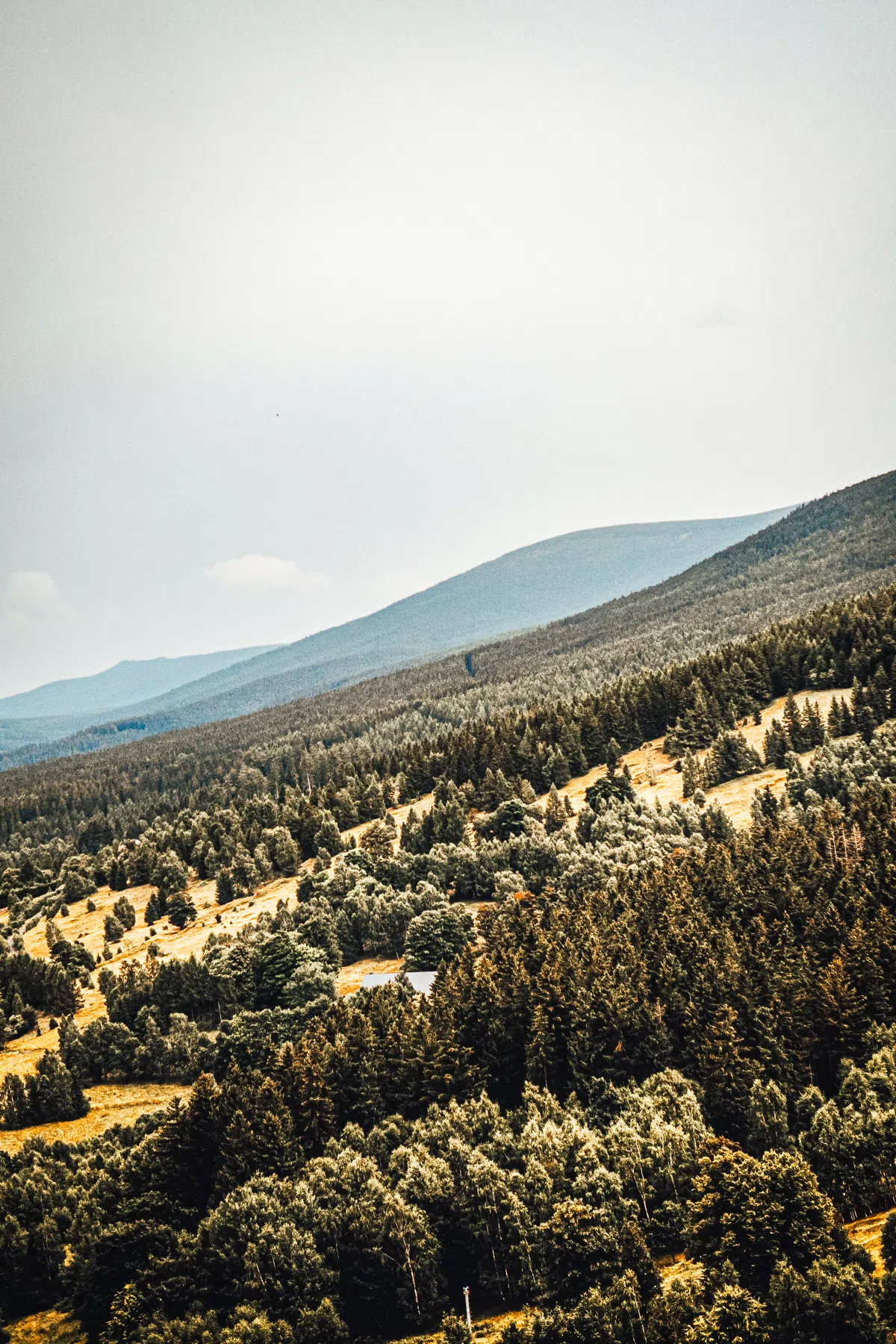
That's why I crafted this collection of presets. My goal was to respect the natural color tones of the wilderness while bringing out the hidden dynamic range, local contrast, and atmospheric depth that RAW files capture but often hide under a flat profile. These are the actual presets I load when editing my own travel and landscape portfolios.
Designed to preserve the sweeping dynamics of raw files, these free landscape presets are packaged as clean, universal XMP files that load directly into Lightroom's native profile engine. Whether you're fine-tuning an alpine vista on a desktop or editing a forest trail shot on your mobile device, these settings apply beautiful, high-fidelity color grading seamlessly across all your platforms.
A Photographer's Guide to Editing Landscapes
When I started out in landscape photography, I thought the secret to a great photo was simply pushing the saturation slider until the sunset looked like fire and the grass looked neon. I quickly realized that look gets old fast. Genuine, premium landscape photography relies on color separation, clean tonality, and natural contrast.
Here are my top three tips for editing outdoor and nature shots with this preset pack:
Vibrant Landscape Lightroom Preset Settings & Slider Values
Exposure: +0.20 | Contrast: +30 | Highlights: -48 | Shadows: +38 | Whites: +18 | Blacks: -15 | Texture: +16 | Clarity: +18 | Saturation: +12 | Vignette: -5
To protect and recover highlight details in bright skies, combine these with our crisp HDR presets.
1. Dial in the White Balance First
A preset is only as good as the white balance under it. Since landscape lighting varies constantly (from the cool blue shadows of a canyon to the warm glow of sunset), you should always adjust the Temp and Tint sliders first.
- If the image looks too yellow, cool it down.
- If the forest foliage looks too brown, slide the Tint slightly towards green.
2. Embrace the Shadows
Digital cameras have incredible dynamic range, but flattening the image too much (pulling Highlights to -100 and Shadows to +100) makes the scene look flat and artificial. Shadows give landscape photos depth and dimension. Let the valleys and forest floors remain dark — it guides the viewer's eyes to the light-struck peaks.
3. Use Linear Gradients for Skies
If the sky is slightly too bright compared to the landscape, don't drop the global highlights. Instead, use a Linear Gradient in Lightroom, pull it down from the top of the sky, and slightly decrease the exposure or highlights in that selective mask. This recreates the effect of a physical Graduated Neutral Density (GND) filter.
I hope you enjoy using these presets as much as I enjoyed creating them. Happy shooting!
Installation Guide
Setting up these presets on your phone or computer is very simple:
- Download the ZIP file containing the XMP preset files.
- If you need step-by-step instructions for your specific device, follow my guide on how to install Lightroom presets for instant setup help.
What's Included
This professional pack contains free distinct landscape presets, each fine-tuned for specific lighting situations, times of day, and weather conditions. Here is what you'll get in the zip file:
- Alpine Peak Presets (for high-altitude, crisp mountain sunlight)
- Forest Green Presets (calibrated to make foliage look lush without being neon)
- Golden Hour Glow Presets (to enhance warm tones and soft backlit horizons)
- Moody Mist Presets (perfect for foggy, overcast, or rainy weather)
Preset Style & Color Tone
I focused on deep, earthy tones and balanced dynamic range. You won't find radioactive greens or blown-out blues here. Instead, these presets render rich forest greens, warm ochre highlights, and clean, natural sky gradients. Shadows are gently lifted to reveal texture in rocks and foliage, while highlights are rolled off softly to maintain cloud detail.
Best Photos for This Preset
These presets shine on outdoor shots with rich natural light. They work wonderfully on mountain vistas, coastal cliffs, deep forest paths, and rolling hills. For the best results, shoot during the golden hour (just after sunrise or before sunset) or on slightly overcast days where the light is soft and diffused.
After downloading, extract the ZIP file and import the XMP presets into Lightroom.