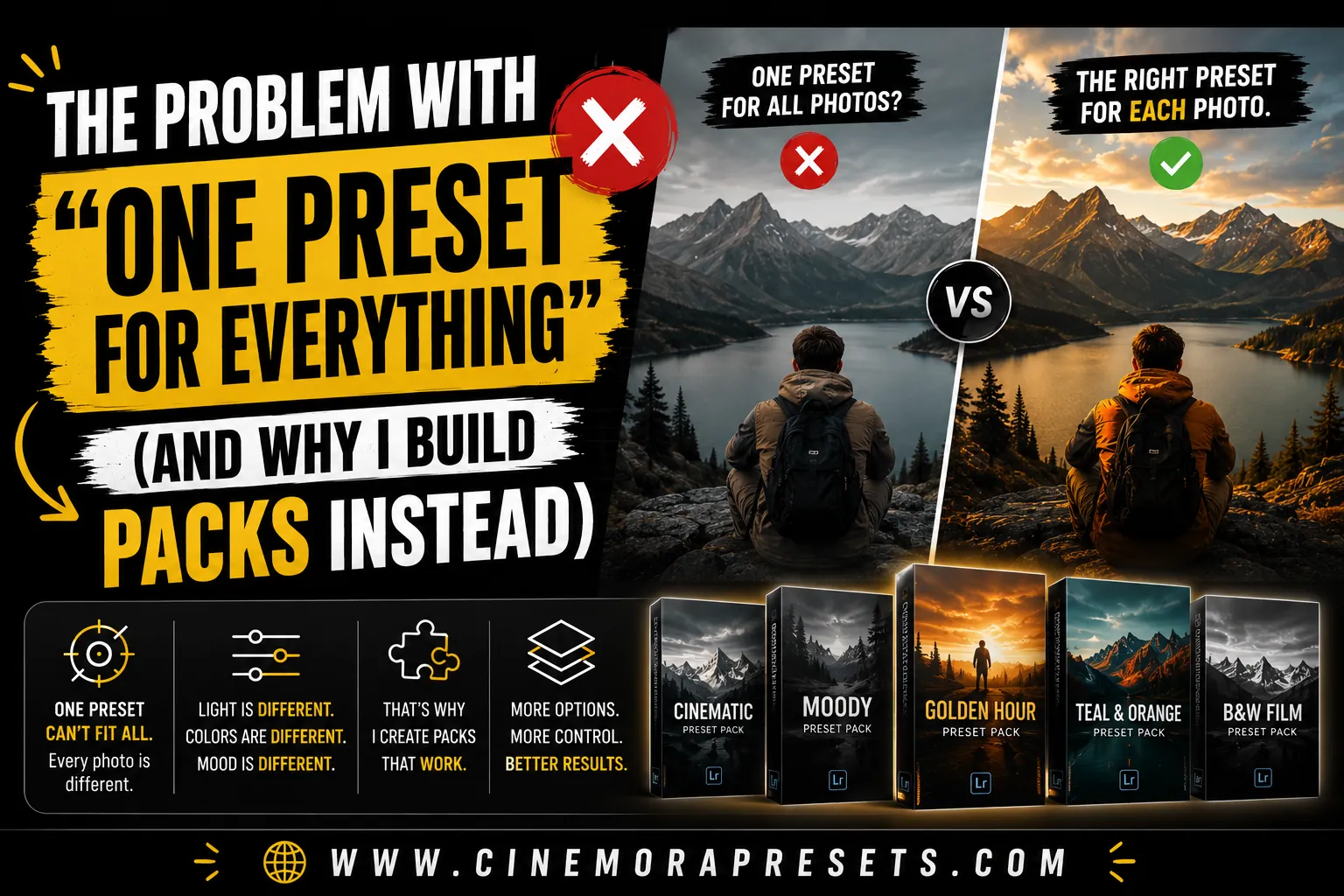
TL;DR: While a single-click preset sounds like a dream, the way light changes makes it impossible. To keep your style consistent across different places, you need a pack with different variations.
The One Preset Promise
Many photographers want a single preset that works on every single photo. The idea is simple: you click once, and your edit is done. This makes editing much faster and keeps your social media feed looking consistent without any extra effort.
Why It Doesn't Actually Work
Unfortunately, a single preset cannot work on every image because light changes. Presets apply the exact same settings every time, and they cannot see what is actually happening in your picture.
Different lighting needs different edits
A preset made for bright sunny days is built to handle strong highlights. If you apply that same preset to an indoor shot, the dark areas will turn into pure black shadows. Every photo setup needs its own adjustments for exposure and contrast.
Skin tones change under different lights
Skin colors do not just look different on different people. The exact same skin tone looks very warm under indoor lightbulbs but turns cool under a cloudy sky. A single preset cannot fix these color shifts, which often makes skin look unnatural.
Universal presets are just compromise presets
To make a preset work on all photos, creators have to tone it down. They make the colors and contrast less unique so the preset does not break on difficult shots. This leaves you with a boring edit that looks okay everywhere but never looks great.
What Happens When You Force It
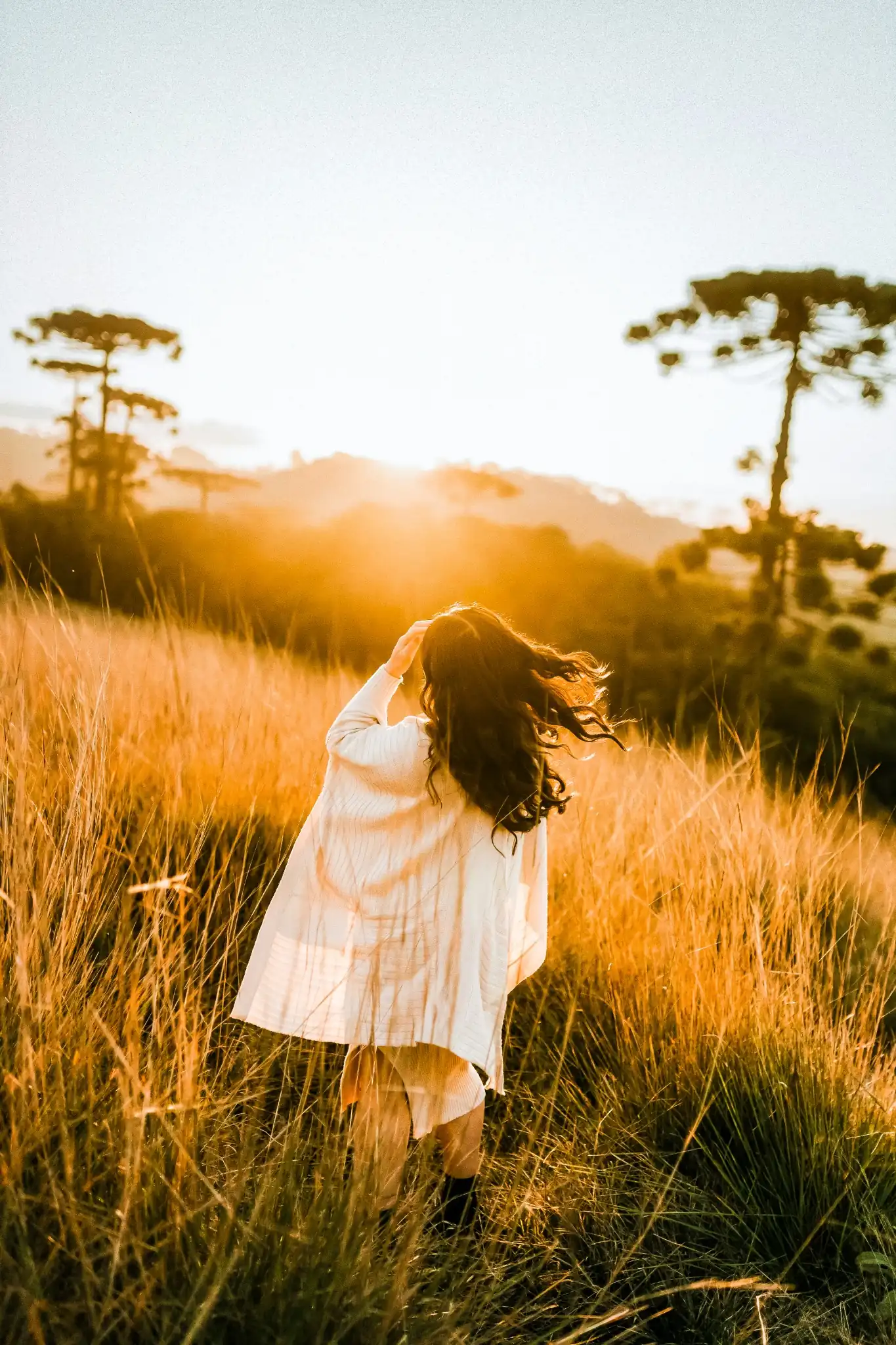
Let's look at what happens when you force a preset onto the wrong photo. Here is a real example using a warm golden hour preset applied to two very different shots:
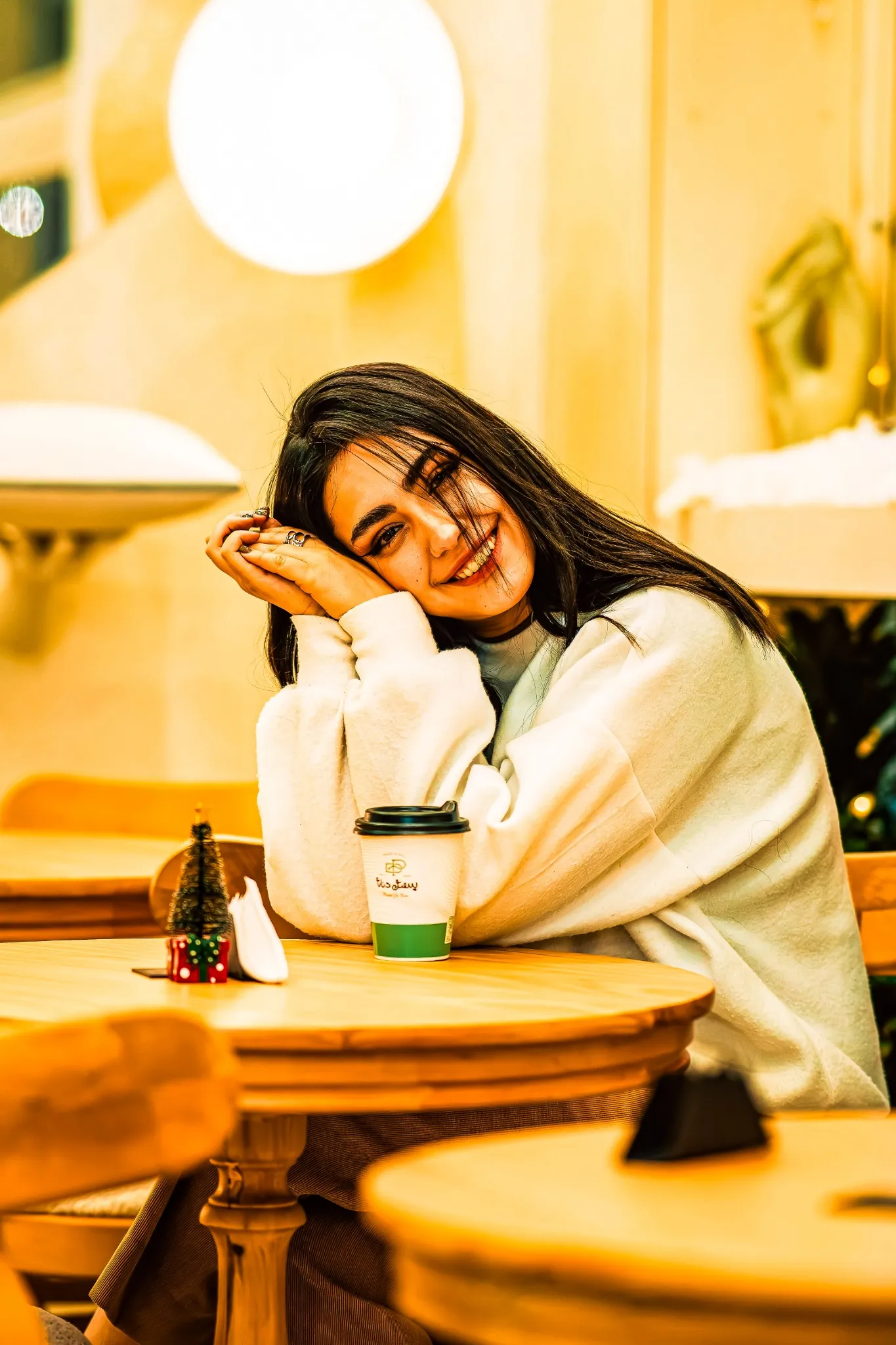
In the first photo, the preset was applied to an indoor coffee shop. Because the cafe already has warm, yellow indoor bulbs, the golden hour preset makes everything look way too yellow and unnatural.
In the second photo, the same preset is applied to an outdoor sunny scene. Since the natural sunlight matches the warm settings of the preset, the photo looks shiny, clean, and beautiful.
Why I Build Packs Instead of Single Presets
This is why I do not sell single presets as a magic fix. Instead, I create packs that give you different versions of the same style. My Disco Lightroom Presets and Moody Lightroom Presets packs have multiple options for this exact reason.
These variations are not there just to make the pack look bigger. They are made to match different light setups, like bright sun, indoor rooms, or neon lights. This lets you keep the same mood across all your shots, no matter where you take them.
How to Pick the Right Preset From a Pack
Picking the right preset is easy if you check your lighting first. First, look at where you shot the photo: is it indoors or outdoors? Next, check the light color: is it warm or cool? Once you know this, choose the preset version built for those conditions.
When a Single Preset Actually Is Fine
To be fair, a single preset can work well in some simple setups. If you always take photos in the same place with the same light, one preset is enough. It also works fine for casual social media feeds where you do not need perfect colors. But for professional work, packs are always better.
Bottom Line
A single click that works on everything is a nice idea, but it does not work in real life. Light is too complex for one preset to handle all conditions. That is why using a pack with different options will always give you the best results.
Frequently Asked Questions
Can one preset work for all photos?
No. Because lighting, white balance, and camera sensors differ, a single preset cannot produce perfect results on every photo without making compromises.
Why do presets look different on different photos?
Presets apply fixed adjustments. A preset built for warm daylight will crush shadows on indoor photos or create strange colors on overcast shots.
What is the benefit of a preset pack over a single preset?
Packs provide tailored variations for different lighting conditions (like indoor, outdoor, warm, and cool), ensuring your style stays consistent across all environments.
How do I choose the right preset from a pack?
Assess your photo's lighting first. Choose the variation designed for that specific condition, such as matching indoor shots with indoor presets.
Are single presets ever okay to use?
Yes. For casual social media feeds shot in similar lighting, a single preset can work well. Professional work requires packs to handle diverse setups.
